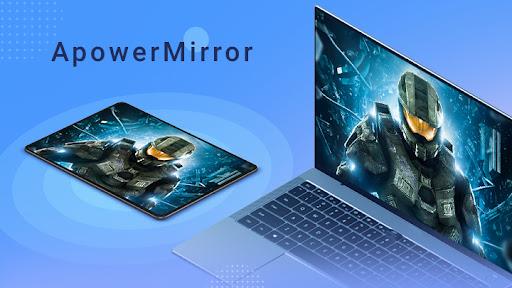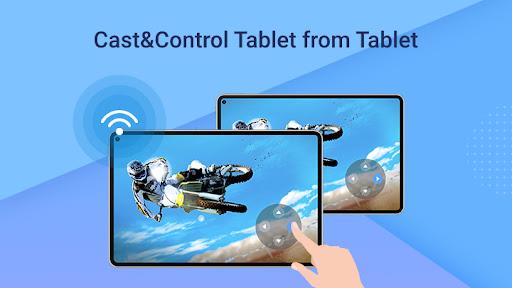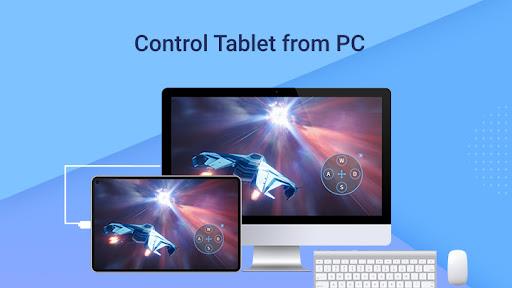
Discover ApowerMirror, a revolutionary application that enables seamless screen mirroring from your Android or iOS device to Windows or Mac computers. Beyond streaming capabilities, it empowers remote control of your Android device using your computer's mouse and keyboard. Share presentations, watch movies, or play games on a larger screen effortlessly while maintaining full command. Record screen activities and capture screenshots effortlessly. Stay connected with SMS messages and Android notifications displayed on your PC for added convenience. Whether via USB or WiFi, ApowerMirror ensures a stable connection. Maximize your screen mirroring and control experience with this app today!
Features of ApowerMirror - Mirror&Control:
- Screen Mirroring: The app allows you to mirror and display your Android device screen on your computer or projector. This feature enables you to share presentations, watch movies, and play games on a larger screen.
- Remote Control: With this app, you can take full control of your Android device screen using your computer's mouse and keyboard. This feature is especially useful when navigating through apps, playing games, or controlling media playback.
- Screen Recording: The app provides a seamless way to record all the activities on your phone screen. Whether you want to showcase a newly-published app or capture an exciting gameplay moment, this feature allows you to easily record and share your phone screen activity.
- Screen Capture: In addition to screen recording, this app also allows you to capture screenshots of your phone screen with just one click. Whether you want to save an important conversation or capture a beautiful image, this feature provides quick and convenient screenshot capabilities.
- Messaging Convenience: The app offers the convenience of typing and sending messages using your computer keyboard. Whether you want to send SMS, Facebook messages, or tweets, this feature allows you to type and send messages easily from your computer.
- Notification Sync: With this app, you won't miss any important notifications. Whenever a new notification arrives on your Android device, such as a call, message, or email, it will be displayed on your computer simultaneously. This feature ensures that you stay updated and connected even when you are working on your computer.
Conclusion:
ApowerMirror is a versatile app that allows you to mirror and control your Android device screen on your computer. With features like screen recording, screen capture, messaging convenience, and notification sync, this app provides a seamless and convenient way to enhance your Android experience on a larger screen. Download now to enjoy a more immersive and efficient Android mirroring and controlling experience.