Managing your Android smartphones and tablets can be a breeze with the right tools at your fingertips. Here's a comprehensive list of the top 18 features designed to help you easily and efficiently manage your devices, ensuring they run smoothly and efficiently.
Top 18 Features
-
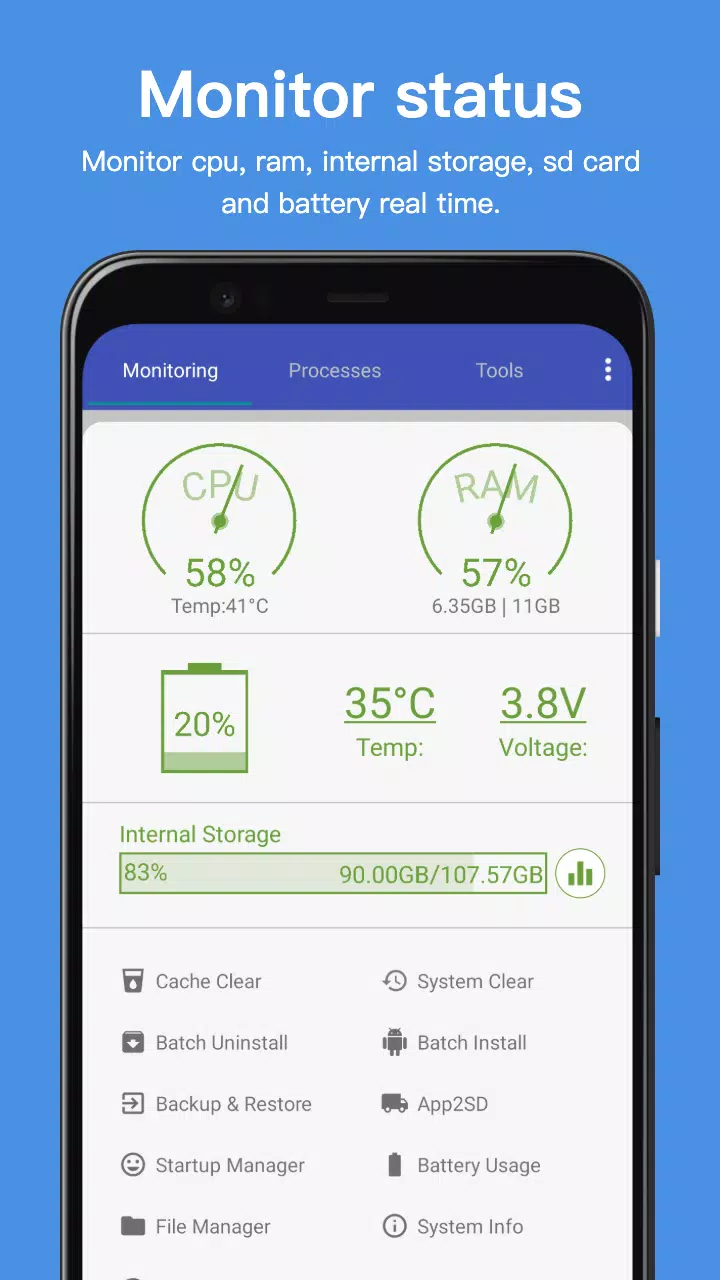
Monitor Status (CPU, RAM, ROM, SD Card, Battery): Keep an eye on your device's performance in real-time, monitoring CPU, RAM, internal storage, SD card, and battery levels to ensure optimal operation.
-
Process Manager: Gain control over running processes to enhance your device's performance.
-
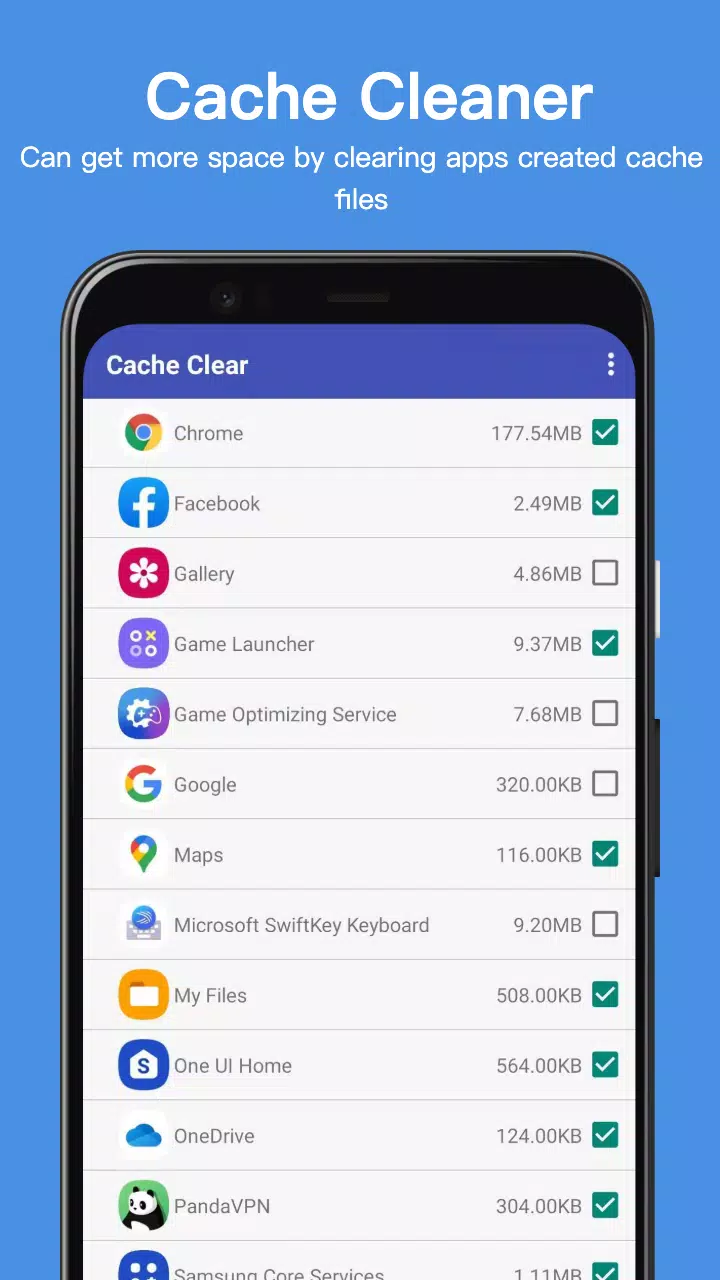
Clear Cache: Free up space and improve your device's speed by clearing accumulated cache.
-
System Clean: Deep clean your device by removing cache, thumbnail cache, temporary files, log files, empty folders, empty files, browser history, clipboard, market history, Gmail history, Google Earth history, and Google Map history.
-
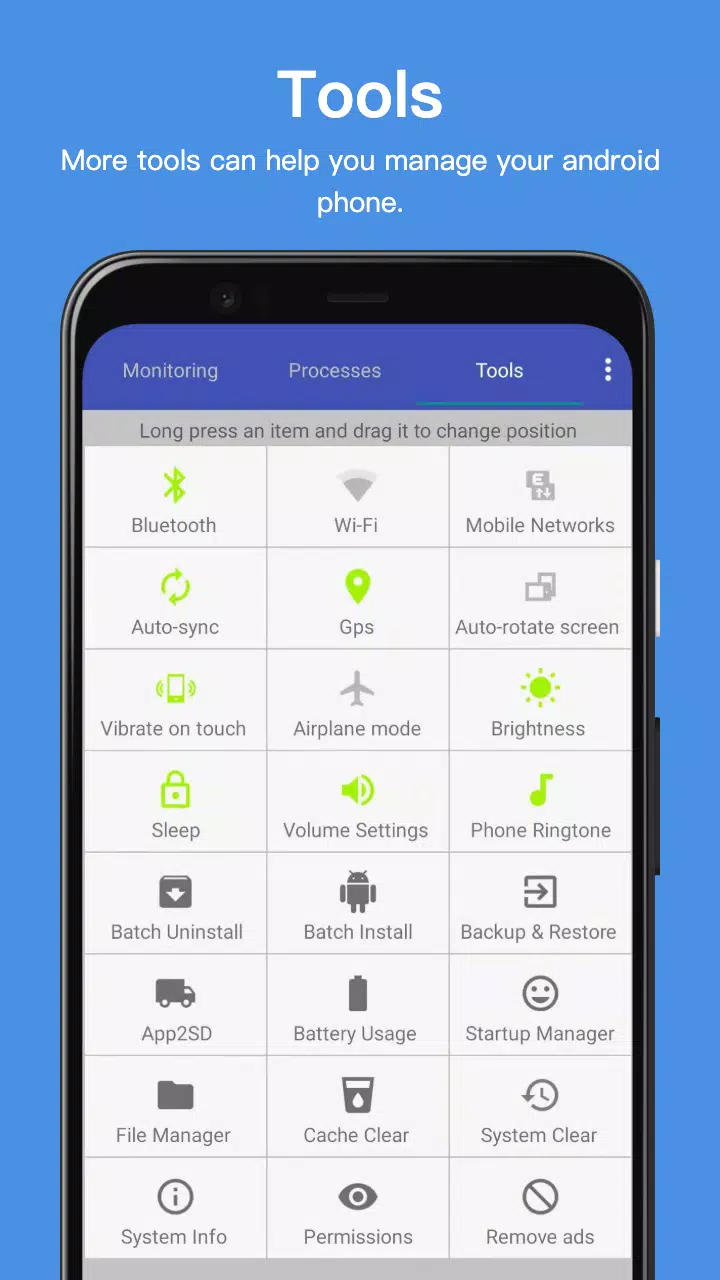
Power Saver: Extend your battery life by managing settings like Bluetooth, Wi-Fi, GPS, auto-sync, auto-rotate screen, haptic feedback, screen brightness, and timeout.
-
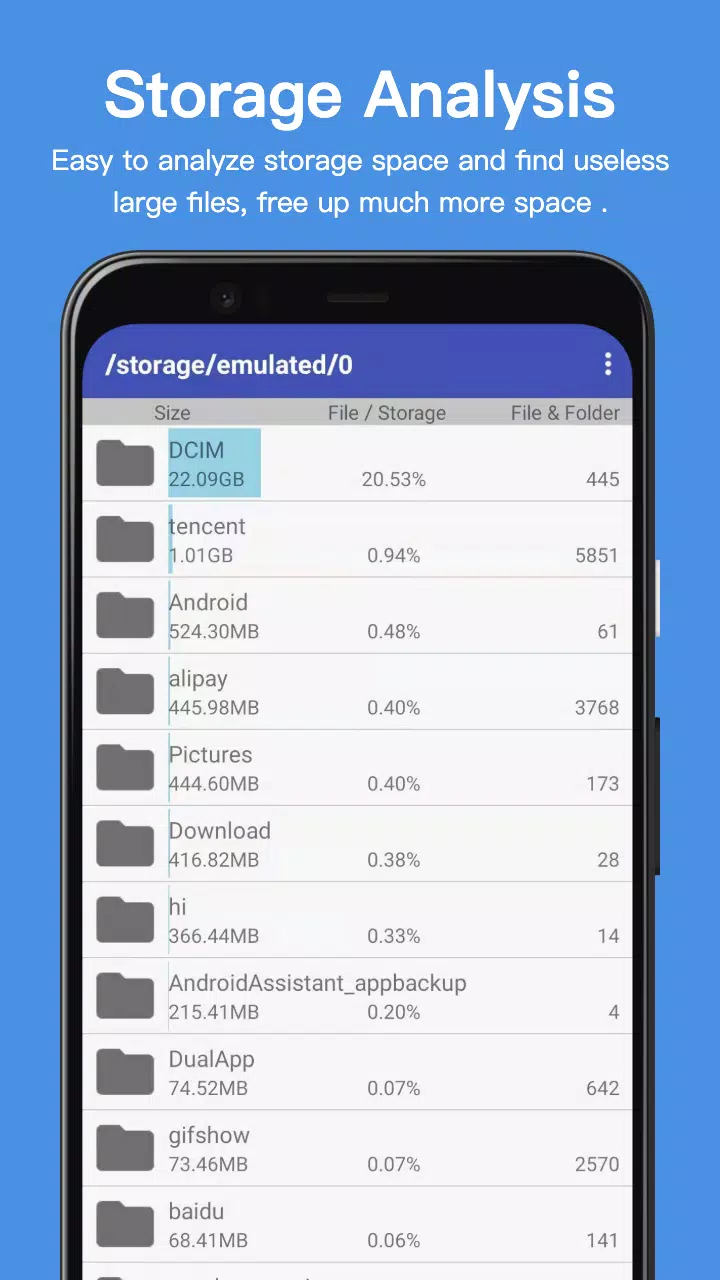
File Manager: Organize and manage your files effortlessly with a built-in file manager.
-
Startup Manager: Control which apps start automatically when you boot your device to speed up startup times.
-
Batch Uninstall: Quickly remove multiple apps at once to declutter your device.
-
Battery Usage: Understand which apps are consuming the most power and take action to conserve battery life.
-
Volume Control: Adjust your device's volume settings with ease.
-
Phone Ringtone: Customize your phone's ringtone to suit your style.
-
Startup Time: Monitor and optimize your device's startup time for a faster boot experience.
-
Startup Silent: Enable silent mode at startup through the menu settings for a quiet start.
-
System Info: Access detailed information about your device's system to stay informed.
-
Widget: Utilize widgets like Quick Booster and Shortcuts for quick access to essential functions.
-
App 2 SD: Move apps to your SD card to free up internal storage space.
-
Batch Install: Install multiple apps simultaneously to save time.
-
App Backup and Restore: Safeguard your apps and data with easy backup and restore options.
This app leverages the accessibility service to efficiently kill processes and clear cache, ensuring your device remains in top condition.
What's New in the Latest Version 24.29
Last updated on Oct 2, 2024, the latest version includes minor bug fixes and improvements. Install or update to the newest version to experience these enhancements firsthand!