Home Apps Personalization Bluetooth Pairing Auto Connect
Bluetooth Pairing Auto Connect

Bluetooth Pairing Auto Connect Rate : 4

Download
Application Description

Introducing Bluetooth Pairing Auto Connect, the Ultimate Bluetooth Pairing Solution

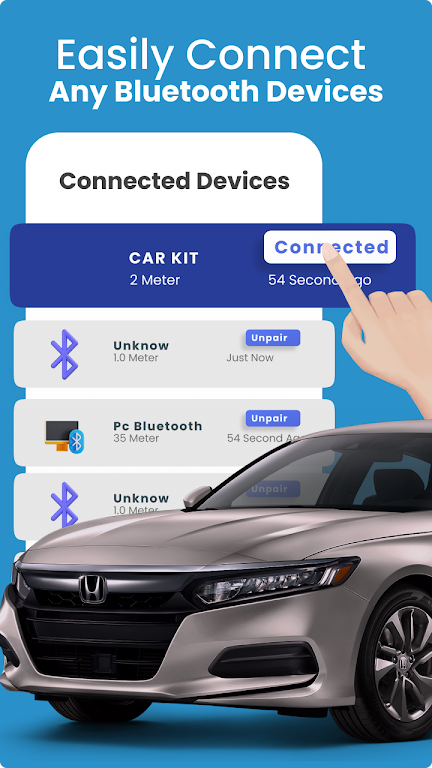
Tired of battling Bluetooth connection woes? Bluetooth Pairing Auto Connect is here to make your life easier! This app lets you effortlessly scan and connect to any Bluetooth device with just a few taps. Whether it's wireless speakers, car systems, or anything in between, Bluetooth Pairing Auto Connect ensures a seamless connection every time. With its user-friendly interface and convenient widget feature, managing your Bluetooth devices is a breeze.

Here's what Bluetooth Pairing Auto Connect offers:

  • Effortless Bluetooth Pairing: Connect to all your Bluetooth devices with ease using this dual Bluetooth app.
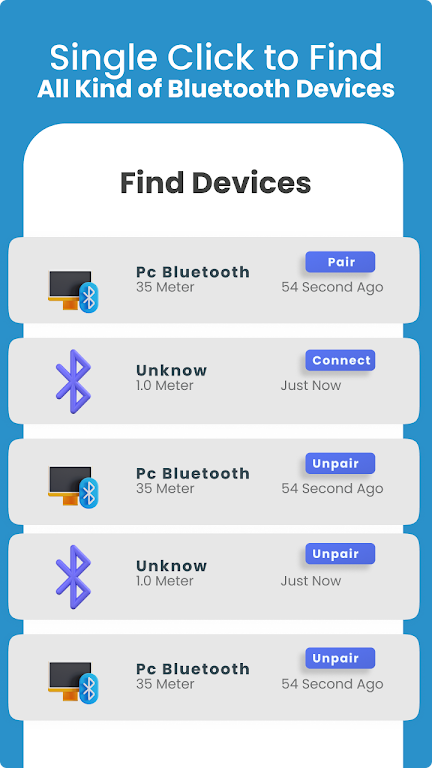
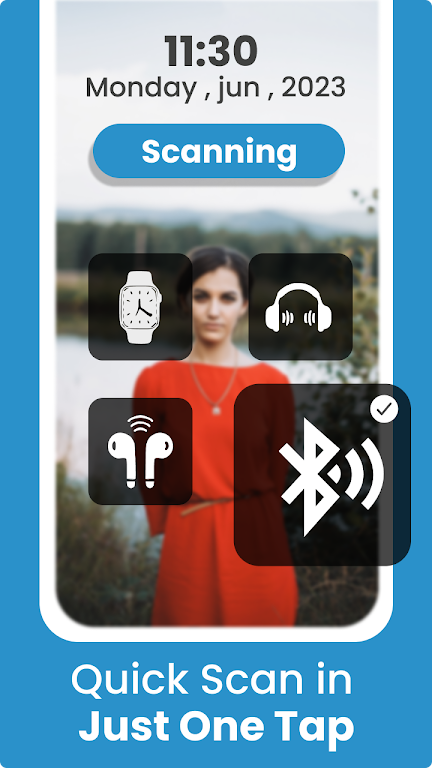
  • Device Scanner: Quickly scan and connect to nearby gadgets and devices.
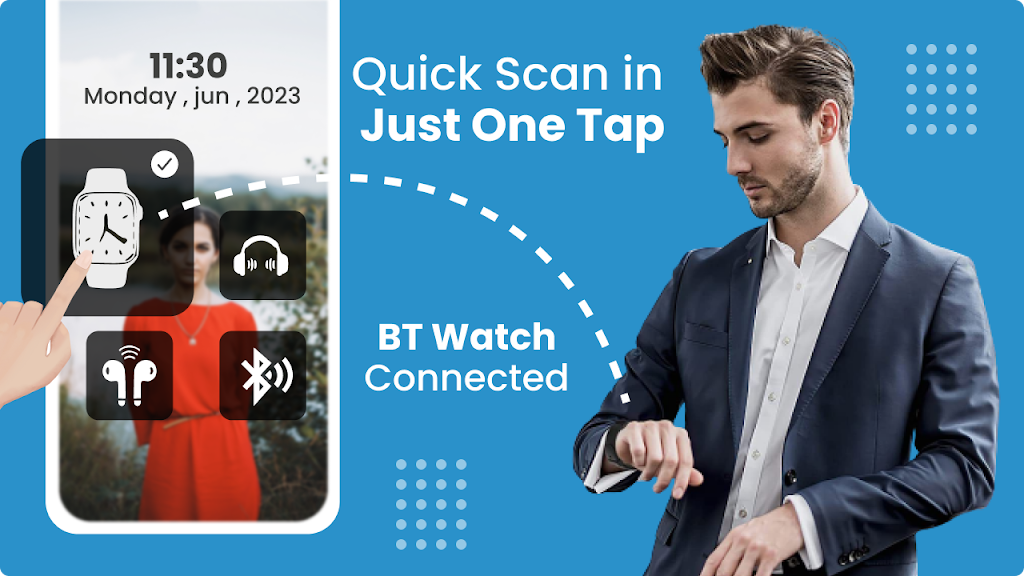
  • Widget Functionality: Add a widget to your home screen for one-tap access to the Bluetooth connection app.
  • Battery Level Display: Monitor the battery level of your connected devices through the app.
  • Multiple Device Support: Connect and manage a wide range of Bluetooth devices, including speakers, headphones, smartwatches, and more.
  • Easy File Transfer: Transfer files effortlessly to anyone using the Bluetooth app.

Say goodbye to Bluetooth pairing struggles and hello to seamless connections!

Bluetooth Pairing Auto Connect makes it incredibly easy to connect and manage your devices with its user-friendly interface and convenient widget functionality. Stay connected to multiple devices simultaneously, monitor their battery levels, and experience fast file transfers. Find nearby Bluetooth devices effortlessly with the scanning feature.

Improve your device's connectivity and eliminate connectivity issues. Download Bluetooth Pairing Auto Connect now and take full control of your Bluetooth devices!
Screenshot
Bluetooth Pairing Auto Connect Screenshot 0
Bluetooth Pairing Auto Connect Screenshot 1
Bluetooth Pairing Auto Connect Screenshot 2
Bluetooth Pairing Auto Connect Screenshot 3
Latest Articles More
  • Nintendo Switch Update Ends Game Sharing Workaround

    The latest Nintendo Switch system update has rolled out, introducing Virtual Game Cards in preparation for the Switch 2 launch. This change has eliminated a method that allowed simultaneous online pla

    Dec 16,2025
  • "Is This Yours?" Zen Puzzle Game Launches Now

    - Is This Yours? now available on iOS and Android- Match misplaced items with their rightful owners in this sorting puzzle game- Choose between rapid puzzle-solving or relaxed 'zen' gameplay modesLost-and-found services represent one of modern societ

    Dec 16,2025
  • Dungeons & Dragons 2025 Starter Guide: Play Basics

    Dungeons & Dragons (D&D) revolutionized tabletop gaming as a collaborative storytelling experience where dice rolls shape narratives. Recent hits like the Honor Among Thieves movie and Baldur's Gate 3 have introduced countless newcomers to this legen

    Dec 15,2025
  • Decarnation Psychological Thriller Launches on iOS, Android

    Step into the role of Gloria, a cabaret dancer whose life is in a deep slumpShe finds herself plunged into a surreal dreamscape where every detail feels unsettlingAvailable now on iOS and Android for just $3.99E2W has a Halloween treat for you with t

    Dec 14,2025
  • PlayStation Days of Play: Amazon Cuts PS5 DualSense Edge Price

    If you've been considering the DualSense Edge for your PS5, the PlayStation Days of Play sale offers a rare opportunity to get one at a discount. Amazon has discounted this premium controller by $30 for both color options. Unlike the standard DualSen

    Dec 14,2025
  • Ragnarok X: Complete Class Guide

    Selecting your job class in Ragnarok X: Next Generation is a pivotal choice that defines your character's growth and adventure. Every class boasts distinctive traits, abilities, stat allocations, and combat roles—forming the foundation of your gamepl

    Dec 13,2025