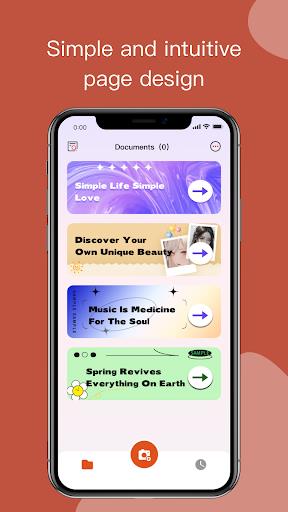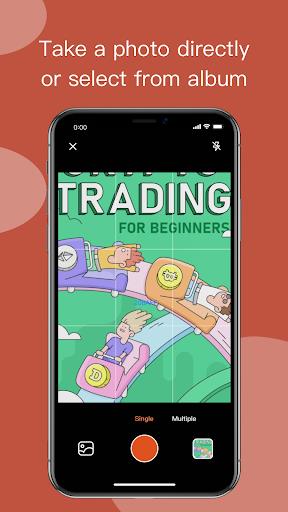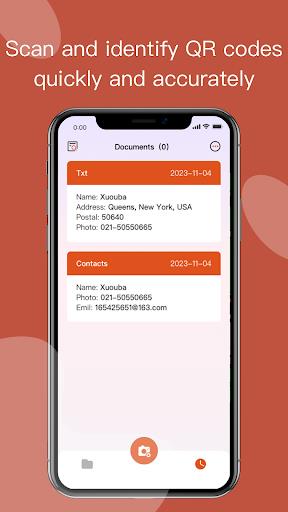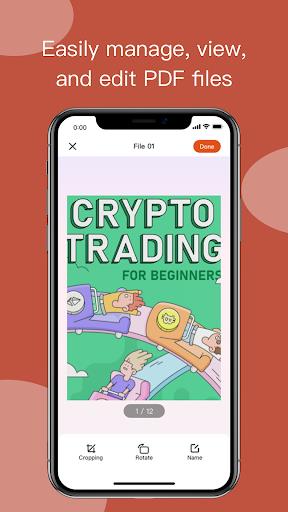
Introducing Bubble File - PDF Editor, the ultimate solution for all your PDF management needs. This app revolutionizes the way you handle PDF files on your mobile device. Seamlessly browse, manage, and edit PDF documents with just a few taps. With its user-friendly interface, effortlessly navigate through your PDF files and find exactly what you need. But that's not all! Bubble File also comes with a built-in QR code scanner, allowing you to quickly and accurately scan QR codes embedded in PDF files. Plus, creating high-quality PDF files has never been easier. Convert photos, scanned documents, or any other content into PDF format effortlessly.
Features of Bubble File - PDF Editor:
⭐️ Easy PDF management: Bubble File allows users to easily manage their PDF files on their mobile devices. They can quickly open, view, and edit PDF documents with this app.
⭐️ QR code scanner: The app comes with a built-in QR code scanner that can quickly and accurately scan and identify QR codes. This feature is especially useful for users who need to scan QR codes contained in PDF files.
⭐️ Convenient PDF conversion: Users can create high-quality PDF files from various sources using the app. Whether it is photos from their albums, scanned documents, or any other content, they can effortlessly convert them into PDF files.
⭐️ Mobile compatibility: Bubble File is designed specifically for mobile devices, making it easy for users to manage their PDF files on the go. They can carry all their important documents and information in their pockets.
⭐️ User-friendly interface: The app features a user-friendly interface that is easy to navigate. Users can quickly find the files they need and perform various actions, such as editing, organizing, and sharing PDF files, with just a few taps.
⭐️ Enhanced productivity: With the powerful features of it, users can boost their productivity. They can efficiently manage their PDF files, easily access important information through QR codes, and convert various types of content into PDF files within seconds.
Conclusion:
It is a must-have app for users who frequently work with PDF files on their mobile devices. Its easy PDF management, QR code scanning, PDF conversion capabilities, mobile compatibility, user-friendly interface, and enhanced productivity make it an essential tool for anyone looking to efficiently manage and manipulate PDF documents. Click download now to experience the convenience and versatility of Bubble File for yourself!