Home Apps Libraries & Demo Camera endoscope / OTG USB
Camera endoscope / OTG USB

Camera endoscope / OTG USB Rate : 3.7

Download
Application Description

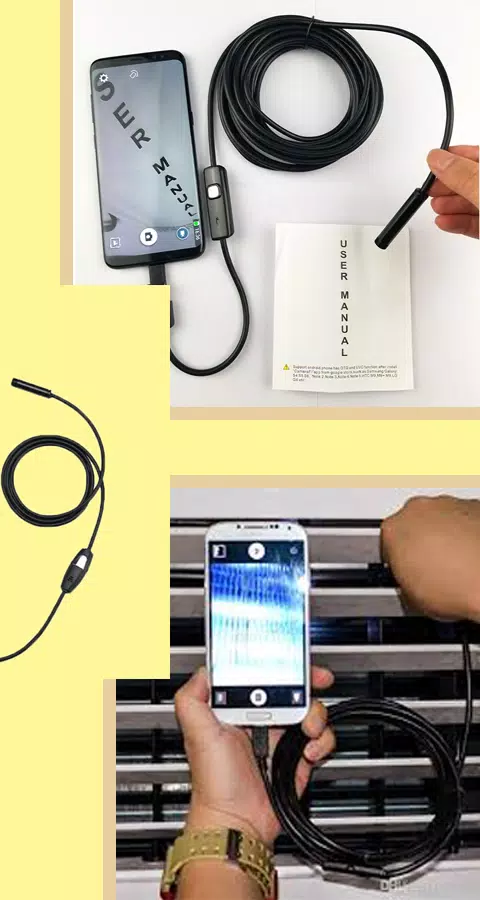
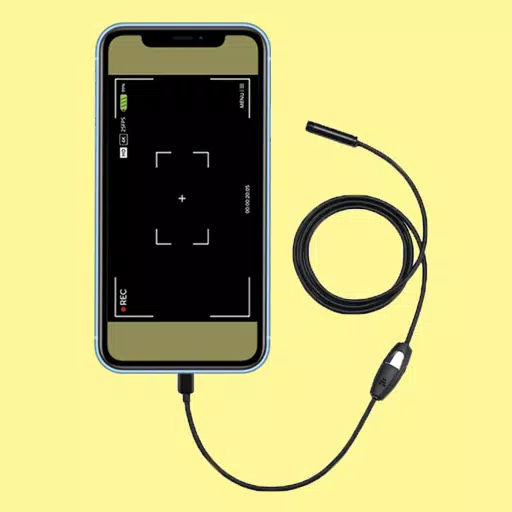
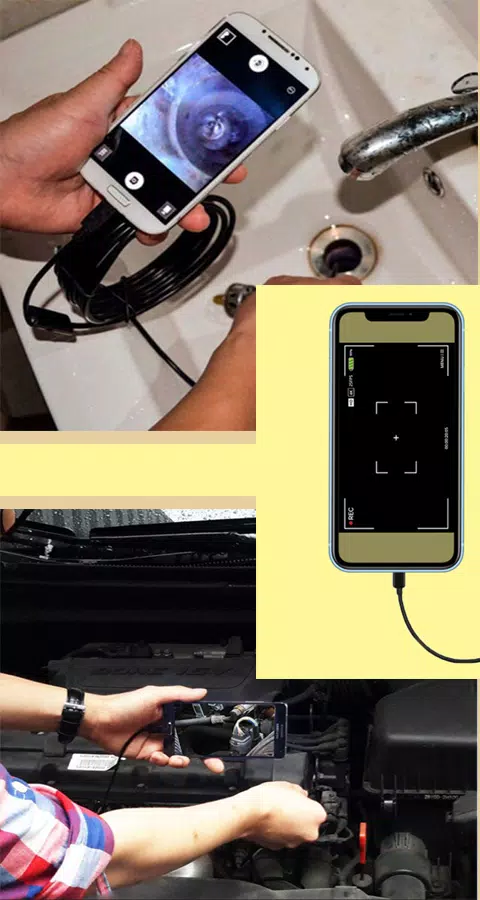
An endoscope camera app is a versatile tool designed to connect with various external camera devices, such as endoscope cams, USB cameras, borescope cameras, and sewer inspection cameras. This app allows you to explore and inspect areas that are typically hard to reach, making it an invaluable tool for a variety of applications.

How to Use the Endoscope Camera App

To get started with the endoscope camera app, follow these simple steps:

  1. Open the app on your device.
  2. Connect your endoscope camera via a USB cable to your phone.
  3. Click on the camera icon within the app.
  4. Click 'OK' to confirm the connection.
  5. You can now view the live feed from your endoscope camera. Feel free to take photos or record videos as needed.
  6. To view your captured media, return to the app's main interface and select the gallery option.
  7. Swipe left to access your videos. Click on any video and choose your preferred player to watch it.
  8. To delete photos or videos, navigate to the gallery, long-press on the item you wish to remove, and select the delete icon.

How Does the Endoscope App Work?

The endoscope app for Android devices works by interfacing with your external borescope camera through a USB OTG connection. The app utilizes your device's microphone to record video with sound and accesses the gallery to store and retrieve your pictures and videos.

Applications of the Endoscope Camera Device

The endoscope or borescope camera is incredibly useful for a range of tasks, such as:

  • Inspecting blocked drains to see what's inside, potentially eliminating the need for drain unblockers or plumbing repairs.
  • Functioning as a sewer camera for detailed sewer inspections.

Before using the app, ensure your camera is properly connected via an OTG USB cable for easy and effective use of your endoscope camera.
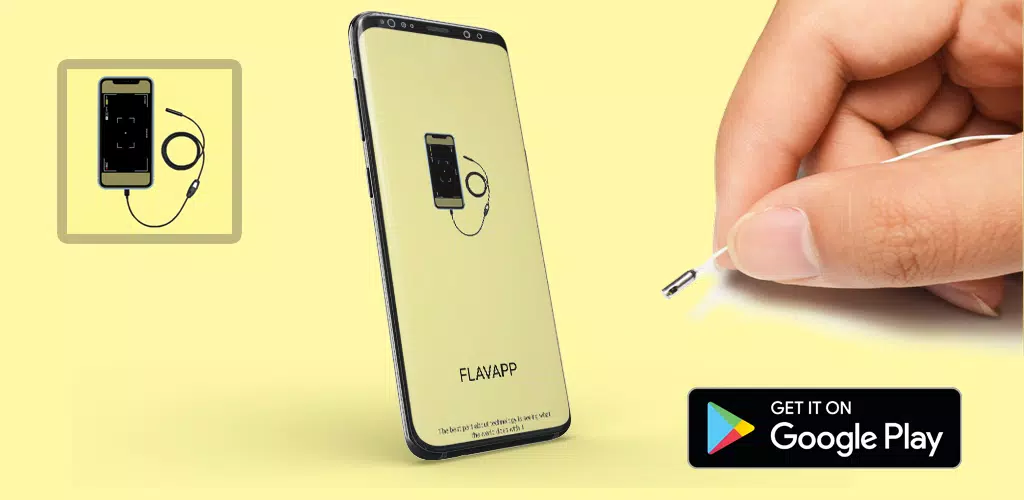
Screenshot
Camera endoscope / OTG USB Screenshot 0
Camera endoscope / OTG USB Screenshot 1
Camera endoscope / OTG USB Screenshot 2
Camera endoscope / OTG USB Screenshot 3
Latest Articles More
  • Nikke x Stellar Blade Crossover Goes Live

    Nikke x Stellar Blade Crossover Event Goes LiveThe highly anticipated Goddess of Victory: Nikke x Stellar Blade collaboration is now available on iOS and Android after months of teasers. This limited-time event bridges Shift Up's two acclaimed sci-fi

    Dec 16,2025
  • ‘Mission: Impossible - Final Reckoning’ 4K Steelbook Preorders Open

    Physical media enthusiasts can now preorder Tom Cruise's (potentially) final performance as Ethan Hunt in 4K. Mission: Impossible - The Final Reckoning will be available in both a 4K Steelbook and a standard 4K UHD edition, each including a Blu-ray a

    Dec 16,2025
  • Nintendo Switch Update Ends Game Sharing Workaround

    The latest Nintendo Switch system update has rolled out, introducing Virtual Game Cards in preparation for the Switch 2 launch. This change has eliminated a method that allowed simultaneous online pla

    Dec 16,2025
  • "Is This Yours?" Zen Puzzle Game Launches Now

    - Is This Yours? now available on iOS and Android- Match misplaced items with their rightful owners in this sorting puzzle game- Choose between rapid puzzle-solving or relaxed 'zen' gameplay modesLost-and-found services represent one of modern societ

    Dec 16,2025
  • Dungeons & Dragons 2025 Starter Guide: Play Basics

    Dungeons & Dragons (D&D) revolutionized tabletop gaming as a collaborative storytelling experience where dice rolls shape narratives. Recent hits like the Honor Among Thieves movie and Baldur's Gate 3 have introduced countless newcomers to this legen

    Dec 15,2025
  • Decarnation Psychological Thriller Launches on iOS, Android

    Step into the role of Gloria, a cabaret dancer whose life is in a deep slumpShe finds herself plunged into a surreal dreamscape where every detail feels unsettlingAvailable now on iOS and Android for just $3.99E2W has a Halloween treat for you with t

    Dec 14,2025