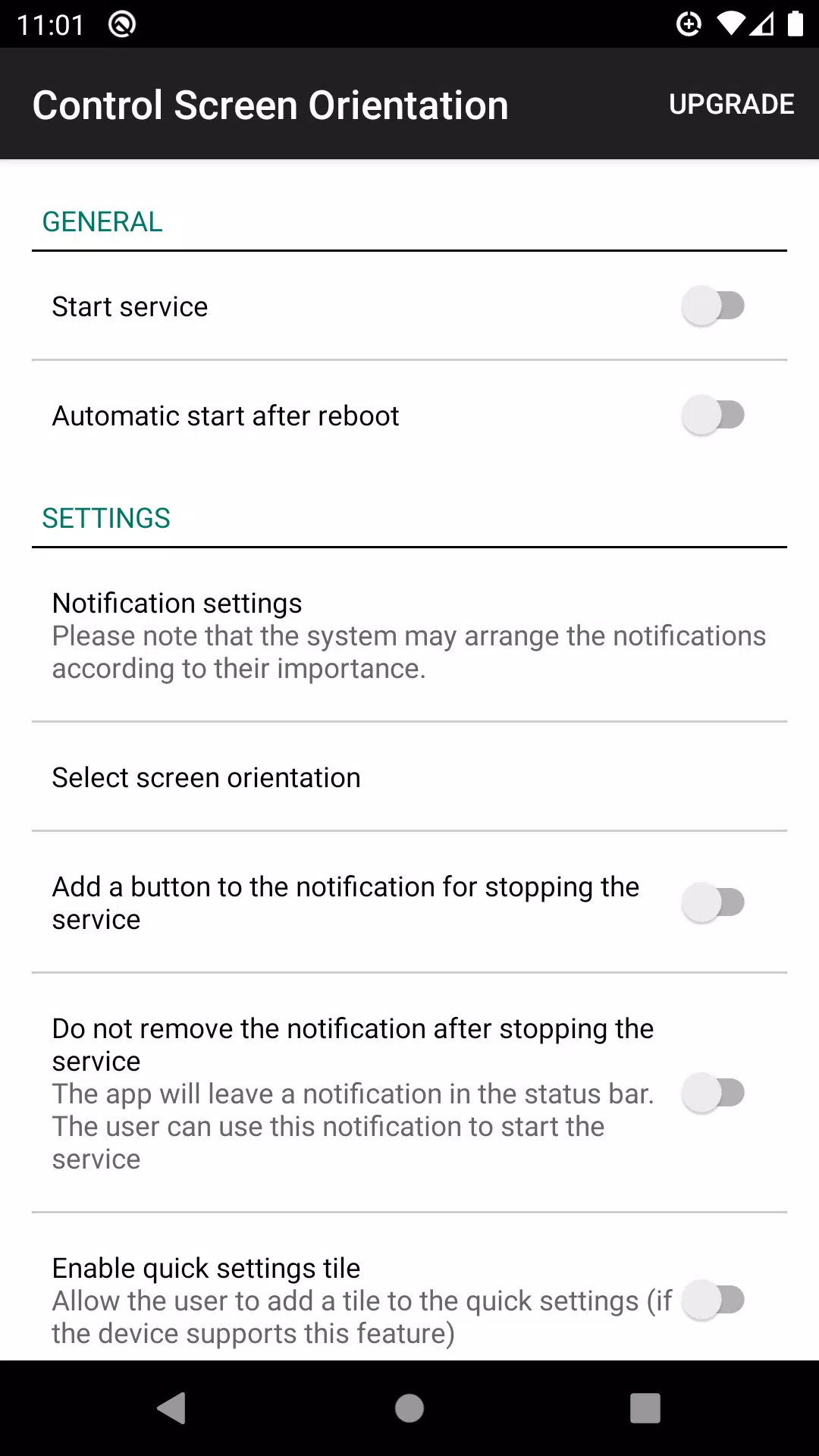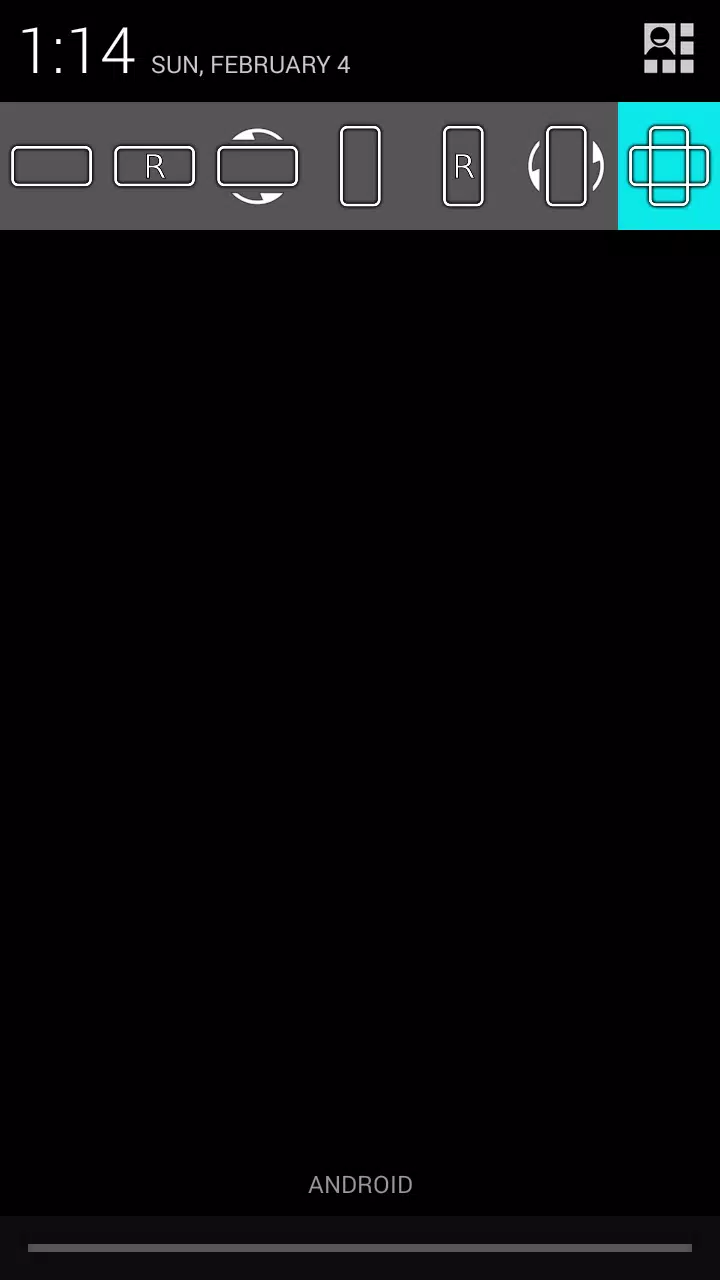
Effortlessly manage your device's screen orientation directly from the notification bar. With this feature, you can take control of your screen's auto-rotation and select your preferred orientation for any app. Whether you're using your device for work or play, you'll find the flexibility you need.
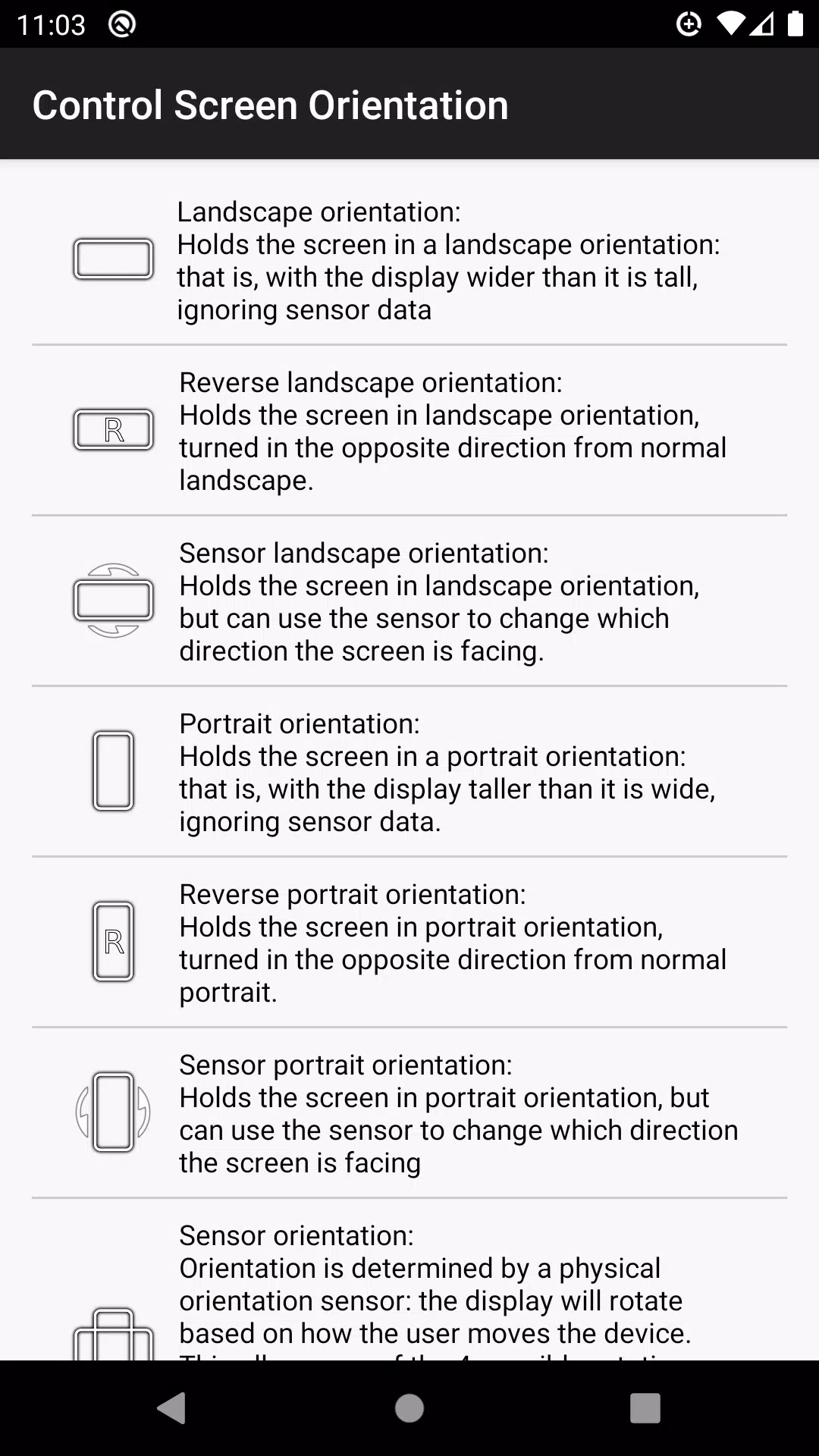
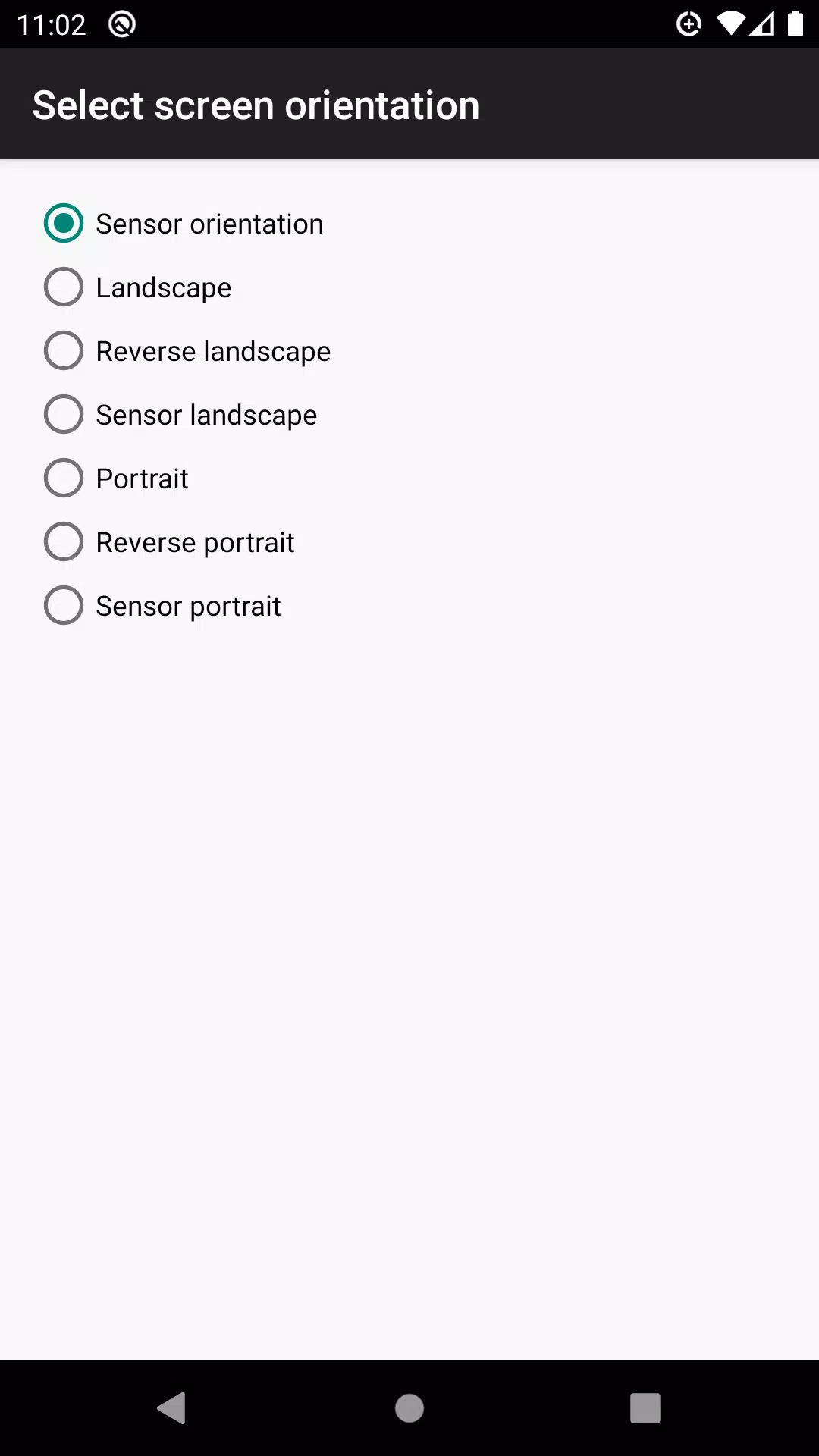
Choose from a variety of available orientations:
- Landscape
- Reverse Landscape
- Sensor Landscape
- Portrait
- Reverse Portrait
- Sensor Portrait
- Sensor Orientation (Auto Rotation)
Please note that some screen orientations may not be available on all devices.
What's New in Version 4.1
Last updated on Apr 30, 2024
Bug fixes have been implemented to enhance your experience.