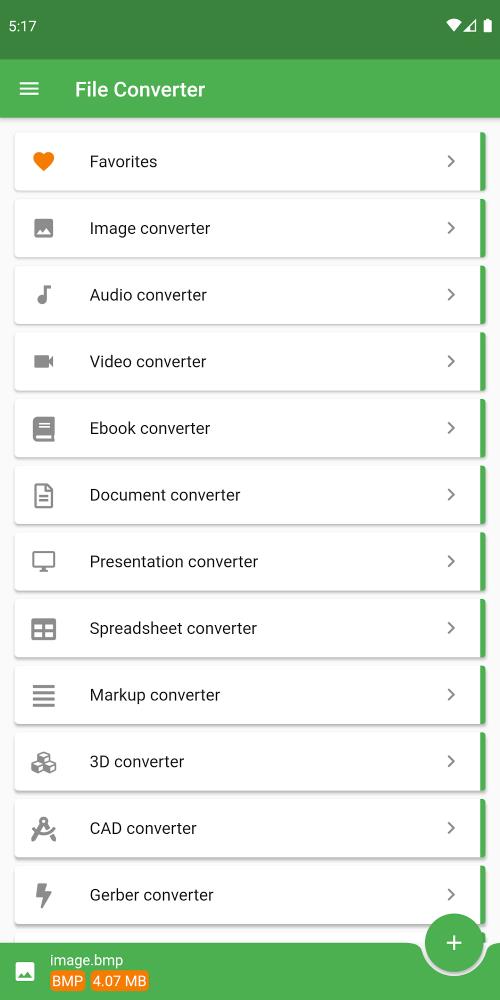
Introducing the all-in-one File Converter app, your go-to solution for all your file format conversion needs. This powerful app supports conversion from and to almost every file format, saving you time and battery life. With over 2000 source formats, you can convert audio, e-books, videos, 3D models, documents, presentations, CAD drawings, images, and so much more. The best part is that you can continue using your device while the app converts files in the cloud, making it faster and more efficient. Plus, it offers a variety of additional features like texture and mesh conversion, password protection for PDFs, and customization options for audio, e-books, images, CAD, and documents. Upgrade your file conversion experience with File Converter today!
Features of File Converter:
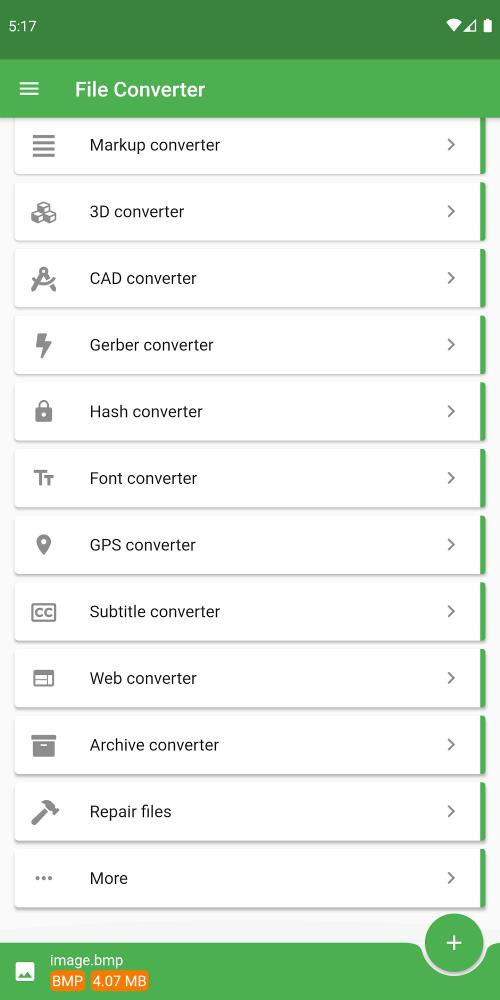
- Wide range of file format conversions: The app supports conversion from and to over 2000 source formats, including audio, e-books, video, 3D models, documents, presentations, CAD drawings, images, LaTeX, fonts, spreadsheets, Gerber PCB, and metadata. Users can easily convert files between different formats.
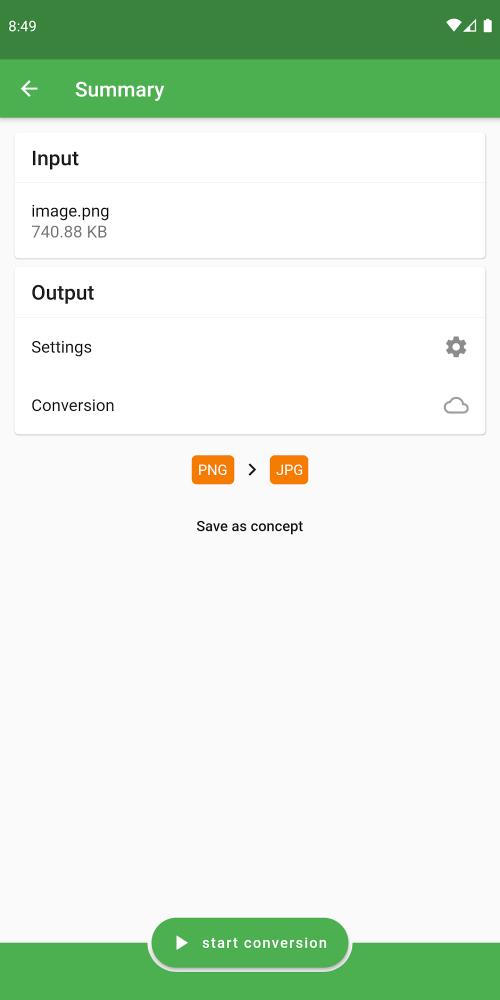
- Cloud-based conversion: Users can continue using their device while the app converts files in the cloud. This feature not only speeds up the conversion process but also saves battery life.
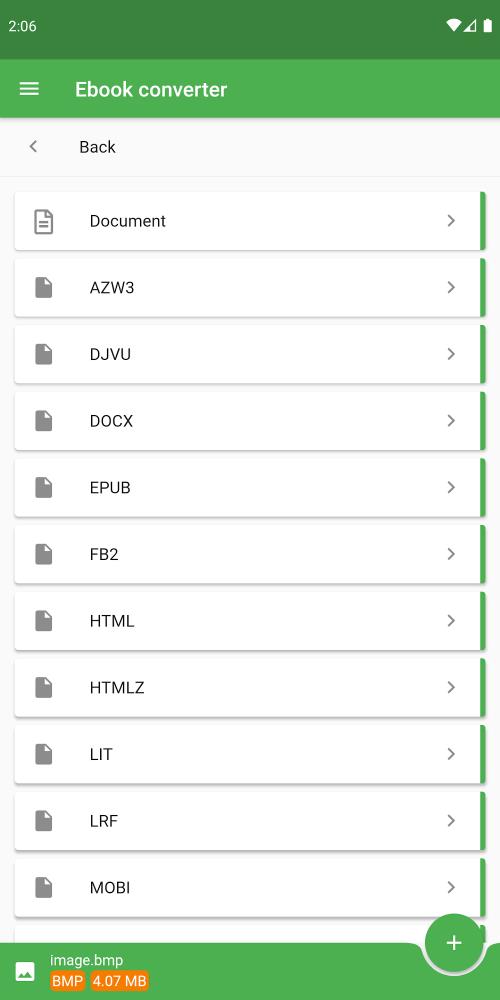
- E-book and video format support: The app supports various e-book formats such as AZW, MOBI, ePub, PDF, and more. It also supports video conversion to popular formats like MKV, and AVI.
- Hash generation: The app can generate hashes for various purposes, including DES, SHA, and more. This feature adds an extra layer of security and flexibility for users.
- Specialized converters: The app offers specialized converters for texture, mesh, embroidery, playlist, and sheet music. Users can extract music, convert videos to animated GIFs, convert raster images to vectors, and much more.
- Customization options: File Converter allows users to customize the conversion settings for audio, e-books, images, CAD drawings, and documents. Users can modify settings such as bitrate, frequency, title, e-book reader compatibility, color, scale, OCR, and more.
Conclusion:
File Converter is a powerful and versatile app that offers a wide range of file format conversion options. Its cloud-based conversion feature, support for various formats, specialized converters, and customization options make it a must-have tool for users who frequently need to convert files. Download the app now and experience the ultimate file conversion solution.