Gboard, the evolution of Google Keyboard, offers a comprehensive suite of features designed to enhance your typing experience across various devices. With its speed and reliability, Gboard ensures you can communicate efficiently and effectively.
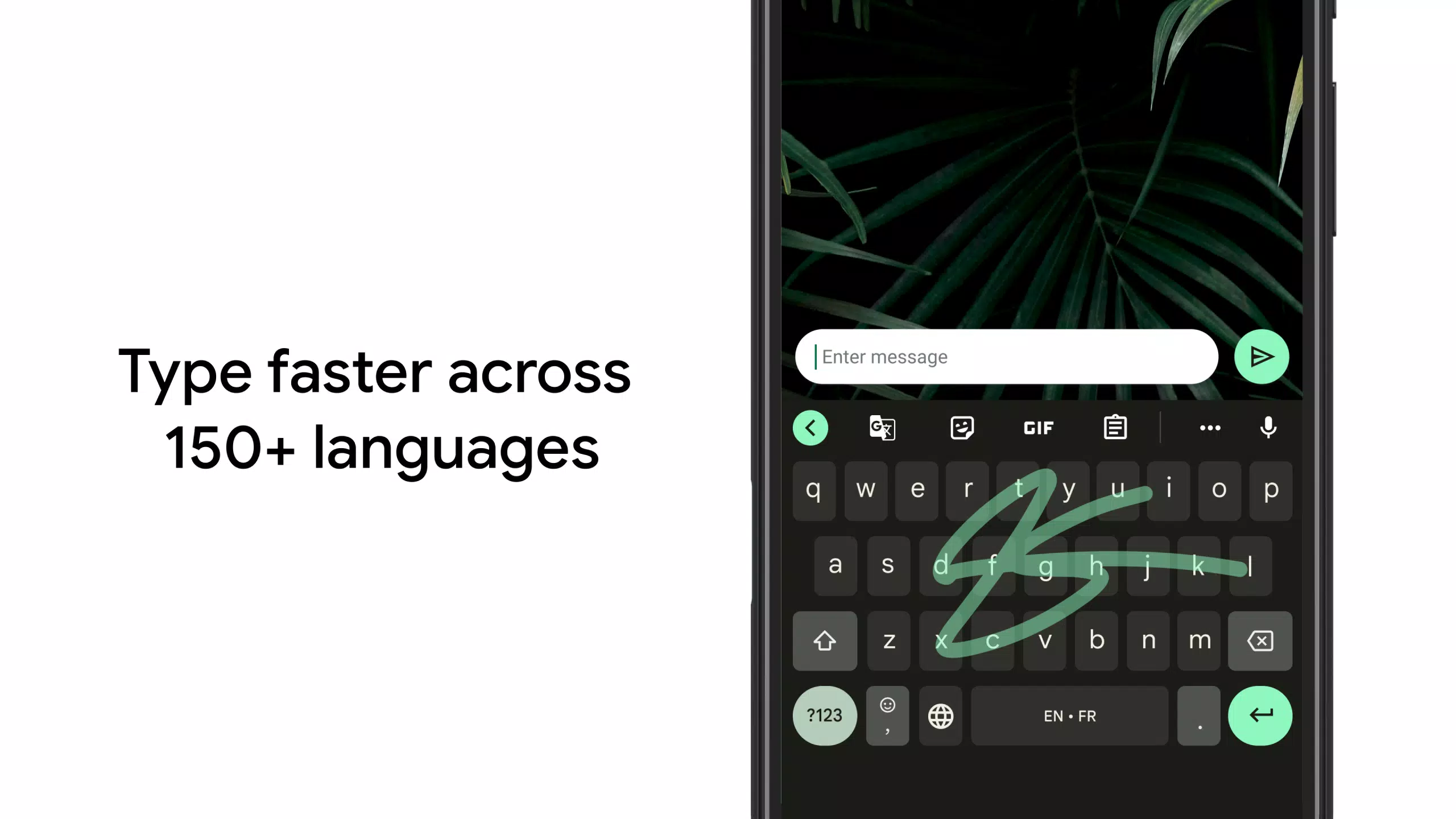
Glide Typing allows you to type faster by effortlessly sliding your finger from one letter to another, making it ideal for quick messaging. Voice Typing is perfect for those on the go, enabling you to dictate text with ease. For those who prefer a more traditional approach, Handwriting support lets you write in both cursive and printed letters, adding a personal touch to your communication.
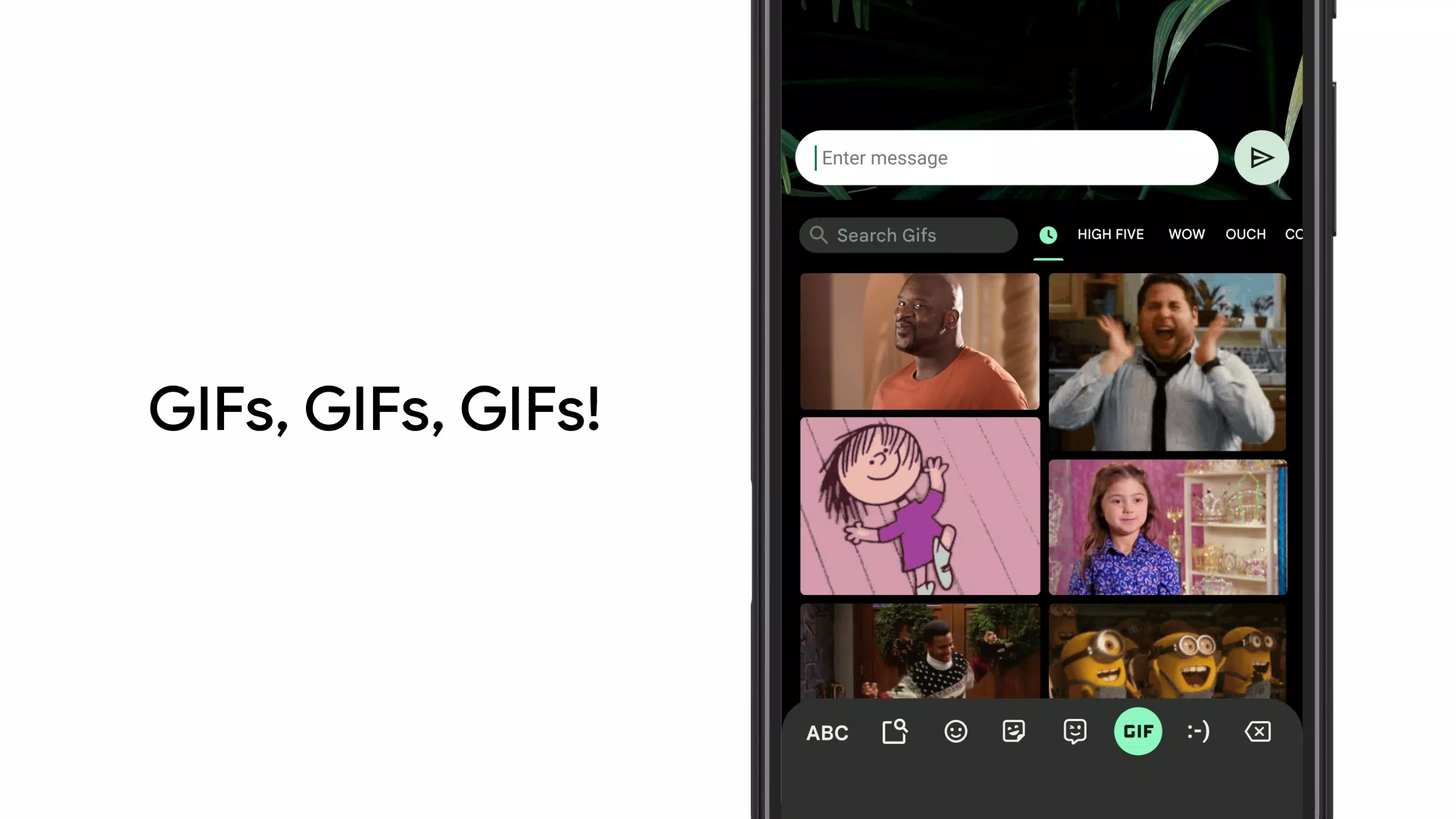
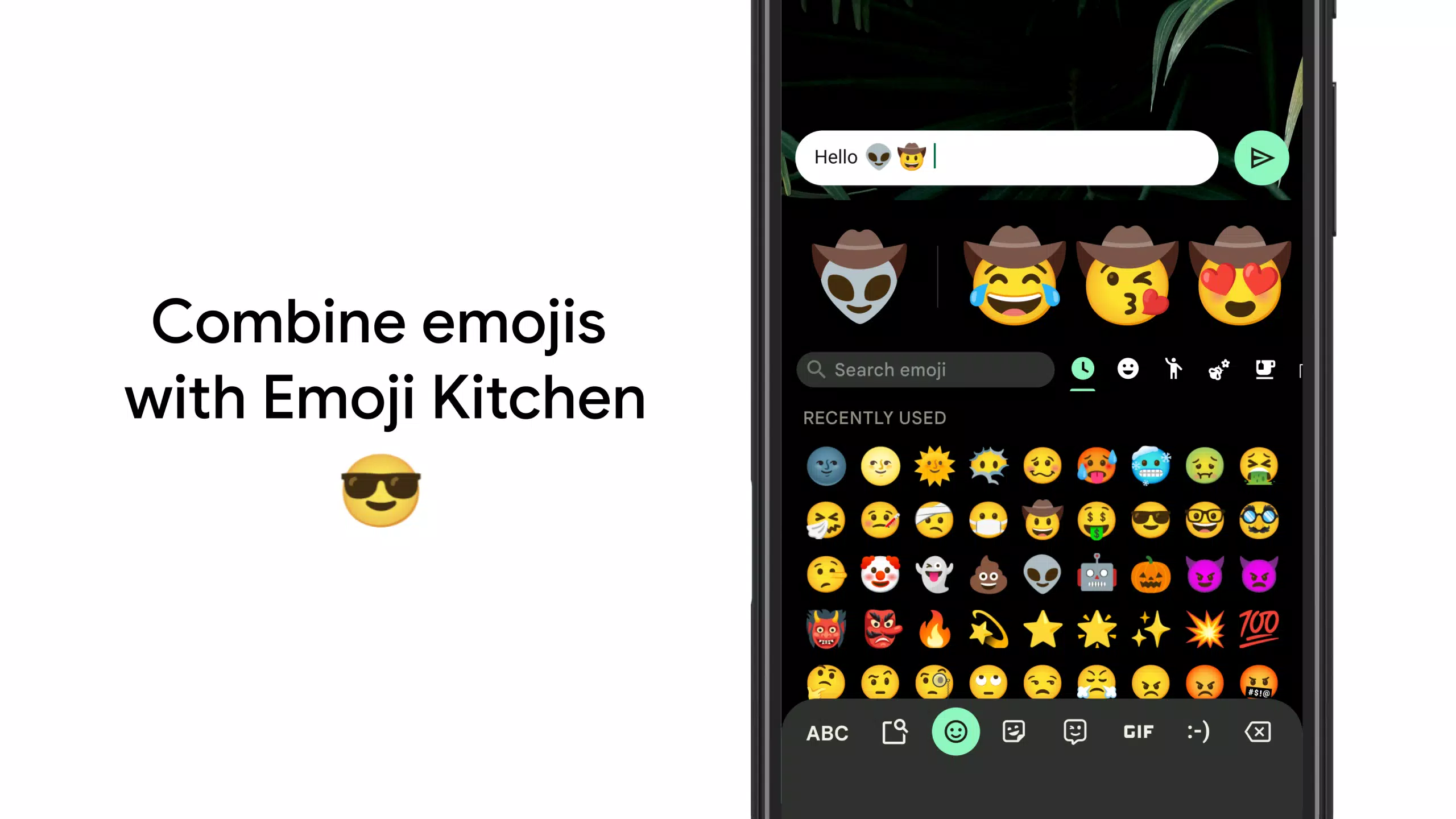
Expressing yourself is made fun and easy with Emoji Search and GIFs, where you can quickly find the perfect emoji or GIF to convey your emotions or reactions. Gboard's Multilingual Typing feature is a game-changer, allowing you to type in multiple languages without the hassle of manually switching between them. The keyboard will autocorrect and suggest words from any of your enabled languages, making it seamless to communicate in a globalized world.
For those needing translation on the fly, Google Translate is integrated directly into the keyboard, allowing you to translate as you type. Gboard supports hundreds of language varieties, including but not limited to Afrikaans, Amharic, Arabic, Assamese, Azerbaijani, Bavarian, Bengali, Bhojpuri, Burmese, Cebuano, Chhattisgarhi, Chinese (Mandarin, Cantonese, and others), Chittagonian, Czech, Deccan, Dutch, English, Filipino, French, German, Greek, Gujarati, Hausa, Hindi, Igbo, Indonesian, Italian, Japanese, Javanese, Kannada, Khmer, Korean, Kurdish, Magahi, Maithili, Malay, Malayalam, Marathi, Nepali, Northern Sotho, Odia, Pashto, Persian, Polish, Portuguese, Punjabi, Romanian, Russian, Saraiki, Sindhi, Sinhala, Somali, Southern Sotho, Spanish, Sundanese, Swahili, Tamil, Telugu, Thai, Tswana, Turkish, Ukrainian, Urdu, Uzbek, Vietnamese, Xhosa, Yoruba, and Zulu. For the full list of supported languages, visit https://goo.gl/fMQ85U.
Gboard's functionality extends to Wear OS, bringing the same beloved features to your wrist. With Glide Typing, Voice Typing, and Emoji Typing, you can communicate efficiently even on the go. Wear OS supports a wide range of languages, including Chinese (Mandarin, Cantonese, and others), Czech, Danish, Dutch, English, Finnish, French, German, Hindi, Indonesian, Italian, Korean, Norwegian, Polish, Portuguese, Russian, Spanish, Swedish, Thai, Turkish, Vietnamese, and many more.
To get the most out of Gboard, consider these Pro Tips:
- Gesture Cursor Control: Slide your finger across the space bar to move the cursor precisely.
- Gesture Delete: Quickly delete multiple words by sliding left from the delete key.
- Number Row: Make the number row always available by enabling it in Settings → Preferences → Number Row.
- Symbols Hints: Enable quick hints on your keys to access symbols with a long press in Settings → Preferences → Long press for symbols.
- One Handed Mode: On larger screen phones, pin the keyboard to the left or right side of the screen for easier one-handed use.
- Themes: Personalize your keyboard by choosing your own theme, with or without key borders.
With these features and tips, Gboard stands out as a versatile and user-friendly keyboard solution for all your communication needs.