iCareFone for WhatsApp Transfer: The Ultimate WhatsApp Transfer Solution
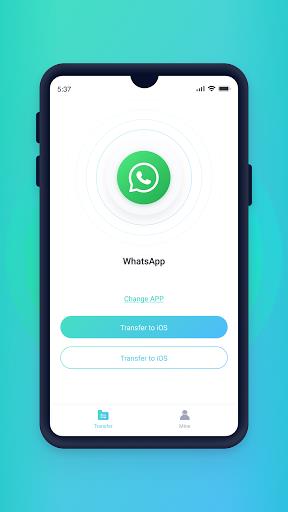
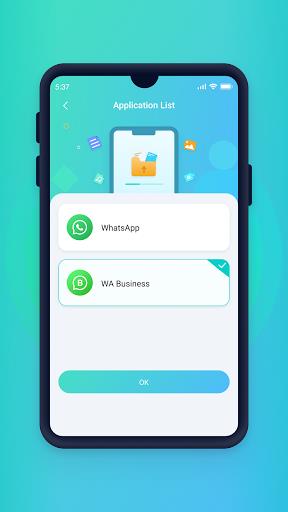
Looking to switch to a new phone and worried about transferring your WhatsApp messages? Look no further than iCareFone for WhatsApp Transfer. This powerful app is designed to seamlessly migrate all your WhatsApp and WhatsApp Business messages to another phone. It doesn't matter if you're moving from Android to iOS or from one Android device to another, this app has got you covered. With support for a wide range of Android devices and brands, including Samsung, Huawei, Xiaomi, and more, you can trust this app to make the transfer hassle-free. Plus, it supports multiple languages, ensuring a smooth experience for users worldwide.
Features of iCareFone for WhatsApp Transfer:
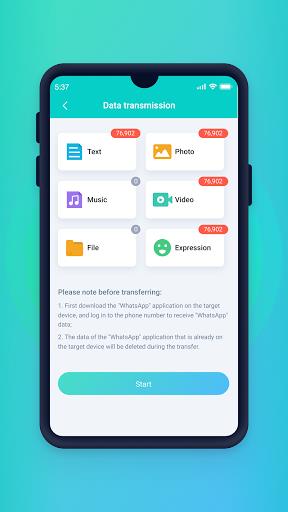
- Seamless WhatsApp Transfer: It allows you to smoothly transfer all your WhatsApp and WhatsApp Business messages when you switch to a new phone. Whether you're moving from Android to iOS or transferring between Android devices, this app has got you covered.
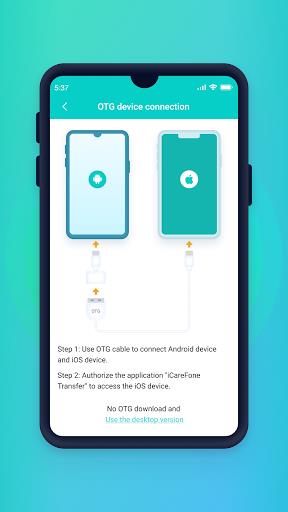
- OTG Cable Support: With this app, you can easily transfer your WhatsApp data from an Android device to an iOS device using an OTG cable. This feature eliminates the need for complicated processes and makes the transfer quick and hassle-free.
- WiFi Transfer: It supports transferring WhatsApp data from one Android device to another in a WiFi environment. This means you can easily migrate your chats and media to a new Android device without any data loss.
- Wide Compatibility: This app is compatible with various Android devices and brands including Samsung, Huawei, Xiaomi, Oppo, Vivo, HTC, LG, Sony, Motorola, and more. No matter what device you're using, this app ensures a smooth and seamless transfer.
Tips for Users:
- Make Sure to Backup: Before transferring your WhatsApp data using this app, it is essential to create a backup of your messages. This ensures that your data is safe and can be easily restored in case of any issues during the transfer process.
- Ensure Stable WiFi Connection: When using the WiFi transfer feature, make sure you have a stable and reliable WiFi connection. This ensures a smooth and uninterrupted transfer without any data loss.
- Update to the Latest Version: To ensure the best performance and compatibility, always keep this app updated to the latest version. This will provide you with access to new features and improvements.
Conclusion:
iCareFone for WhatsApp Transfer is the ultimate solution for seamlessly transferring your WhatsApp and WhatsApp Business messages to a new phone. With its comprehensive features, including support for Android to iOS transfers via OTG cable and WiFi transfers between Android devices, this app provides a hassle-free experience. Additionally, its wide compatibility with various Android devices ensures that no matter what brand or model you have, this app can meet your needs.