Impasto Art - Master Photo Editor is your go-to app for transforming your photos into stunning works of art. Whether you're a novice or a seasoned photographer, this powerful photo editor offers a comprehensive suite of tools to elevate your images to professional levels.
The Magic Photo Editor within Impasto Art is packed with a variety of features, including:
- Filters
- Magic draw
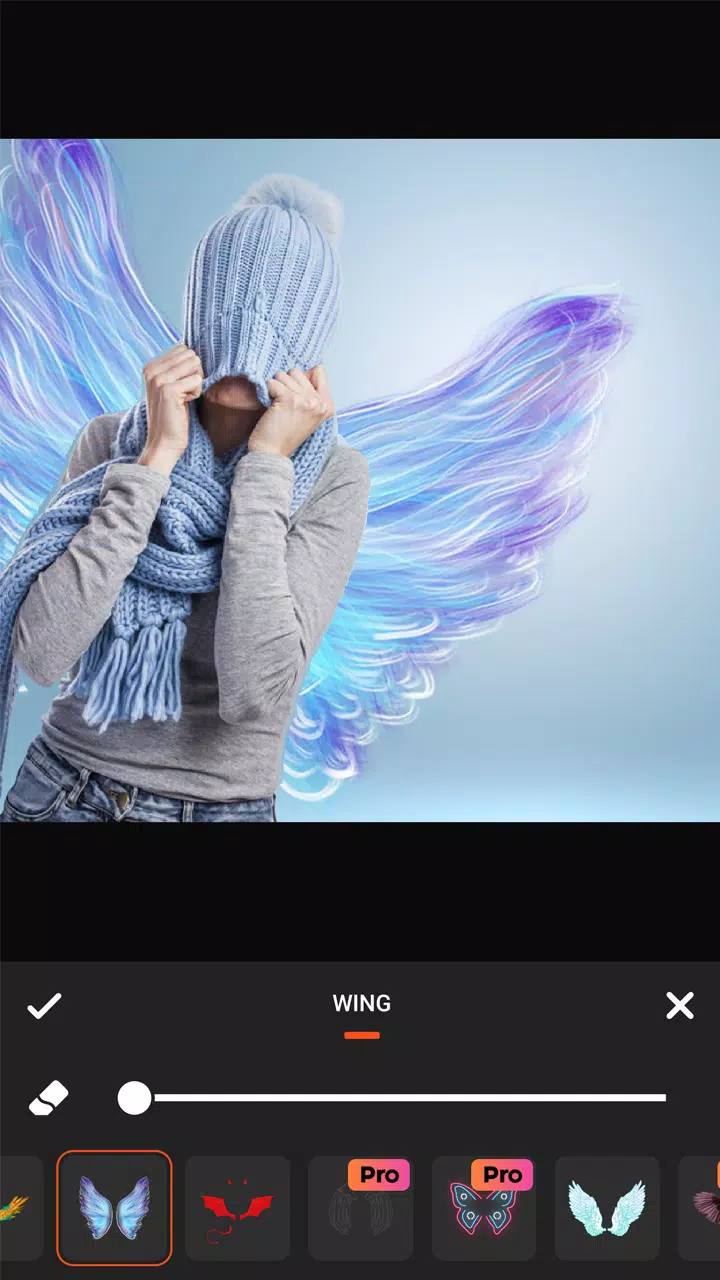
- Wing effect
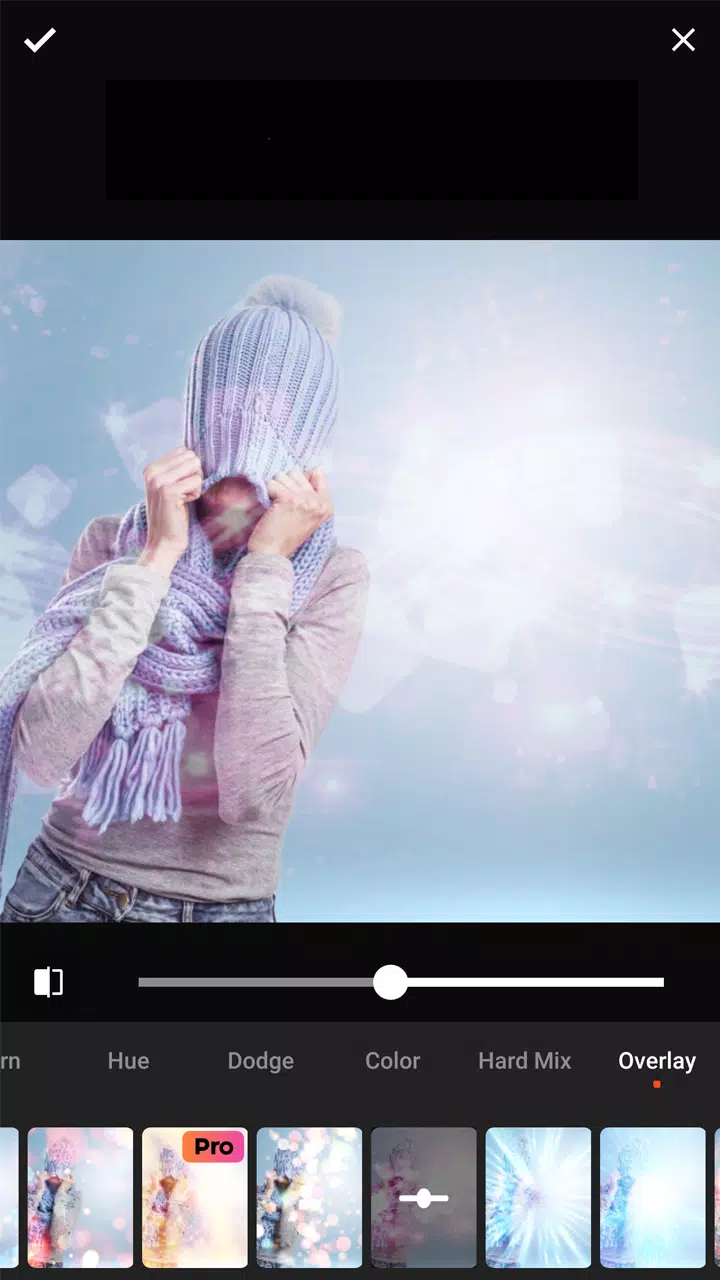
- Overlay effect
- Drip effect
- Motion effect
- Drip Art
- Neon effect
- Remove Background
- Mirror effect
- Crop & Rotate
- HSL effect
- Add stickers
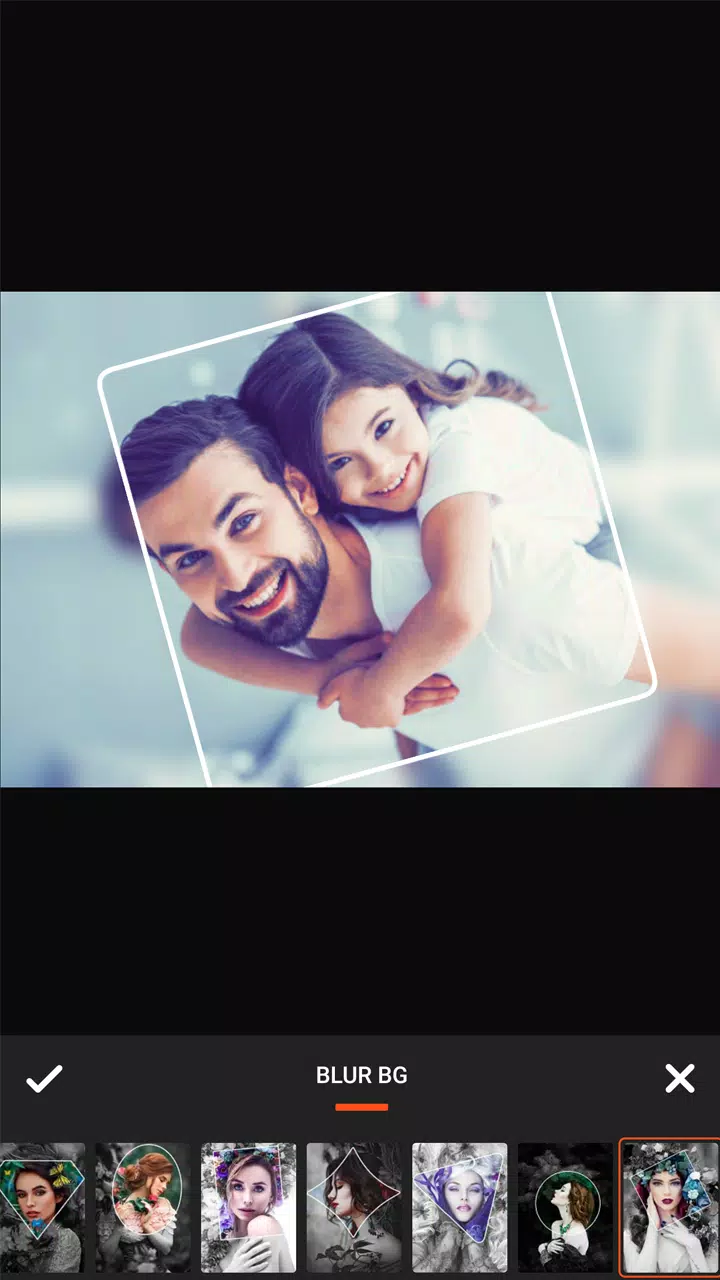
- Splash & Blur effect
Impasto Art Pro - Master Photo Editor offers both free and premium features, accessible through a one-time subscription, allowing you to unlock the full potential of the app and enjoy all its advanced capabilities at no additional cost.
With Impasto Art Pro, you can create high-quality artistic works without needing professional skills. Here are some of the key features that make this app stand out:
- Amazing photo editing tools
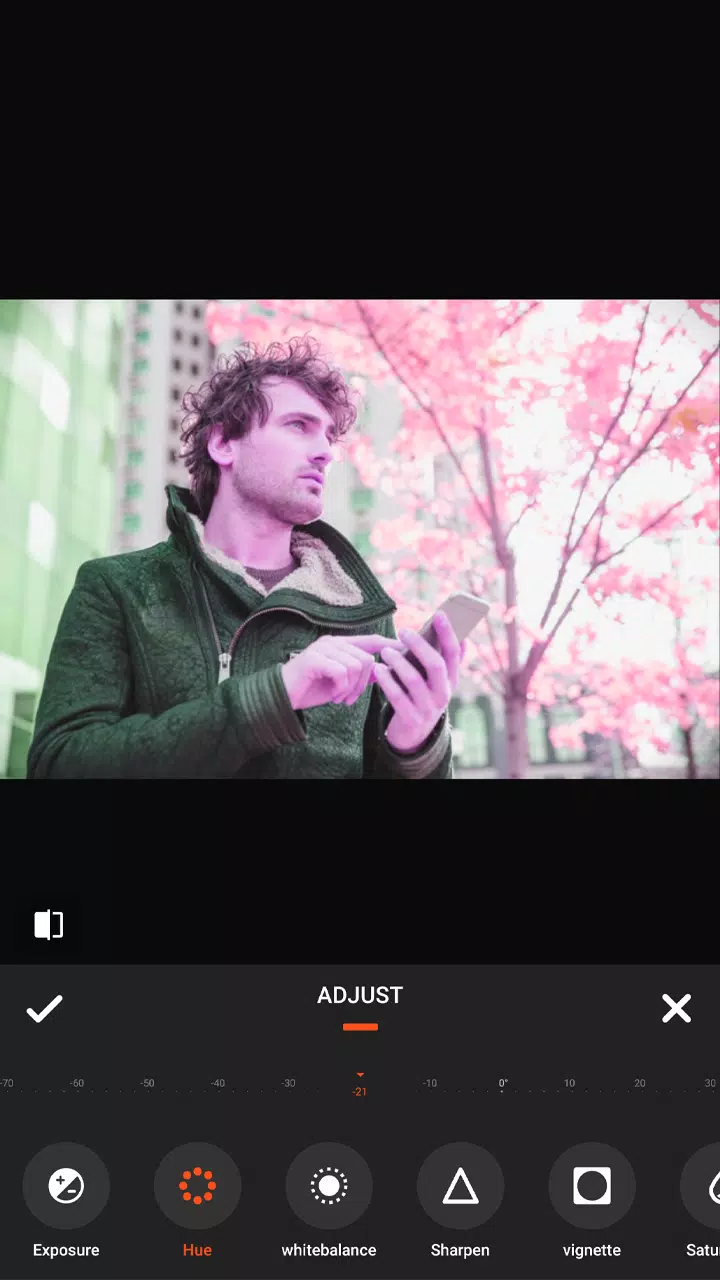
- Adjust brightness, contrast, warmth, and saturation
- A wide range of filters and tools for pictures and photo effects
- Body and face editor
- Crop, rotate, vertical, and horizon adjustments
- Draw and add text with art fonts
- Fix or enhance any part of your photo
- Highlight and shadow adjustments
- Light leaks effects
- Massive collection of cool stickers
- Extensive editing kit for both basic and advanced photo editing
- Shapes editor to combine photos with multiple variations
- Share high-resolution pictures to social media apps
- Beautiful effects, stickers, and features to apply to your photos
- Wings with cool designs for your photos
- Awesome UI design
- Compatibility with all devices
The drip effect in Impasto Art allows you to add artistic flair to your photos with different colors and patterns. Simply choose a photo from your gallery or snap a selfie, and use the magic photo editor to combine rasterizing effects with other editing tools to complete your artwork.
The wings effect lets you add a touch of fantasy to your photos. Capture an image, open the butterfly photo editor, and select your favorite photo stickers to enhance your pictures.
With the PixelLab effect, you can quickly transform your pictures into eye-catching works of art. This effect converts your photo into a Pixel Photo Effect, applying magical touches to make it more beautiful.
The neon effect lets your pictures glow in the dark, offering a magnificent selfie camera experience. Once you have the Neon photo editor, you won't need any other photo editing app.
The motion effect brings your photos to life, allowing you to create animations or moving photos easily. This feature adds a dynamic element to your images, making them stand out.
Drip Art is a standout feature, offering a cool dripping effect, camera, collage maker, and editing tools to create stunning selfies. With artistic editing tools, spirals, and dripping effects in various styles and colors, your images will become more artistic.
The blur effect is an effective tool for blurring unwanted parts of your photos. It's a perfect blend of beauty and functionality, ideal for creating blurred background pictures.
The overlay effect provides everything you need to make your pictures awesome. With over 90 effects and the ability to adjust the opacity of the filter, you can easily enhance your photos to make them more beautiful.
Impasto Art Pro - Master Photo Editor is the ultimate photo maker, equipped with all the professional effects and editing tools you need. It includes a Photo Collage feature that helps you combine multiple photos with different frame styles and photo grids, apply various photo filters and collages, and add stickers to your custom photos. View your masterpiece and share it directly to social media.