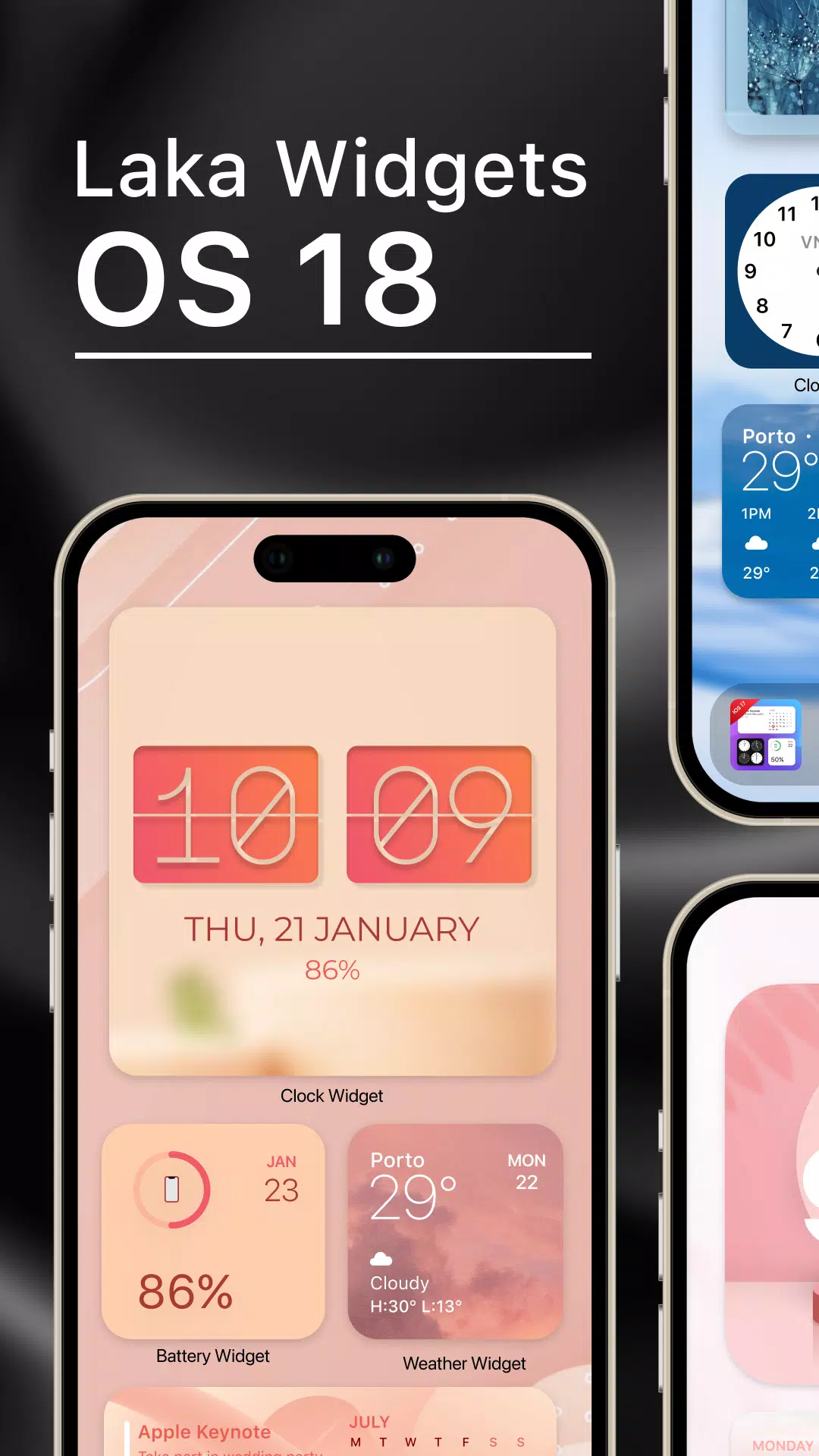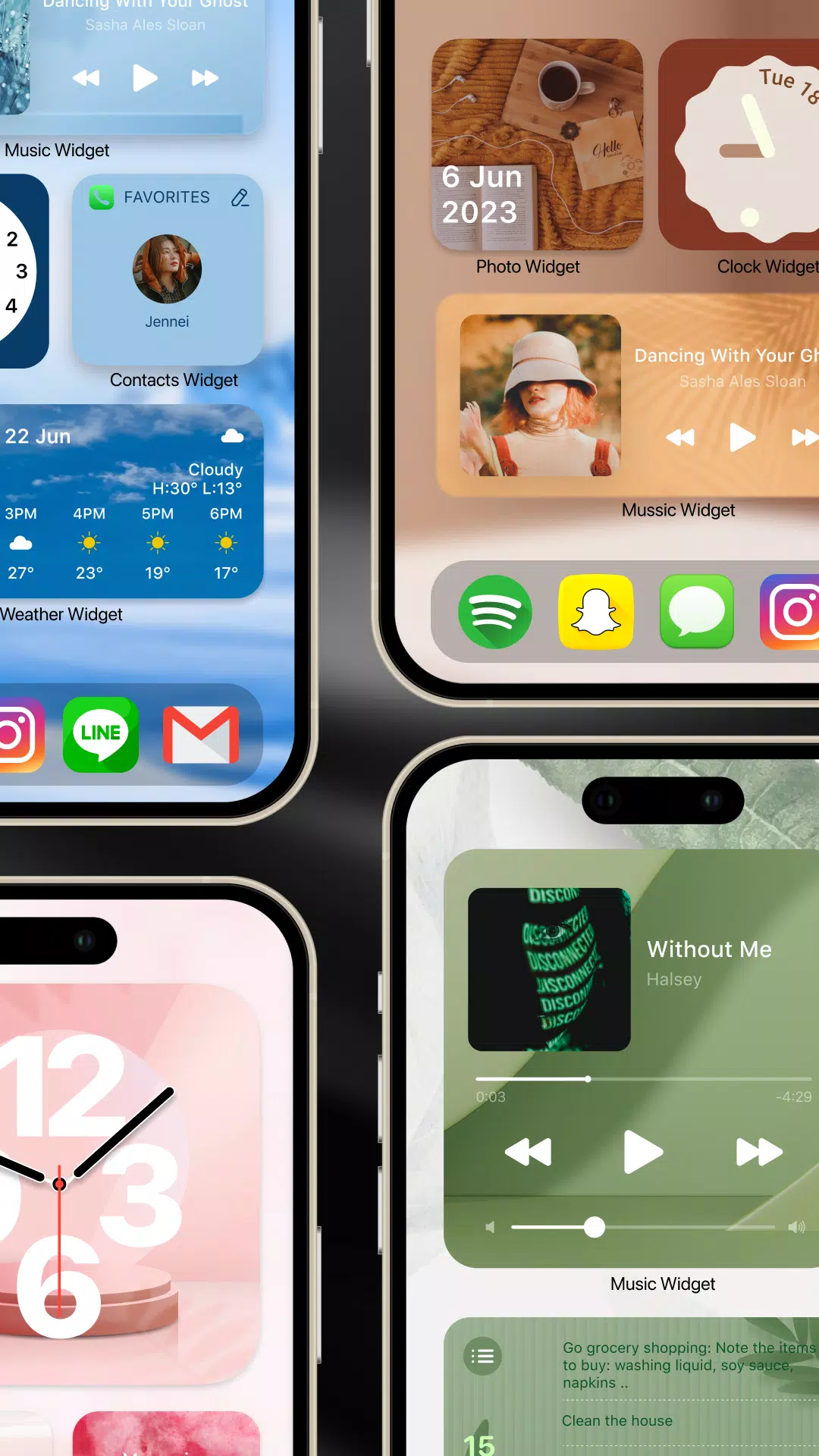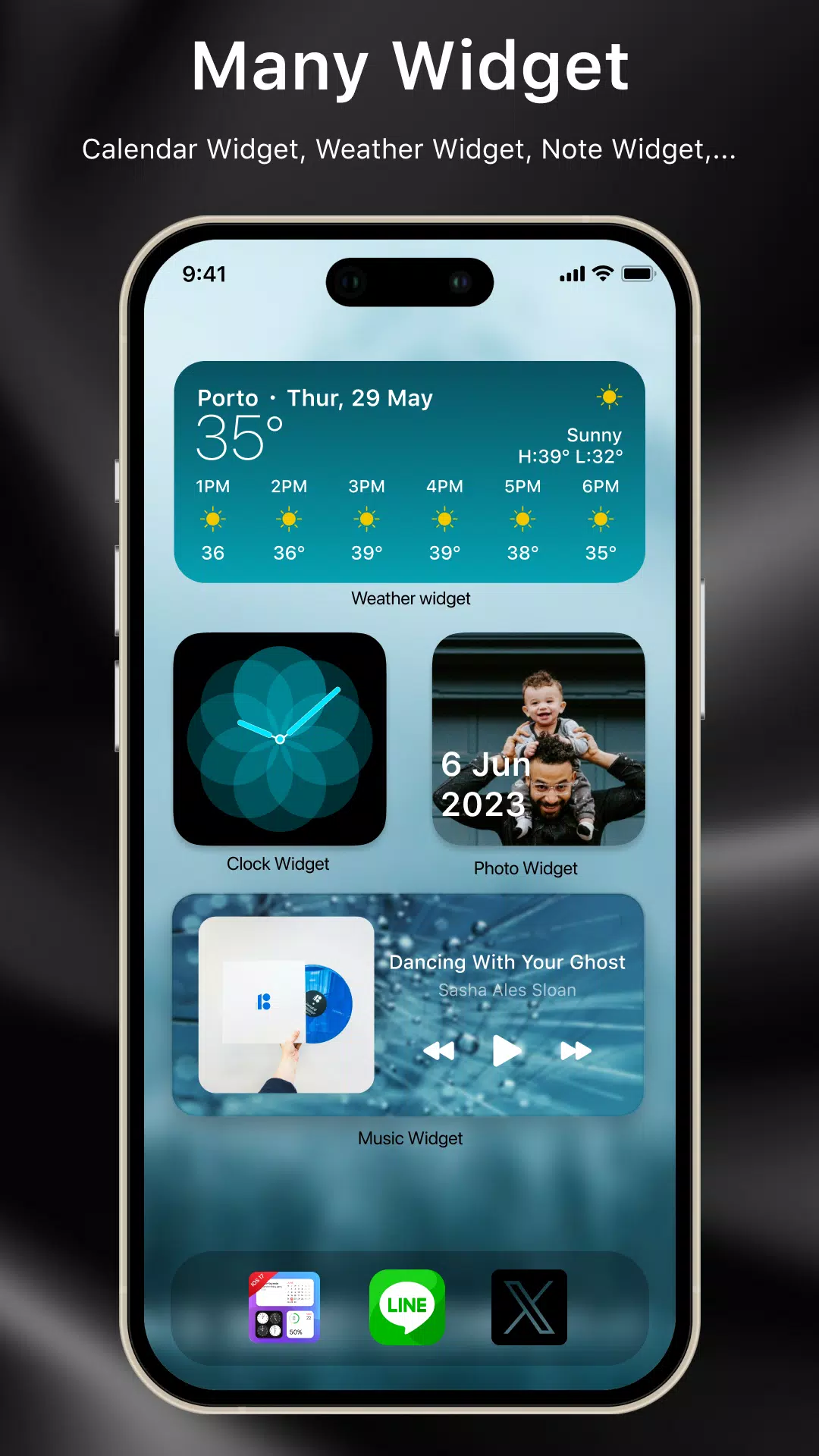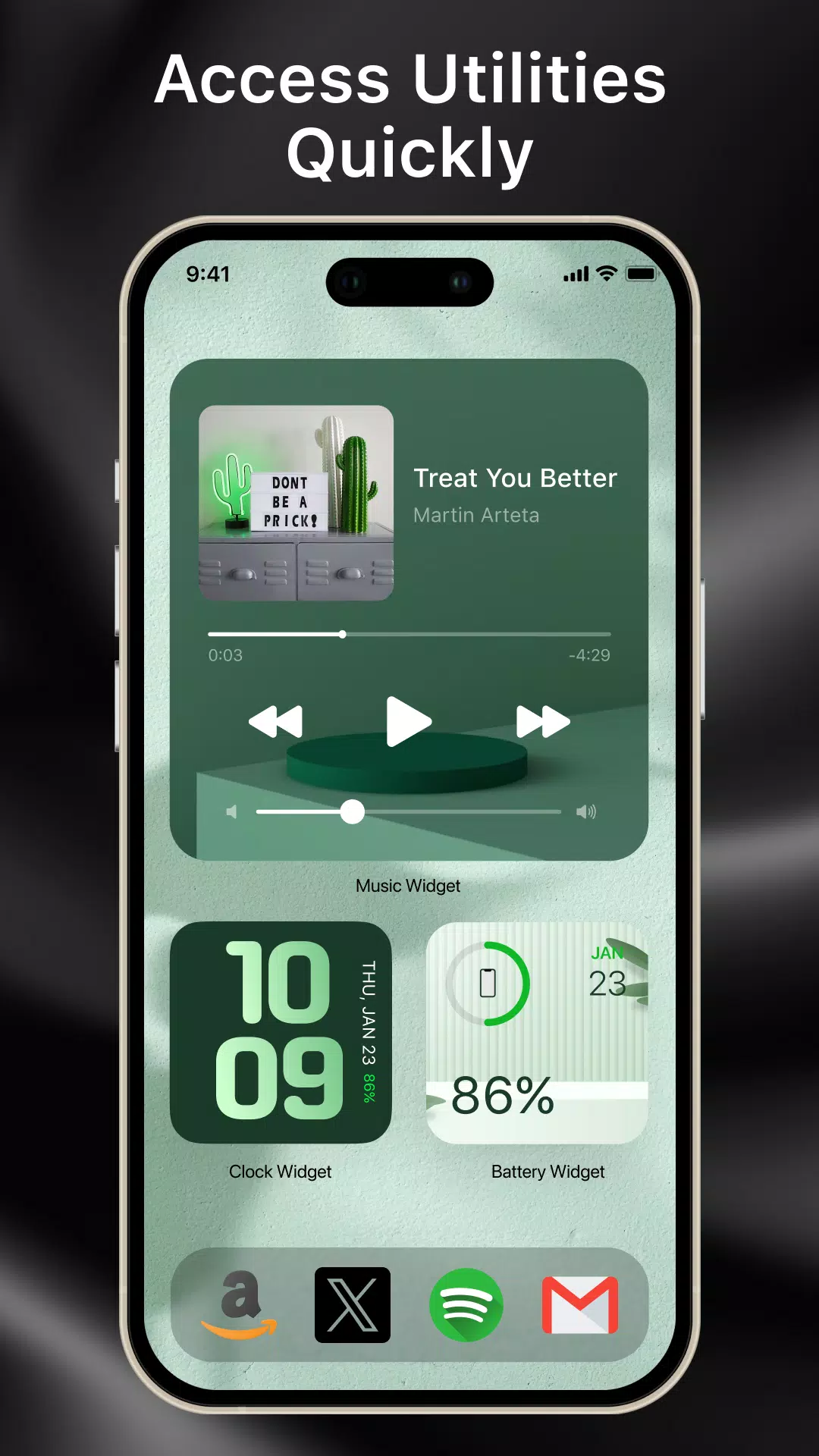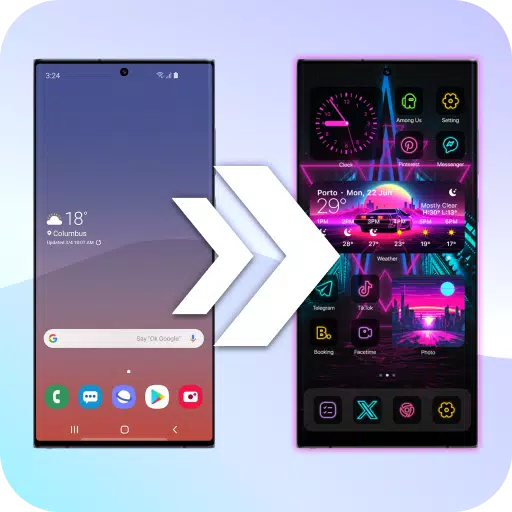
Turn your home screen into a unique experience with over 1,000 captivating widgets.
Using an Android phone but dreaming of an iOS 18 look? Laka Widgets makes it simple. In just a few taps, enjoy the iOS 18 interface with a broad selection of widget choices. Add as many widgets as you like—music, calendar, clock, notes, and more. Plus, drag and drop, reposition, and resize each widget with ease.
Why choose Laka Widgets:
- Quickly view key details like dates, times, notes, and control music straight from your home screen, without opening every app.
- Refresh your phone’s look with the clean, creative iOS 18 interface design.
How to create a standout home screen
** Basic home screen design
Build a basic home screen using these widgets: wallpaper, clock, calendar, music, note, and photos.
- First, pick a home screen theme you adore—anime, pastel, neon, K-pop, landscapes, and more. This keeps all widgets visually consistent.
- Choose and set your favorite wallpaper before customizing the widgets.
- Personalize each widget’s size, color, and style, then place them on the home screen.
(1) Music player widget:
- Show currently playing music right on the home screen.
- Displays track name, artist, album, and cover art.
- Control playback: pause/play, skip forward or back, and tap the album art to open the music app.
(2) Analog clock widget:
- Show up to four time zones at once in various styles and dimensions.
- Elegant clock designs to brighten your display.
(3) Calendar integration widget:
- Display today’s date or the whole month.
- Pick from creative and retro styles.
(4) Important note widget:
- Quickly write notes and lists for your home screen.
- Customize note text, paper color, font, and text color.
(5) Photo slideshow widget:
- Showcase favorite photos of family, friends, pets, or yourself. Adjust size and arrange them just where you want on your screen.
** Advanced home screen design
Beyond basic widgets, enhance your screen with these advanced options:
(1) Famous quote widget:
Save and display inspirational quotes from famous figures right on your screen.
(2) Special countdown reminder:
Keep track of important events—birthdays, exams, meetings—with reminders as they near.
(8) Favorite contact widget:
Speed-dial your top contacts from the home screen. Call loved ones with one tap.
(9) Battery information widget:
- Monitor your phone’s battery level from the home screen.
- Adjust size and colors to match battery status.
With Laka Widgets, completely customize your Android interface to mirror iOS 18. We regularly add new widget styles so you can keep expressing your style. Share your feedback to help us improve the app.