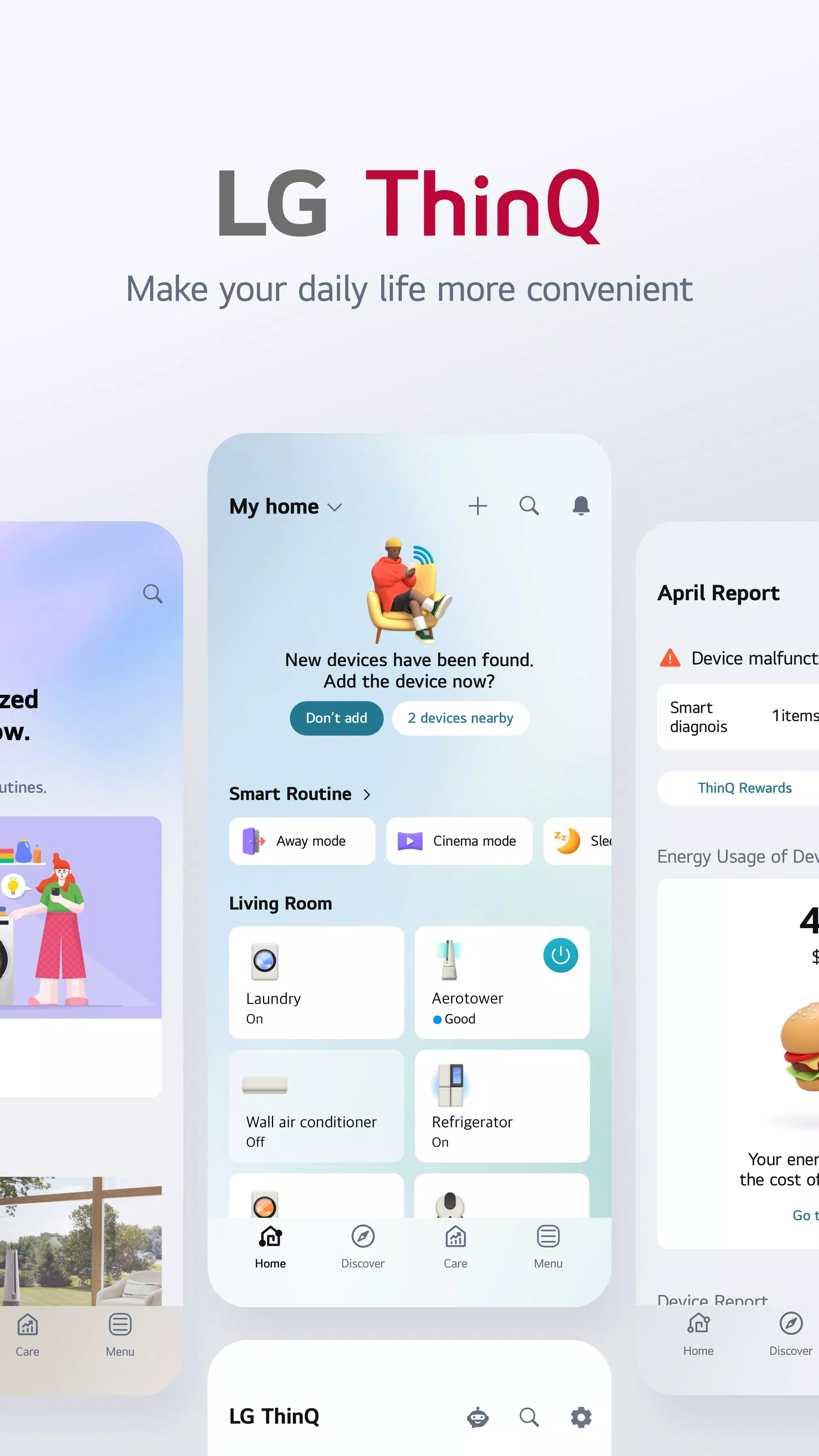
Step into the future of home management with the LG ThinQ app, your ultimate smart home devices manager. Seamlessly connect your IoT home appliances and unlock a world of effortless control, smart care, and convenient automation—all in one simple solution.
Discover the Convenience of Smart Home Appliances
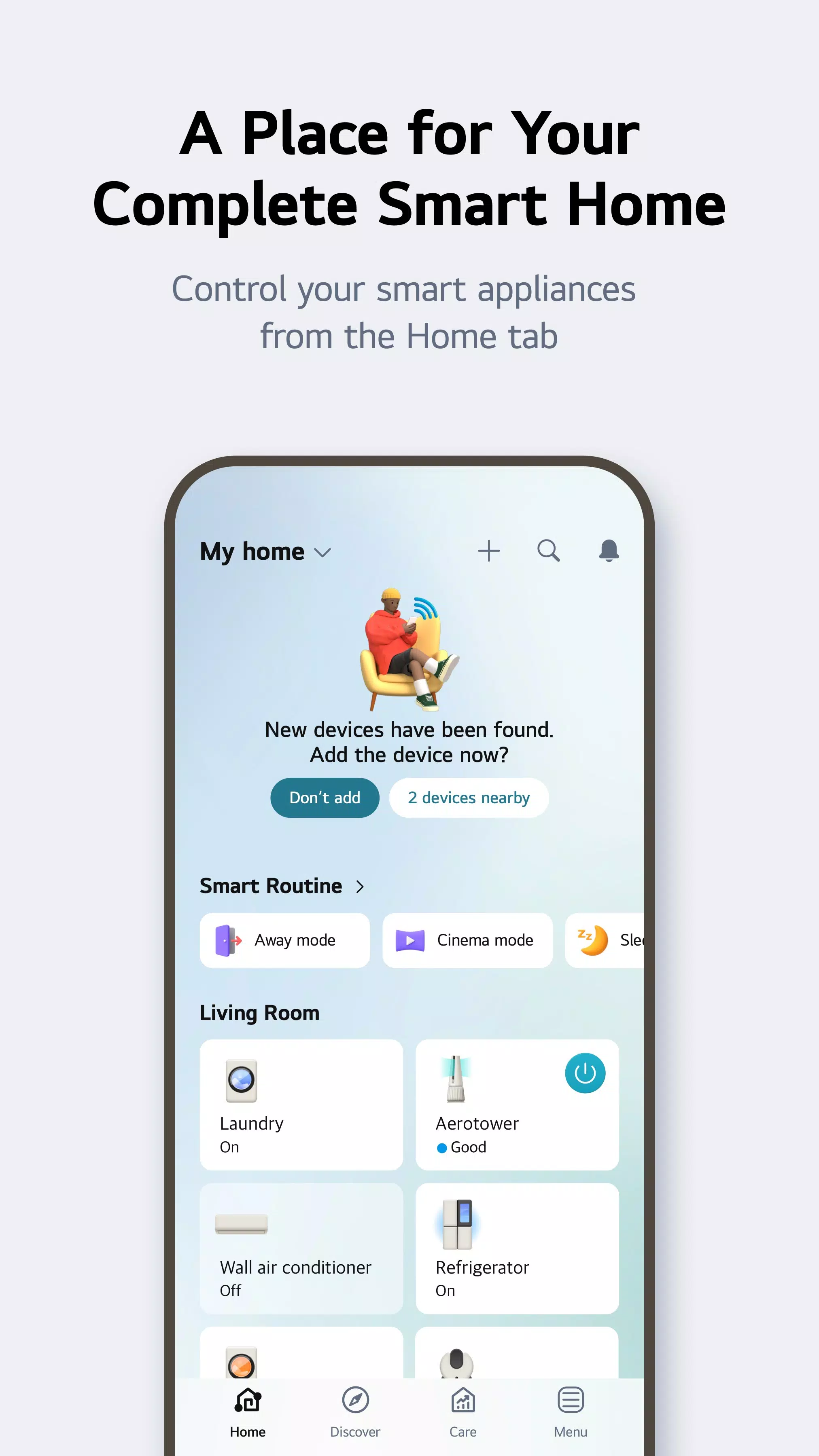
Navigate to the Home tab and experience the ease of managing your IoT home appliances from anywhere using our intuitive app. Benefit from personalized recommendations tailored to your usage history, enhancing your appliance management strategy.
Experience ThinQ UP Appliances That Evolve with You
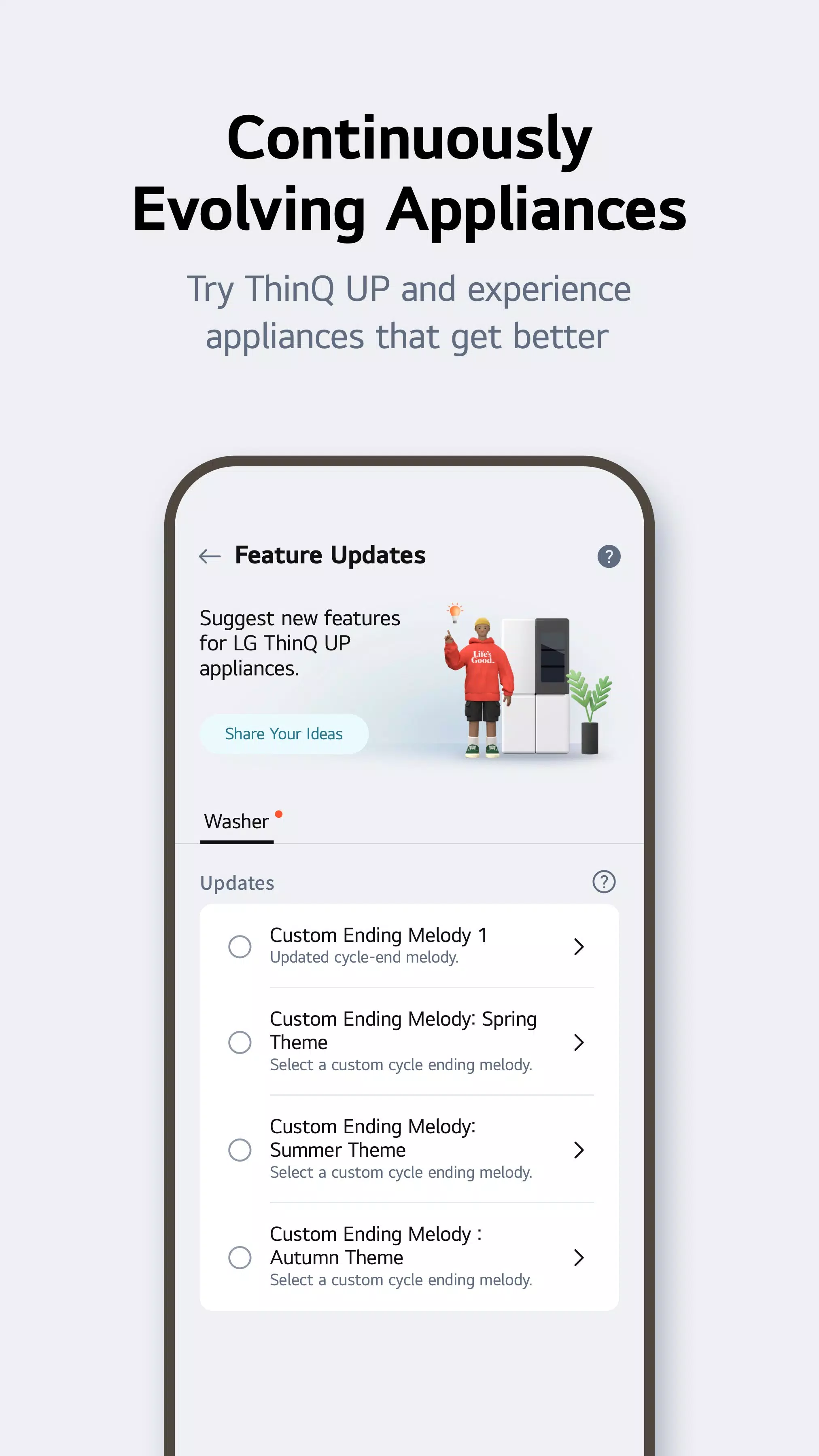
With ThinQ UP appliances, you can customize your home's ambiance by setting unique start and end melodies for various devices. Plus, keep your appliances up to date by downloading new cycles for your washing machine, dryer, styler, and dishwasher, ensuring they evolve alongside your needs.
Discover New Ways to Use Your Home Appliances
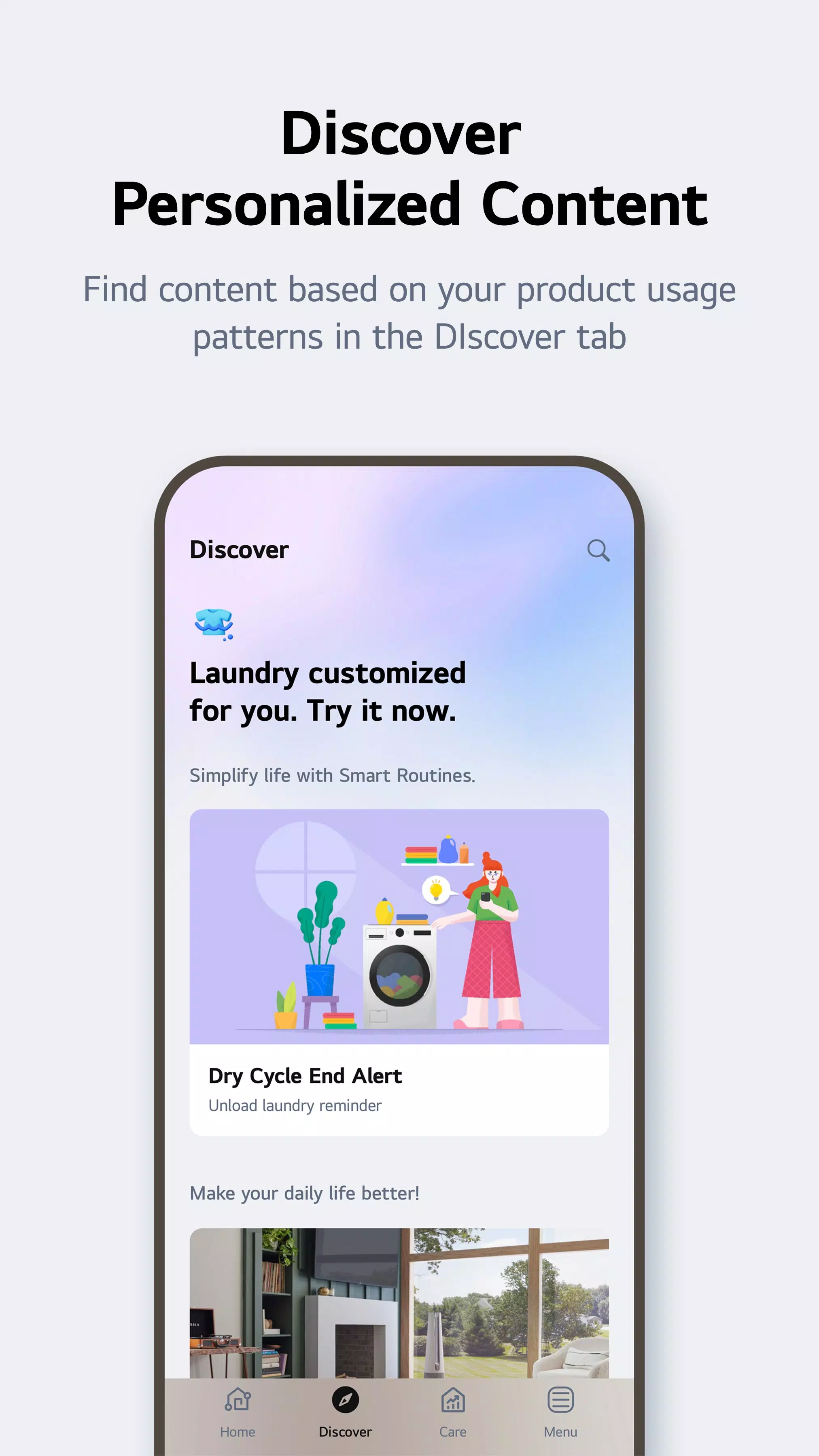
Explore the Discover tab to uncover special laundry care techniques and learn how to maximize your appliances' potential, bringing innovation into your daily routine.
Create Smart Routines to Match Your Needs
Set up smart routines that cater to your lifestyle. Automatically turn on the lights and air purifier at your wake-up time, or ensure energy-saving by turning off products when you're away on vacation.
Monitor Your Energy Consumption Data Quickly
Leverage Energy Monitoring to gain insights into your power usage and compare it with your neighbors'. Set energy-saving goals and receive notifications on your usage status to efficiently manage and reduce energy consumption.
Handle Everything from Troubleshooting to Service Requests
Use the Smart Diagnosis function within the app to check your product’s status anytime. Should you need professional help, easily book a service visit from a skilled engineer for a thorough diagnosis and inspection.
Ask Our AI-Powered Chatbot About ThinQ Home Appliances 24/7
Our chatbot is available around the clock, offering personalized answers to your queries about your ThinQ home appliances, ensuring you always have support when you need it.
Conveniently Reference LG Home Appliance Manuals
Access a comprehensive library of LG home appliance manuals directly from the app. Find detailed function descriptions and essential usage solutions to help you get the most out of your products.
Please note that services and features may vary depending on your product model and your country or region of residence.
The accessibility API is used only to transmit the signal that users input to the TV remote control to the smartphone when using the ‘View Phone Screen on TV's Larger Screen’ function in the LG ThinQ app. Rest assured, we do not collect or use your information except for the minimum necessary to operate your smartphone.
Access Permissions
To provide our service, optional access permissions are required as outlined below. Even without granting these permissions, you can still use the basic functions of the service.
Optional Access Permissions
- Calls: To contact the LG Service Center.
- Location: To find and connect to nearby Wi-Fi when registering the product, set and save the home location in Manage Home, search for and use information about current locations like weather, and check your current location in the "Smart Routines" function.
- Nearby devices: To find and connect to nearby Bluetooth devices when adding a product to the app.
- Camera: To take a profile picture, share a home or account scanned from a QR code, add products recognized by QR codes, take and attach photos in "1:1 Inquiry," record and store purchase receipts when registering additional product information, and use the AI oven Cooking Record feature.
- Files and media: To attach and set my profile picture in Photos, take and attach photos in "1:1 Inquiry," and record and store purchase receipts when registering additional product information.
- Microphone: To check product status via Smart Diagnosis.
- Notifications: Essential for receiving updates on product status, important notices, benefits, and information.
What's New in the Latest Version 5.0.30250
Last updated on Sep 4, 2024:
- Inquire 1:1 using ‘Chat with LG’ for a quick response.
- When a product registration is paused, continuing from your last saved point has become easier thanks to our Easy Retry feature.