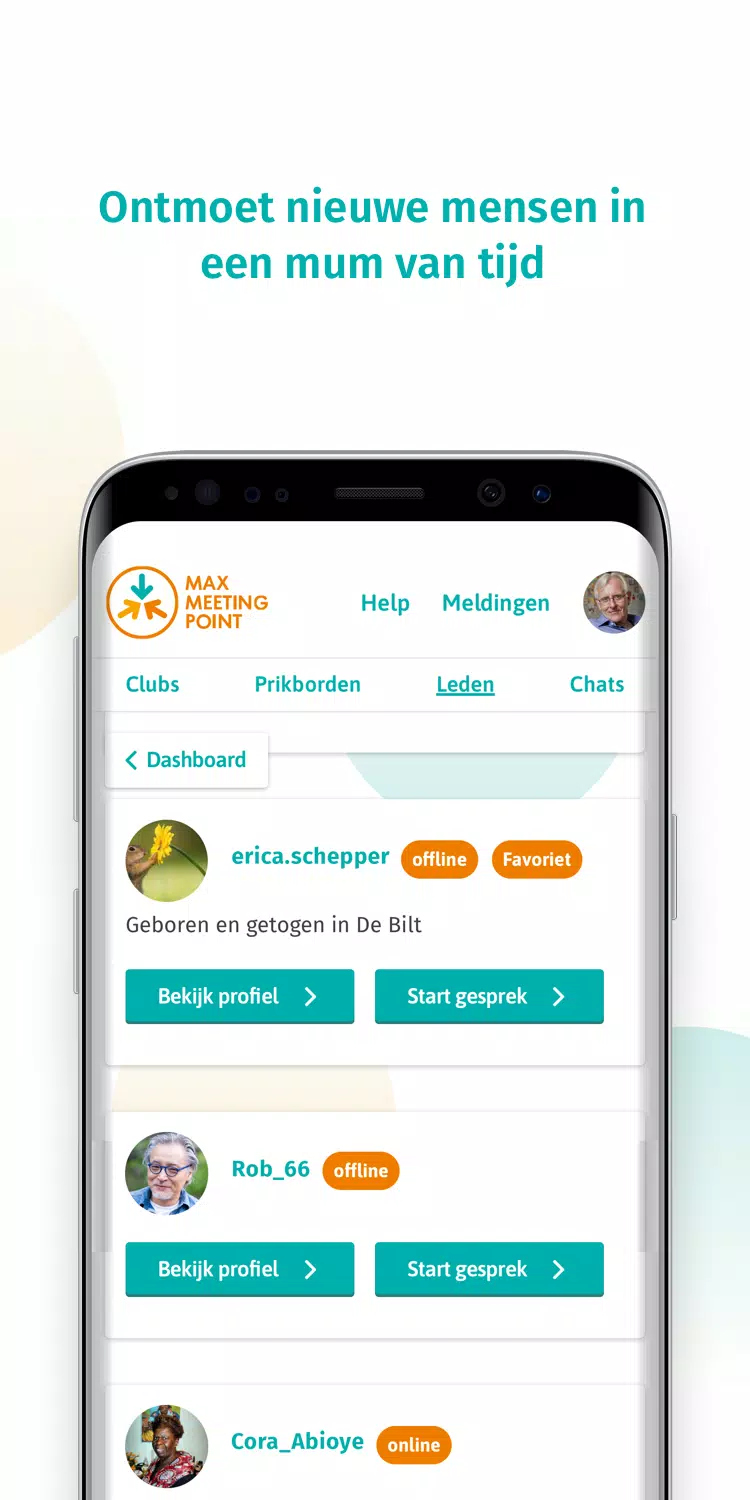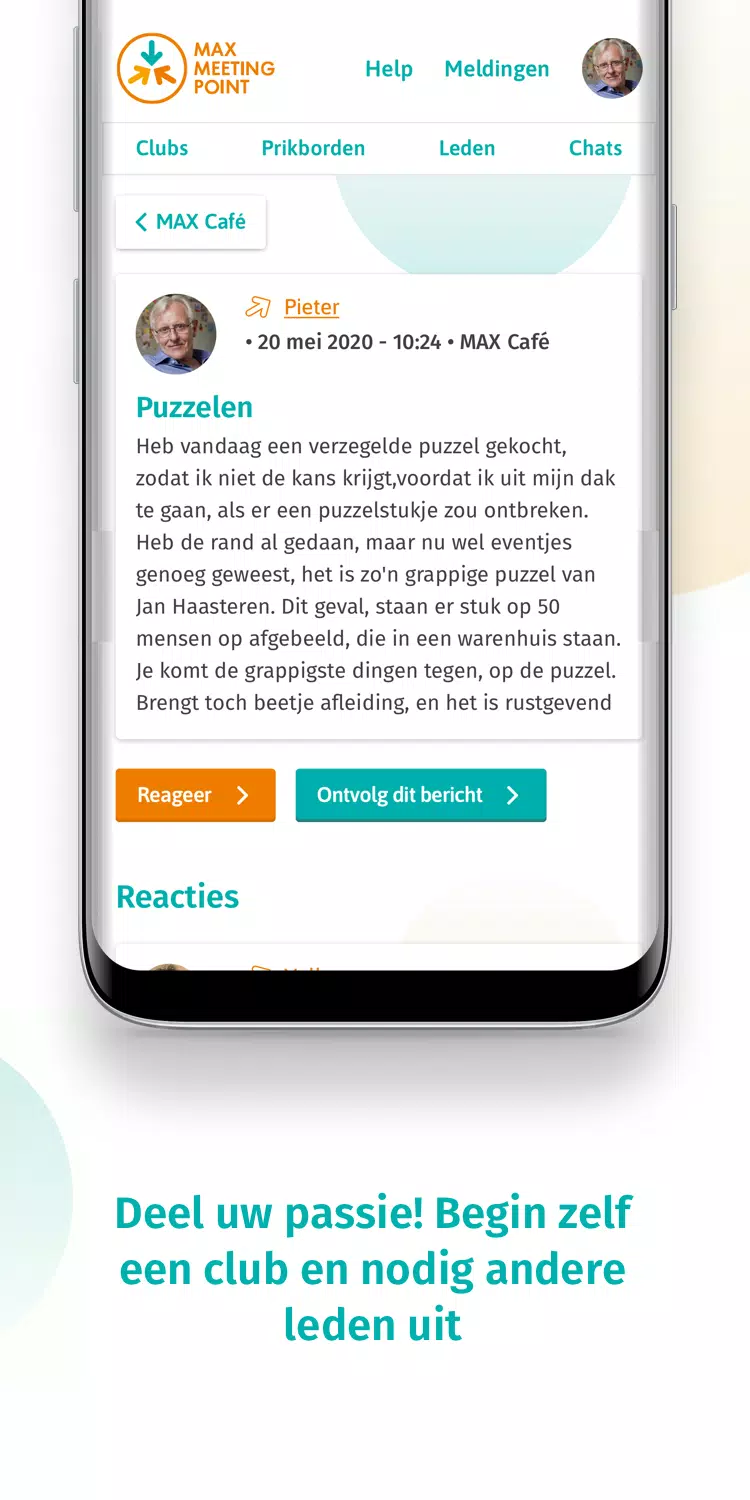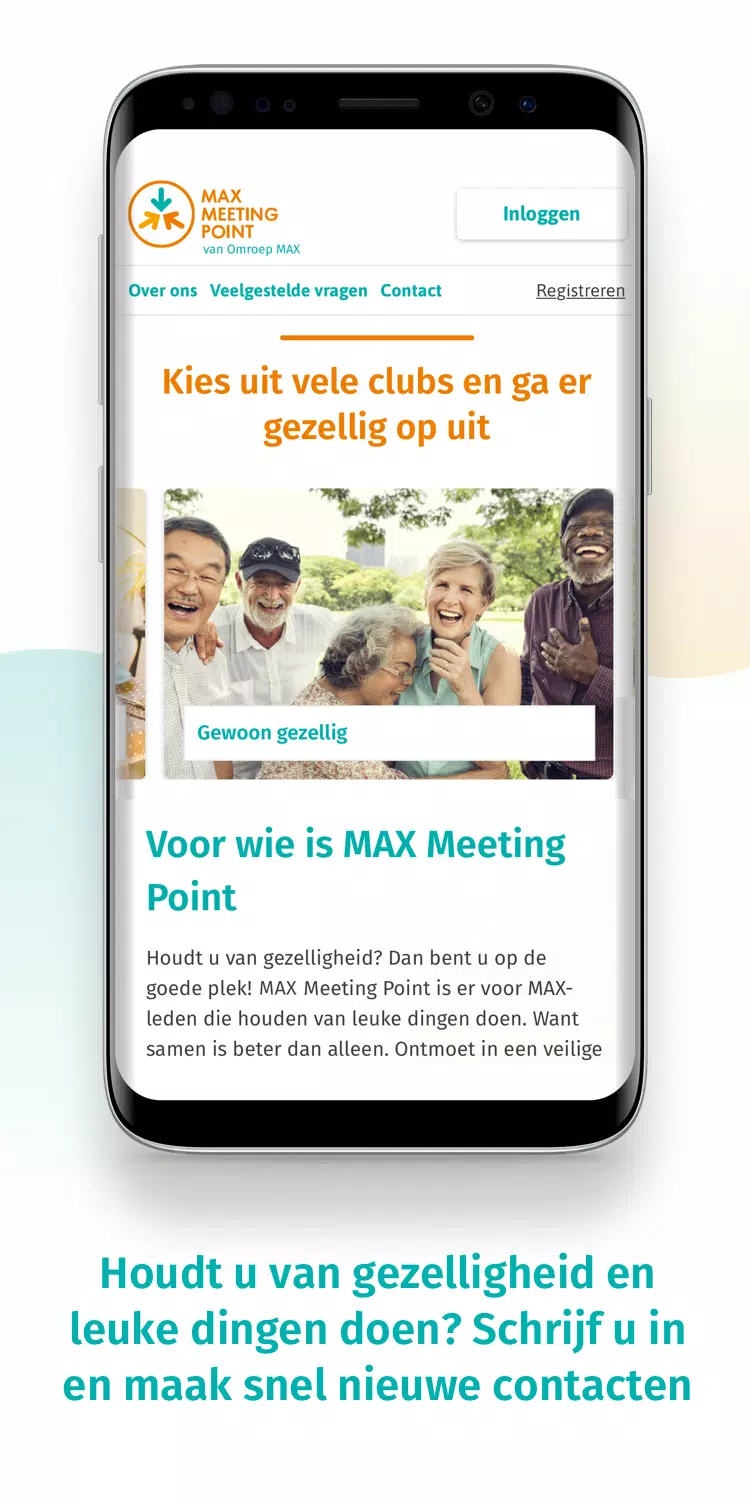

MAX Meeting Point is a social networking app crafted by Omroep MAX, specifically designed to facilitate safe and easy encounters for users aged 50 and above. This platform is perfect for connecting with like-minded individuals in your community, fostering a sense of belonging and shared interests. With MAX Meeting Point, you can join clubs, participate in group activities, or even start your own clubs, making it an excellent tool for social engagement and interaction.
Features of MAX Meeting Point:
Profile Customization: Users can personalize their profiles with photos, interests, and a bio to showcase their personality, making it easier to connect with others who share similar interests.
Group Chats: Engage in lively conversations with like-minded individuals in group chat rooms based on hobbies or interests, enhancing your social experience.
Events Calendar: Stay updated on social events, meetups, and activities happening in your area, providing ample opportunities for potential meetups and face-to-face interactions.
Verify Accounts: Ensure the safety and authenticity of users by verifying accounts and profiles before connecting with others, creating a secure environment for all members.
Tips for Users:
Be Active in Group Chats: Engage actively in group chats to connect with more people and expand your social circle, fostering meaningful relationships.
Attend Events: Make the most of the events listed on the calendar to meet face-to-face with fellow MAX Meeting Point members, turning online connections into real-life friendships.
Customize Your Profile: Use the profile customization features to stand out and attract potential new friends, showcasing your unique personality and interests.
Verify Your Account: Ensure a secure and trustworthy online experience by verifying your account, adding an extra layer of safety to your interactions.
How to Use This App:
Download the App: Install MAX Meeting Point from your device's app store to get started on your journey to social connectivity.
Create an Account: If you're not already a MAX member, sign up to join the community and unlock the app's full potential.
Log In: Use your MAX Meeting Point account credentials to log in after downloading the app, ensuring a seamless experience.
Explore Clubs: Browse through various clubs and group activities that interest you, finding the perfect fit for your hobbies and passions.
Start a Club: If you're feeling proactive, begin your own club and invite other members to join, taking the lead in building your social network.
Participate: Join existing clubs or group activities that resonate with your passions, actively engaging with the community.
Meet New People: Use the app to meet new people within your community swiftly and securely, expanding your social circle with ease.
Stay Safe: Ensure to follow the app's safety guidelines while interacting with others, prioritizing your well-being and security.
Get Support: If you encounter any issues, visit the app's support page for assistance, ensuring a smooth and enjoyable experience.
Update the App: Keep the app updated for the best experience and latest features, staying at the forefront of social connectivity.