
MediaFire is an Android app that provides direct access to its cloud storage platform, enabling users to conveniently manage their files from any mobile device. Enjoy smooth file handling, secure storage, and a range of mobile‑friendly features designed to keep your data accessible and protected at all times.
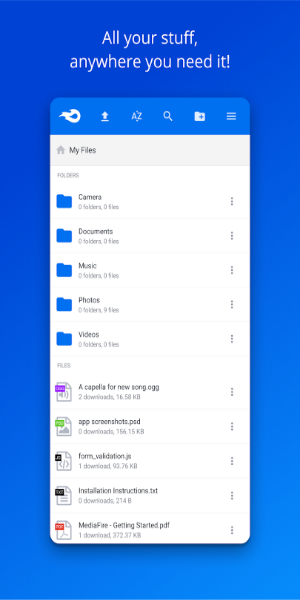
Top Features:
MediaFire delivers much more than basic file storage and sharing. Explore the standout features built to simplify and improve your digital workflow.
10GB Free / Up to 50GB of Storage
Get started with 10GB of free space and earn up to 50GB at no extra cost. This generous capacity lets you back up everything—from critical documents to everyday files—keeping all your content safe and secure.
Unlimited Bandwidth and Downloads
MediaFire guarantees fast, always‑available downloads. Thanks to ad‑supported transfers, you’ll never face bandwidth restrictions or download caps, no matter how many people access your files.
Effortless Sharing Post-Upload
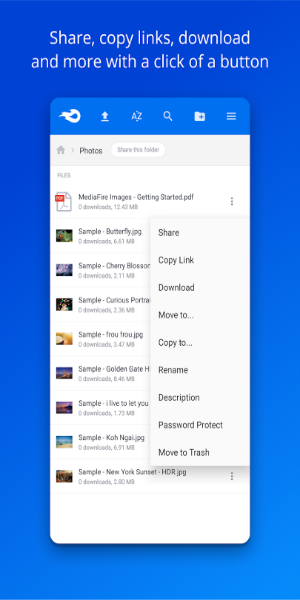
After uploading files or folders, sharing them is quick and easy. You can distribute content instantly via email, websites, social media, messaging apps, or a simple link—making sharing seamless across any platform.
Multiple File Uploads
Upload hundreds or even thousands of files at once using any web browser or the dedicated apps for Android, BlackBerry, Windows, iPhone, or iPad.
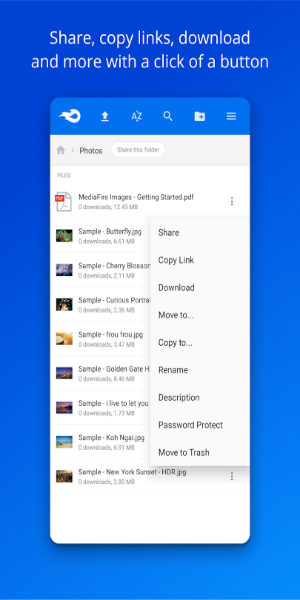
Easy Organization
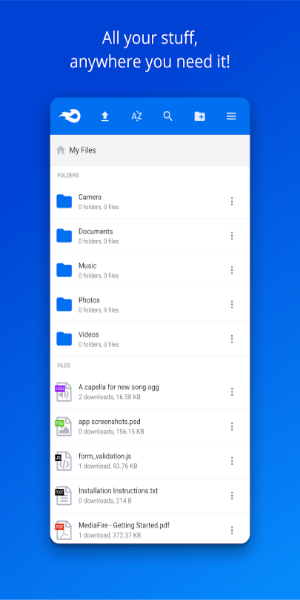
MediaFire’s intuitive file manager helps you stay organized effortlessly. Upload, copy, move, and manage file permissions from your desktop or mobile device—anytime, anywhere.
One-Time Links
Keep full control over shared downloads with One-Time Links. These unique links prevent recipients from forwarding the file to others, making them perfect for confidential personal or business documents.
MediaFire is engineered to make file storage, management, and sharing simple and effective. Discover these features and see how they can elevate your digital experience.
Access Your Files Anywhere, Anytime
Seamless File Management Across All Devices
Wherever you are, your files stay within reach. MediaFire gives you instant access to important documents, photos, videos, and music on any device—iPhone, iPad, Apple TV, Android, BlackBerry, or Windows. Enjoy a consistent experience for uploading, downloading, viewing, and organizing your content.
Convenience on the Go
Manage files effortlessly while you’re out and about. Have your music library ready for a road trip, home videos ready to play, your resume on hand for surprise opportunities, and vital work documents accessible during meetings. MediaFire helps keep everything organized and ready, so you’re always prepared.
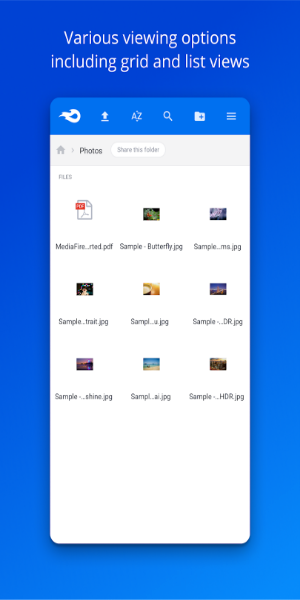
Effortless Integration
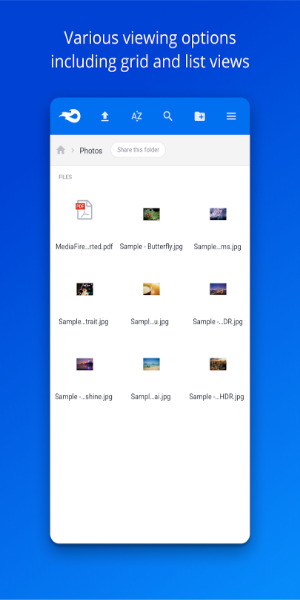
The app integrates smoothly with your devices. Its simple interface lets you upload files directly from your phone or tablet and organize with just a few taps. View documents and media right inside the app to find what you need, fast.
Stay Connected
Whether at home, in the office, or on the move, MediaFire keeps you connected to your files. Share documents with colleagues, send photos to friends, or stream your favorite music and videos from any location. Your digital life is always within reach.
Experience the freedom of having all your files with you, wherever you go. Download MediaFire today and enjoy seamless, organized, and accessible file management across all your devices.
Conclusion:
MediaFire is a robust solution for securely storing, organizing, and sharing your media. It keeps your photos, videos, documents, and other files accessible and safe, delivering a dependable backup for your digital world. Download it now and enjoy the convenience and security of having your most important files ready anytime, anywhere.