Home Apps Libraries & Demo Mirror Link Car
Mirror Link Car

Mirror Link Car Rate : 3.9

Download
Application Description

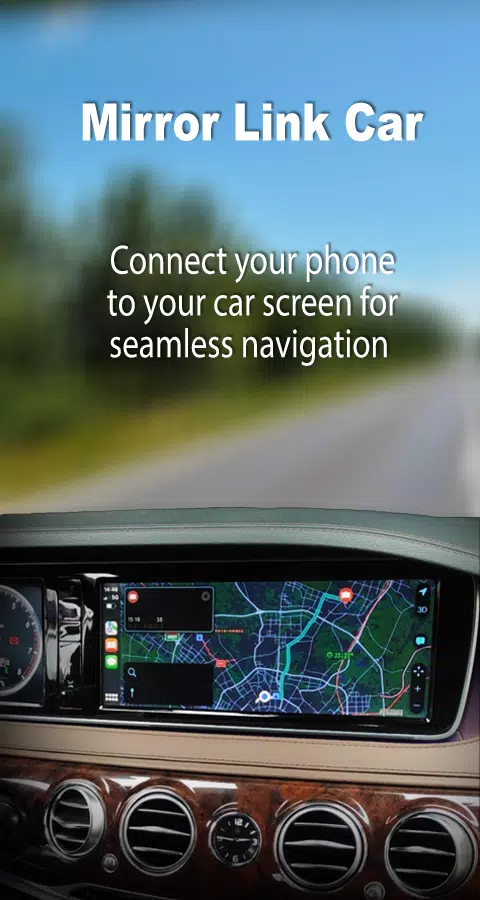
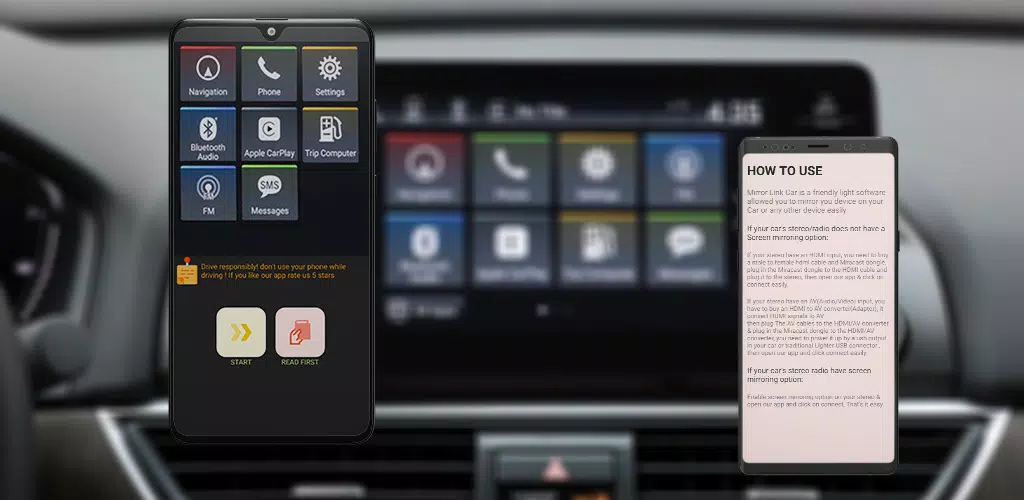
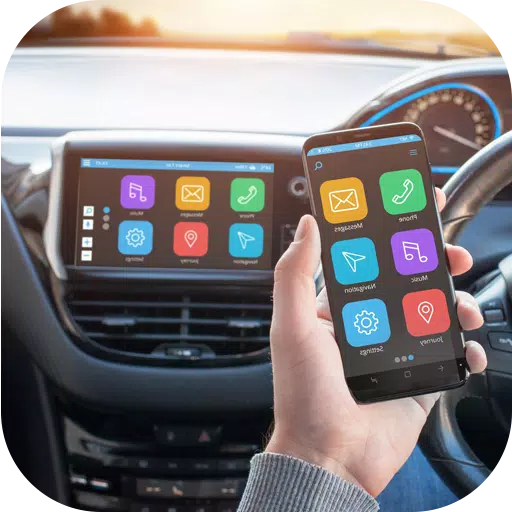
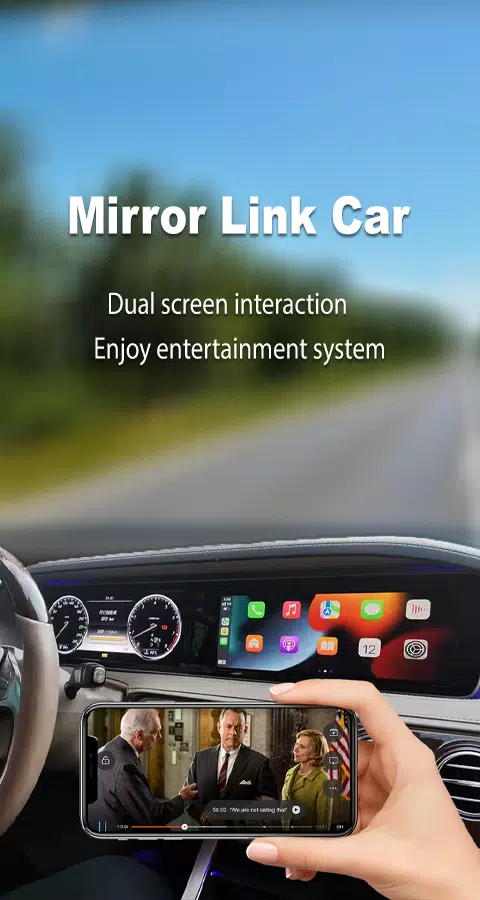
Enhance your driving experience with Mirror Link Car, the ultimate solution for seamlessly mirroring your smartphone to your car's display. This innovative app enables you to effortlessly connect your phone, providing access to all your favorite apps, navigation, music, videos, and more directly from your car’s screen. Experience safer driving with hands-free control and enhanced connectivity.

Mirror Link Car is designed to work seamlessly with both Android and iOS devices, ensuring broad compatibility and smooth performance. The app features an easy setup process and offers a reliable wireless connection for uninterrupted mirroring. Stay connected, entertained, and informed on the road with Mirror Link Car.

Features:

  • Easy screen mirroring for Android and iOS devices
  • Access navigation, music, videos, and apps on your car’s display
  • Hands-free control for safer driving
  • Compatible with a wide range of devices
  • Reliable and seamless wireless connection
  • Quick and simple setup
  • Mirror Link Screen Connector for easy connectivity
  • Full mirror link experience for car screens
  • Phone connector software for effortless integration
  • Drive easily and safely with no cables
  • Connect with any device, including home and car TVs
  • Play and pause music with ease

Mirror Link Car combines the best features of Android Auto and CarPlay into one versatile app, compatible with all car brands. It offers a perfect blend of CarPlay, Android Auto, and innovative features like Launcher and Screen Mirroring, making it an essential tool for any driver.

Download Mirror Link Car now and transform your driving experience. Enjoy the convenience and functionality of your smartphone right on your car’s display.

What's New in the Latest Version 24.0

Last updated on Mar 5, 2024

Minor bug fixes and improvements. Install or update to the newest version to experience these enhancements!
Screenshot
Mirror Link Car Screenshot 0
Mirror Link Car Screenshot 1
Mirror Link Car Screenshot 2
Mirror Link Car Screenshot 3
Latest Articles More
  • Slayaway Camp 2 Launches on iOS, Android

    Following its initial Netflix Games launch in December 2023, the blood-soaked puzzle sequel Slayaway Camp 2 has arrived on iOS and Android platforms. Players can now purchase the game outright through the App Store and Google Play Store, continuing t

    Dec 24,2025
  • Blizzard's Overwatch: Fans Find Joy Again

    Clash Royale players are celebrating as the Inferno Dragon finally gets its long-awaited Evolution form. Nine years after its introduction without evolutionary capabilities, this legendary fire-breather has received a game-changing power boost. To c

    Dec 23,2025
  • PoE 2: Loot Filter Setup for Consoles

    Quick AccessHow to Link Your Path of Exile 2 and Console AccountsFinding and Using Loot FiltersLoot filters are incredibly useful in Path of Exile 2, especially when items begin dropping in large quantities. They minimize on-screen clutter while emph

    Dec 23,2025
  • MageTrain: Pixel Roguelike Hits Android

    Tidepool Games has launched MageTrain, a lightning-fast pixel art roguelike for Android that blends Snake gameplay with auto-battler mechanics. Fans of Nimble Quest will recognize its core inspiration.MageTrain Gameplay ExplainedMageTrain merges Snak

    Dec 22,2025
  • STALKER 2 Patch Rolls Out 1,200 Fixes

    STALKER 2 has just deployed its most substantial patch to date, implementing over 1200 adjustments that resolve nearly every known issue in the game. Here's what this major update improves.STALKER 2 Patch Delivers Over 1200 FixesCombat Balancing, Per

    Dec 22,2025
  • IGN Live 2025: Key Reveals Unveiled

    IGN Live 2025 is officially underway, kicking off a celebration of gaming and entertainment filled with exciting reveals, trailers, interviews, celebrity appearances, and endless surprises. To help you stay updated on all the action, we're compiling

    Dec 22,2025