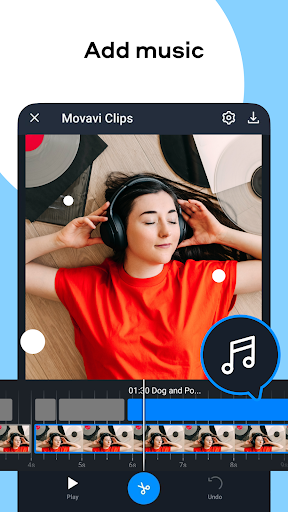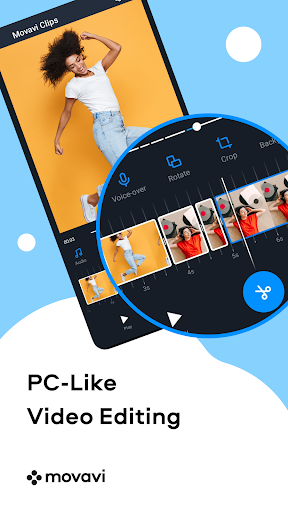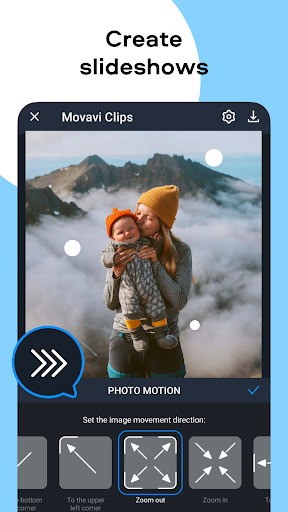
Enhance your videos with precise brightness and saturation adjustments, seamless transitions, and dynamic slideshows featuring automatic pan and zoom effects. Add color filters, crop videos, and even record voiceovers – all designed to elevate your videos to a professional level and unlock your creative potential.
Movavi Clips Video Editor Key Features:
-
Advanced Video Editing: The intuitive timeline allows for easy video editing, including splitting, combining, and reordering clips to create engaging stories.
-
Visual Enhancement Tools: Fine-tune brightness and saturation, apply smooth transitions, and create stylish slideshows with automatic pan and zoom effects for added visual flair.
App Highlights:
-
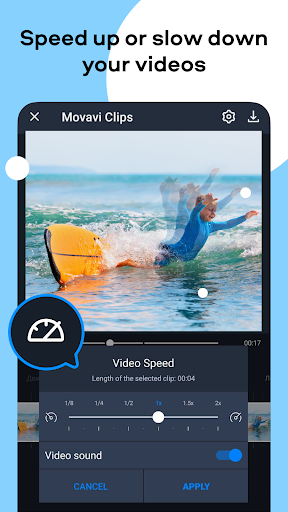
Professional Polish: Duplicate segments for comedic effect, rotate incorrectly oriented videos, and add fade-in/fade-out transitions for a polished finish. Control video speed for slow-motion or fast-forward effects.
-
Customization & Personalization: Crop videos and photos to highlight key elements, add a personal logo, and incorporate voiceovers or audio commentaries for a truly immersive experience.
In Conclusion:
Movavi Clips Video Editor is a robust mobile video editing app offering a comprehensive suite of tools for creating professional-quality videos. Its user-friendly interface and powerful features make it ideal for all skill levels. Unleash your inner videostar – download now and start creating captivating videos!