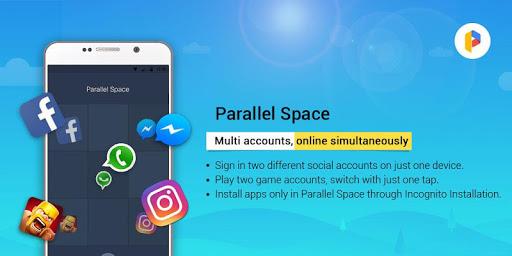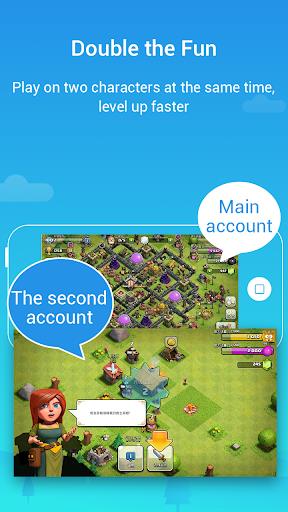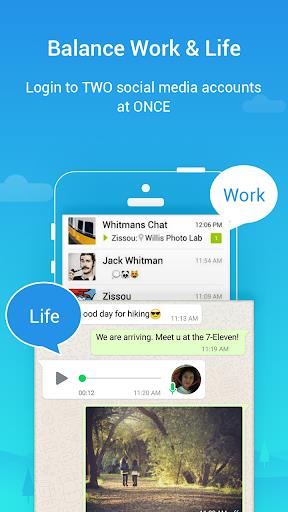
Parallel Space is a top-rated Android tool that lets you clone and run multiple accounts of the same app simultaneously on one device. With over 90 million users, it helps you balance your personal and work life, enhances your online gaming experience, and supports almost all apps for a second account. One of its key features is the ability to make apps invisible on your device through Incognito Installation, ensuring user privacy. Parallel Space also offers a theme store where you can customize your space and switch between themes with just one tap. It's a powerful, stable, and easy-to-use app that allows for effective management of different accounts.
Features of Parallel Space-Multi Accounts:
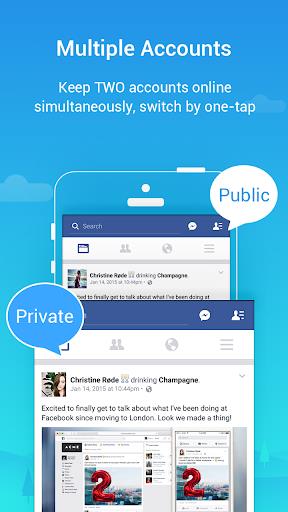
- Clone and run multiple accounts simultaneously: This app lets you easily clone and run multiple accounts of the same app at the same time on one device. This allows you to manage different accounts without having to log in and out repeatedly.
- Customize your unique space with themes: The app offers a variety of themes that you can apply to your cloned apps and the app itself. This lets you style your own space and make it unique to your preferences.
- Protect your privacy with Incognito Installation: The Incognito Installation feature makes your cloned apps invisible on your device. You can hide your secret apps and protect your privacy from prying eyes. Additionally, you can set a security lock to further enhance your privacy.
- Support for most Android apps: The app is compatible with most Android apps, allowing you to clone and run a wide range of apps simultaneously. You won't have to worry about data from different accounts interfering with each other.
- Easy and fast switching between accounts: Switching between accounts is made simple with just one-tap. You can run two accounts simultaneously and easily switch between them to effectively manage different accounts.
- Powerful, stable, and easy-to-use: The app is built on multiDroid, the first application virtualization engine on Android. It's a powerful and stable tool that's easy to use, making it accessible to users of all levels.
Conclusion:
With Parallel Space, you can conveniently clone and manage multiple accounts of your favorite apps on one device. It offers a range of features that allow you to personalize your space, protect your privacy, and easily switch between accounts. Whether you want to balance between your personal and work life, enhance your online gaming experience, or simply have more control over your accounts, this app is the perfect solution.