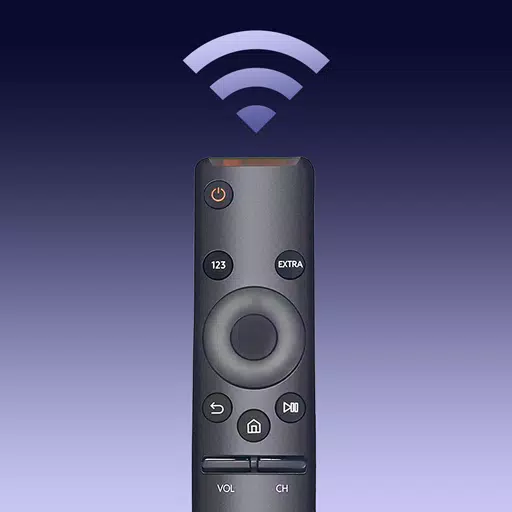
Are you tired of constantly searching for your Samsung TV remote or dealing with outdated controller devices? Say goodbye to those frustrations with the TV Remote for Samsung Control app! This free, fast, and stable Samsung smartthings remote controller app is your perfect solution for controlling all Samsung Smart TVs. Compatible with a wide range of Samsung TVs, including the Samsung 7 series, 6 series, Curved TVs, and K-Series (2016+) Tizen models, this app functions just like your genuine Samsung TV remote.
With the TV Remote for Samsung Control app, you'll never have to worry about a dead or malfunctioning physical remote again. No more misplacing your Samsung TV's original remote or dealing with constant battery replacements. Embrace a more eco-friendly and convenient lifestyle by upgrading to our mobile Samsung remote app. Download TV Remote for Samsung Control today and enjoy effortless control over your Samsung Smart TV!
Features:
- Automatically detects your Samsung smartthings TV on the same WiFi network
- Includes a keyboard feature for easy text input and search on your Samsung Smart View TV
- Allows you to power on/off your TV, adjust volume, control channels, and change navigation modes
- Provides quick access to your favorite channels and apps on your TV with just a few taps
- Enables high-resolution screen mirroring from your phone or tablet to your smart TV
- Allows you to cast local photos/videos and web videos to your Samsung smartthings TV
How to Connect to Your TV with This Samsung Universal Remote:
- Open the app and navigate to the main interface
- Click the device button in the top right corner to access the device list
- Select the device you wish to connect the smart remote to
- Enjoy the all-in-one Samsung smart control!
Transform your smartphone into a Samsung remote controller app and experience a smarter, more convenient way to control your Samsung televisions!
Troubleshooting:
- Ensure that both the TV Remote for Samsung Control app and your smart view TV are connected to the same WiFi network
- Reinstalling the TV control app and rebooting your TV can resolve most connection issues
- Upgrading to the latest version of the TV remote application can solve some connection problems
- If you experience connection issues with your mobile device, try downloading the smartthings app on another device
DISCLAIMER: BoostVision is not affiliated with Samsung Electronics, and the Remote for Samsung Smart TV application is not an official Samsung product. Due to the limited number of Samsung smart TV models we can test, our app may not be compatible with all TV models.
For more information, please review our Terms of Use and Privacy Policy.
What's New in the Latest Version 1.5.8
Last updated on Jul 16, 2024
- Bug fixes
- Enhanced remote control and phone screen mirroring to Samsung TVs
- Improved management of TV apps and channels within seconds
- Added capability to cast web videos to Samsung TVs