Introducing Screen Recorder - XRec Lite, your go-to solution for effortless and high-quality screen recording. Whether you're capturing intense gameplay, creating step-by-step video tutorials, or preserving those un-downloadable moments, this lightweight yet powerful app delivers a seamless recording experience. With intuitive features like facecam integration, you can record your reactions alongside your screen for a more engaging video. Use the brush tool to highlight key actions in real time, and take advantage of the floating ball control for quick access to recording functions—all without interrupting your flow.
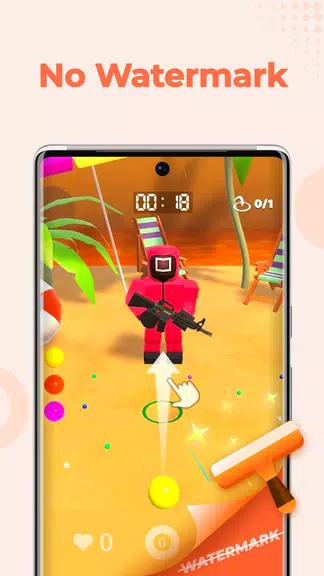
Best of all, XRec Lite ensures zero watermarks, no time restrictions, and absolutely no lag, making every recording look sharp and professional. You can export your videos in Full HD with customizable settings and share them with friends in just a few taps. Designed specifically for low-storage devices and phones with limited RAM, the lite version offers full functionality without slowing you down.
Key Features of Screen Recorder - XRec Lite:
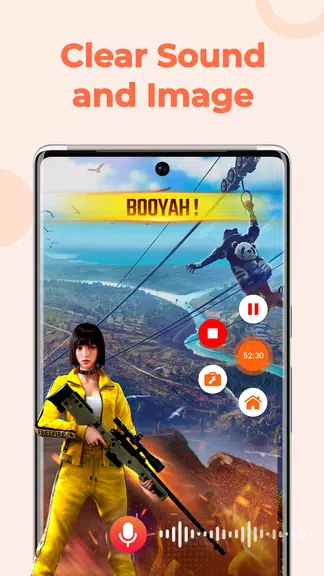
* Record Video with Sound: Capture crisp, high-quality audio and video using multiple audio sources—perfect for gameplay, voiceovers, or online meetings.
* Facecam: Record your screen and your face at the same time with a smooth picture-in-picture effect. Switch between front and back cameras on the fly to match your content needs.
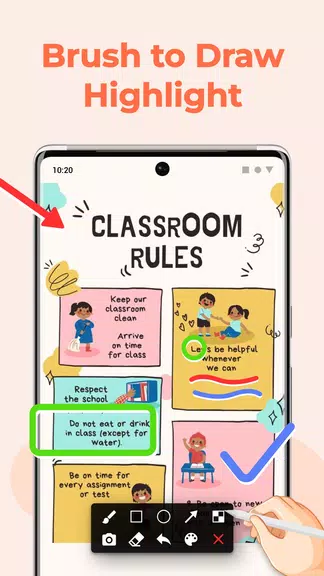
* Brush Tool: Draw directly on your screen during recording to emphasize important details, guide viewers, or explain complex actions with ease.
* Floating Ball: Access one-tap controls for recording, pausing, resuming, and taking screenshots. Stay in control without cluttering your screen.
* No Lag: Experience smooth, real-time screen capture with no performance drop—ideal for fast-paced games and high-motion content.
* High FPS & Professional Settings: Record at up to 120 FPS for ultra-smooth visuals. Customize resolution, bitrate, and frame rate to export in stunning Full HD quality.
Final Thoughts:
Screen Recorder - XRec Lite is the ultimate tool for anyone looking to create professional-grade videos directly from their phone. From gameplay and tutorials to live streams and meetings, this app handles it all—without watermarks, time limits, or performance issues. Packed with user-friendly features like facecam, brush annotation, and floating controls, it’s designed to enhance your recording experience. Don’t let those unforgettable moments slip away—[ttpp]download XRec Lite now[yyxx] and start recording in Full HD today!