Home Apps Tools Speech Recognition & Synthesis
Speech Recognition & Synthesis

Speech Recognition & Synthesis Rate : 4.2

  • Category : Tools
  • Version : googletts.google-speech-apk_20240930.01_p0.680763480
  • Size : 71.0 MB
  • Developer : Google LLC
  • Update : Apr 23,2025
Download
Application Description

Discover the power of text-to-speech and speech-to-text technology with Speech Services by Google. This app enhances your mobile device, allowing you to convert your voice to text or have text read aloud to you. Whether you're sending commands via voice or reading books and translations, Google's technology makes your daily mobile activities more seamless and efficient.

With Google's Speech-to-Text functionality, your device can transform spoken words into written text, enhancing the capabilities of numerous apps. For instance, use it with Google Maps to search for places hands-free, or with the Recorder App to transcribe your recordings directly on your device. It's also integral to the Phone App's Call Screen feature, providing real-time transcriptions of your calls. Accessibility apps like Voice Access benefit from this technology, allowing you to operate your device through voice commands. Additionally, dictation and keyboard apps can leverage this feature for sending text messages, while language learning apps use it to help you practice and perfect a new language. The possibilities extend across many applications available on the Play Store.

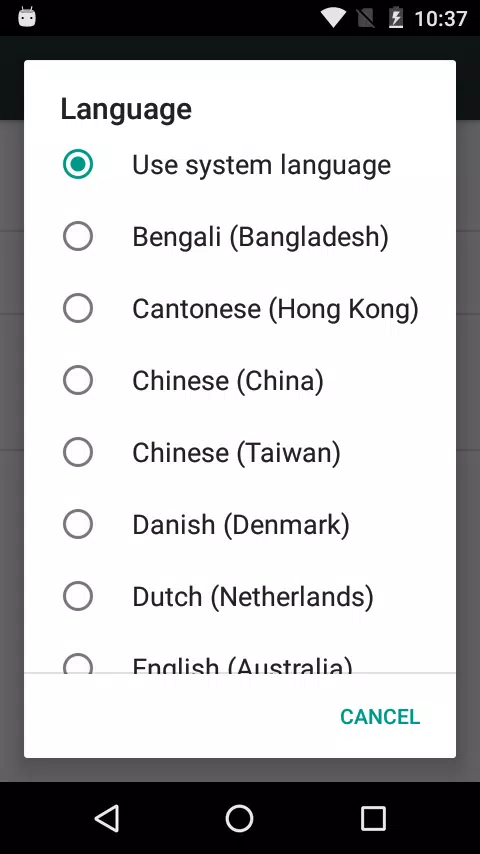
To activate Google Speech-to-Text on your Android device, navigate to Settings > Apps & notifications > Default apps > Assist App, and select Speech Services by Google as your preferred voice input engine.

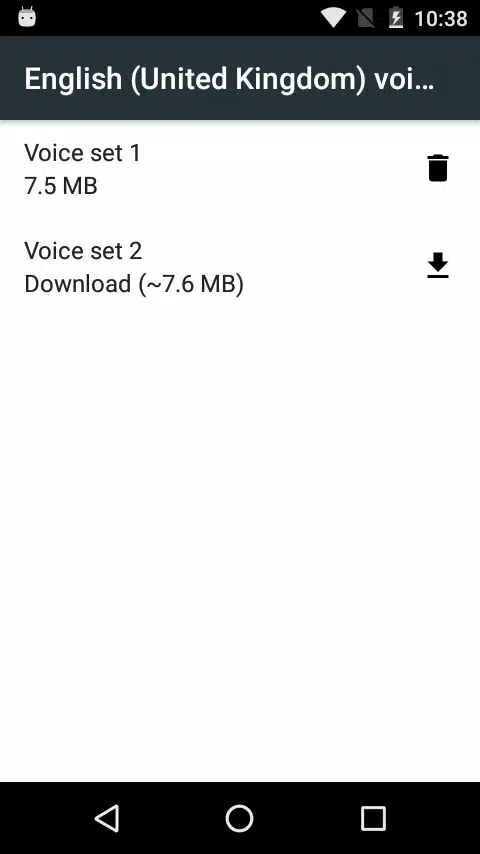
On the other hand, Google's Text-to-Speech functionality empowers applications to vocalize the text on your screen. This is particularly useful with Google Play Books, where you can enjoy the "Read Aloud" feature to listen to your favorite books. Google Translate uses it to audibly present translations, aiding in pronunciation practice. Talkback and other accessibility applications also rely on this feature to provide spoken feedback across your device. This functionality is widely utilized by various apps in the Play Store.

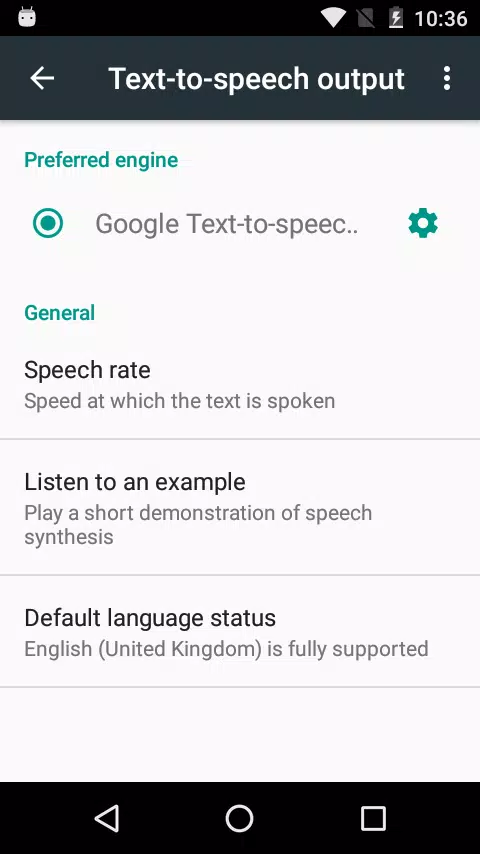
To enable Google Text-to-Speech on your Android device, go to Settings > Languages & Input > Text-to-Speech output, and choose Speech Services by Google as your preferred engine. Note that on many Android devices, Speech Services by Google is pre-installed, but you can always update to the latest version for the best experience.
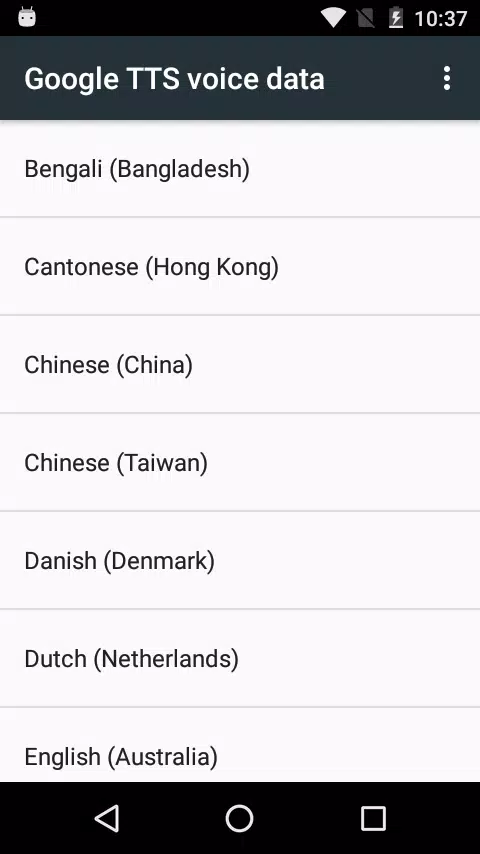
Screenshot
Speech Recognition & Synthesis Screenshot 0
Speech Recognition & Synthesis Screenshot 1
Speech Recognition & Synthesis Screenshot 2
Speech Recognition & Synthesis Screenshot 3
Reviews Post Comments
Apps like Speech Recognition & Synthesis More+
Latest Articles More
  • MK1: Homelander and Omni-Man Get Unique Moves

    During a Gamescom interview, Mortal Kombat co-founder Ed Boon explained how Mortal Kombat 1 will distinguish its versions of Omni-Man and Homelander, detailing NetherRealm's approach to making them feel like two distinct characters.Ed Boon Confirms H

    May 01,2026
  • A Beginner’s Guide to Palmon Survival

    Palmon: Survival is a genre-blending adventure that combines monster-catching with base-building, automation, and real-time combat. Whether you love city simulators, creature battlers, or sandbox survival games, this guide will help you begin your jo

    Apr 29,2026
  • Stumble Guys honours young fan with new wheelchair-using character

    Stumble Guys is introducing its first character who uses a wheelchair. This update was inspired by a visit from young fan Fayçal to Scopely’s offices. The design draws from superhero aesthetics and competitive Olympiad-style wheelchairs.Accessibility

    Apr 29,2026
  • Reverse: 1999 to Reveal Exciting New Details on Version 3.2 in Upcoming Livestream

    Bluepoch’s 20th-century time-travel strategic RPG Reverse: 1999 is set to unveil all details for its upcoming major update. The publisher has confirmed that Reverse: 1999 Version 3.2 will be fully revealed during a special global livestream. When is


    Apr 27,2026
  • Origin's Iliana Update Launches Wine Festival

    S-Grade Admiral Iliana Feraios arrives, bringing her own unique story to the seas.The Wine Festival continues until July 8th, unveiling the new Douro Winery village.The Ocean Season Event begins on June 25th, offering players valuable rewards.Followi

    Apr 24,2026
  • Genshin Impact Unveils New Character Varesa with Horns, Tail

    Insiders within the Genshin Impact community have once again disclosed confidential information. The latest leak centers on a new character reportedly named Varesa.Image: reddit,comA sketch leaked by UTeyvat offers a preliminary look at the character

    Apr 22,2026