Introducing the Free Speed Camera GPS Radar, a vital tool for drivers aiming to navigate the roads with increased safety and awareness. This innovative Speed Camera Detector app is designed to alert you to various hazards you might encounter on your journey, such as mobile ambushes, static speed cameras, red light cameras, speed bumps, and rough road conditions. By leveraging a comprehensive database of Points of Interest (POIs) and hazards reported by a global community of users, this app keeps you informed and vigilant.
To ensure real-time detection, the app requires your GPS to be enabled while driving. It's universally compatible, supporting all countries worldwide, making it an indispensable companion for travelers and local drivers alike.
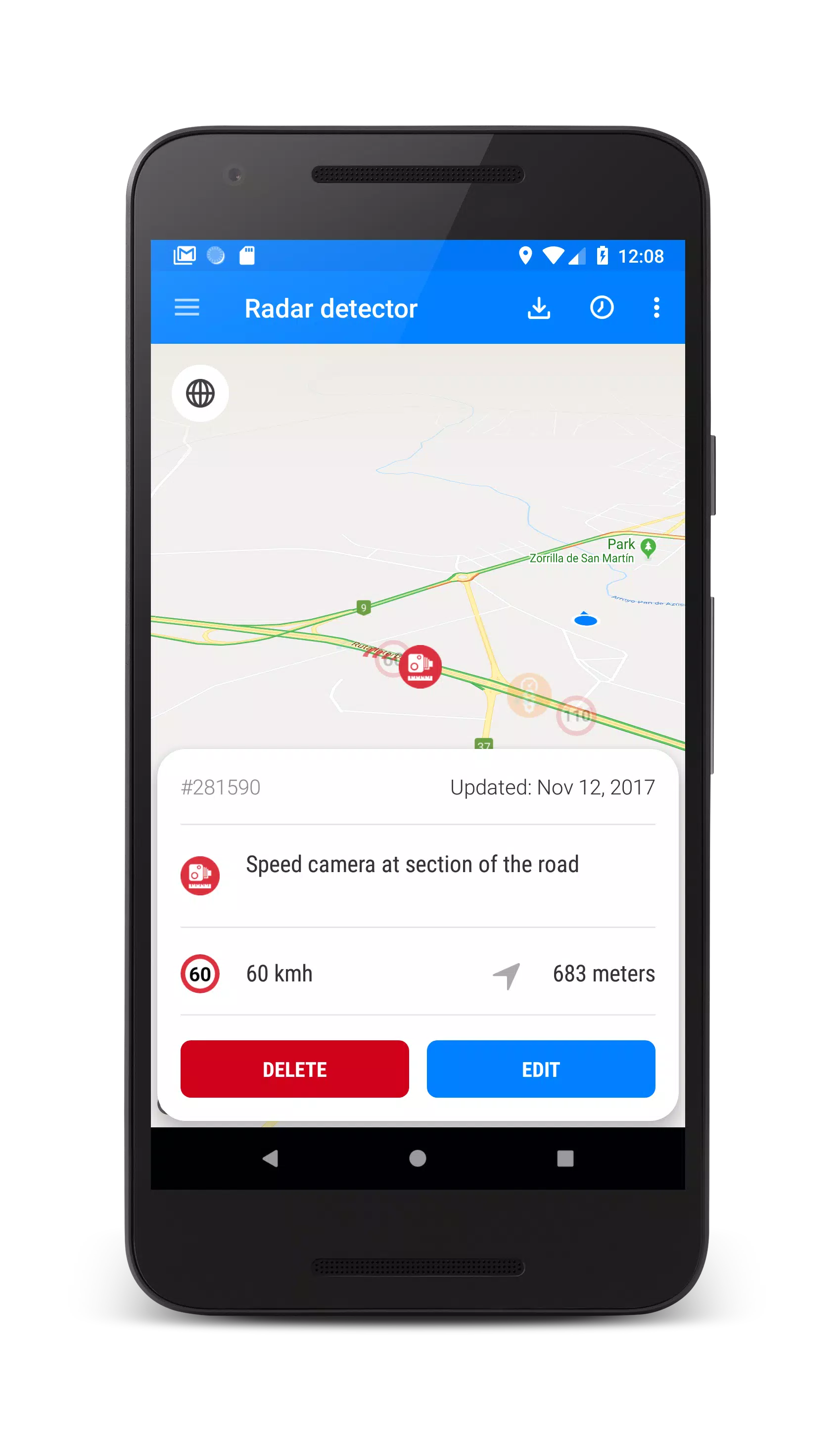
As a registered user, you're empowered to contribute to this shared safety network by adding new hazards to the database. Additionally, you can influence the accuracy of the system by rating the relevance of alerts, ensuring the community benefits from up-to-date information. Registered users also enjoy enhanced control over managing POI objects, with the ability to remove outdated or irrelevant entries.
The app can operate discreetly in the background, even when your screen is off, by enabling the "Use speech when hazard detected" option. This feature ensures you're always alerted to potential dangers without needing to keep the app in the foreground.
How to Use the App?
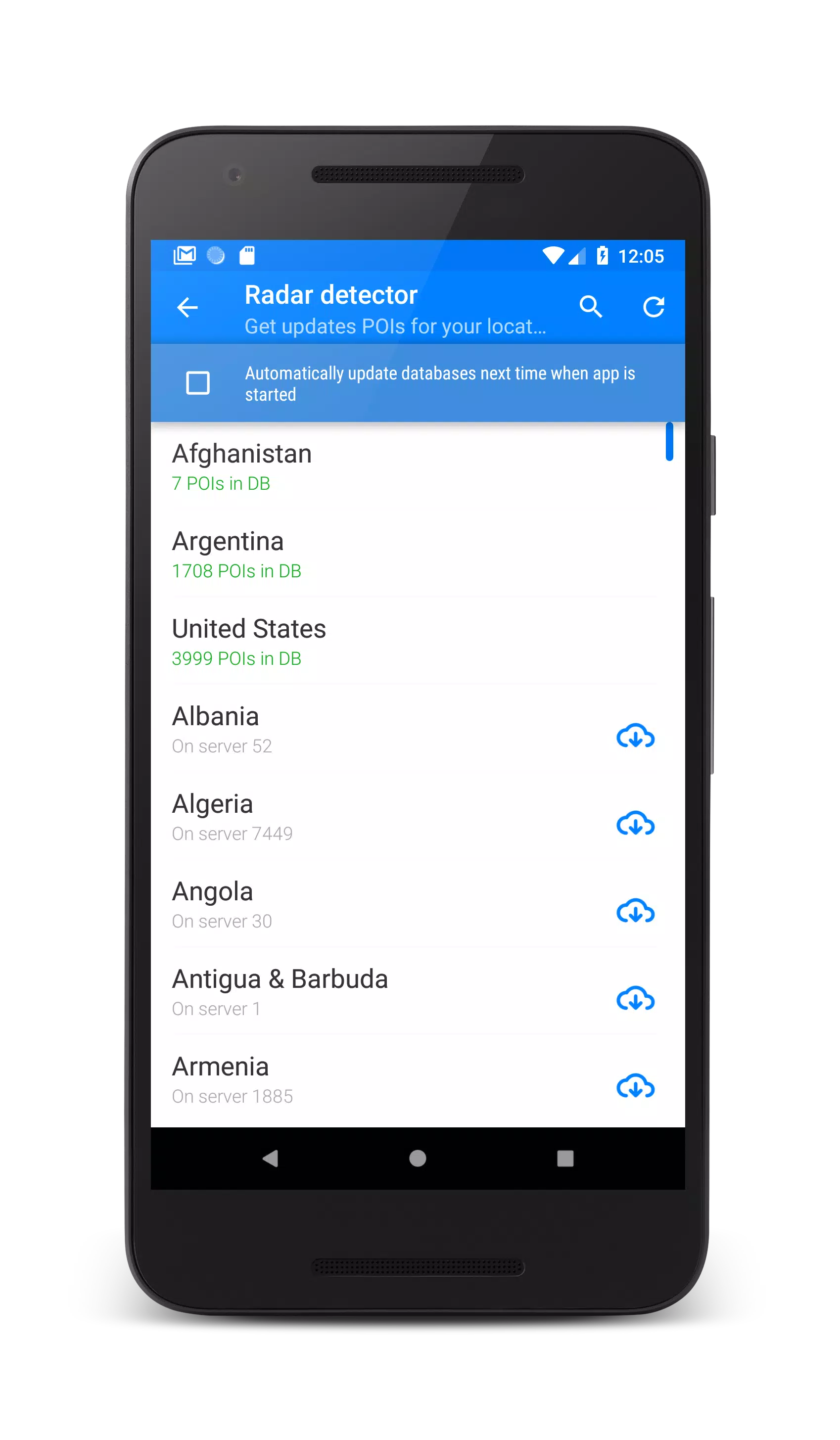
1. Upon first installing the app, navigate to the "Update Database" menu to download and install the latest speed camera database for your region.
2. To activate the radar, simply press the "Start" button located at the bottom right of your screen.
3. The app will alert you only to the hazards that lie along your planned route, ensuring you receive relevant and timely notifications.
4. Access the main settings by swiping from the left edge of the screen to the right.
5. Adjust the dangers you wish to be notified about by swiping from the right edge of the screen to the left to open the dangers filter.
Features:
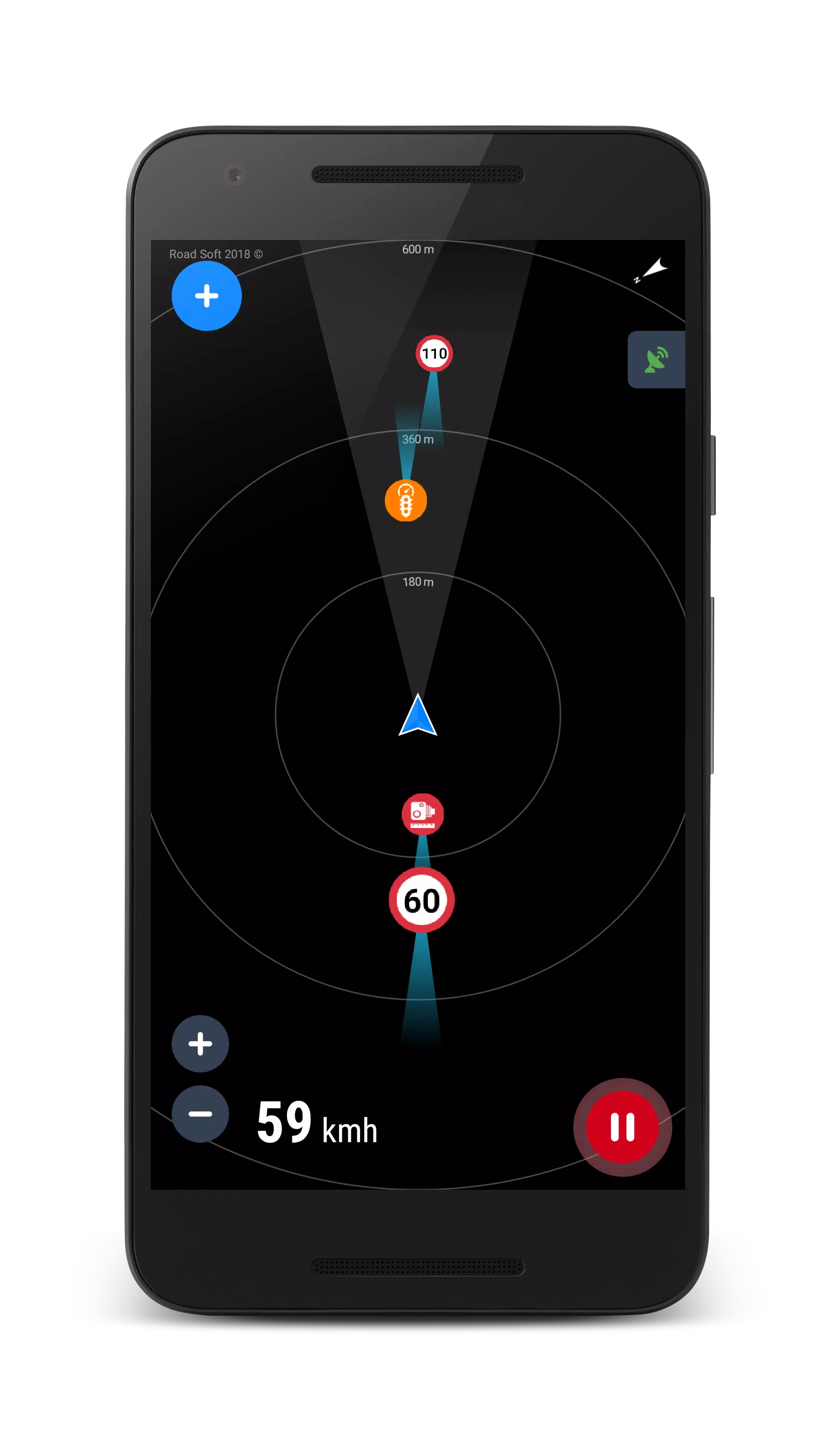
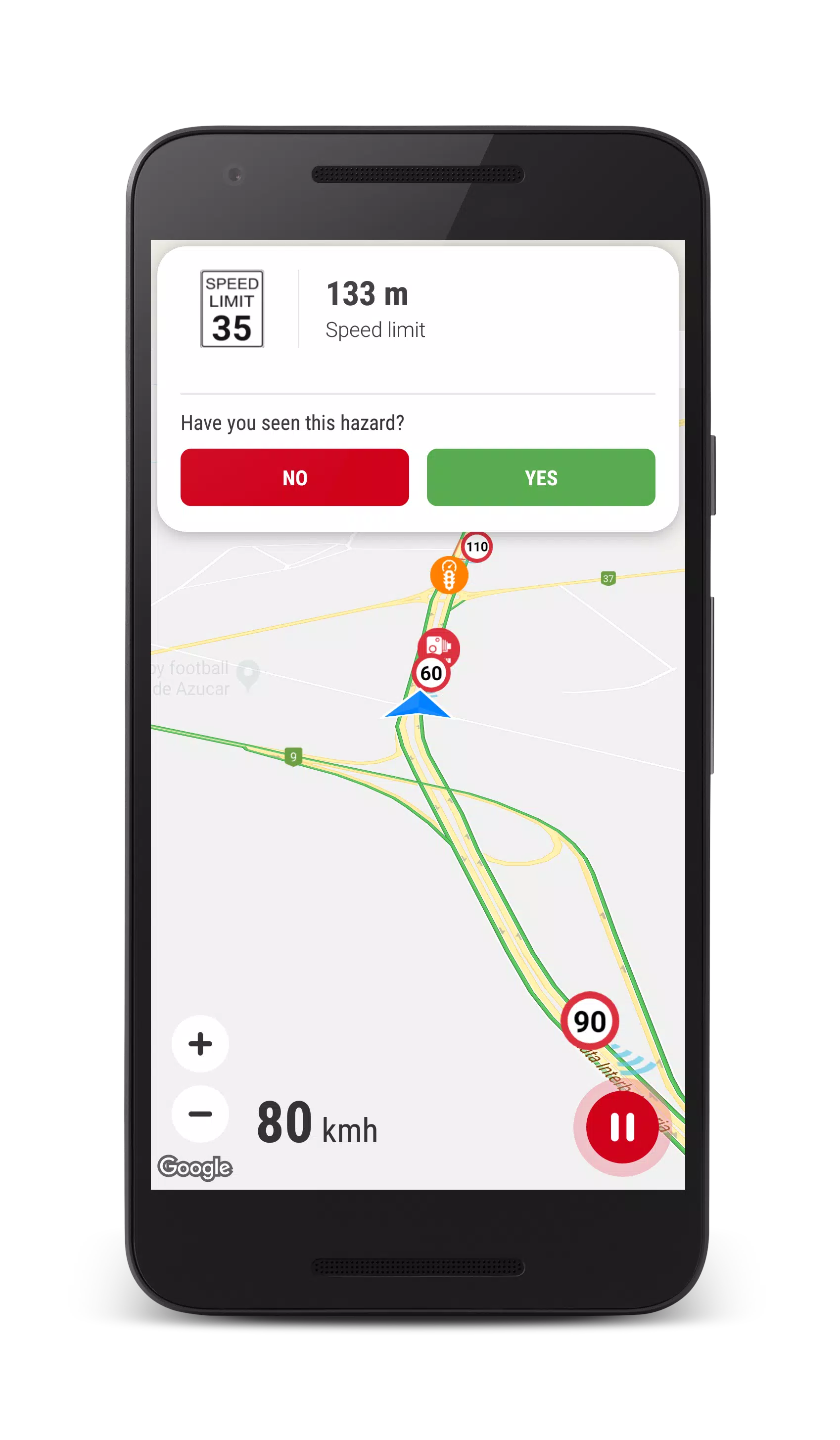
★ Choose between Map or Radar view mode, with no need for an internet connection to access the data.
★ Enjoy a night mode for the map, which can be enabled through the settings for comfortable viewing in low-light conditions.
★ Adjust the night mode settings for optimal screen visibility.
★ Experience 3D tilt on the map, including 3D building representations for a more immersive navigation experience.
★ Benefit from automatic map zoom and rotation, which aligns with your driving direction for a seamless journey.
★ Stay informed of traffic conditions with real-time traffic jam notifications displayed on the map.
★ Monitor your current speed with an on-screen dashboard.
★ Access a vast network of over 300,000 active hazard POIs around the world.
★ Receive daily updates to the hazard database to keep your information current.
★ Utilize voice alert features to keep your eyes on the road.
★ The app can run in the background or alongside other navigation apps, ensuring you're always protected.
★ Contribute to the safety community by adding your own POIs to the shared database.
★ Receive both audible alerts and visual notifications on the map, complete with the distance to the hazard.
Drive safely and enjoy the journey with the Free Speed Camera GPS Radar as your vigilant co-pilot!