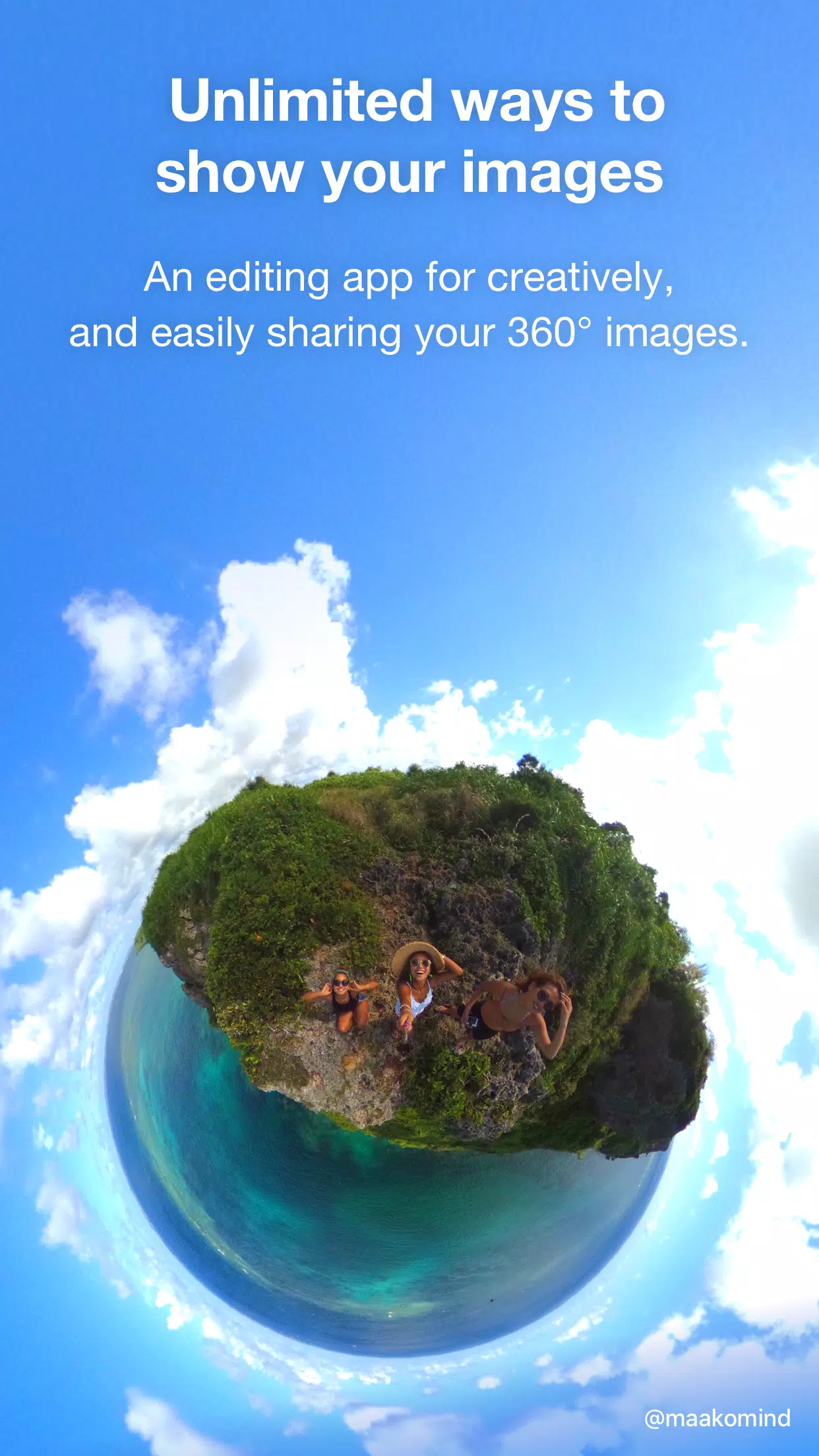
Edit and share your 360° images with ease and creativity.
With THETA+, you can freely crop and edit your 360° photos after you capture them.
Not only can you view these images easily, but you can also create unique expressions that traditional cameras simply cannot achieve.
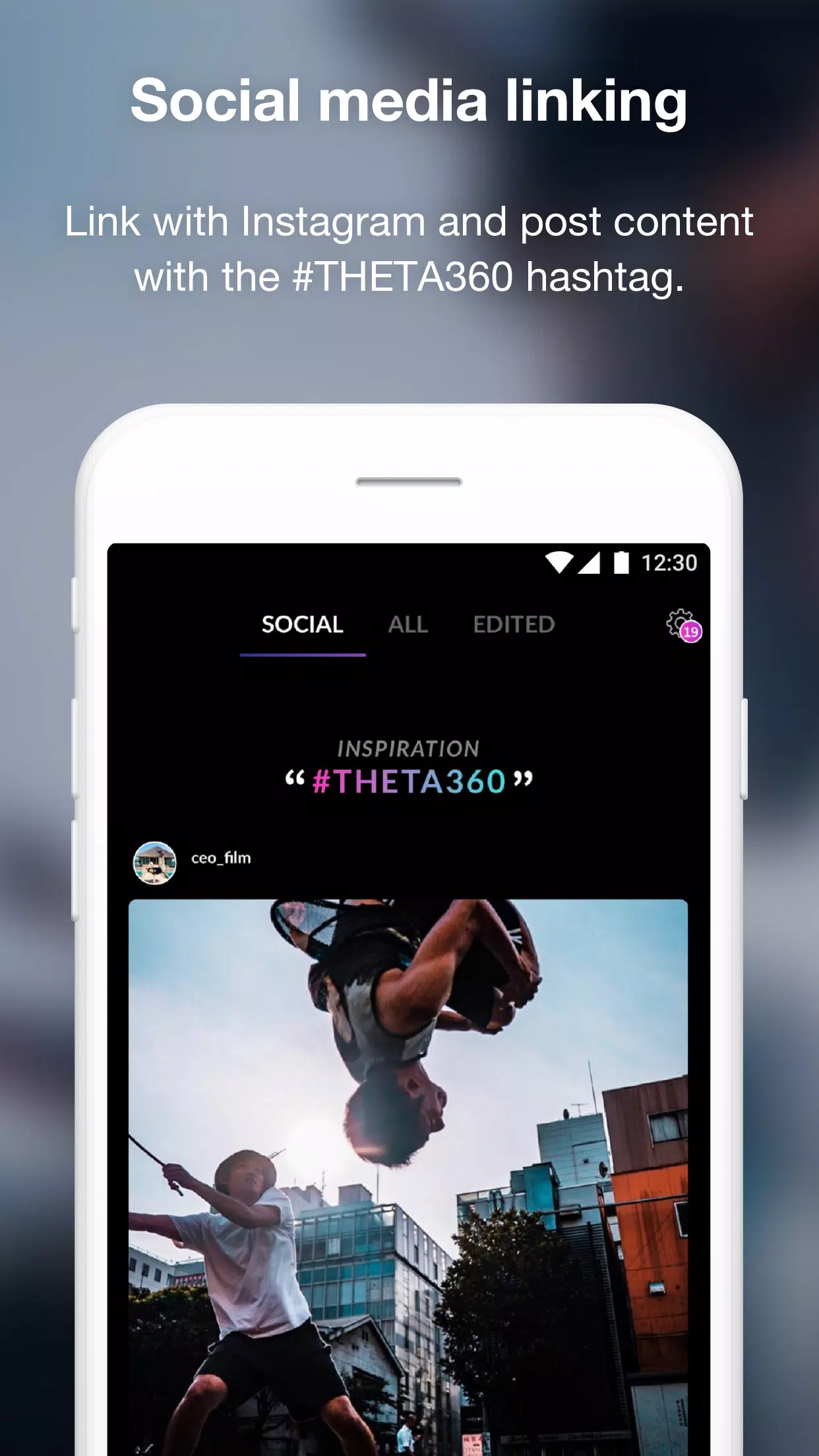
Easily share your edited images and videos on Instagram, Facebook, and other social networks.
Exclusive editing functions for 360° images!
・Dynamic Viewing Tools for Engaging Presentations
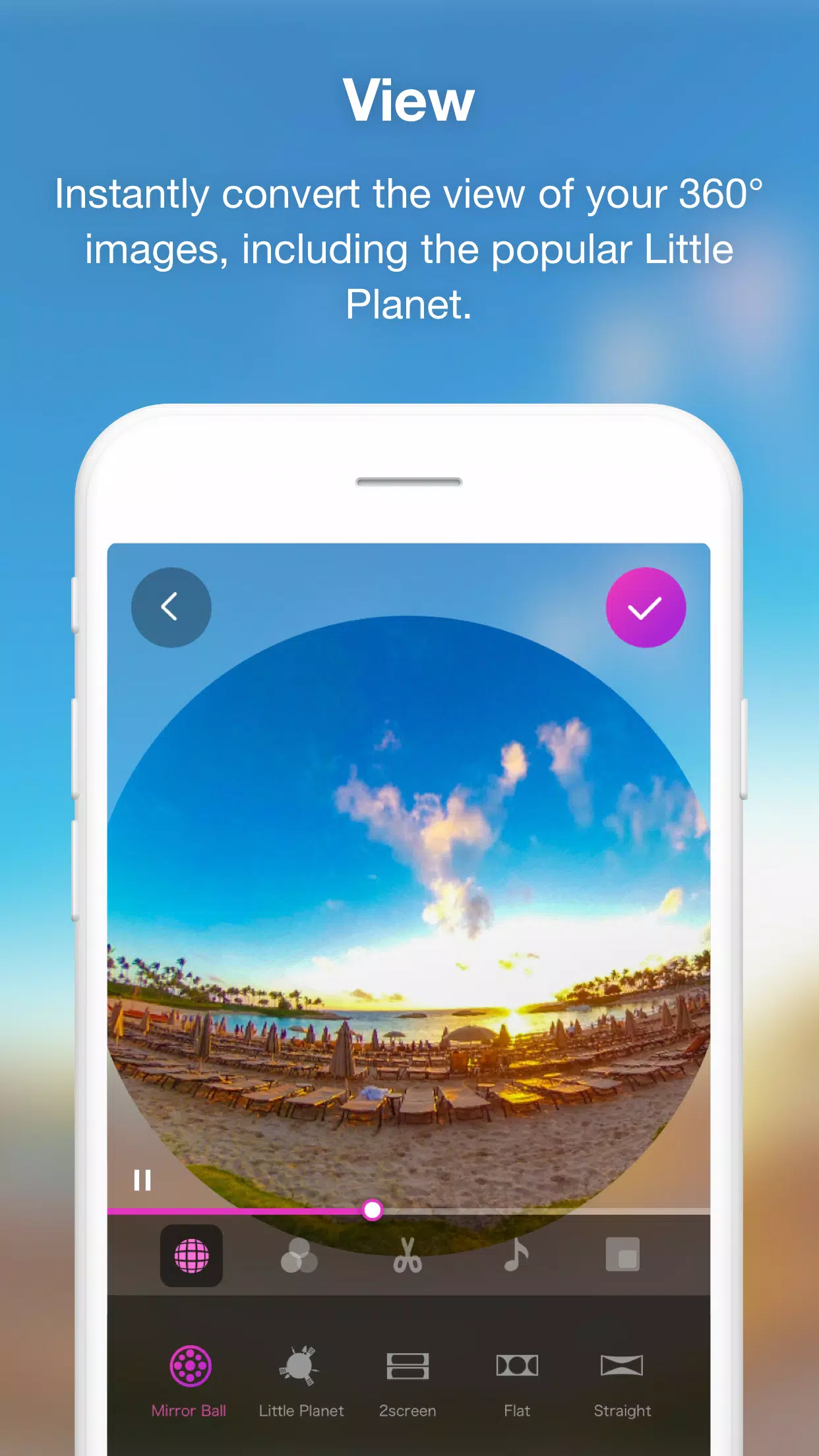
Adjust the viewpoint and zoom to dynamically change how a 360° image is presented. With a single button, you can transform your image into a Little Planet, a dual-screen view, or a soratama, making it easier to create attractive 360° content.
・Animation Features to Share Rotating Views Anywhere
Create an animation from a still image by zooming in or out and rotating the 360° view. You have full control over the section, motion, and speed. The final result is saved as a video, allowing you to share a rotating 360° experience even in non-360° environments.
Basic video editing tools are also included
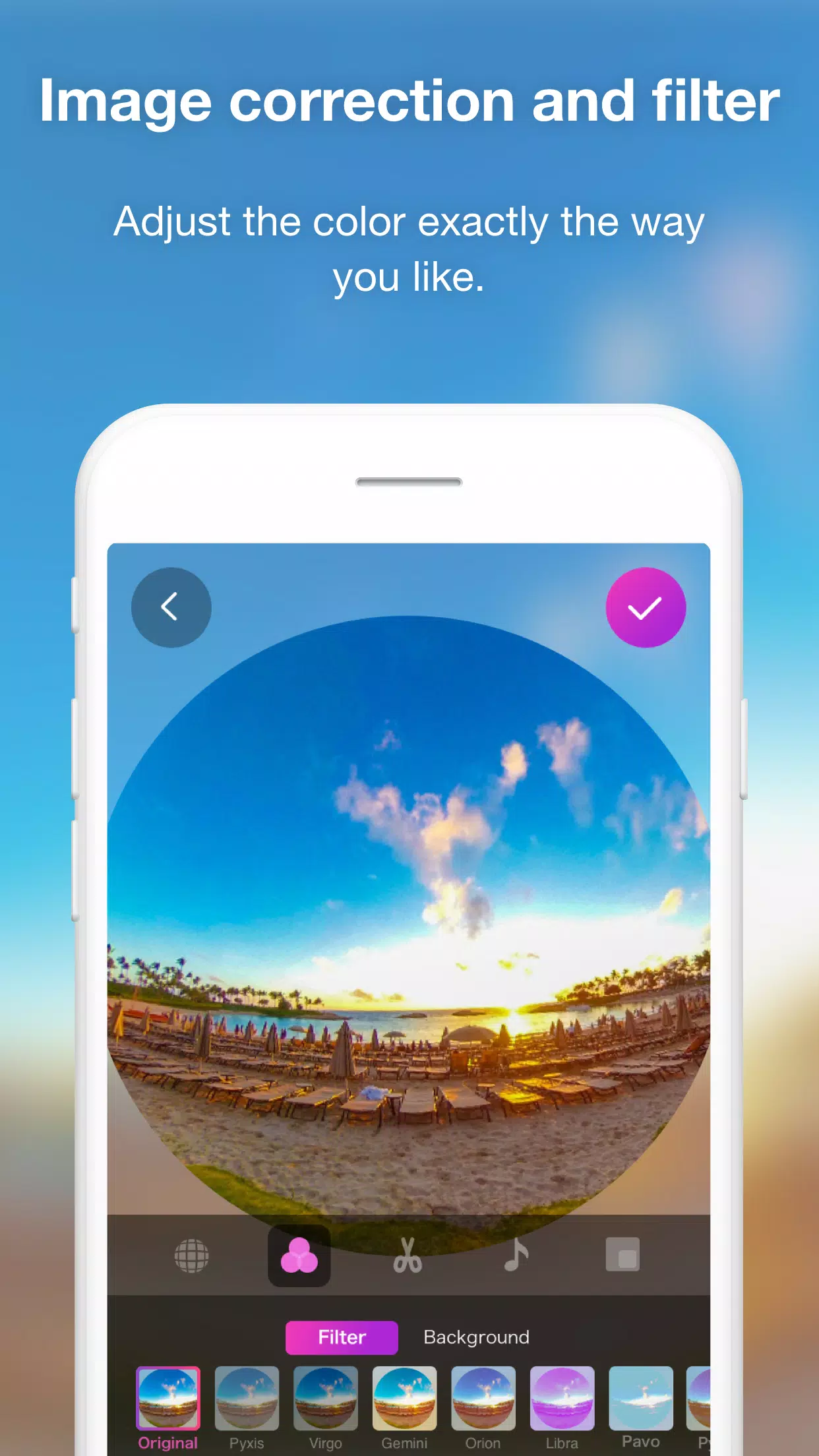
・While rotating and previewing your 360° image, adjust overall colors using correction tools or filters.
・Make your 360° image more engaging by adding stamps or text.
・You also have access to trimming, double-speed editing, BGM, and other 360° video editing functions.
・Easily create a time-lapse video by combining multiple 360° images.
◇ Supported Environments for THETA+:
* Compatibility is not guaranteed for all devices.
* Supported environments and devices may change with future updates.