Unlock the power of professional slow-motion video editing with Time Cut, a cutting-edge video editor designed to transform your velomingo videos. Using advanced image processing algorithms like Optical Flow and the deep-learning RIFE model, Time Cut offers seamless slow-motion effects, time-freezing capabilities, and smooth action cam edits. Whether you're looking to add motion blur effects similar to Twixtor or RSMB plugins on PC, or convert video frame rates for a cinematic look, Time Cut is your go-to tool for creating stunning, lag-free high frame rate (HFR) videos.
Are you eager to create smooth slow and fast motion velomingo videos? Do you wish your phone camera could capture slow-motion footage like an iPhone? Or perhaps you want to freeze time at pivotal moments in your videos? With Time Cut, you can achieve all this and more, including adding free Twixtor effects to slow down your clips or enhancing them with motion blur effects akin to the RSMB After Effects plugin. This versatile app can even calculate additional frames to create ultra-smooth slow-motion videos from standard 30 fps footage, offering a variety of carefully crafted velomingo slow-motion effects and camera lenta options to spotlight your favorite moments.
#Speed Curve & Smooth Slow Motion Editor
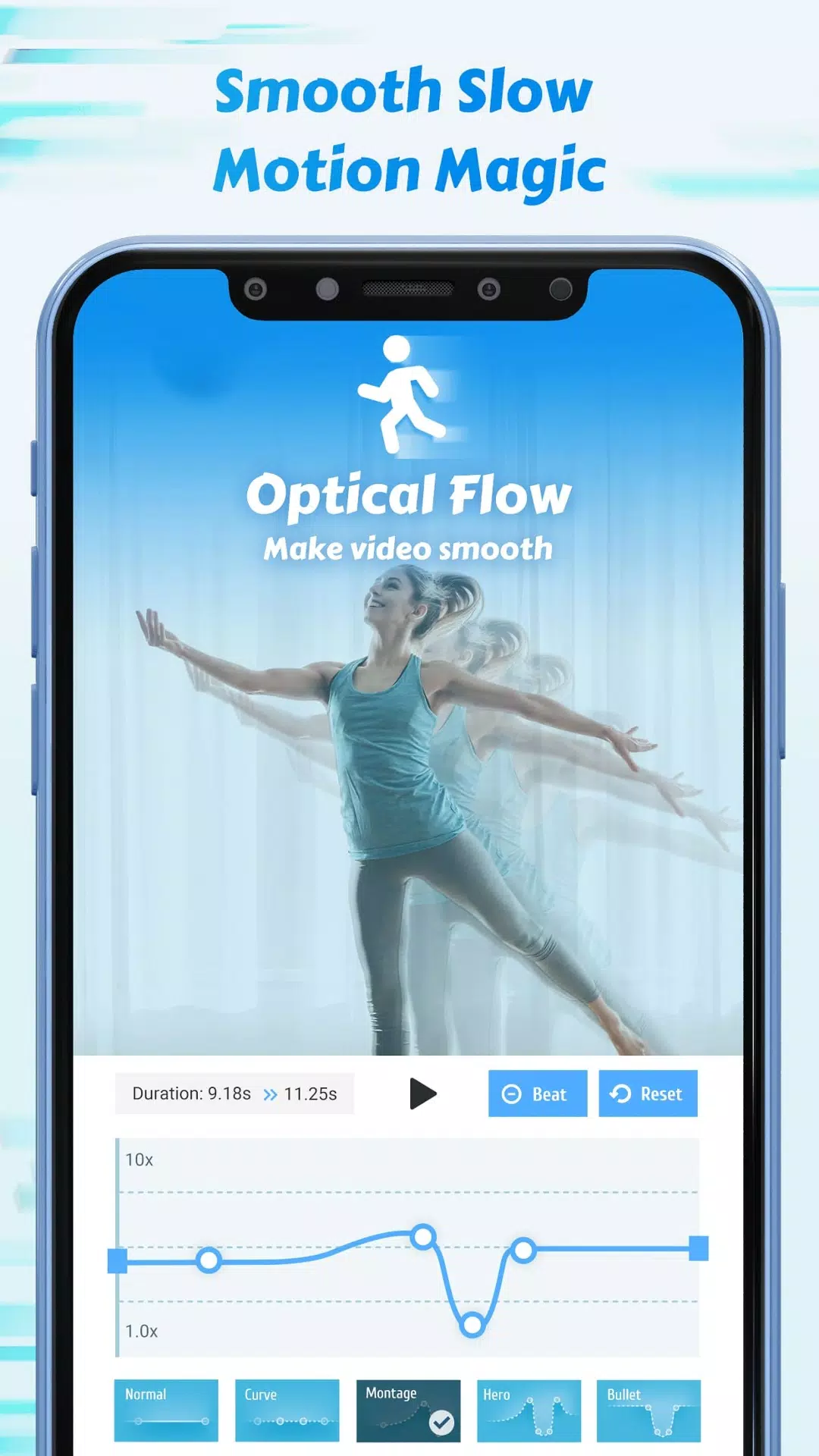
As a sophisticated speed changer for action cams, Time Cut offers free video speed adjustment features that rival VSCO's trending video effects. You can make any flexible velocity edits to your video node, from customizing speed curves and freezing time to choosing from a variety of speed change presets. Whether you're speeding up and then slowing down your footage, creating hyperlapse or timelapse videos, Time Cut ensures your camera lenta videos remain smooth. Additionally, you can select ultra slow-motion speeds up to 1/10x or fast motion up to 10x, and enhance your videos with filters and music for truly remarkable slomo or time-lapse creations.
#Motion Blur Effects Using Optical Flow
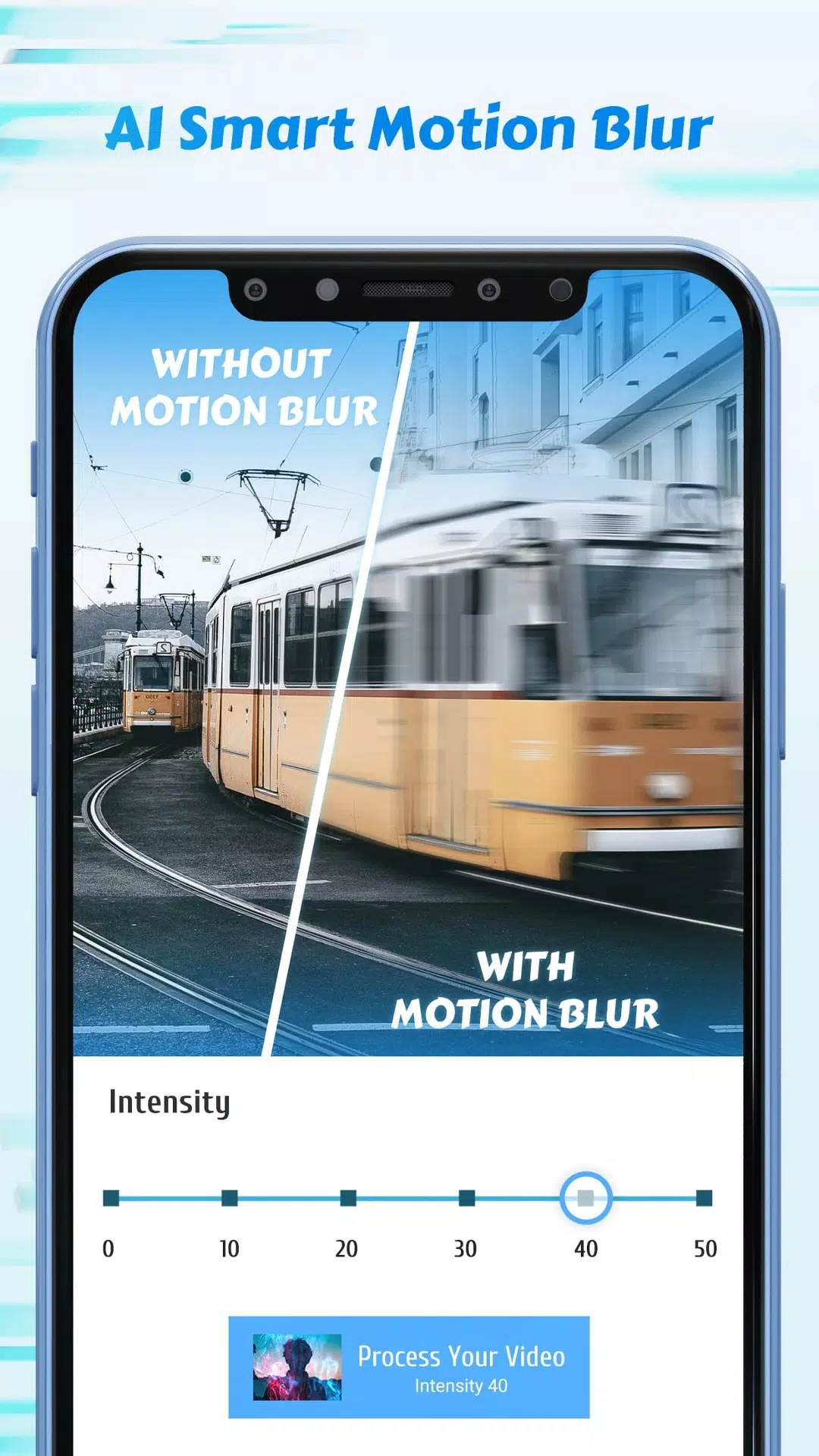
Elevate your videos with high-quality motion blur effects, similar to the RSMB plugin on PC, using Time Cut's optical flow method. This feature not only mimics the vsmb results but also offers additional blur options such as BCC lens blur and directional blur, enhancing your video's visual impact.
#Frame Rate Converter
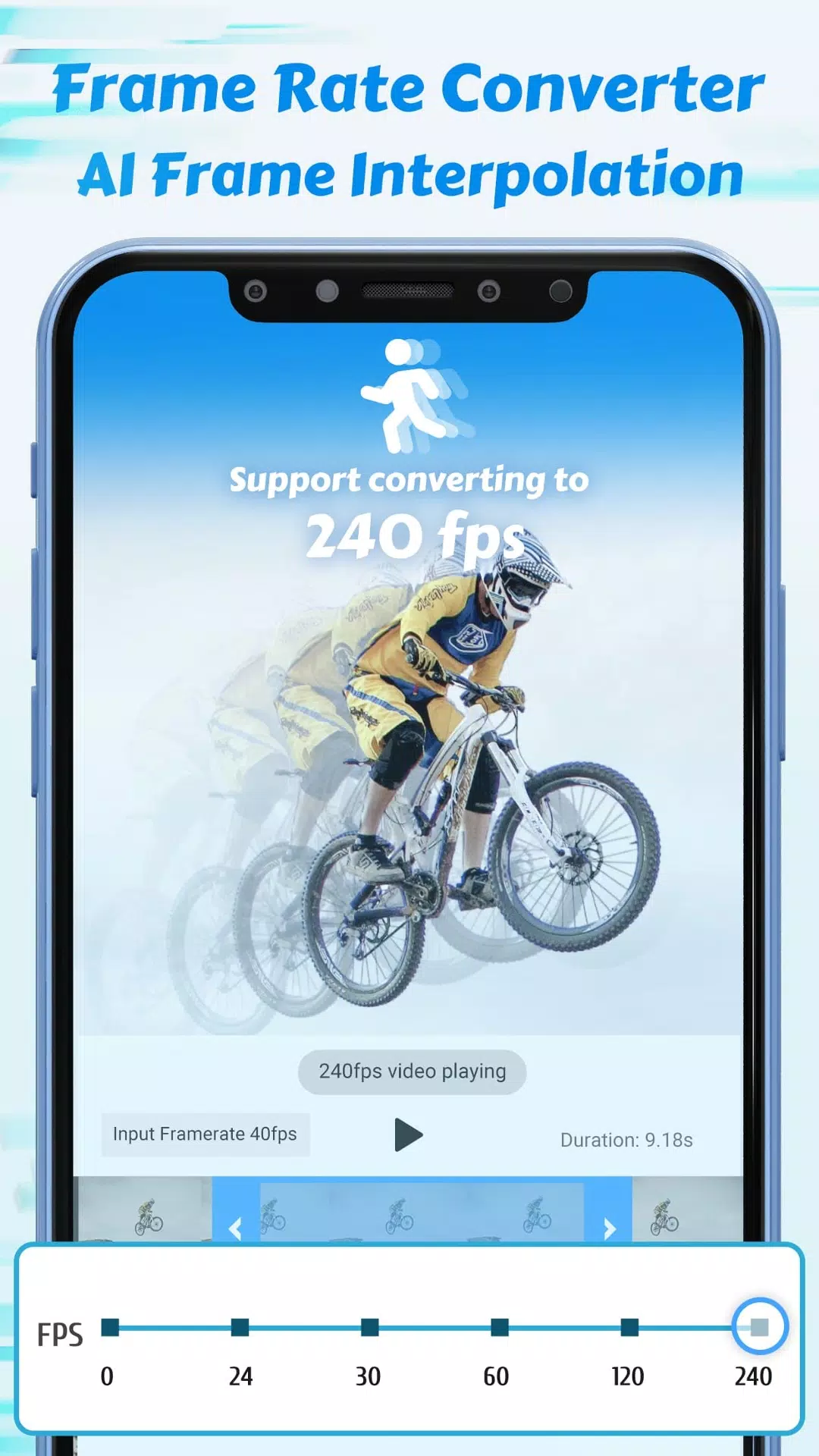
Time Cut can boost the frame rate of your normal videos to 60/120/240 fps or convert high frame rate videos into cinematic 24fps or smaller-sized 30fps videos for easier sharing. Slowing down HFR videos results in smoother motion than typical slow-motion videos, without any stuttering or lag. The app supports videos from 1 to 240 fps, making it compatible with footage from GoPros, action cams, drones, and smartphones of all types.
#Quality Enhancer
Want to elevate your edits with high-quality video? Time Cut's AI-driven HD quality enhancer improves both the picture and video quality, taking your edits to the next level.
#Highlight Moments Fx
With a plethora of slow-motion effects at your fingertips, Time Cut makes it easy to create creative velomingo edits, regardless of your editing skills. Simply select a highlight moment effect and choose the start moment to produce videos with effects like glitter, zoom, flashy lights, and VSCO-like filters. Add music that syncs with the movement and beat, and you're set to create viral dance videos for TikTok, Instagram Boomerang, and Insta Reels.
Here are a few ideas on how to use Time Cut:
- Slow down and capture the jumping moment when you leap high.
- Create slow-motion HD clips of game replays to share on YouTube and Twitch.
- Make smooth dance velocity edits for TikTok and Instagram Reels.
- Turn quick and slow video clips into fun GIFs to share on WhatsApp.
Download Time Cut today and start playing with time!
What's New in the Latest Version 2.6.0
Last updated on Sep 12, 2022
Major Update: Add de-duplication for smoother slowmos! Try it in the Speed Adjustment and Deep-learning double smoother section.