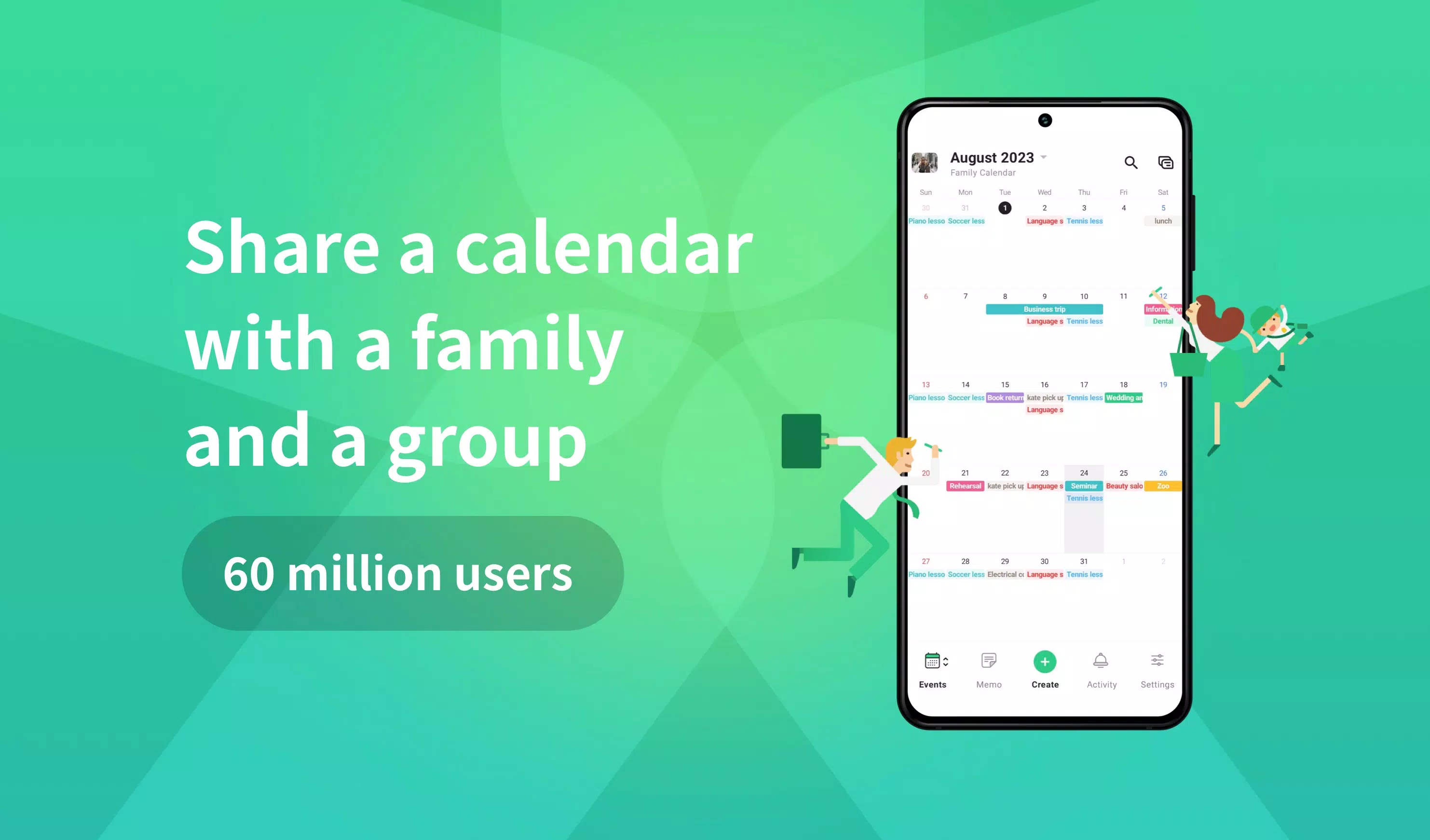
In just 60 seconds, you can create a shared calendar with TimeTree, an app loved by 60 million users worldwide and the winner of the "App Store Best of 2015" award. TimeTree's motto is "Connect over time. Grow bonds together," and it's perfect for family, work, and couples, helping you manage your time effectively.
For family use, TimeTree solves double-booking issues and aids in planning errands like picking up the kids. For work, it's great for scheduling employee shifts. And for couples, it helps you see available time slots and plan dates, making it easier to spend time together.
Key Features of TimeTree
- Shared Calendar: Easily share calendars with family, couples, work teams, and other groups.
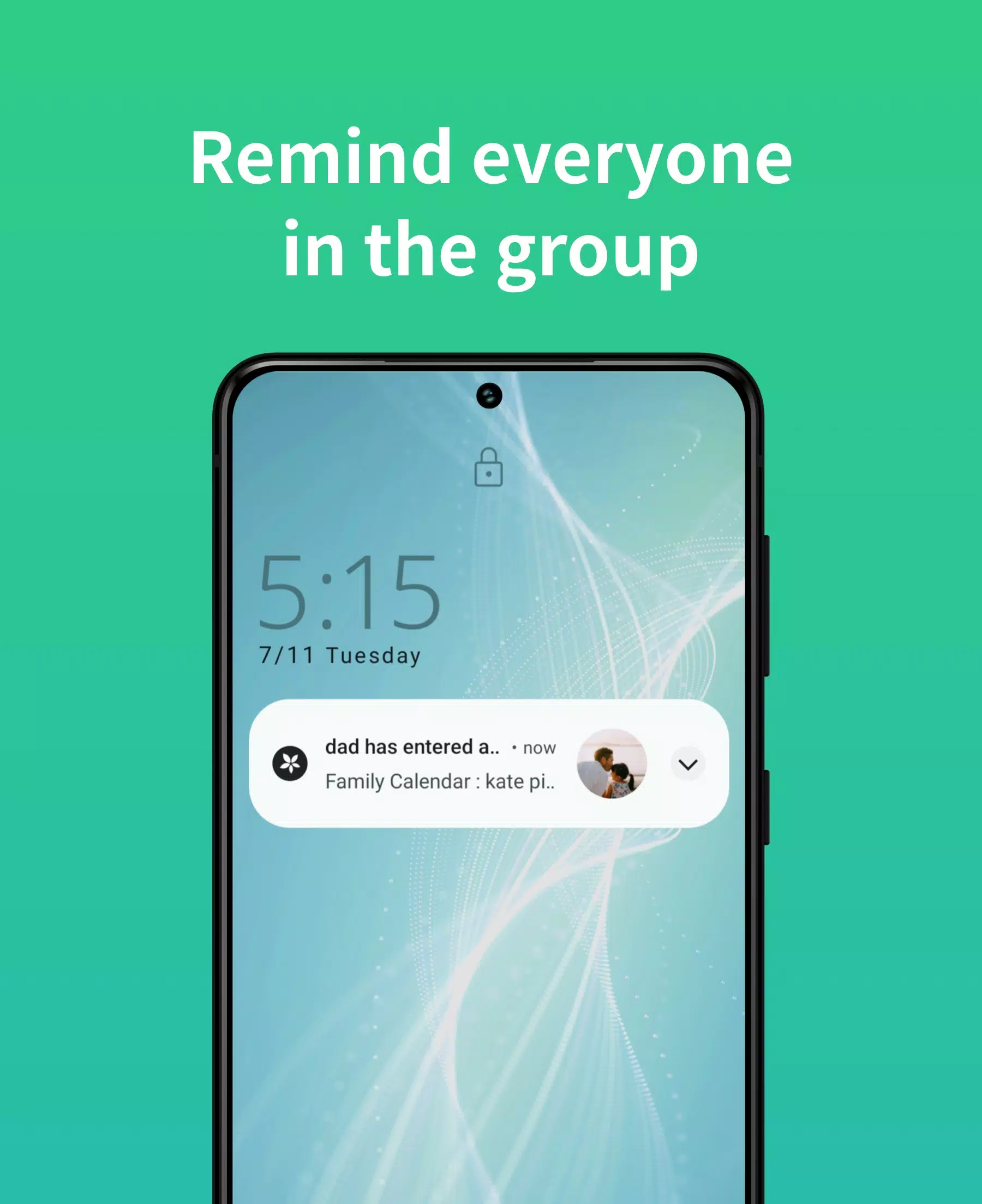
- Notifications and Reminders: Stay updated with new events, changes, and messages without constantly checking the app.
- Sync with Device Calendars: Seamlessly integrate with your device's calendar, such as Google Calendar, to start using TimeTree immediately.
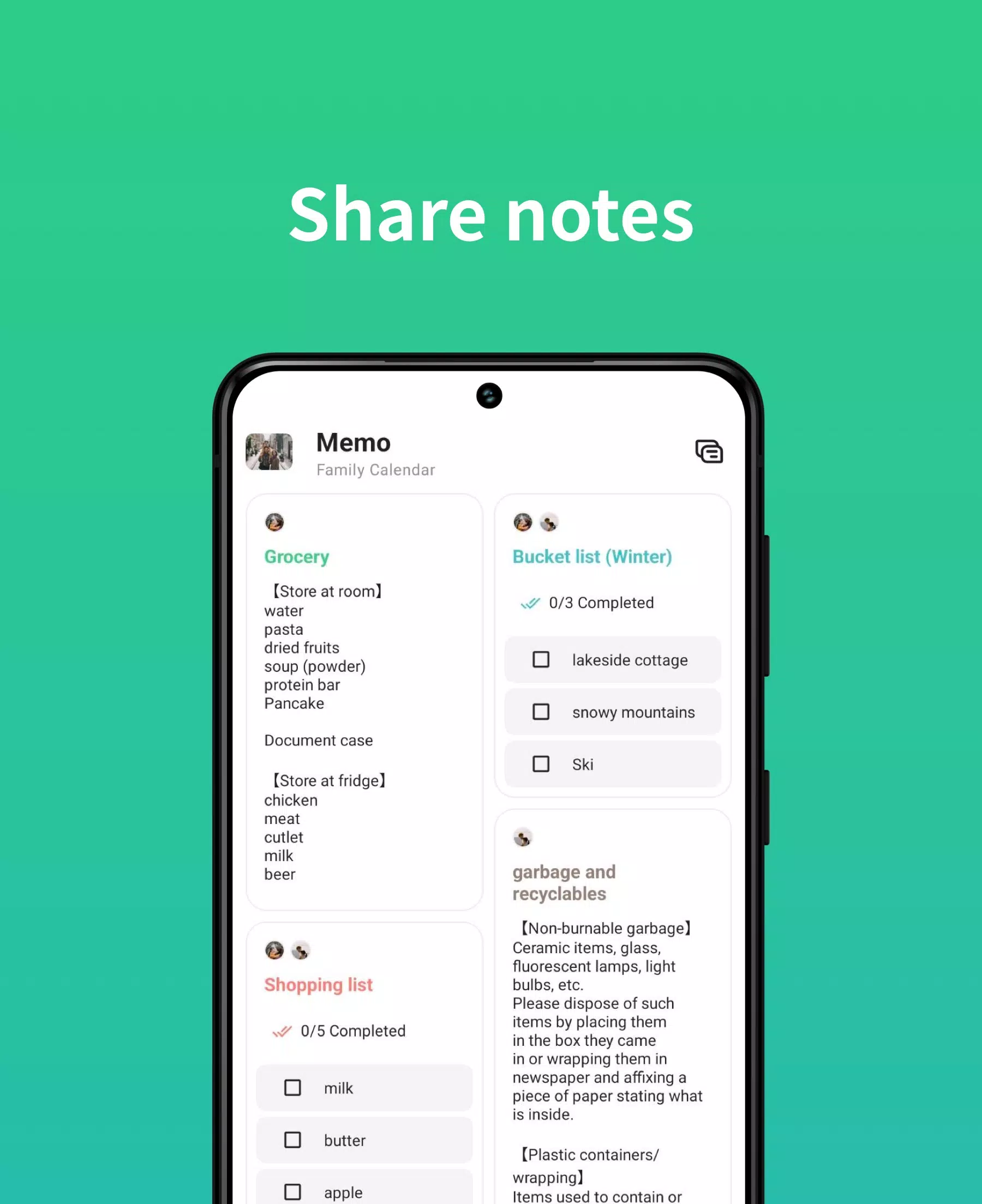
- Memo and To-Do Lists: Share notes with members or use memos for events without fixed dates.
- Chat within Events: Discuss event details like time and location directly within the event.
- Web Version: Access your calendars from a web browser.
- Photos in Events: Add images to events for more detailed planning.
- Multiple Calendars: Create different calendars for various purposes.
- Schedule Management: Designed with the user-friendliness of a notebook planner in mind.
- Widgets: View your daily schedule from widgets without opening the app.
TimeTree helps solve common time management issues:
- Struggling to keep up with your partner's schedule? Sharing a TimeTree calendar eliminates the need for constant communication and confirmation.
- Forgetful of school events and tasks? Keep school printouts accessible in the app and use it as a diary to meet deadlines.
- Missing out on events of interest? Save important dates like artist schedules and movie premieres in a shared calendar with friends.
For more information, visit the TimeTree Official Website or access TimeTree on PC. Connect with us on social media: Facebook, Twitter, Instagram, and TikTok. For user support, reach out to us at [email protected].
Use TimeTree as your schedule book for the year! We value user feedback and look forward to hearing from you. TimeTree uses the following permissions:
- Required Permissions: None.
- Optional Permissions:
- Calendar: To display your device calendar in TimeTree.
- Location Information: To improve accuracy when setting event locations and addresses.
- Files and Media: To set and post images to your profile and calendar, and to save images on your device.
- Camera: To set and post images using the camera to profiles and calendars.