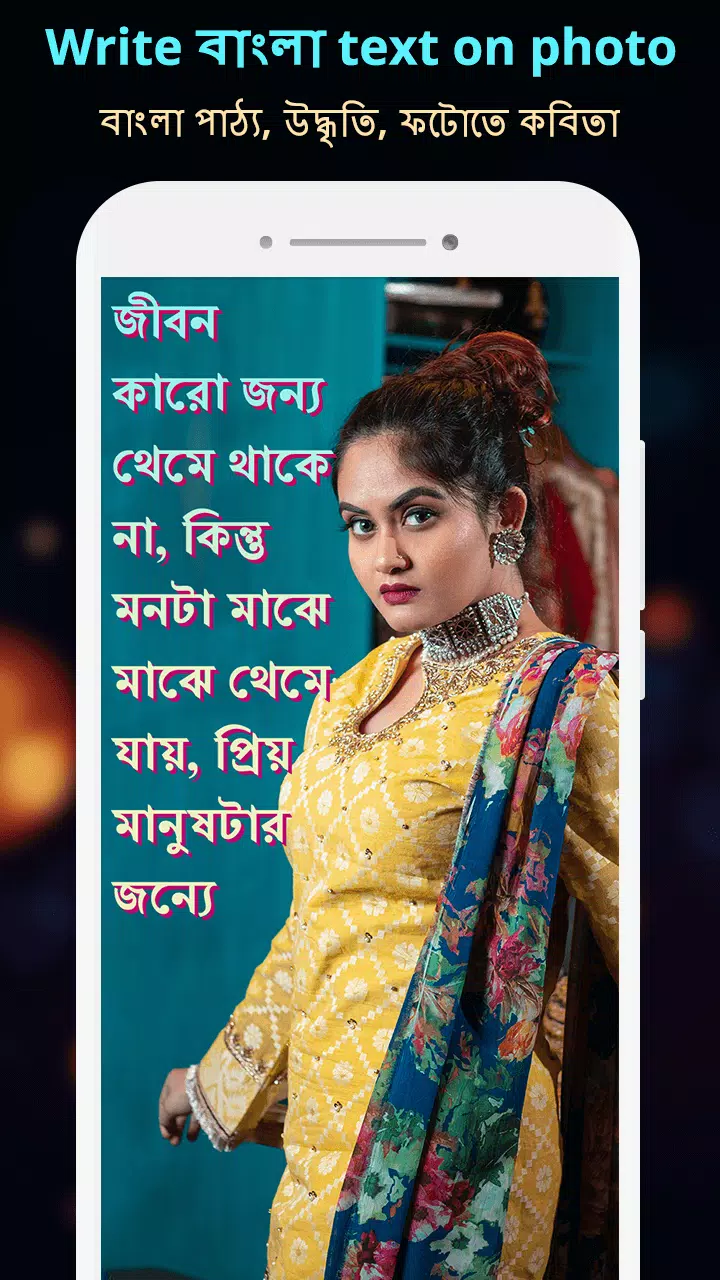
With the **Write Bangla Text On Photo** app, you can easily enhance your photos by adding Bangla text using a Bangla keyboard. Whether you want to write Bangla Shayari, your name, Bangla poetry, suvichar, gazals, jokes, or messages, this app makes it simple to do so on any photo from your gallery or directly from your camera.
This versatile app allows you to express your creativity by writing Bangla love poetry, poems, gazals, and shayari directly on your photos. You can also choose from a variety of quotes in different categories such as friends, attitude, inspirational, and love, all in the Bangla language, to add to your photos.
Perfect for adding a personal touch to your photos during festivals like Holi, Diwali, Karva Chauth, Buddha Purnima, Eid, Janmashtami, Christmas, Pateti, New Year, Navratri, Muharram, Pongal, Vaisakhi, Vaisakhadi, Bahag Bihu, Cheti Chand, Gudi Padava, Onam, and Ganesh Chaturthi, you can send personalized greetings to your friends and family by writing Bangla status, poetry, or text on your favorite photos.
The **Photo Par Bengali Likhe** feature turns your app into a powerful photo editor, allowing you to create personalized greeting cards, anniversary invitations, birthday invitations, marriage invitations, baby shower invitations, engagement invitations, love cards, Valentine’s Day cards, party invitations, and reception invitations by writing Bangla text on your photos and sending your best wishes to your loved ones.
With **Write Bengali Text on Photo, ছবিতে বাংলা লিখুন**, you can express your emotions, love, friendship, and respect by writing about your special ones on your photos. Share these personalized photos with your friends and family via social media.
**How to Use:**
- Select a photo from your gallery or take a new one with your camera.
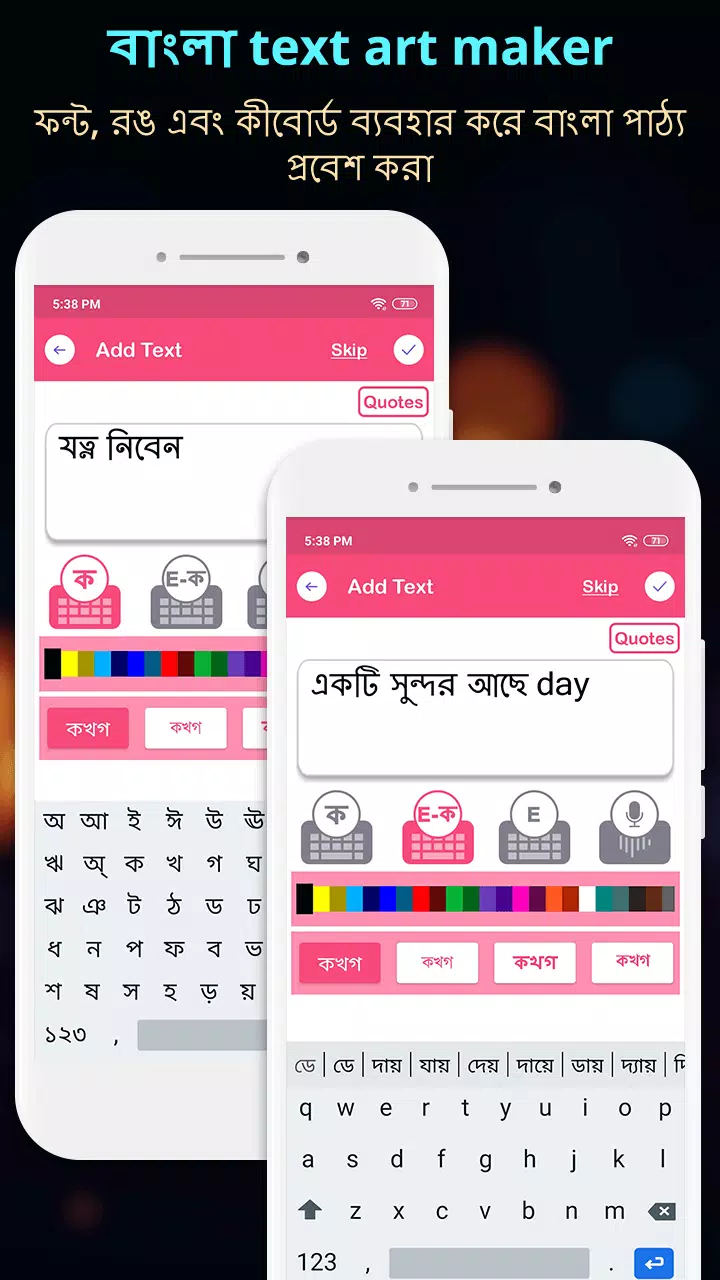
- Use the Bangla Keyboard to write Bengali text on your photo, and customize the text color and font to make it more impactful.
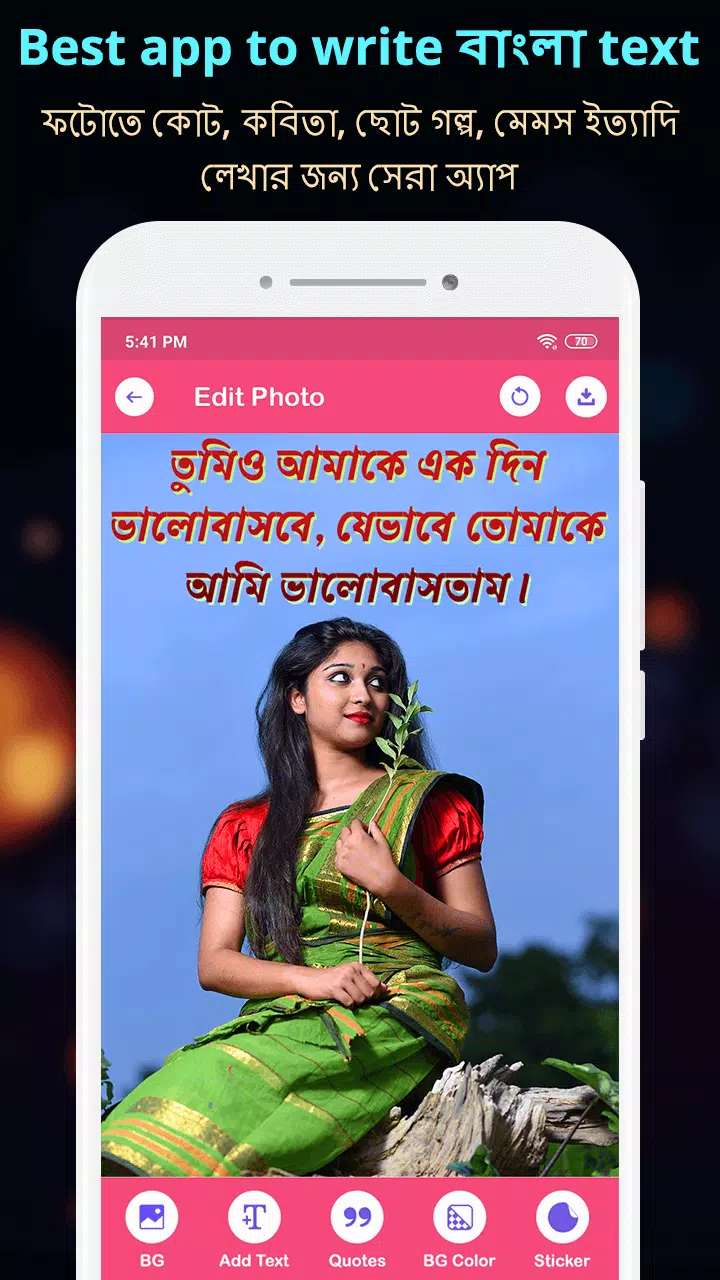
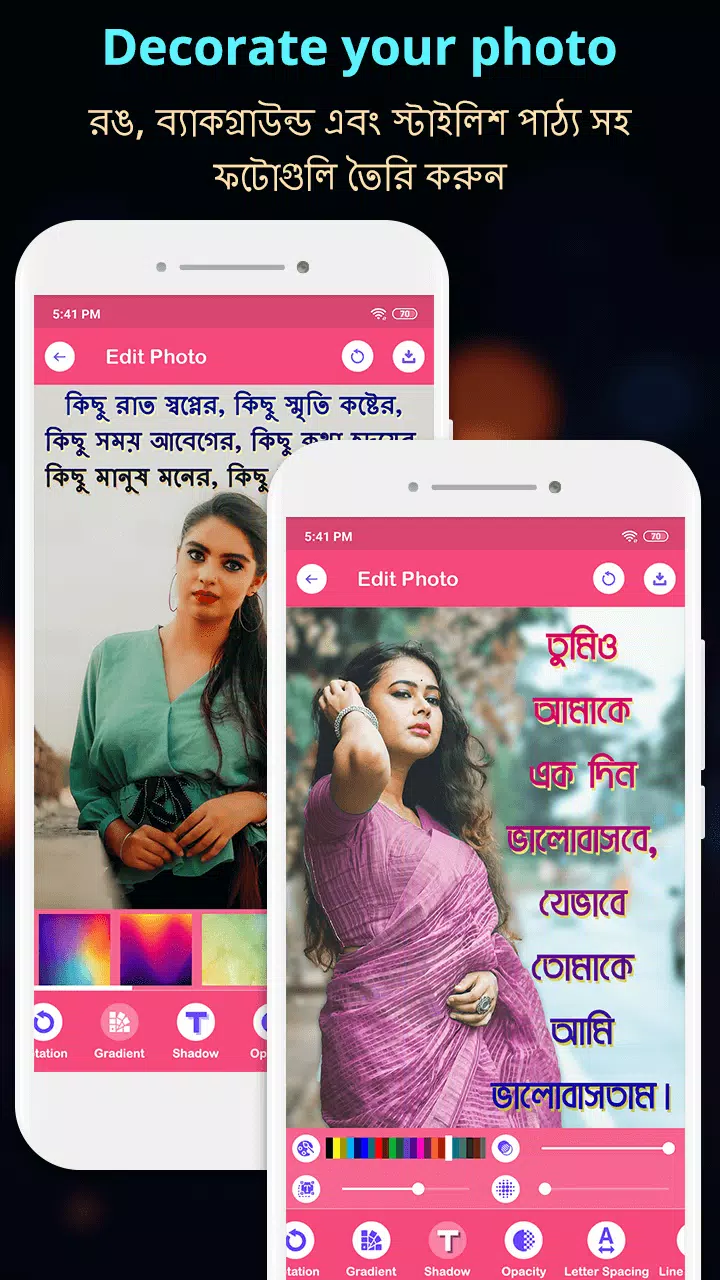
- Adjust the text by moving, dragging, and rotating it on the photo. If you need to edit the text, click on the edit option and change the text color as desired.
- Zoom in or out of the text easily by selecting and dragging your finger on the photo.
- Choose from various categories of quotes, including Friendship, Hard Work, Life, Rain, Trust, Anniversary, Attitude, Sad, Birthday, Romantic, and Love, to make your photo special.
- Add your own text using either the Bangla or English keyboard on your favorite photo.
- Select an HD background and choose a color that suits your preference, then write Bangla text on the photo.
- Save your customized photo and share it with your friends and family via WhatsApp, Facebook, and other social media platforms.
**Write Bangla Text On Photo, ছবিতে বাংলা লিখুন Features:**
- Best Bangla text writing on photo app.
- Write Bangla poetry, gazal, poem, and shayari using the Bangla keyboard.
- Extensive collection of quotes.
- HD backgrounds available.
- Select photos from the gallery or camera.
- Create personalized invitation and greeting cards.
- Send best wishes to your loved ones.
- Share your creations with friends and family via WhatsApp, Facebook, and more.
What's New in the Latest Version 38.0
Last updated on Oct 19, 2024
- Improved performance.