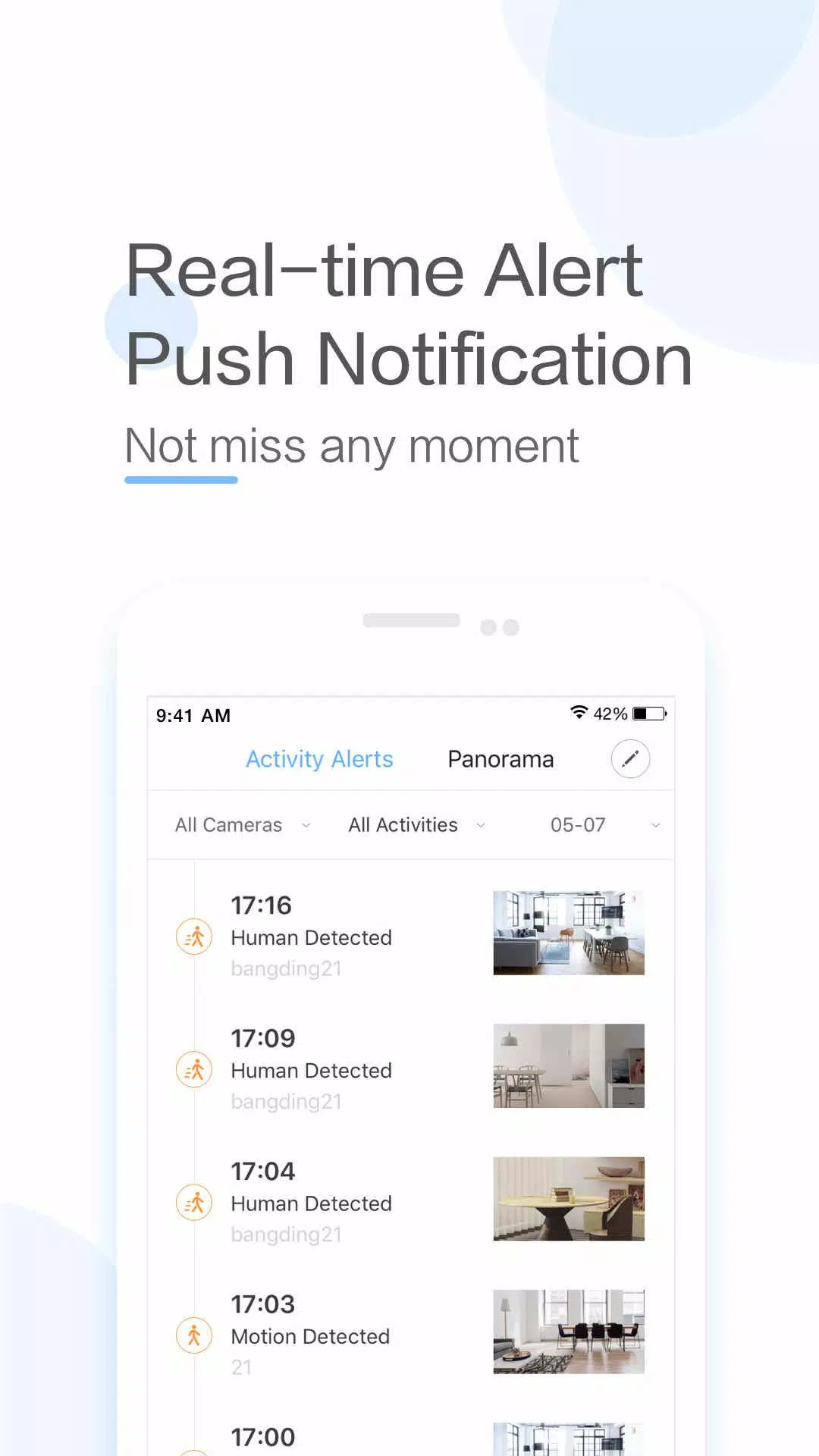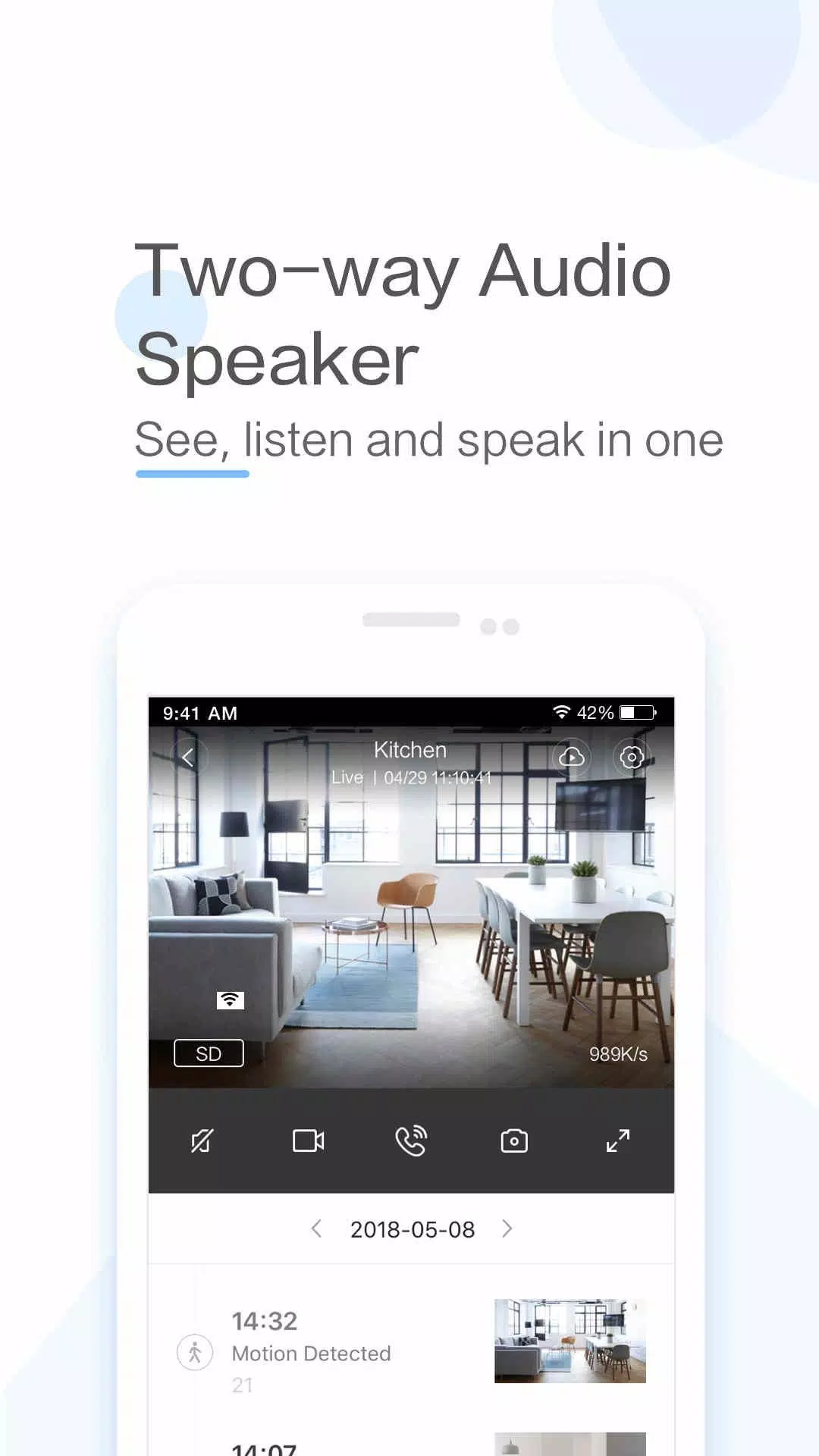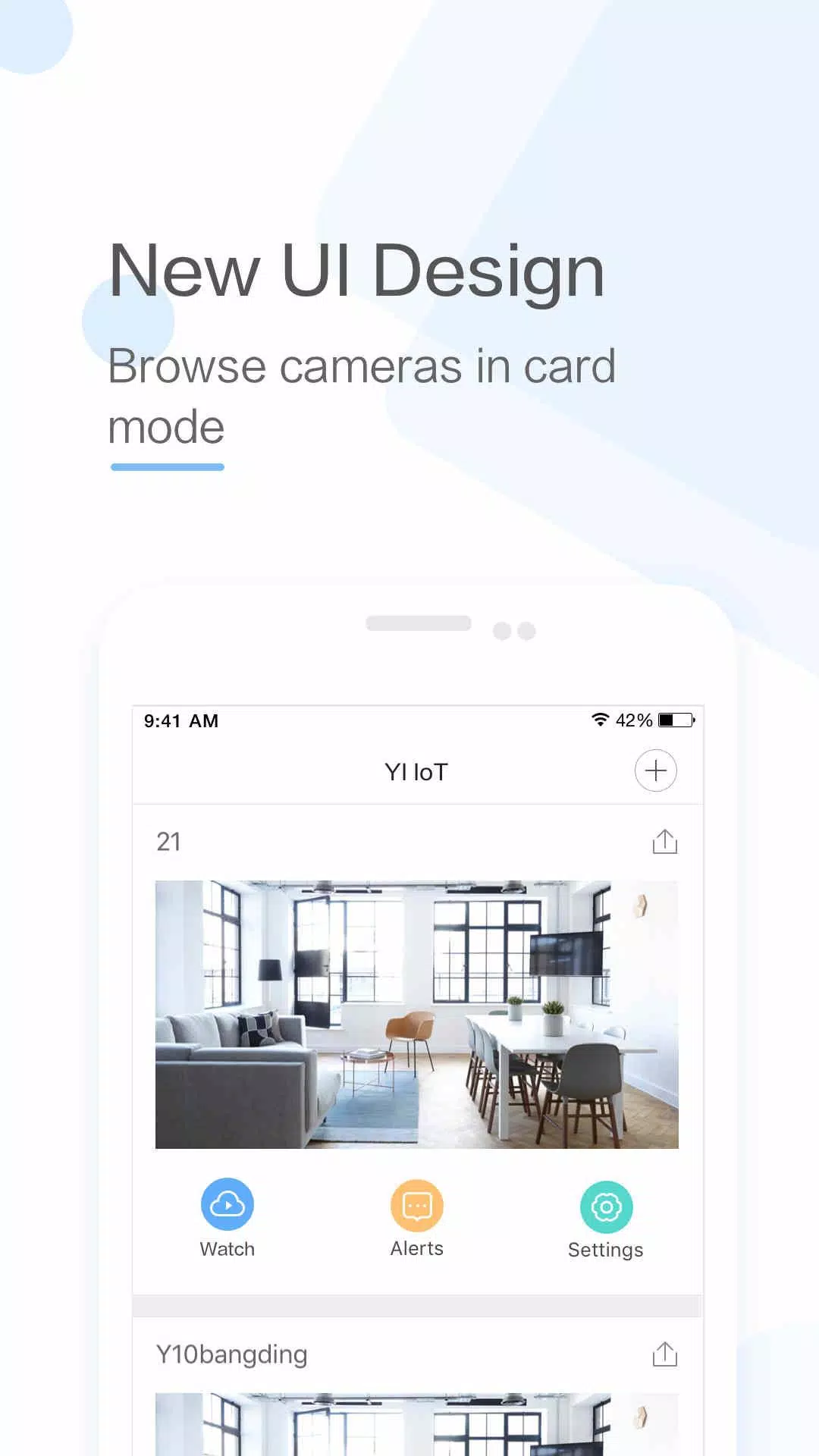
The YI IoT app provides comprehensive home monitoring through real-time video and audio access from anywhere. This smart camera app offers two-way audio, motion detection alerts, and live streaming capabilities, ensuring complete home security. Compatible with a range of YI cameras (indoor, outdoor, and dome), it offers versatile monitoring options. Its intuitive interface and advanced features, including cloud storage and intelligent detection, make it a reliable security solution.
YI IoT App Features:
- Real-time Family Connection: Stay connected with family through live video and audio chats from anywhere.
- Remote Two-Way Communication: Easily initiate conversations with family via your mobile device.
- Superior Audio Quality: Enjoy clear, crisp audio thanks to the app's specialized microphone and speaker.
- Panoramic Viewing: Pan your phone for a complete view of the monitored area.
- Gyroscope Integration: The app's gyroscope support seamlessly adapts to your phone's orientation for optimal viewing.
- Continuous Monitoring: Maintain constant visual connection with your loved ones.
Conclusion:
YI IoT offers exceptional real-time video and audio communication, enabling remote two-way conversations and comprehensive panoramic views. Its gyroscope support ensures complete coverage of your monitored areas. Download YI IoT today for enhanced security and peace of mind.
App Setup Guide:
- Download: Install the YI IoT app from the Google Play Store or Apple App Store.
- Launch & Add Device: Open the app and tap the ‘+’ icon to add a new camera.
- Wi-Fi Connection: Ensure your camera and mobile device are connected to Wi-Fi.
- QR Code Scan: Point your camera at the on-screen QR code to establish a connection.
- Camera Naming: Assign a name to your camera for easy identification.
- Cloud Storage: Enable cloud storage for motion-detected videos (optional).
- Settings Configuration: Customize motion detection, video quality, and notification preferences.
- Live Feed Access: View the live video feed by selecting your camera in the app.
- Two-Way Audio Test: Test the two-way audio functionality.
- Advanced Settings Exploration: Explore features like scheduling, activity zones, and smart alerts.