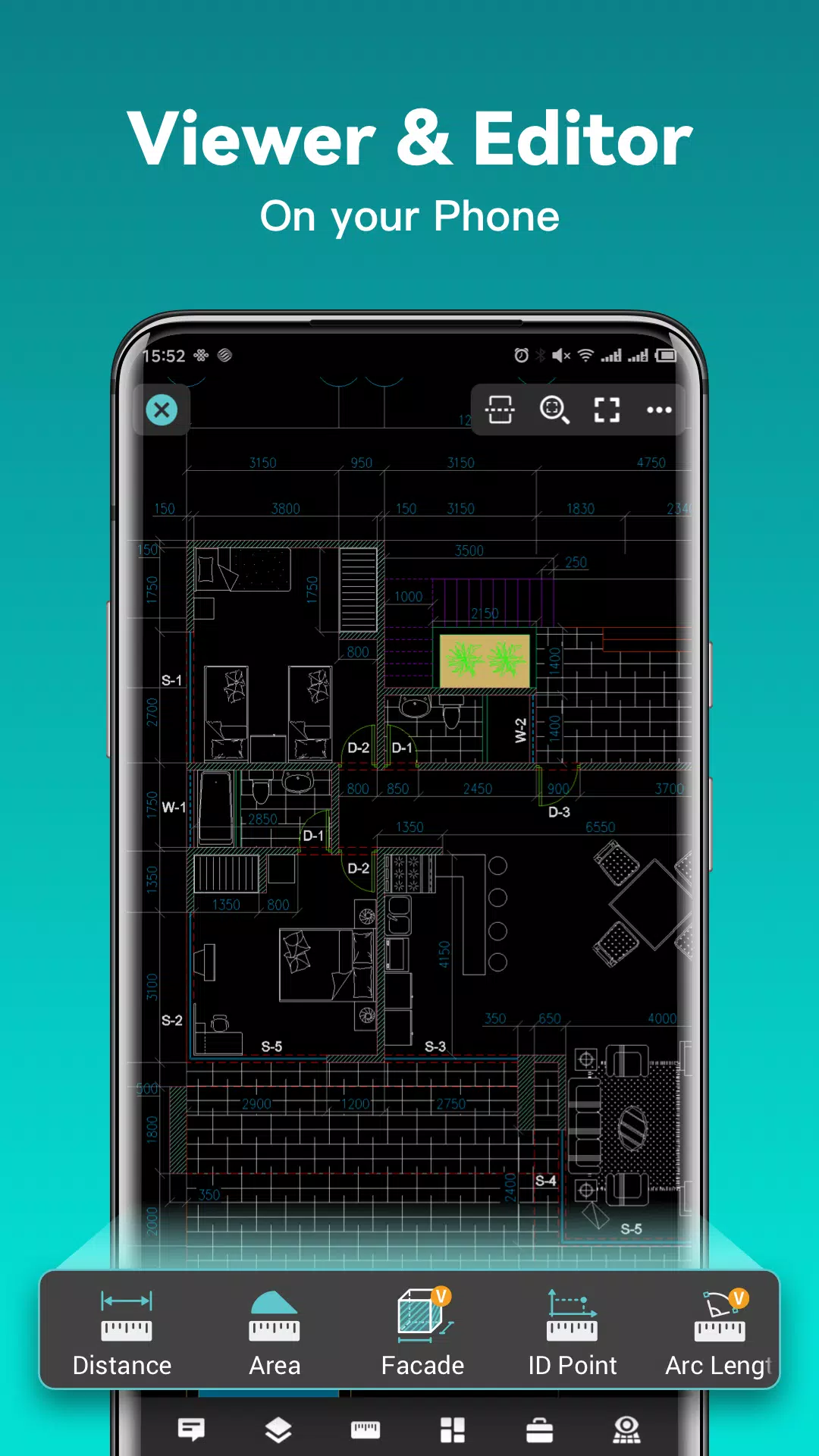
DWG FastView is a versatile, cross-platform CAD software designed to cater to the needs of designers in various scenarios. With full compatibility with DWG and DXF formats, it supports over 20 types of 2D and 3D CAD formats and allows you to convert PDF to DWG or vice versa. The software is packed with essential CAD features such as editing, viewing, measuring, dimensioning, and text searching, enabling you to perform real CAD work on the go and enjoy a seamless mobile CAD experience.
With DWG FastView, you can view, edit, create, and share all your CAD drawings. The ability to synchronize your work to the cloud from multiple devices with just one click allows you to design anytime, anywhere, alongside over 70 million users worldwide.
DWG FastView Highlights
(1) Accurate and fast access to your drawings.
- Create, view, and edit with easy-to-use advanced tools.
- Supports all AutoCAD DXF & DWG versions without file-size limits.
- Easily view AutoCAD DWG & DXF files with full compatibility.
(2) No registration & Offline drawings.
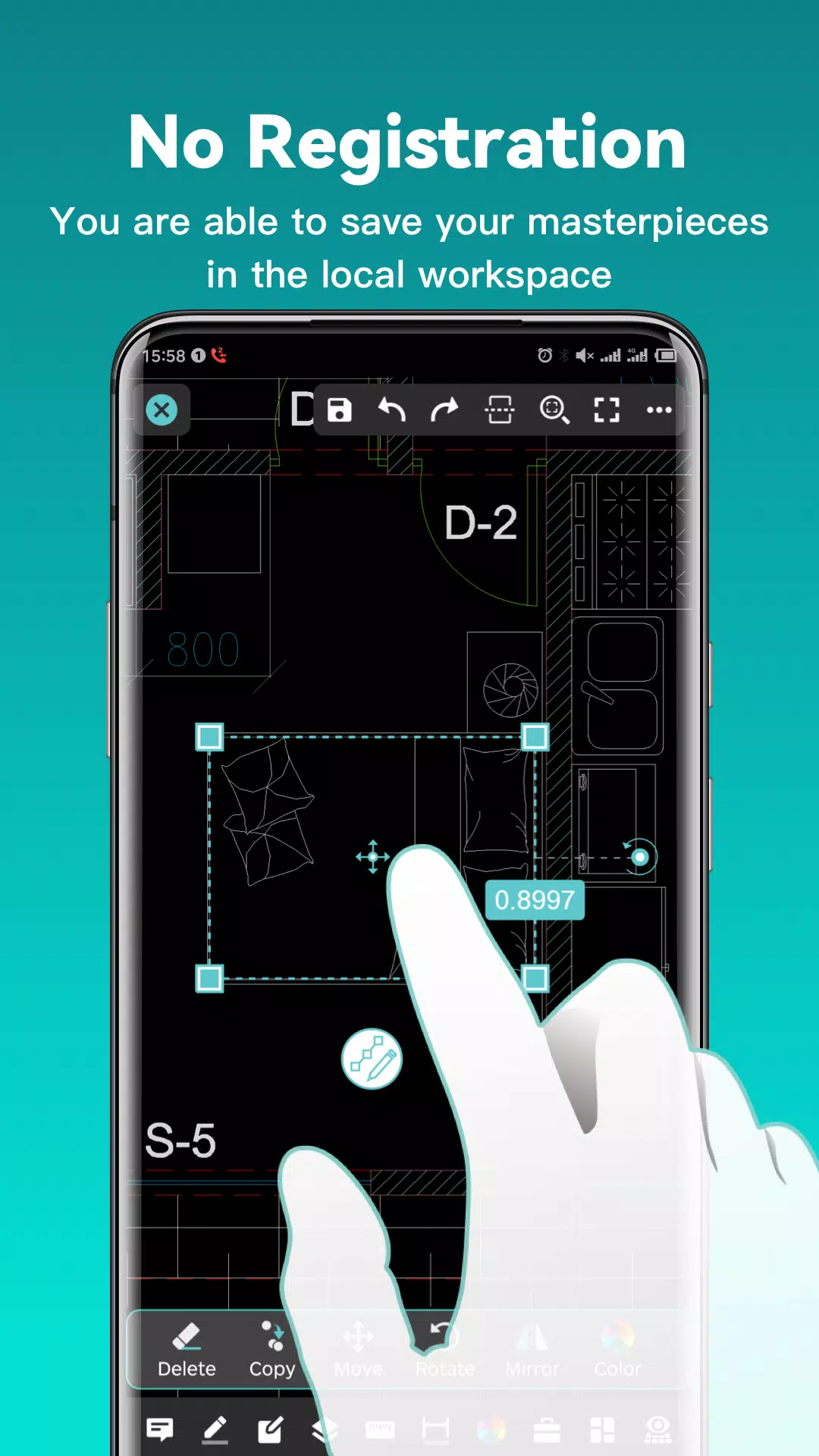
- Download DWG FastView and start using it immediately without the need for registration.
- Save your masterpieces in the local workspace even without an internet connection.
- Open, view, edit, and share drawings from email, cloud services, or network disks like Dropbox, OneDrive, Google Drive, Box, or WebDAV with an internet connection.
(3) Support export to PDF, BMP, JPG, and PNG, and share freely.
- Convert CAD drawings to PDF format and customize paper size, orientation, color, and more.
- Convert CAD drawings to different versions.
- Convert PDF to DWG.
(4) Perform real CAD work on mobile.
- Move, copy, rotate, scale, color, measure objects, manage records, layers, and use layouts.
- Utilize advanced drawing and editing tools such as trim, offset, dimension, and text search.
- Set precision and display formats for coordinates, distance, and angle.
- Zoom in or out of a CAD drawing by adjusting the space between two fingers.
- Import or download CAD drawings with their fonts and symbols to display all uncommon fonts.
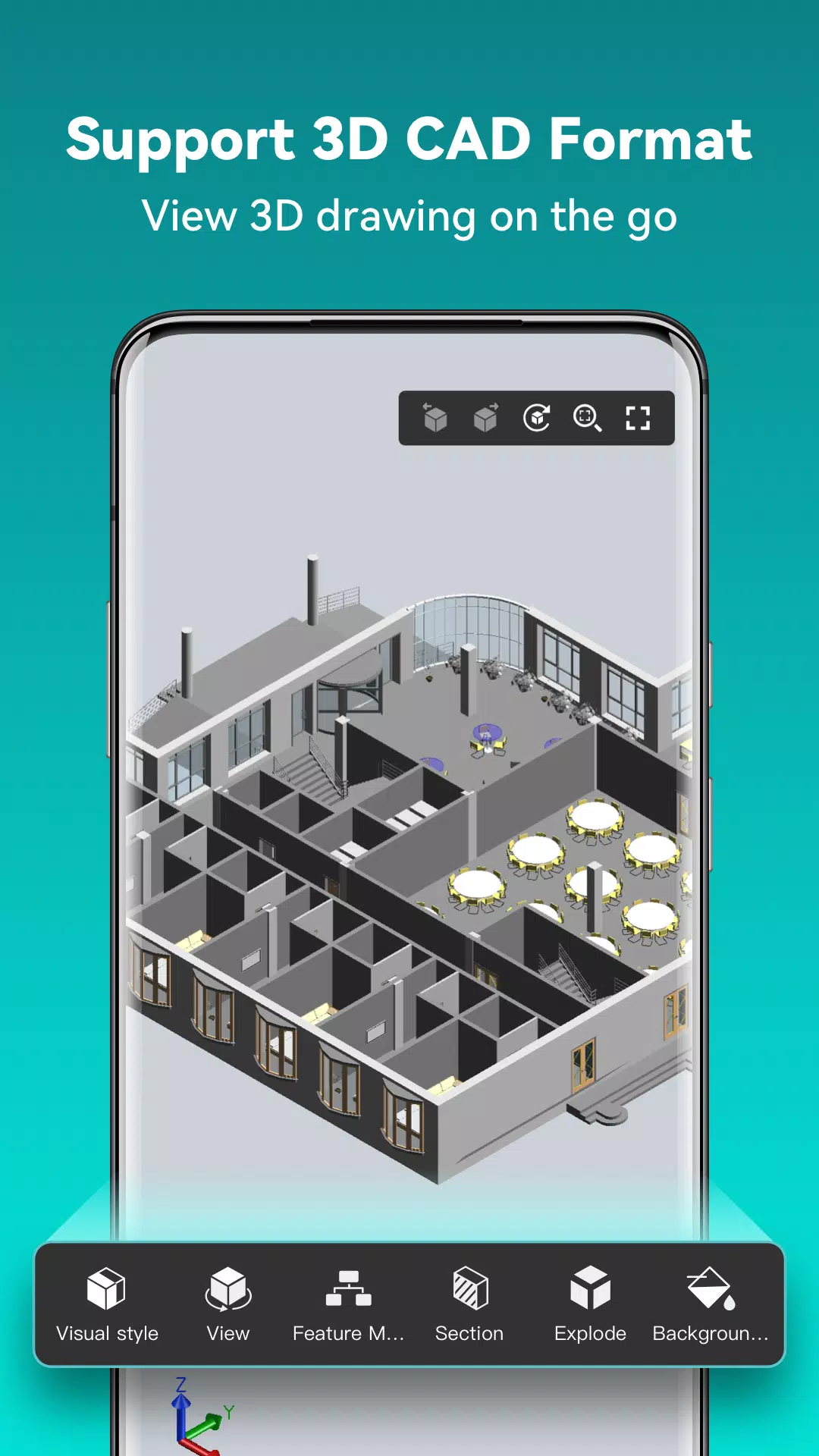
(5) Easily switch between 2D and 3D visual modes.
- 3D mode includes 3D Wireframe, Realistic, and 3D Hidden, with powerful tools for layer, layout, and ten different perspective views.
- View 3D models and different CAD file formats including RVT, Solidworks, Creo, NX, CATIA, Inventor, SolidEdge, and more than 20 formats.
- Rotate 3D CAD drawings by touching the drawing area and moving to view the 3D mode comprehensively in 360 degrees. Click to stop rotating and locate the best perspective.
- Open a magnifier by touching the drawing area to display an enlarged view of the touched area, making it easier to view details and snap objects.
(6) Precise drawing capabilities.
- Support 2D absolute, relative, and polar coordinates, as well as 3D spherical and cylindrical coordinates.
- Draw lines, polylines, circles, arcs, text, revclouds, rectangles, sketches, and create notations.
(7) Stay connected with helpful and responsive technical support.
- Click the "Feedback" button to send your technical issues to us via email.
- Upgrade to DWG FastView Premium for advanced editing and tools. Subscription plans include Premium/Super monthly and annual options.
- Download the FREE trial of the premium version to unlock advanced drawing, drafting, and editing tools.
Connect with us on Facebook or reach out via email at [email protected].
Learn more about our Terms of Use and Privacy Policy.