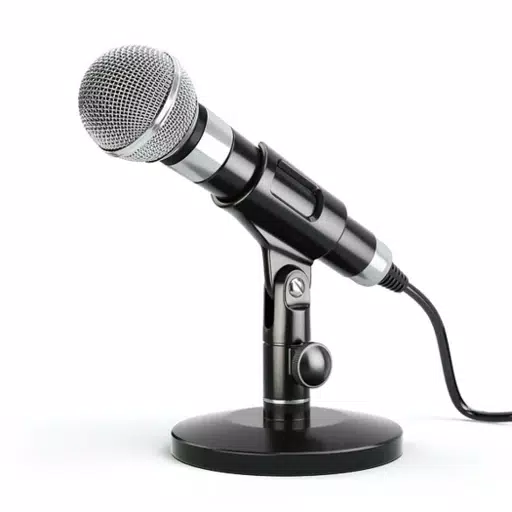
Enhance your auditory experience with Microphone Amplifier, a versatile app that transforms your smartphone into a powerful sound amplifier. Whether you choose the phone's built-in microphone or the one on your headphones, Microphone Amplifier captures and boosts the sounds from your surroundings, making it easier to hear conversations, external noises, or even the audio from your TV at a louder volume through your headphones.
For those who might not have access to medical hearing aids, Microphone Amplifier offers a practical solution. It helps hearing-impaired individuals amplify the voices around them or the sounds they need to focus on, without relying on others to speak louder or increase the TV volume. Simply connect your Bluetooth headphones, select the Headset mic, and tap "Listen" to immerse yourself in your environment's sounds.
With Microphone Amplifier, you can also use your phone as a remote microphone. Just place your phone near a TV or speaker, connect your Bluetooth headphones, and tap "Listen" to enjoy the audio at an enhanced volume without disturbing others. This feature is perfect for amplifying important sounds like voices at a distance, sounds from a lecture, or even environmental cues, all while maintaining privacy.
Features of Microphone Amplifier
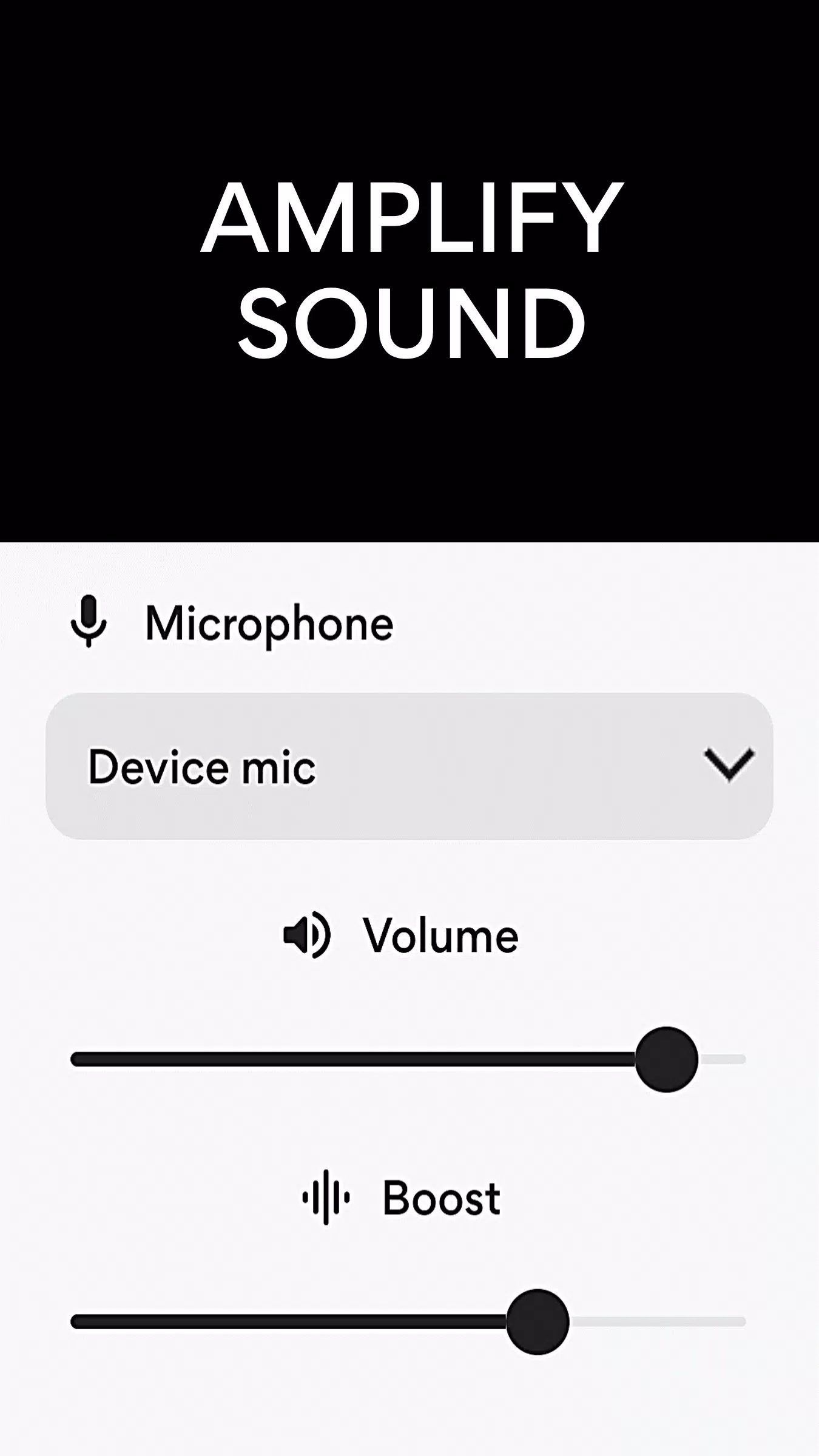
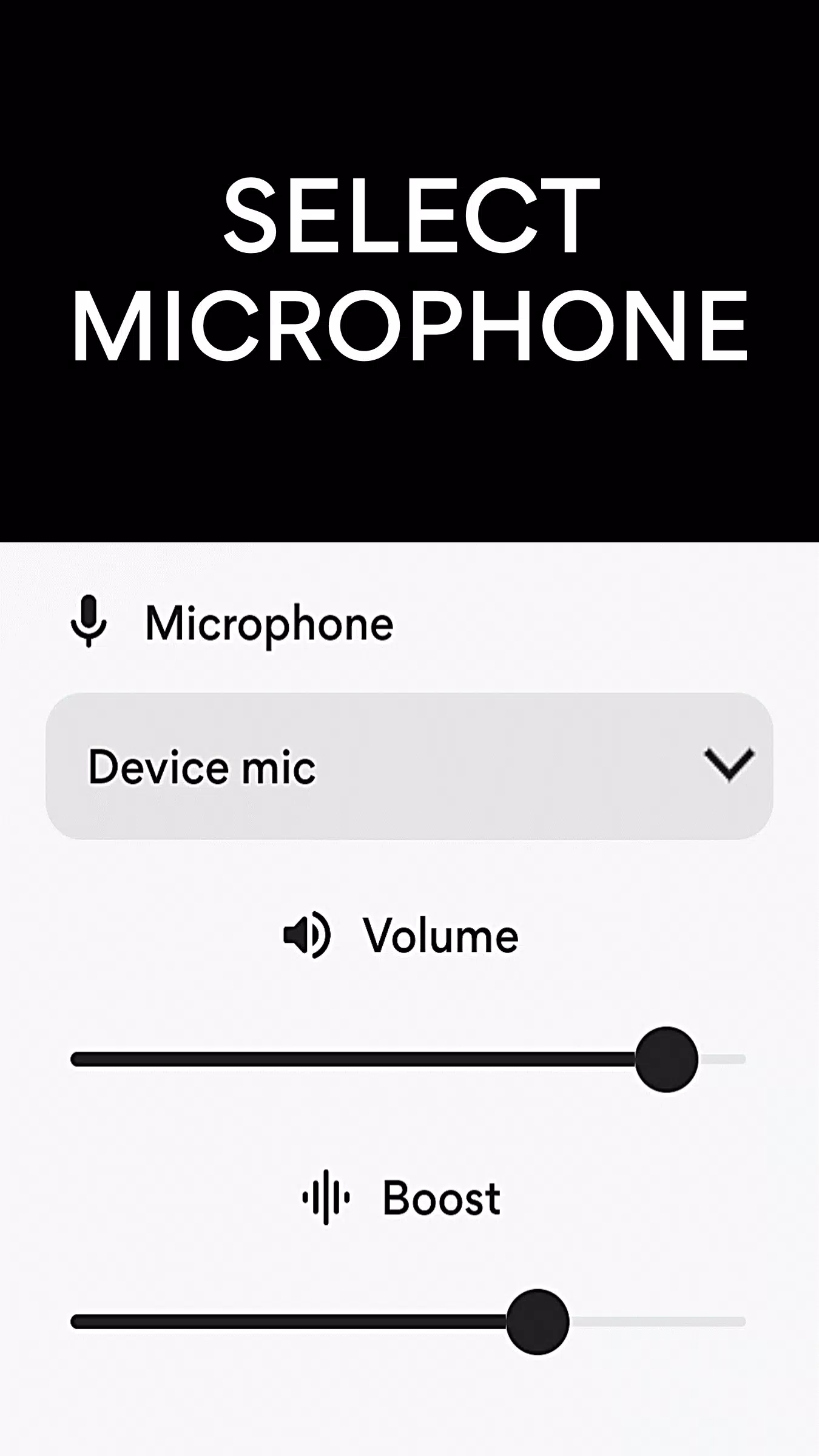
- Select Microphone: Choose from your phone's microphone, headset mic, or Bluetooth mic for optimal sound capture.
- Sound Booster: Amplify the volume of the captured sound for clearer hearing.
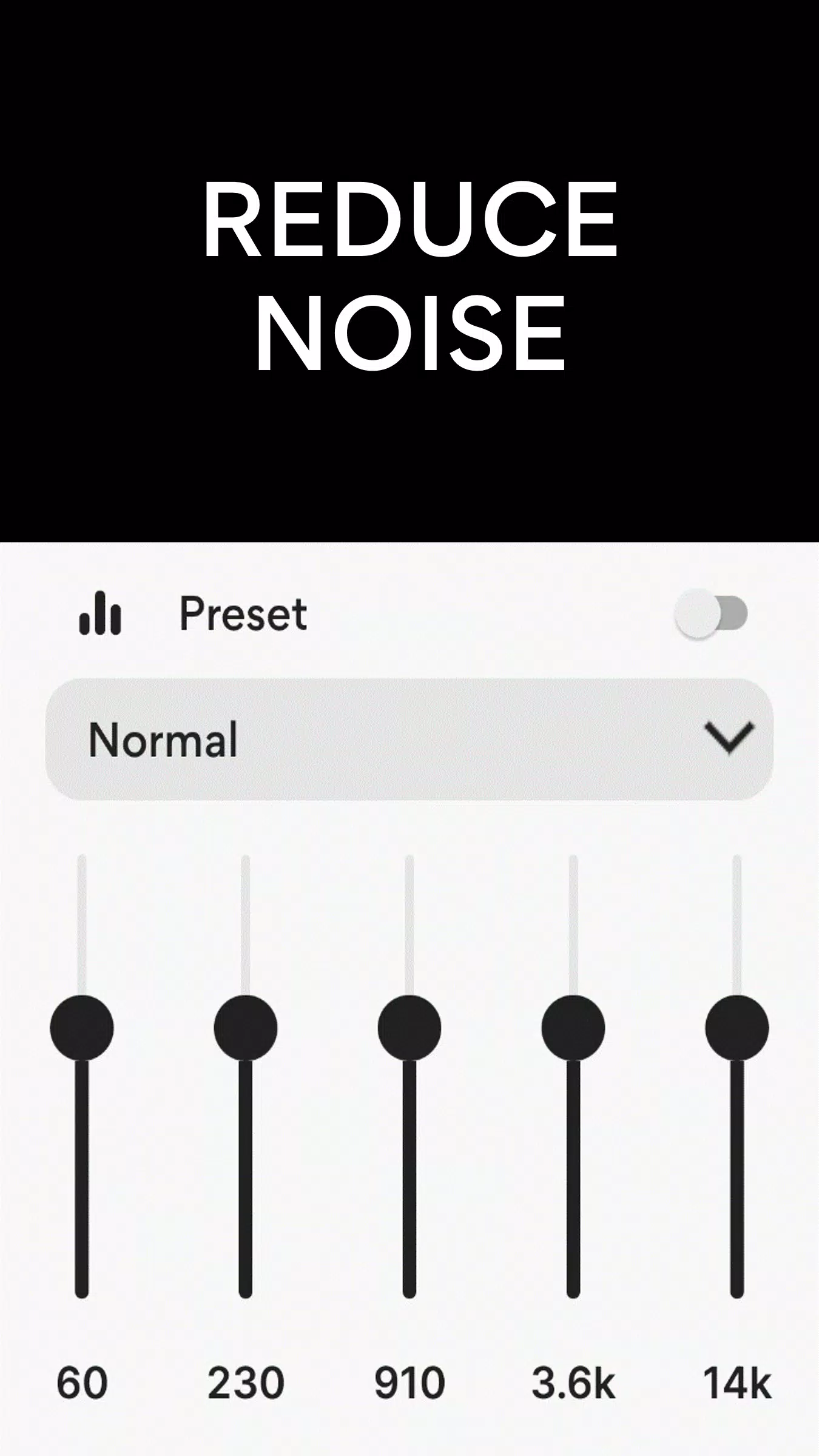
- Noise Reduction / Noise Suppression: Minimize background noise to focus on the essential sounds.
- Echo Cancellation: Enhance the quality of the audio by eliminating echoes.
- Sound Equalizer: Fine-tune the sound to suit your hearing preferences.
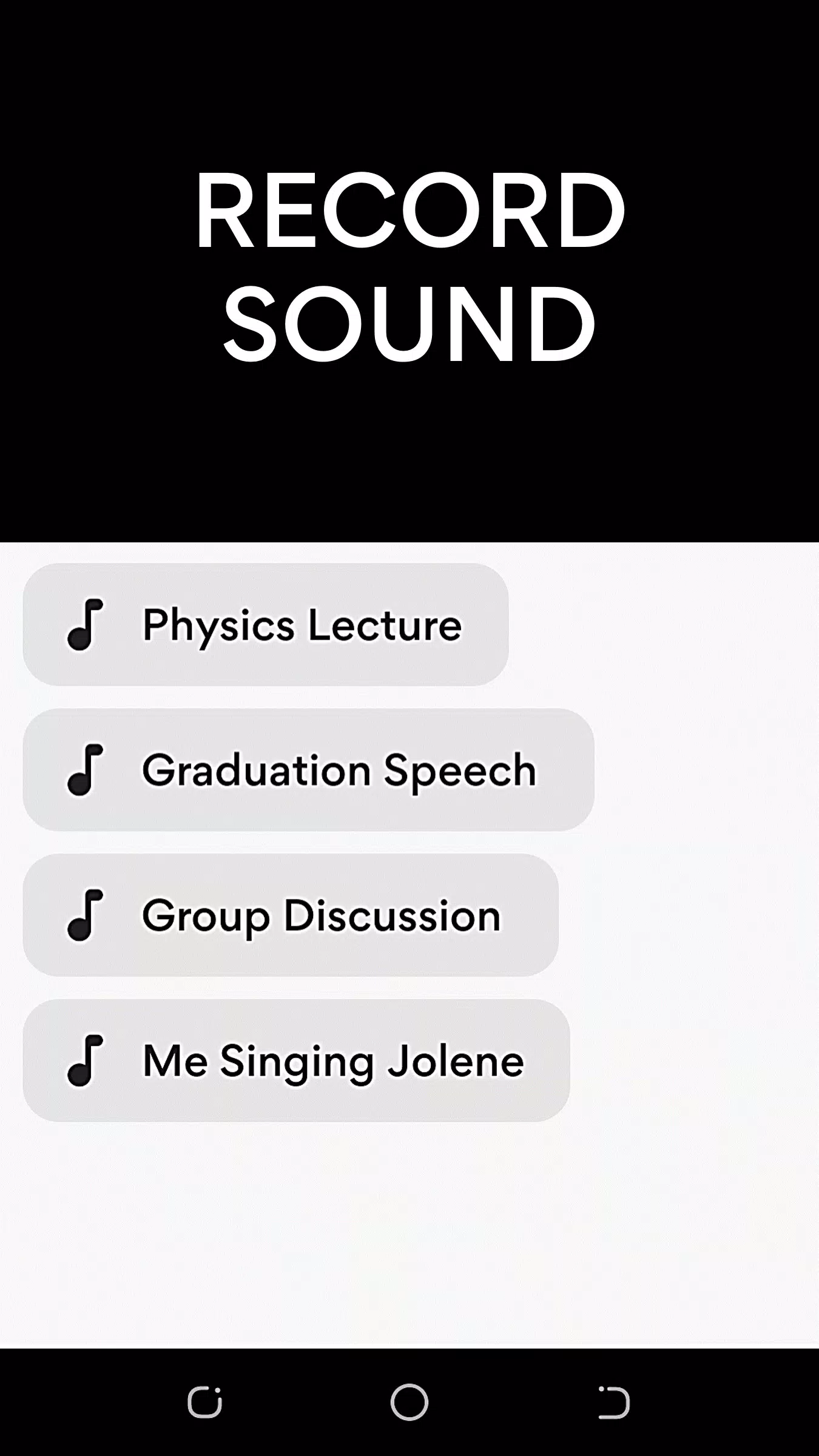
- MP3 Sound Recorder: Record the amplified sound for later use.
- Wireless / Bluetooth Connectivity: Seamlessly connect to your Bluetooth devices for a hassle-free experience.
- Volume Control: Adjust the volume to your comfort level.
How to Use Microphone Amplifier
- Connect your earphones or Bluetooth headphones to your Android device.
- Launch the Microphone Amplifier app and tap "Listen" to begin capturing and amplifying sound to your headphones.
Note: When using Bluetooth headphones, you can position your phone near the sound source to hear from a distance.
Disclaimer: Microphone Amplifier is designed to enhance your hearing experience and is not intended to replace professional medical hearing aids.
What's New in Version 12.7.2
Last updated on Aug 1, 2024
- Noise Cancellation: Improved to provide a clearer listening experience.
- Left/Right Audio Balance: New feature to adjust audio balance for better sound distribution.