iLauncher is a sleek, lightweight, and high-performance Android launcher built on Launcher3, designed to deliver a smooth and visually stunning experience. Inspired by the modern aesthetics of Phone X, iLauncher embraces a clean flat design language that transforms your device into a minimalist, elegant powerhouse. Whether you're looking to revamp your phone’s look or enhance usability, iLauncher offers a fresh, modern interface with intuitive functionality that puts style and speed at your fingertips.
Developed with a focus on simplicity and elegance, iLauncher gives you full control over your Android experience. From customizable layouts to immersive themes, it empowers users to personalize their devices like never before—perfect for those who appreciate flat design and contemporary visuals.
Key Features of iLauncher
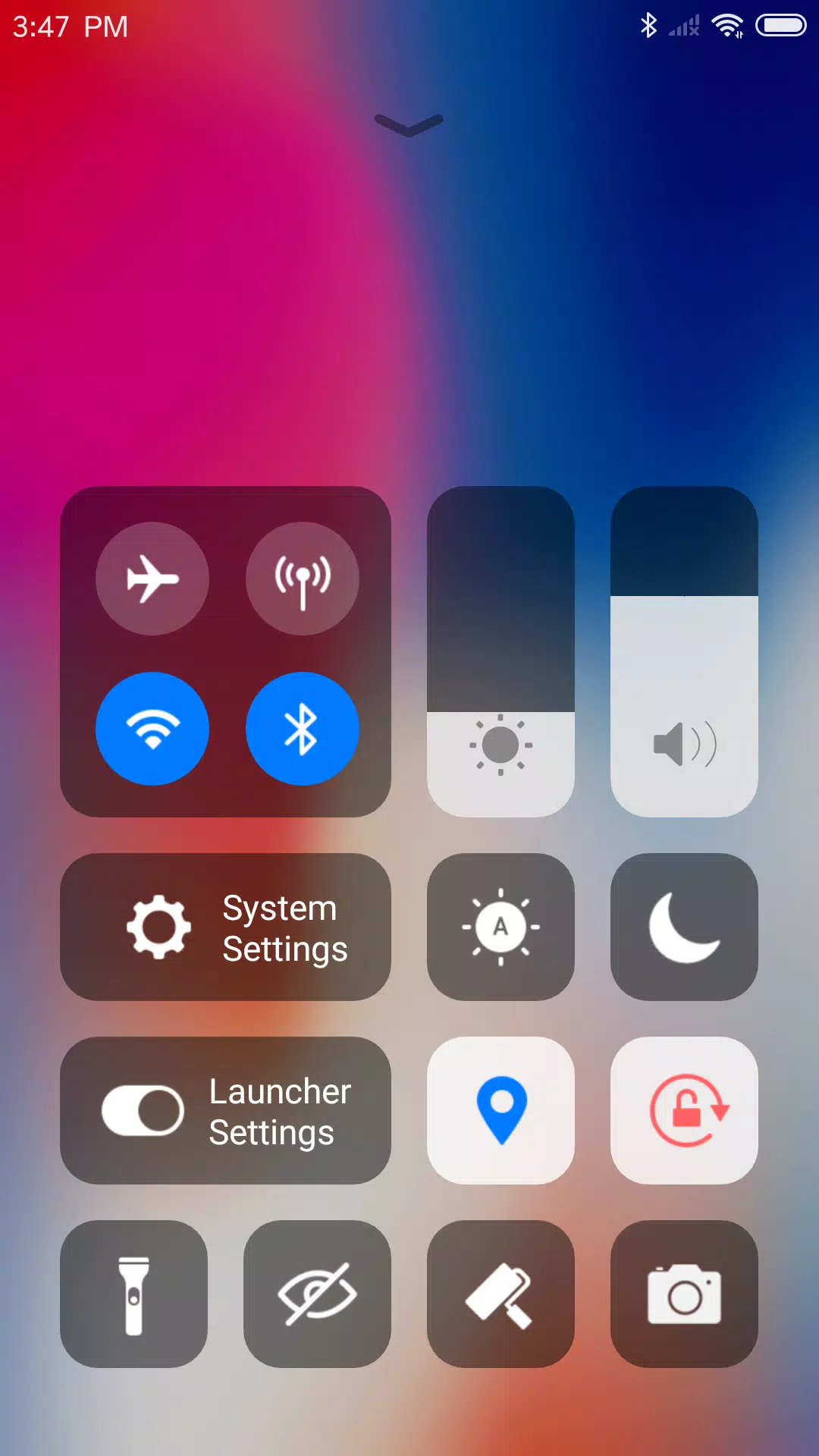
Fast Control Center
Choose between two Control Center styles: the default flat design for a modern look or the classic style for a familiar feel—switchable in settings. Simply swipe down to access quick settings and instantly adjust Wi-Fi, network, brightness, volume, or take a photo with ease.Thousands of Themes
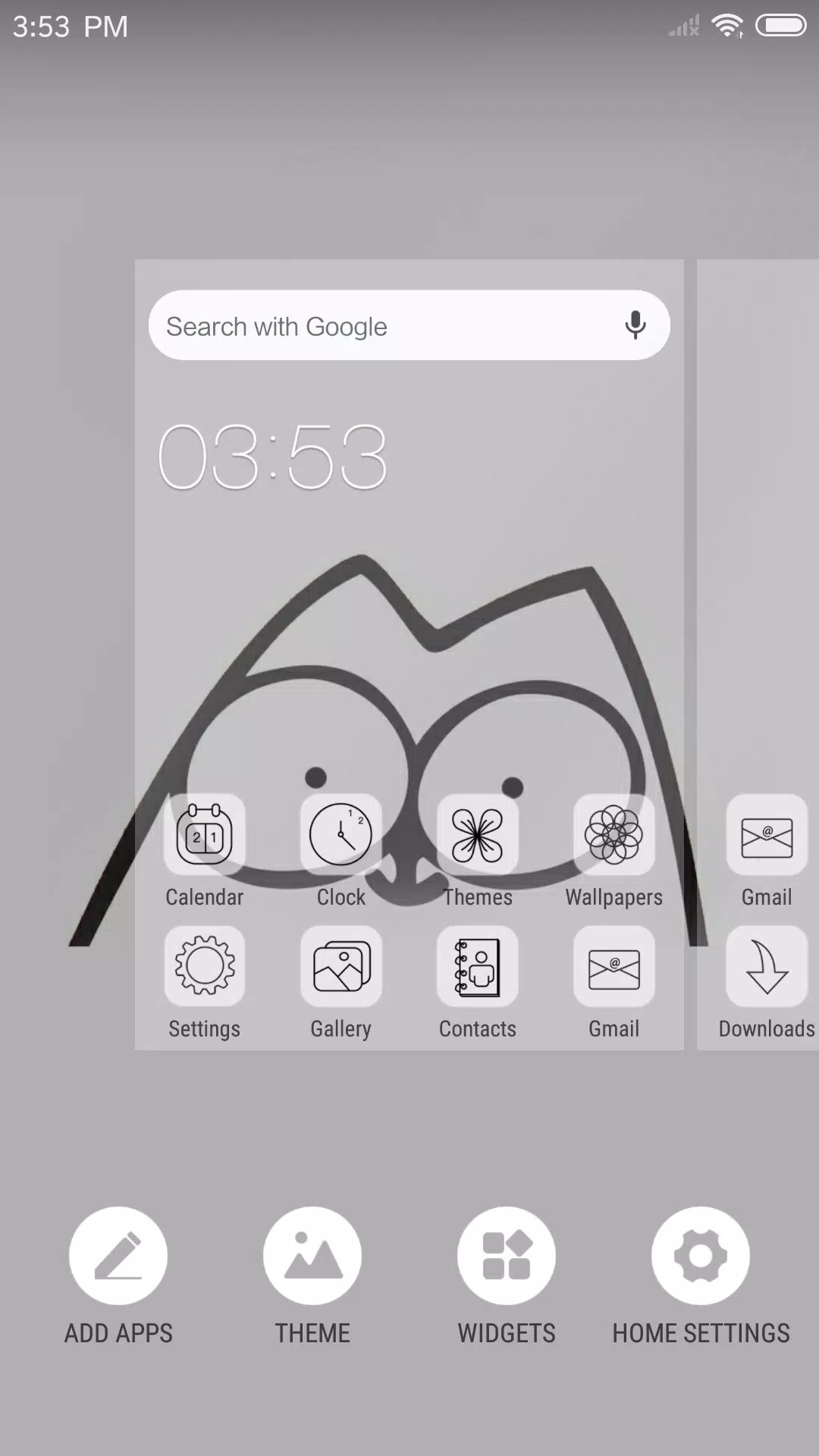
Explore a vast collection of themes in the built-in Theme Store. iLauncher also includes custom flat-style icon packs for popular apps, ensuring visual harmony across your home screen.Latest Wallpapers & Icon Sets
Enhance your experience with curated wallpapers available in the dedicated Wallpaper Center. Designed specifically for Phone X aesthetics, these wallpapers come with rich icon sets that complement the flat design for a cohesive, stylish look.Powerful App Manager
Swipe up to launch the App Manager and quickly browse all installed apps. Drag and drop your favorite apps directly onto the home screen for instant access.Flat Style Folders
Create folders the intuitive way—just drag one app over another to generate a flat-style folder. Organize your apps with a clean, modern touch.Weather & Time Widget
Stay updated with the integrated Weather and Time widget, conveniently located on the leftmost home screen page. Check conditions and time at a glance.Hide Apps
Keep sensitive or frequently used apps hidden from the home screen. This smart feature allows you to hide apps while still accessing them securely—perfect for privacy and clutter-free navigation.Fully Customizable Layout
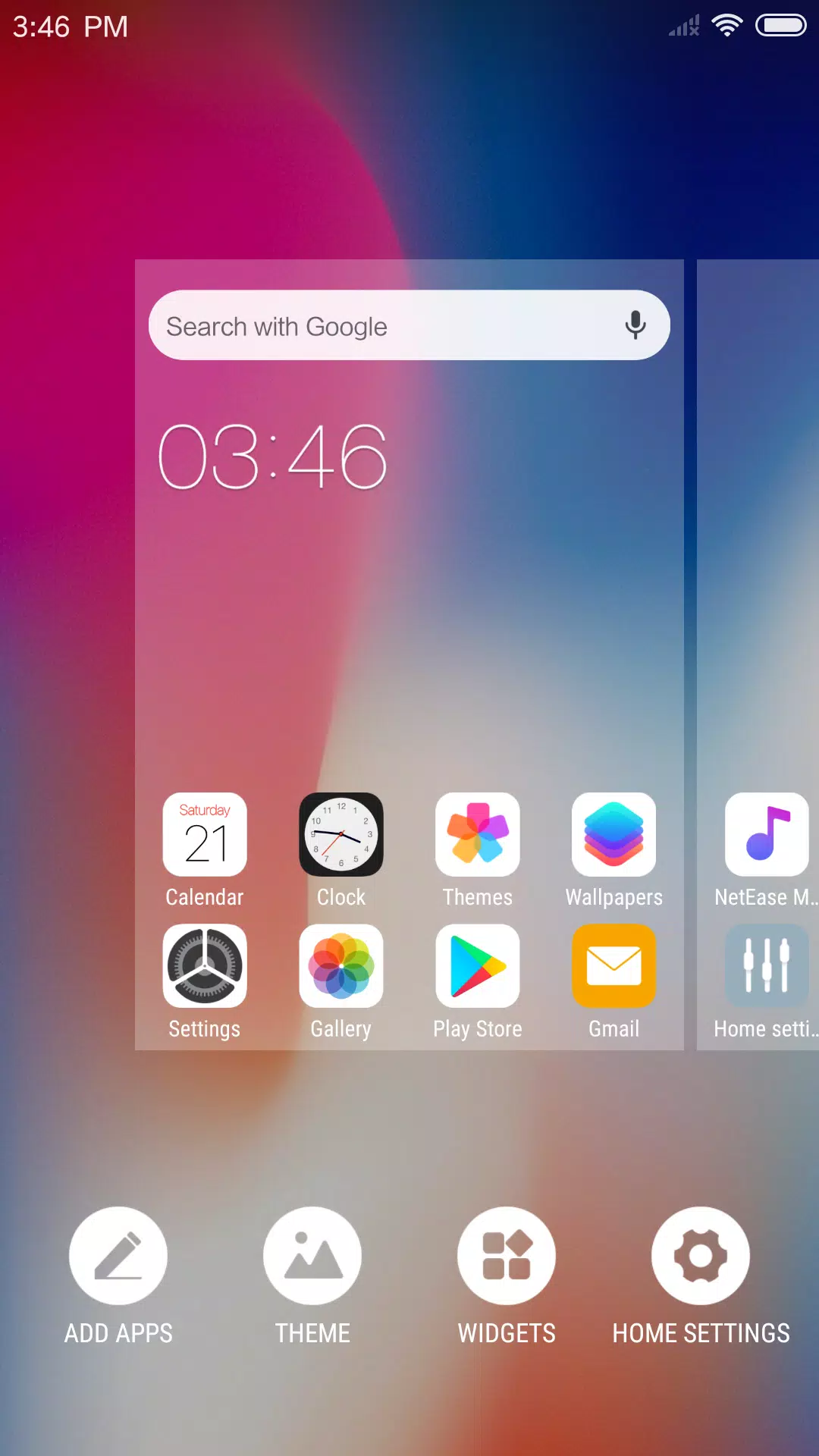
Tailor your launcher to your preference. Adjust the number of rows and columns, rename app labels, and replace default icons with your own images for a truly personalized setup.3D Touch Support
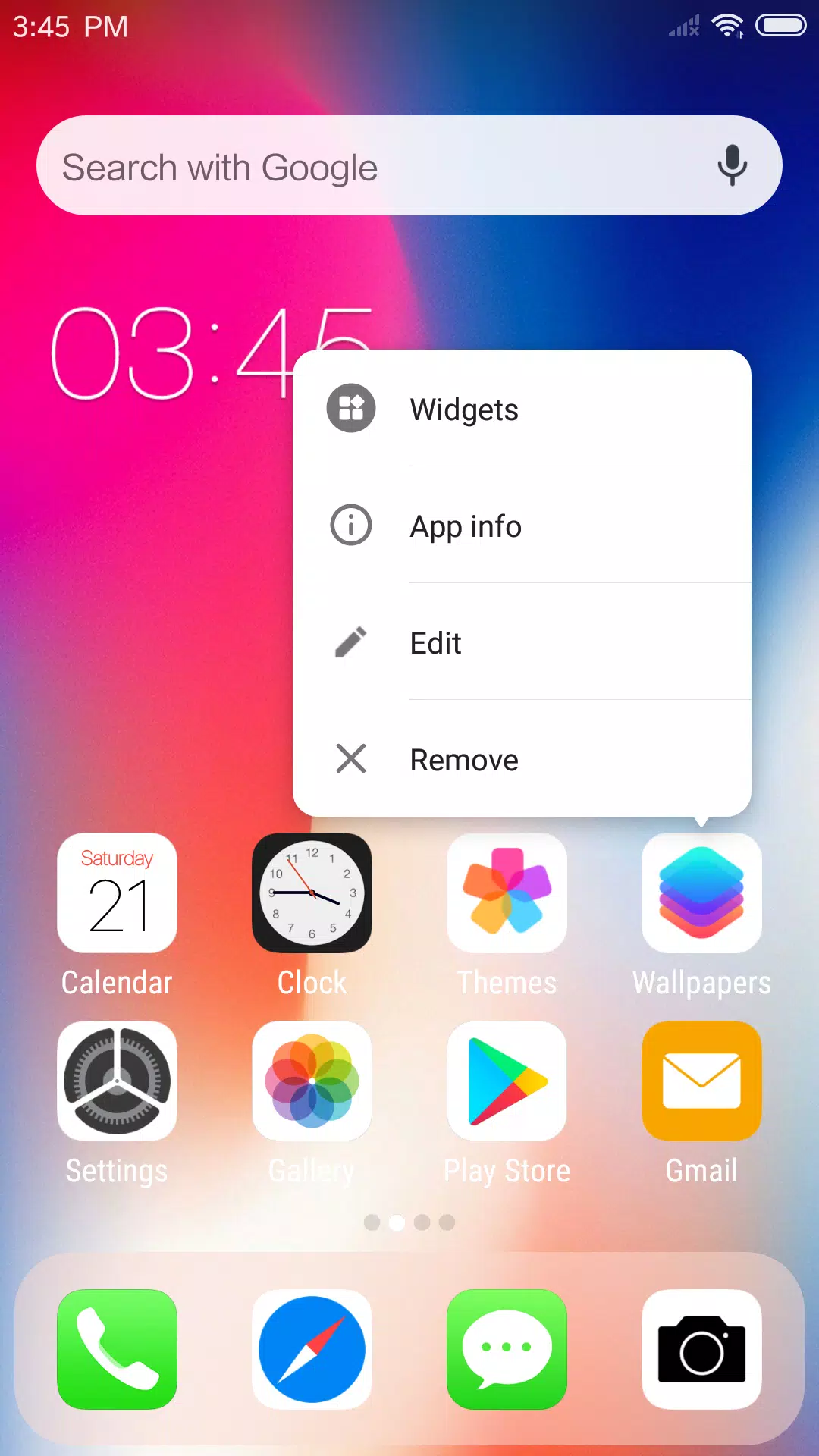
Experience enhanced shortcuts with 3D Touch. Long-press supported apps to access a quick menu where you can rename shortcuts, add widgets, or jump to app settings—all with a single press.Screen Locker
Double-tap the desktop to lock your screen instantly. (Requires installation of the optional Locker plugin app for full functionality.)Minimal Permissions, Maximum Privacy
iLauncher respects your privacy. It only requests permissions when absolutely necessary. Storage permission is used solely to save downloaded themes and wallpapers and to retrieve the current system wallpaper.Continuously Evolving
iLauncher is actively developed with new features rolling out in future updates. Your feedback is highly valued as we strive to enhance performance, design, and functionality. Join the journey and help shape the future of a smarter, sleeker Android experience.
[ttpp] [yyxx]