Introducing Kids360, the ultimate parental control app designed to ensure your child's safety and manage their screen time effectively. With Kids360, you can set time limits, block distracting apps, track GPS locations, and monitor app activity, all while promoting a healthy balance between digital and real-world activities.
Kids360 and its companion app, Alli360, offer a comprehensive suite of features that empower parents to guide their children's digital habits:
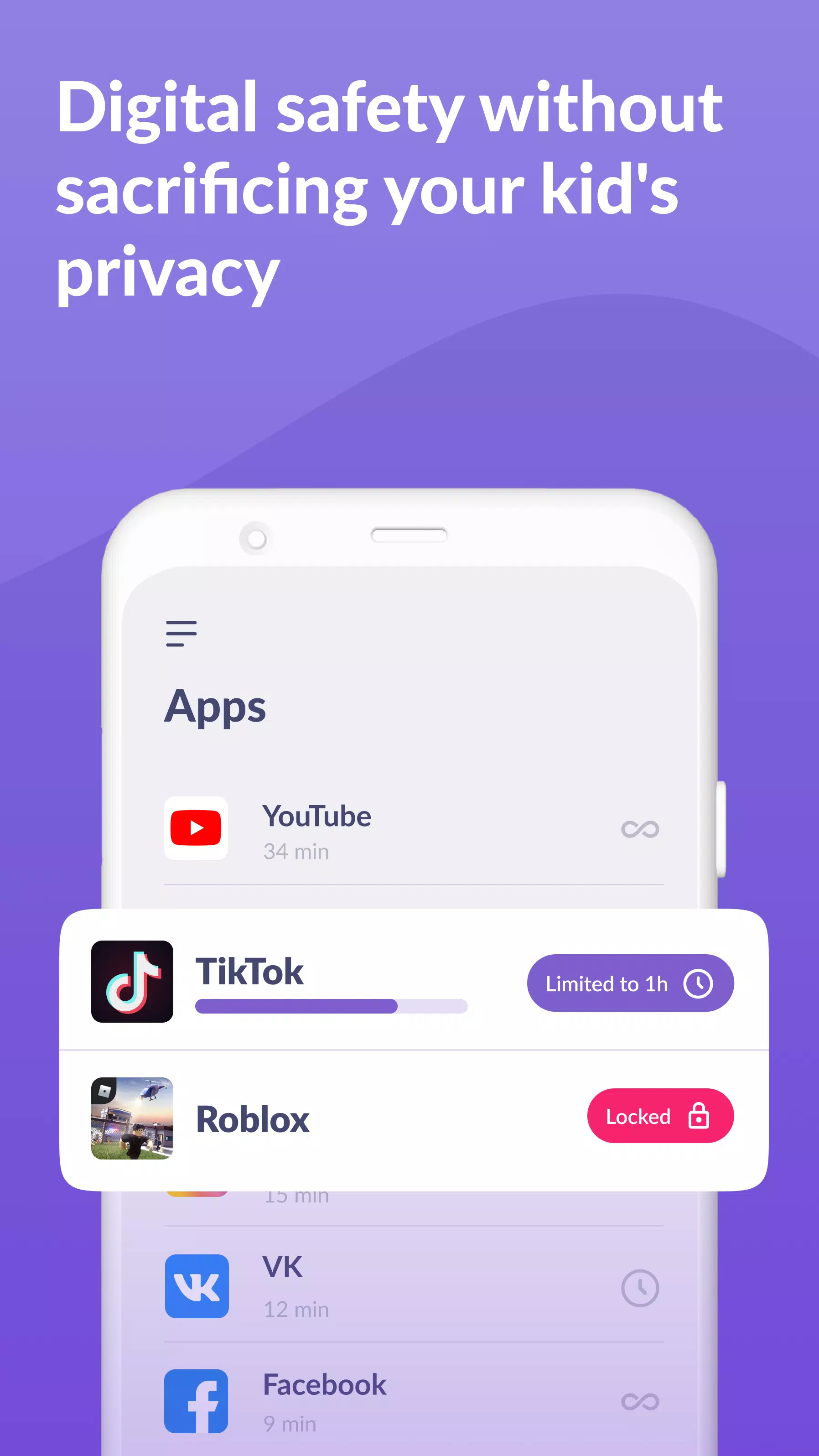
App Usage Limiter - Easily set time limits on your child's phone for apps, games, and social media, functioning as a child lock app. It also supports child lock, kids mode, and parental control functionalities, ensuring your child stays focused on what matters.
Usage Schedule - Tailor your child's schedule to prioritize school time and ensure restful sleep during bedtime. The child monitoring app and child lock feature monitor and limit the time spent on games, social media, and entertainment apps, promoting a balanced lifestyle.
App Statistics - Gain insights into which apps your child uses and for how long. This helps you understand if they're engaging in productive activities or playing games during class time.
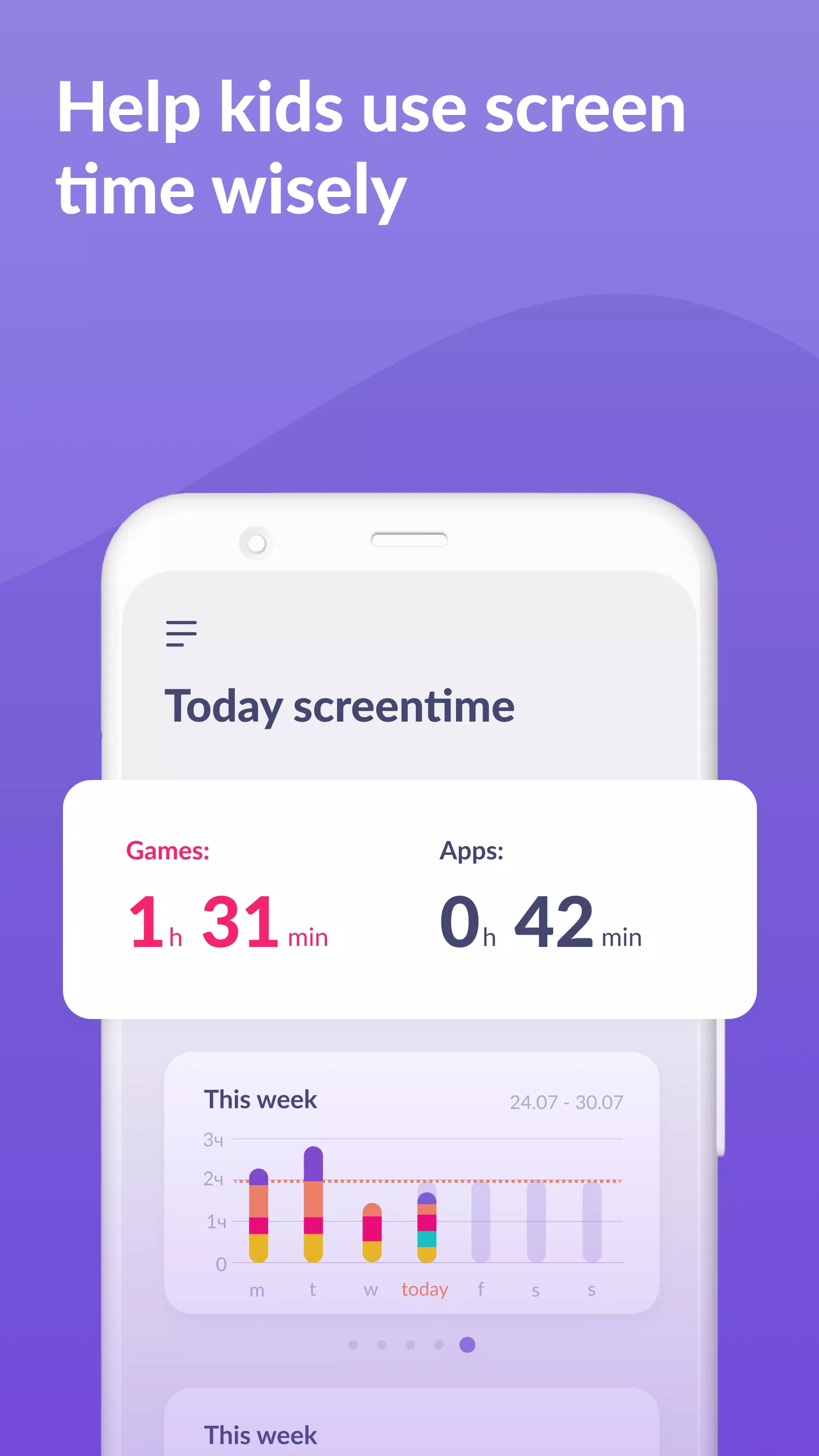
Screen Time Monitoring - Our app provides detailed reports on your child's phone usage, highlighting which apps consume the most time. This enables effective kid control and promotes responsible screen time management.
Stay in Touch - Essential apps for communication, like calls and texts, remain accessible, ensuring you're never out of touch with your child, even while managing their screen time.
Kids360 is committed to your child's safety and helps you monitor their screen time. Our mobile app tracker keeps you informed about the time spent on their phone, the games they play, and the apps they use most frequently.
We respect privacy and adhere strictly to legal standards and the GDPR policy. The app cannot be installed secretly and requires the child's consent for use. Personal data is handled with the utmost care.
To start using Kids360 and Alli360:
- Install Kids360 – parental control on your phone.
- Install Alli360 on your child’s phone and enter the code provided in Kids360.
- Authorize monitoring of your child's smartphone through the Kids360 app.
Once connected, you can monitor your child's screen time on your smartphone at no cost. Advanced time management features, such as scheduling and app blocking, are available during a trial period and with a paid subscription.
Kids360 requires the following permissions to function effectively:
- Display over other apps - to enforce app blocking when time limits are reached.
- Special access - to manage and limit screen time.
- Access to usage data - to gather statistics on app usage.
- Autorun - to ensure continuous operation of the app tracker on your child's device.
- Device administrator - to prevent unauthorized removal and maintain kids mode.
Should you encounter any technical difficulties, our dedicated 24/7 support team is ready to assist you. Reach out to us at [email protected].