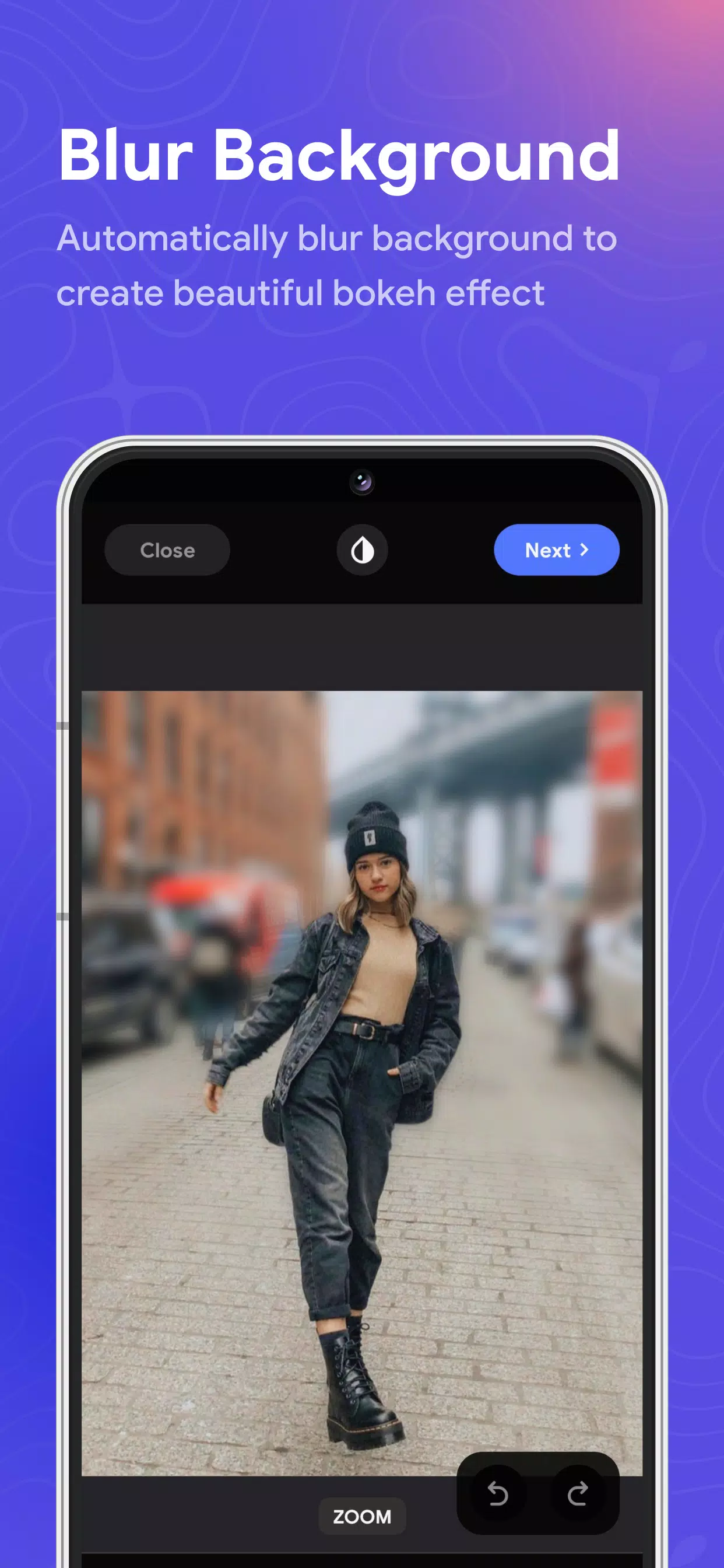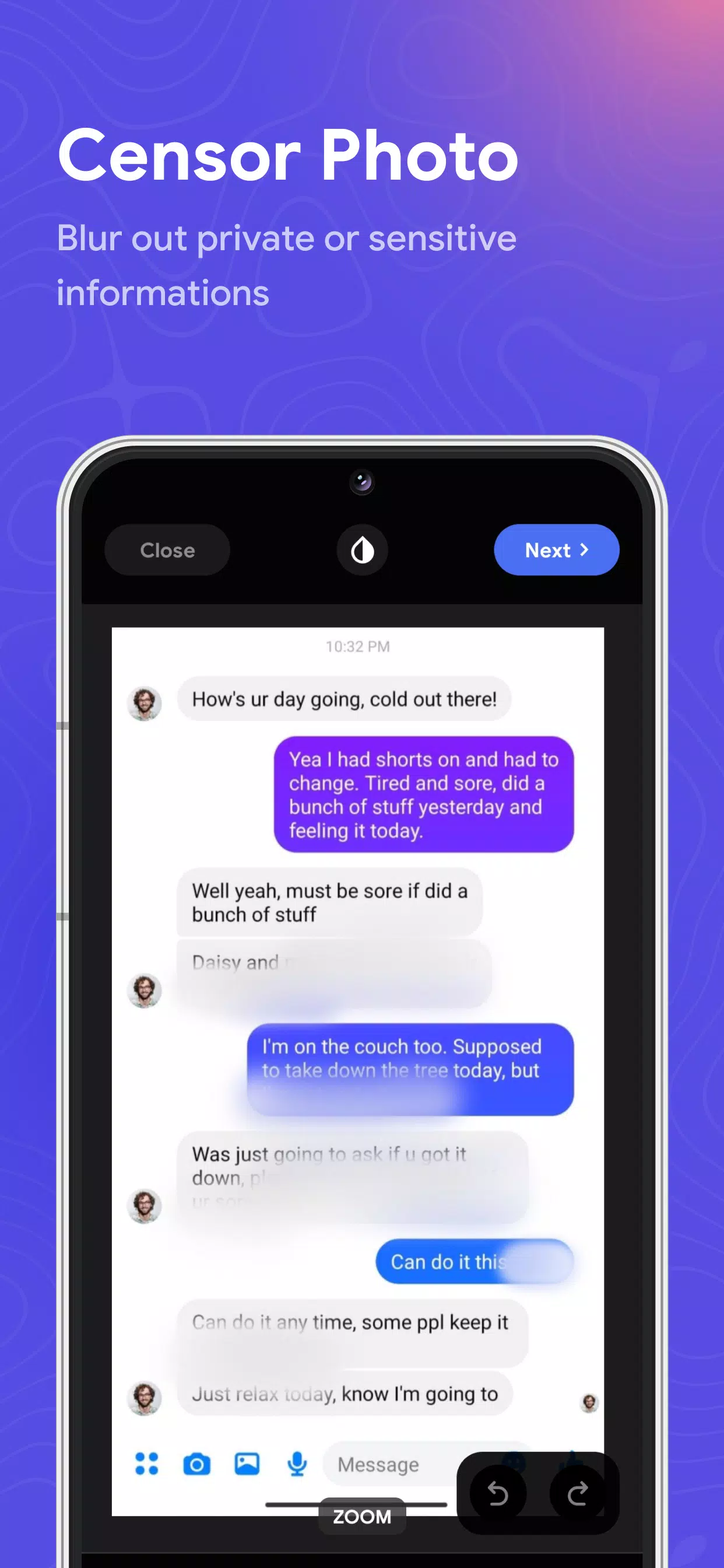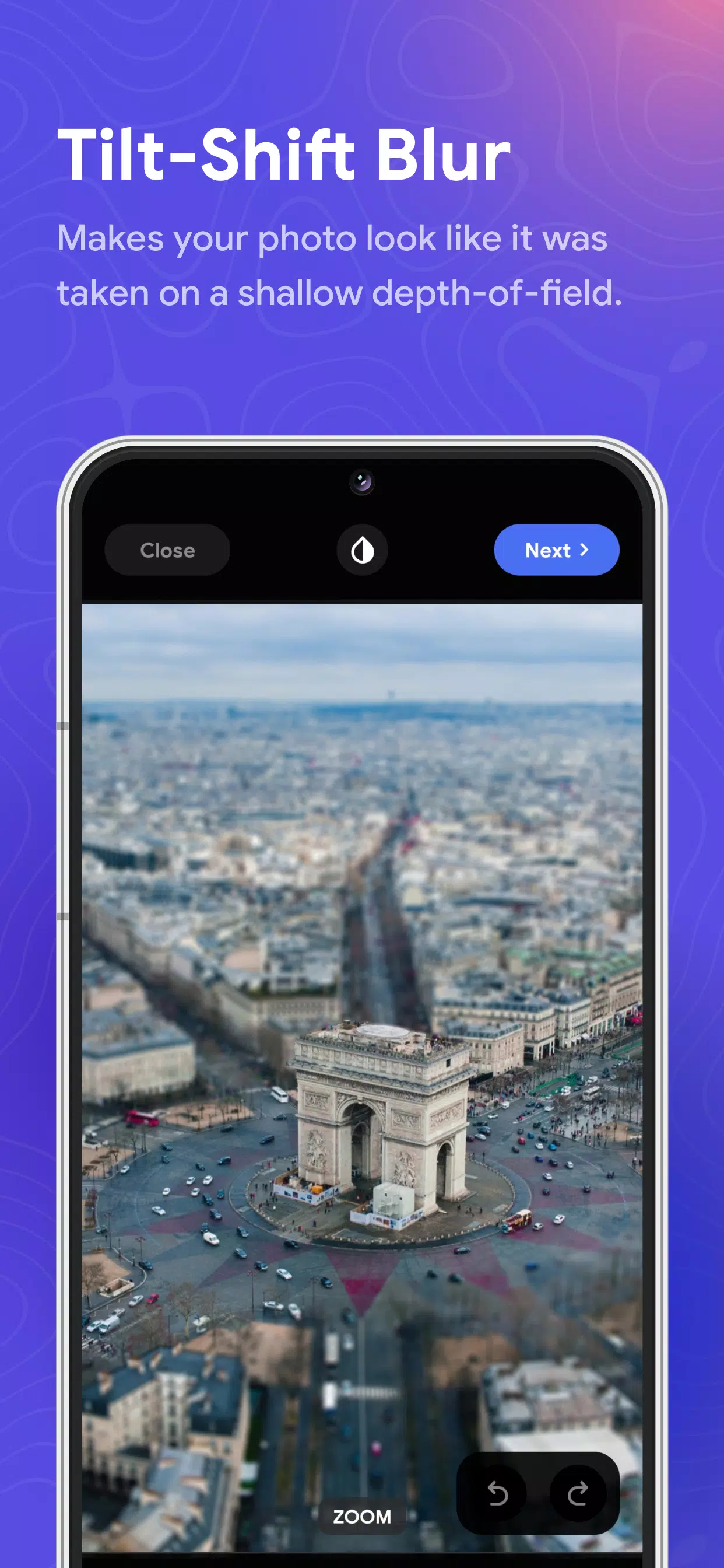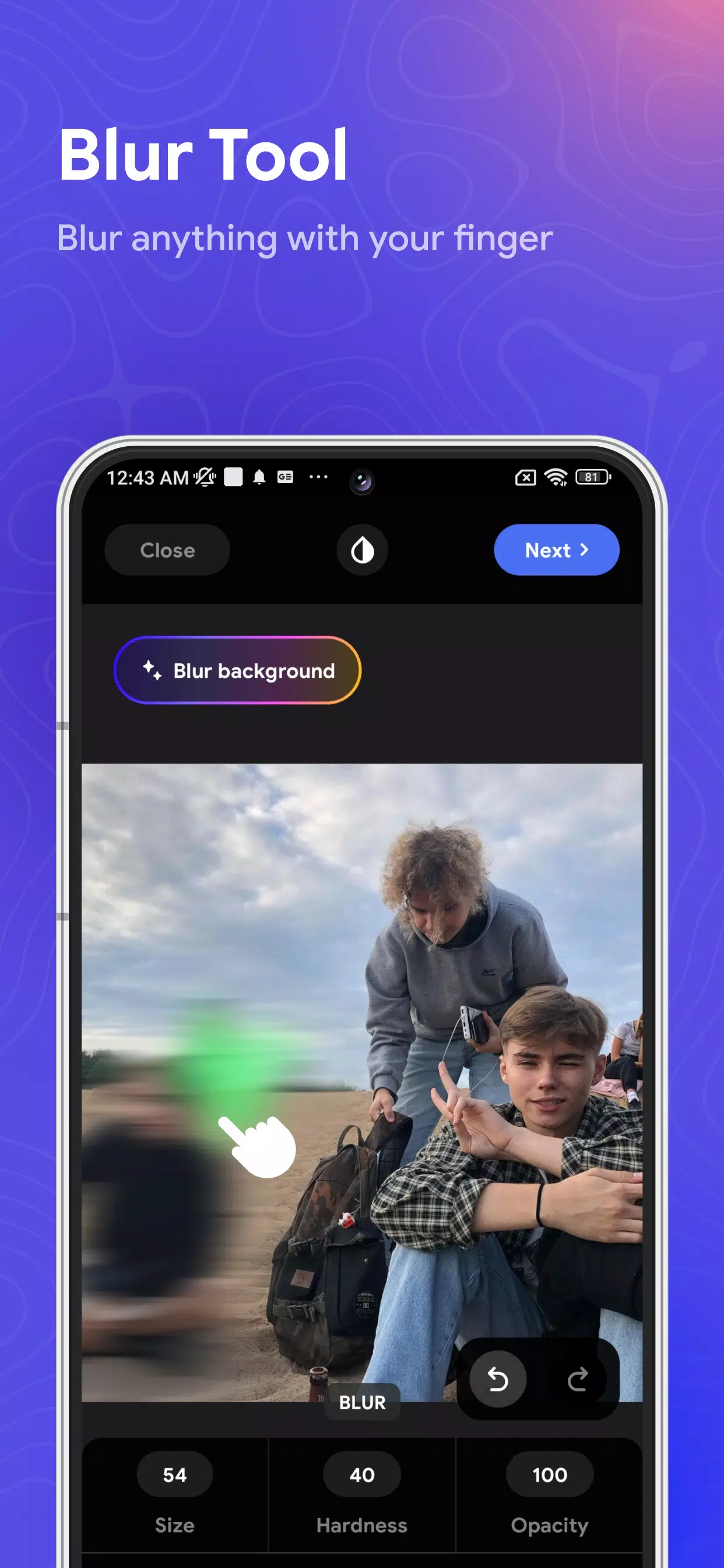
Blur Photo is the ultimate tool for those looking to enhance their images with professional-grade blurring effects. Whether you're aiming to blur the background, create a captivating bokeh effect, or instantly blur faces for privacy, this app has got you covered. With its advanced features, you can craft photo mosaics, apply motion blur, and even use it as a censor photo tool with ease.
This versatile picture blur tool is designed to help you achieve a variety of blur effects, including dramatic motion blur, intricate photo mosaics, and artistic bokeh effects that mimic the look of a tilt-shift lens. You have the power to blur backgrounds, blur faces, or censor specific parts of your images with just one click. The app allows you to fine-tune the intensity and area of the blur effect, giving you complete control over your blur photo selections.
Blur Photo also excels in creating eye-catching effects with its range of blur tools. From photo mosaics to the simulation of a tilt-shift lens effect, and even face blurring, the app provides multiple options to make your photos stand out.
With its powerful blur image capabilities, you can blur backgrounds and faces effectively. Once you've created your desired blur photo, you can save it in high resolution and share it with your friends and family.
Features of Blur Photo:
- Blur Background: Automatically blur the background of your photos with ease.
- Blur Effect: Choose from a variety of unique blur effects, including motion blur, photo mosaic, and the popular bokeh effect.
- Face Blur and Censor Photo: With just one touch, blur faces or censor parts of your photo for privacy.
- Tilt Shift Lens: Achieve powerful depth-of-field editing to give your photos a miniature effect.
- Customizable Blur: Adjust the intensity and size of your picture blur to suit your needs.
- Image Editing: Crop and rotate your blur images for perfect composition.
- High-Resolution Saving: Save your blur photos in high resolution for the best quality.
Blur Photo is not just any blur background app; it's a comprehensive tool for creating stunning blur effects on your photos. Use the blur image tools to censor photos or add artistic touches like motion blur, photo mosaics, or bokeh effects. The intuitive design of Blur Photo allows you to easily select where you want to apply the blur and adjust the intensity of the blur effect to achieve your desired outcome.