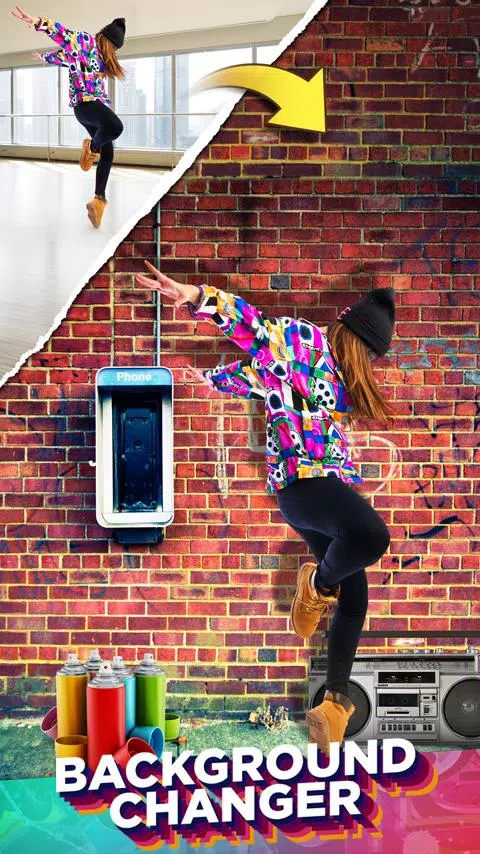
Discover the power of photo editing with our app, featuring an array of tools like Cut, Copy Photo and Paste Image, Photo Collage Editor, Slideshow Maker, and Retouch. With a single click, you can effortlessly change the background of your photos, unlocking endless creative possibilities.
Cut or copy elements such as people, animals, cars, and backgrounds from one photo and seamlessly integrate them into another, crafting stunning new photo collages. Need to remove the background from a photo? Our app makes it easy to cut out individuals and place them onto new backgrounds. If you want to remove people from photos altogether, this app is your go-to solution.
Ever missed someone in a family photo? With our app, you can add them back into the picture without needing professional photo editing skills. It's the ultimate copy-paste tool for photos, simplifying the process for everyone.
Cut Paste Photos comes packed with hundreds of photo editing features. Here are the main tools at your disposal:
Cut Photos with AI Background Eraser: Utilize AI to cut photos or extract people and pets from their backgrounds. The Auto Background Eraser instantly removes the background, allowing you to paste your subjects onto any new background.
Copy Photos with Manual Copy: Achieve precision with our Manual Photo Cut feature, enabling you to copy exactly the parts of the photo you need.
Advanced Photo Editor: Fine-tune your cut photos with this tool for sharper, more precise edges. It's perfect for removing people or objects from photos.
Paste On Photos: Paste your cut photos onto any background from your gallery. Imagine adding yourself into iconic locations or virtually traveling to places you've never been.
Photo Collages: Create personalized collages by pasting cut photos onto our custom backgrounds, or opt for freeform collages to let your creativity run wild.
Color Pop: Use our color splash tool to maintain rich color saturation in key areas while converting the rest to black and white, emphasizing the focal point of your photo.
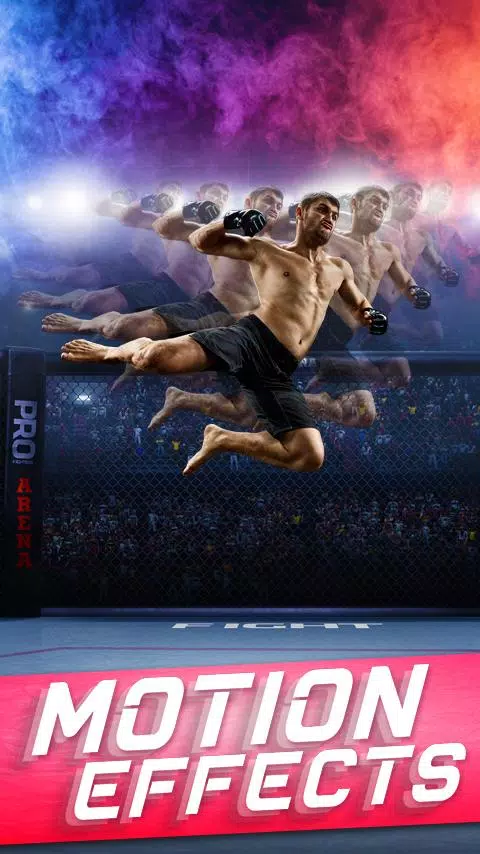
Photo Clone: Have fun with the clone effect by pasting multiple copies of people into your photos. Combine this with the Motion Effect for dynamic clone photo styles, or use the Photo Mirror effect to create mirrored repetitions.
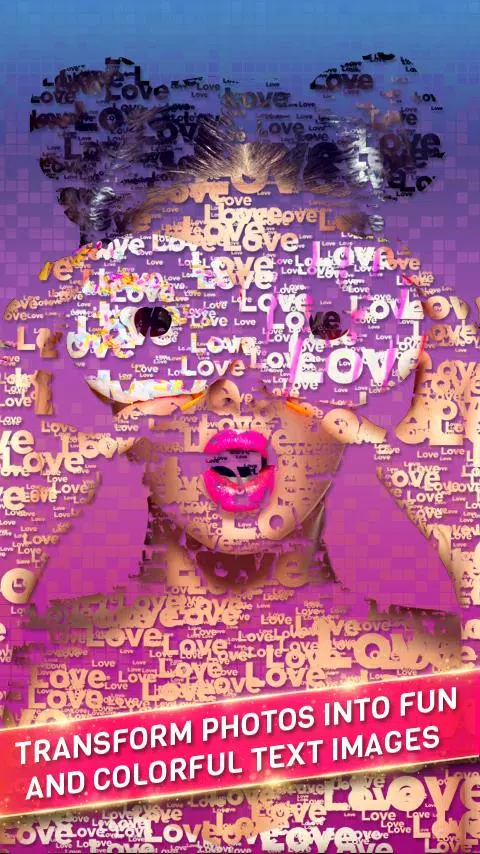
Text In Photo: Leverage our advanced text editor to add text to your photos or convert cut photos into text. Our Text On Photos and Collages feature offers a variety of fonts, textures, and advanced text styles.
Double Exposure: Easily create double exposure effects, blending your photos with scenic nature images for a surreal look.
Photo Filters: Elevate your Cut Paste Photos with an extensive selection of photo filters. Our editor also includes transform features like Flip Photo Vertically and Flip Photo Horizontally.
Our Photo Source feature now lets you access photos from our extensive image search or your personal device gallery. The Image Search function allows you to find web photos to cut and paste into your Photo Collage Editor. Our Photo Backgrounds include web image searches, our specially licensed top photo backgrounds, and your own gallery photos.
Additionally, our app includes thousands of Photo Stickers for you to play with.
With advanced tools like Advanced Photo Editor, Magnifying Glass, Collage Maker, Auto Background Eraser, and more, you can create the most visually appealing photos and photo collages. Changing photo backgrounds is now as easy as a single click.
For privacy terms related to cloud processing, please visit https://dexati.com/privacycutpaste.html. If you encounter any issues with our AI features, you can report them at https://dexati.com/reportai.html or directly from the app by using the home screen menu at the top right and selecting "Report AI."
What's New in the Latest Version 11.0.4
Last updated on Oct 9, 2024
Improved Stability.