Simple, Stylish, and Customizable Digital Clock and Weather Widget
Note: If the widget displays "Problem loading widget" after an update, please restart your device.
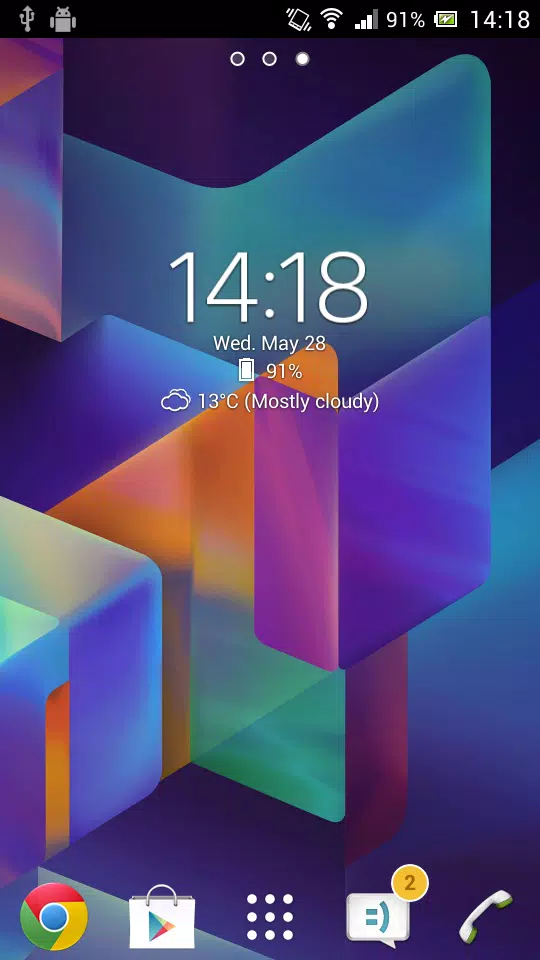
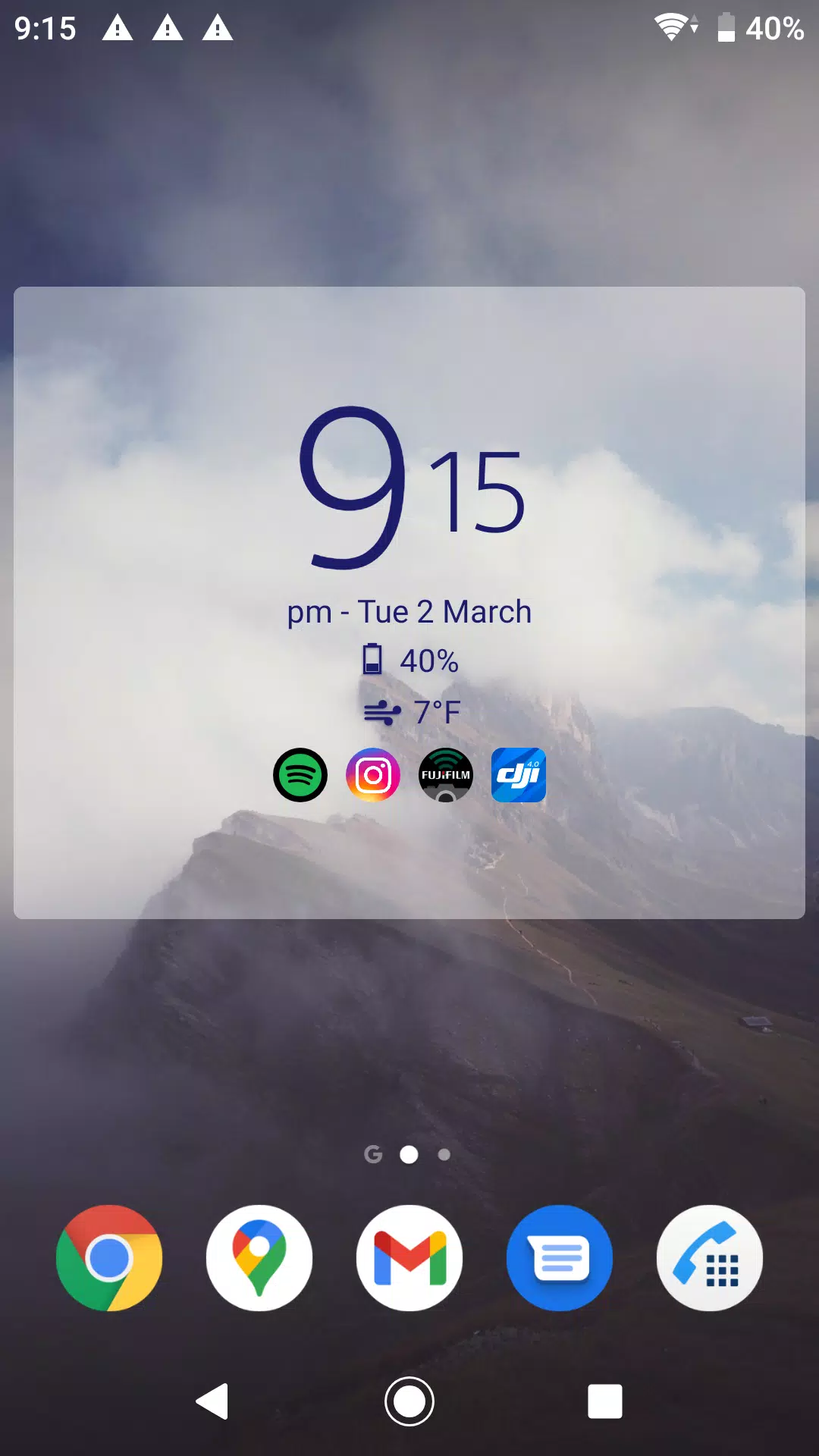
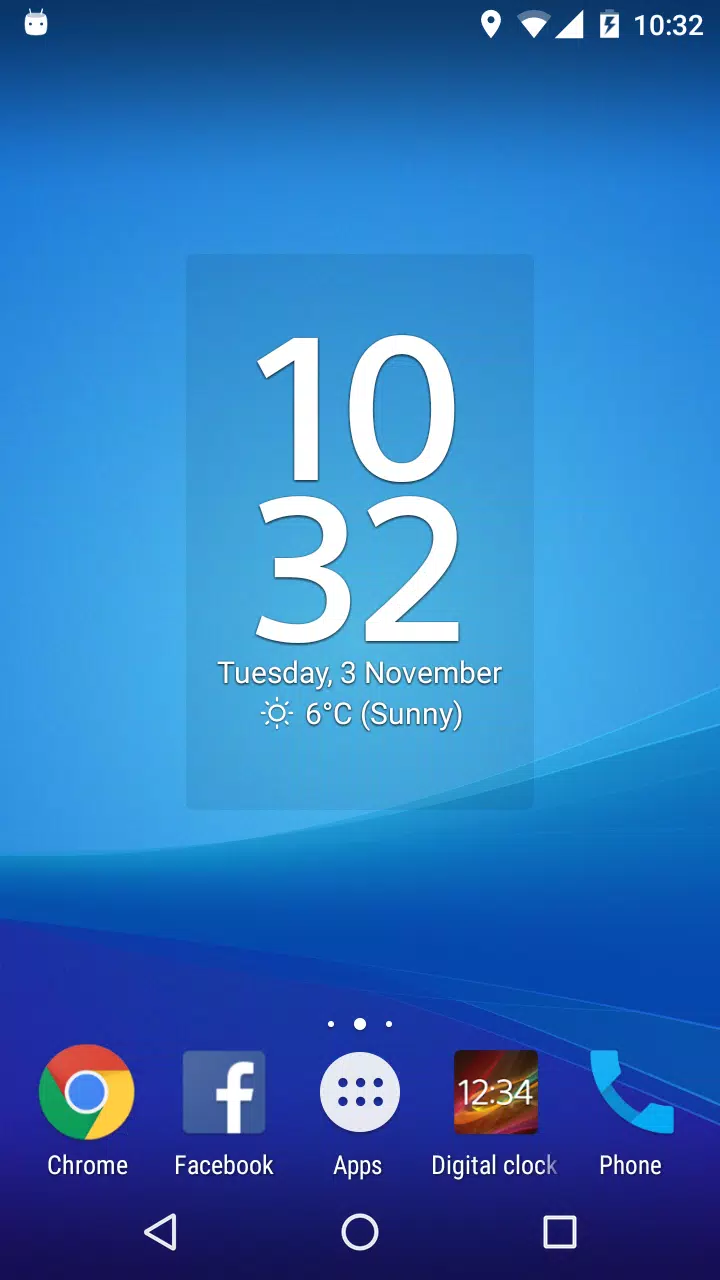
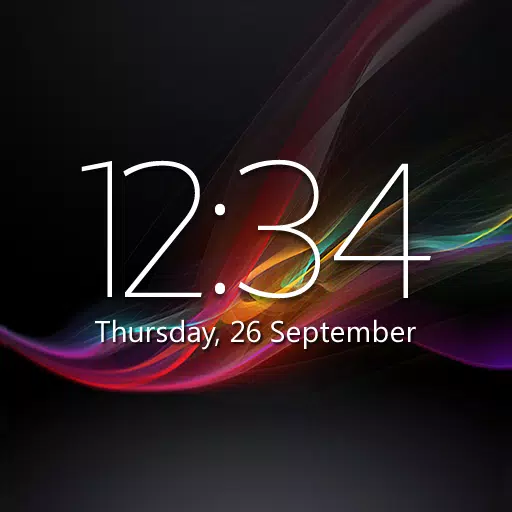
Experience the ultimate in functionality and style with our simple, yet highly customizable digital clock and weather widget. Tailor it to your preferences with an array of features designed to enhance your user experience.
- Weather Features: Get real-time weather updates, forecasts, severe weather alerts, and air quality information based on your location.
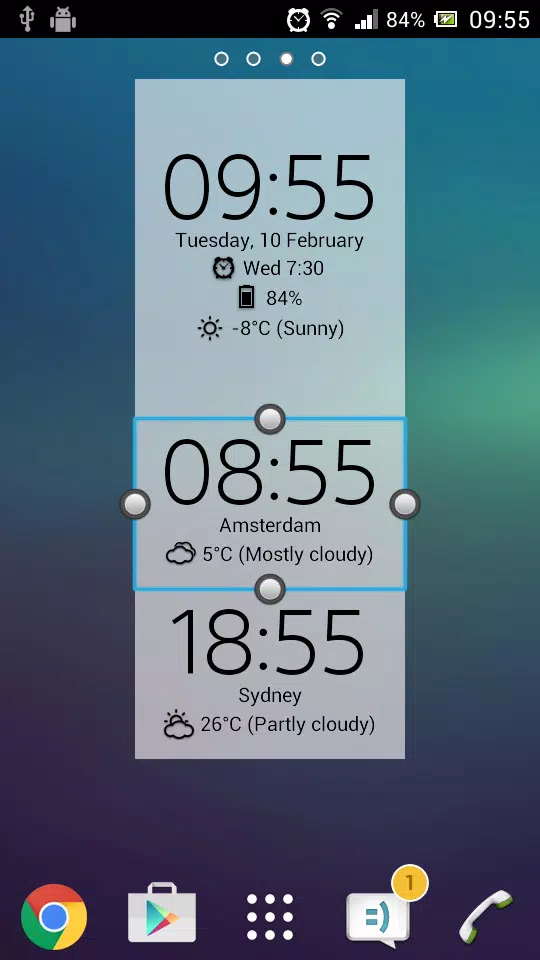
- Widget Sizes: Choose from a variety of sizes including small (2x2), big (4x3), wide (4x1), and tall (2x3), with 18 different fonts to personalize your look.
- Customization: Adjust the font color and size for time and date, and select your preferred time and date format.
- Interactive Elements: Tap parts of the widget to launch your alarm app, calendar app, preferred weather app, or any app you choose.
- App Shortcuts: Add clickable icons to quickly access up to six of your most-used apps (determined by the AccessibilityService API) or any six apps of your choice.
- Backplate: Option to display a semi-transparent backplate with adjustable color.
- Settings Management: Easily back up and restore your settings.
- Premium Upgrade: Enhance your widget with the paid "Premium" upgrade, which includes:
- 25 additional fonts plus the ability to add your own custom font.
- Display current time and weather for multiple locations and time zones.
- Show battery level information.
- Receive weather notifications.
- Adjust text and backplate transparency levels.
- Enjoy an ad-free experience.
Note: Adding the settings shortcut to your home screen does not automatically add the widget. If you need help adding the widget, please use the "Help" option in the settings window.
For any questions or issues with the app, reach out to us at [email protected]. We're here to assist you.
Permissions Explained: The app requires permissions to:
- Download weather-related data based on your location.
- Use custom fonts (Premium feature).
- Process in-app purchases for the Premium upgrade.
- Manage settings backups and restores.
- Utilize location data for more relevant ads.
- Access the next alarm time set by Samsung's Clock app.
- Determine your most-used apps for the App links feature.
Contribute to Our Translation Efforts: Help us translate the app or improve existing translations at http://bit.ly/digital_clock_xperia_translate.
Note: Some devices may require a restart after installation for the widget to appear in the widget list.
What's New in Version 6.9.9.600
Last updated on Oct 6, 2024
Version 6.9.9:
- Enhanced compatibility with Android 14 and 15.
- Updated libraries for improved performance.
- Fixed: Issue with restoring settings from backups on Android 14+.
- General performance and stability optimizations.