Office Cat: Idle Tycoon Games is an engaging business simulation where adorable felines take charge. You’ll oversee a team of purring employees and strategically grow a corporate empire rooted in charming, laid-back visuals and relaxing mechanics. Although you can play it on mobile, the experience is far more immersive on a larger screen through BlueStacks—making it easier to manage your adorable, furry staff.
This guide walks you through setting up and playing Office Cat: Idle Tycoon on your PC with BlueStacks, delivering a more polished and enjoyable gameplay experience.
Installing Office Cat: Idle Tycoon Games on PC
Visit the game’s page and click the “Play Office Cat: Idle Tycoon Games on PC” button. Install and run BlueStacks. Sign into your Google Play Store account, install the game, and you're all set to start playing!
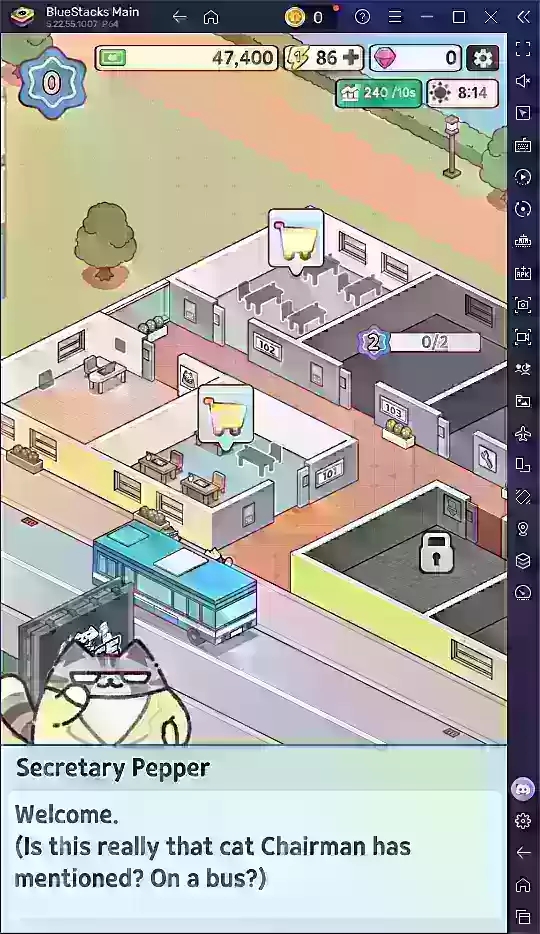
Office Cat: Idle Tycoon is entertaining on mobile devices, but it reaches its full potential when played on PC with BlueStacks. You’ll appreciate the clearer overview of your office layout, streamlined menu navigation, and effortless multitasking as you expand your feline-managed company. For the ultimate tycoon adventure, downloading BlueStacks and enjoying the game on your computer is highly recommended.