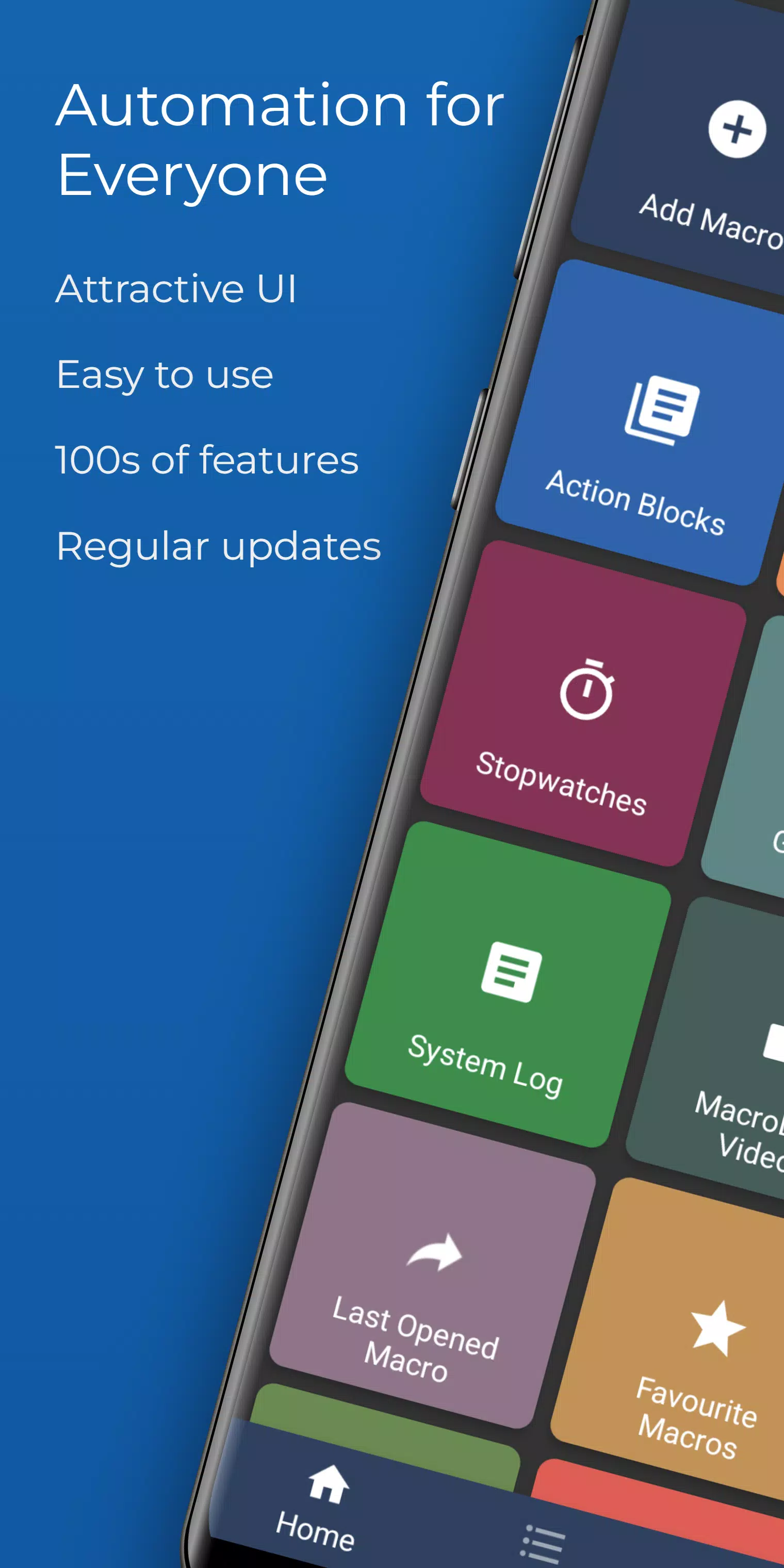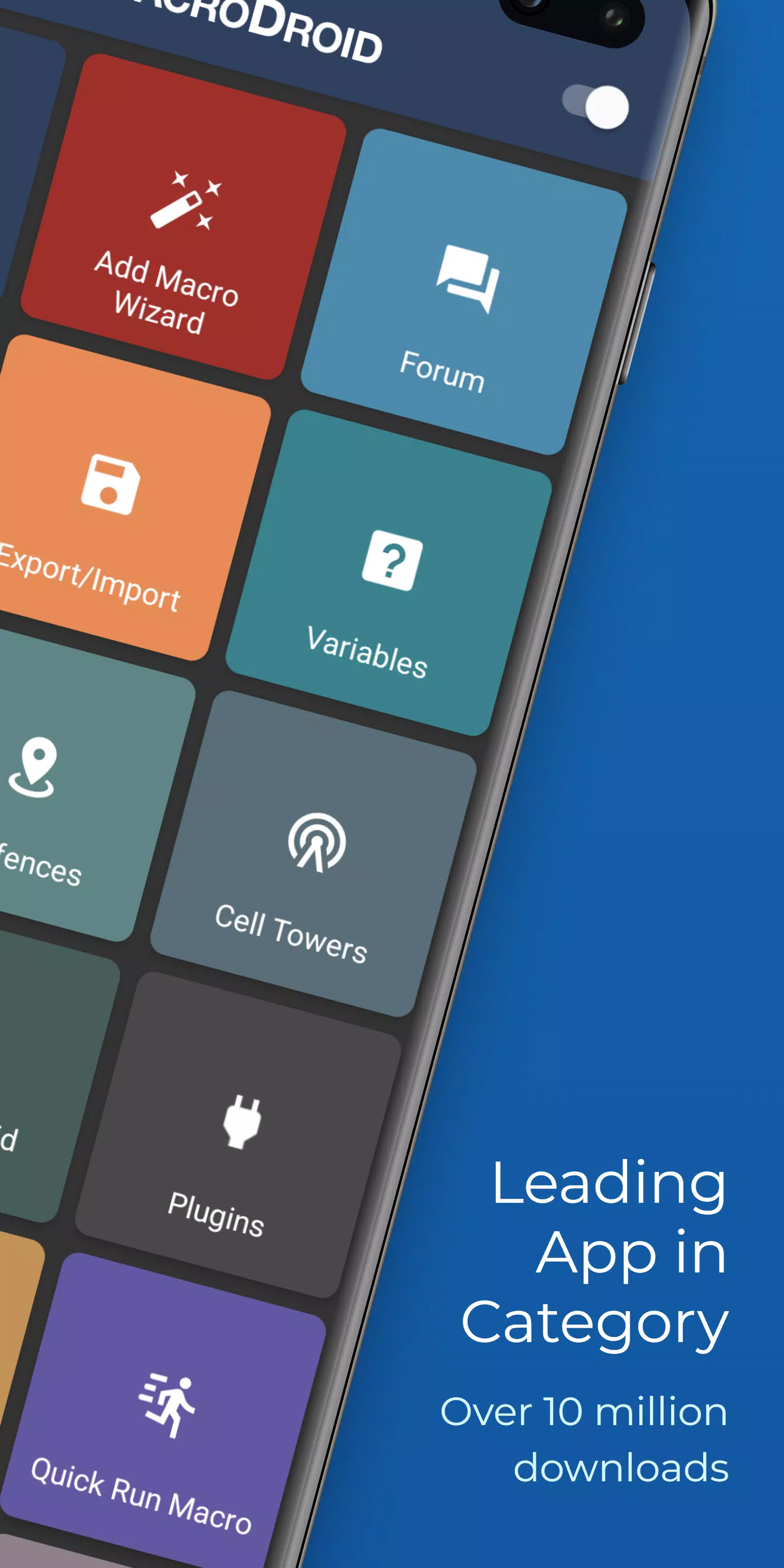
Discover the power of automation with MacroDroid, the top-rated automation app for Android, boasting over 10 million downloads. With its user-friendly interface, MacroDroid simplifies the process of automating tasks on your Android smartphone or tablet, allowing you to create fully automated tasks in just a few taps.
Here are some examples of how MacroDroid can enhance your daily routine:
- Automatically reject incoming calls when you're in a meeting, as indicated by your calendar.
- Enhance safety while commuting by having your notifications and messages read aloud (via Text to Speech) and send automated responses via email or SMS.
- Optimize your daily workflow by automatically turning on Bluetooth and starting music when you enter your car, or switching on WiFi when you're near your home.
- Reduce battery drain by dimming your screen and switching off WiFi when necessary.
- Save on roaming costs by automatically turning off your data connection.
- Create custom sound and notification profiles tailored to your needs.
- Use timers and stopwatches to remind you of important tasks.
These examples illustrate just a few of the countless ways MacroDroid can simplify your life on Android. With only three simple steps, here's how it works:
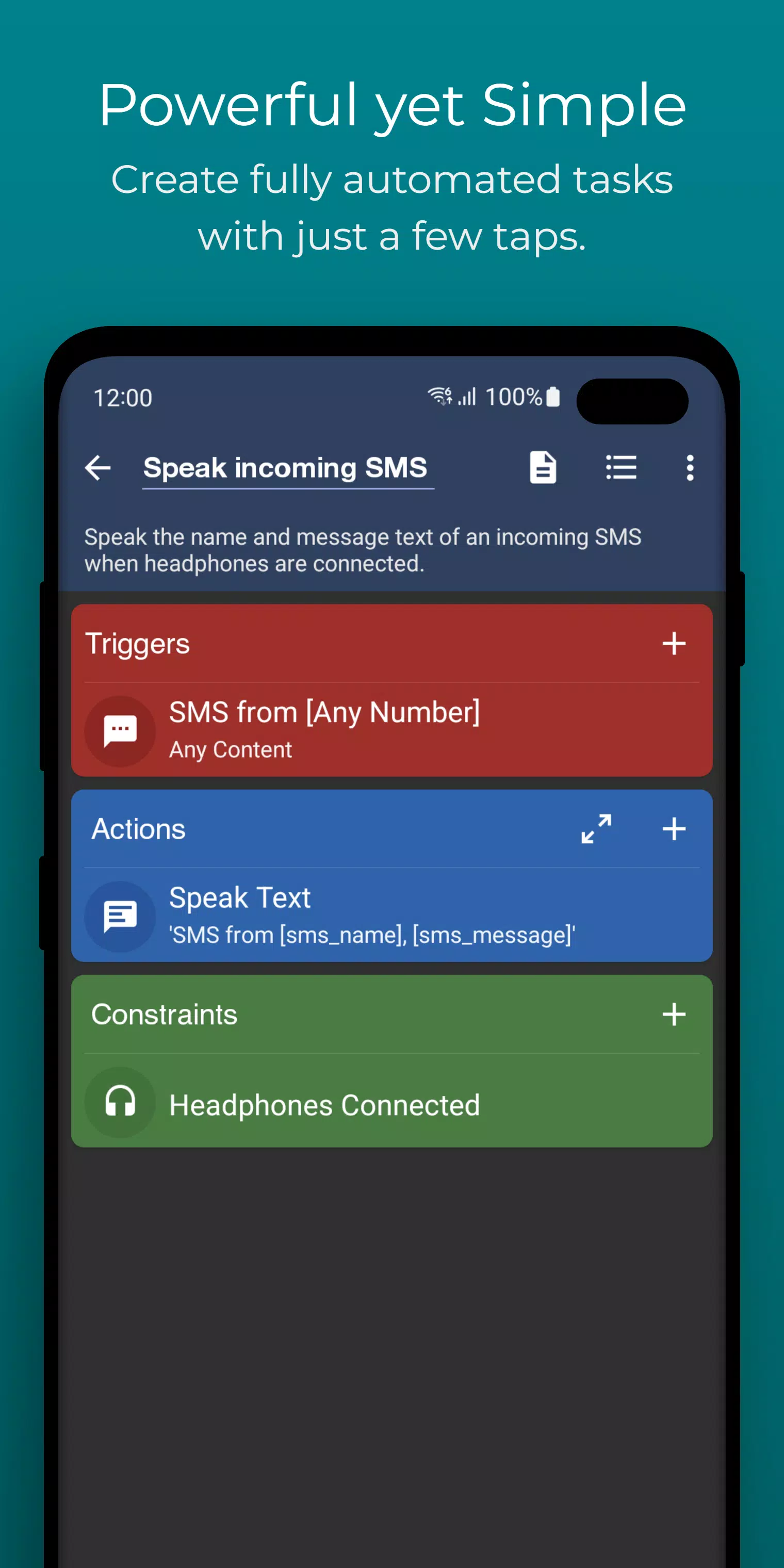
- Select a Trigger: The trigger initiates your macro. MacroDroid provides over 80 triggers, including location-based triggers (like GPS, cell towers), device status triggers (such as battery level, app opening/closing), sensor triggers (like shaking, light levels), and connectivity triggers (like Bluetooth, WiFi, and notifications). You can also create a shortcut on your home screen or use the customizable MacroDroid sidebar.
- Select the Actions: MacroDroid offers over 100 different actions that you can automate, such as connecting to Bluetooth or WiFi devices, adjusting volume levels, speaking text, starting a timer, dimming the screen, and running Tasker plugins, among others.
- Optionally: Configure Constraints: Constraints allow you to control when your macro activates. For example, if you live near your workplace but only want to connect to the company's WiFi during workdays, you can set specific times or days for the macro to run. MacroDroid provides over 50 types of constraints.
MacroDroid is also compatible with Tasker and Locale plugins, expanding your automation possibilities even further.
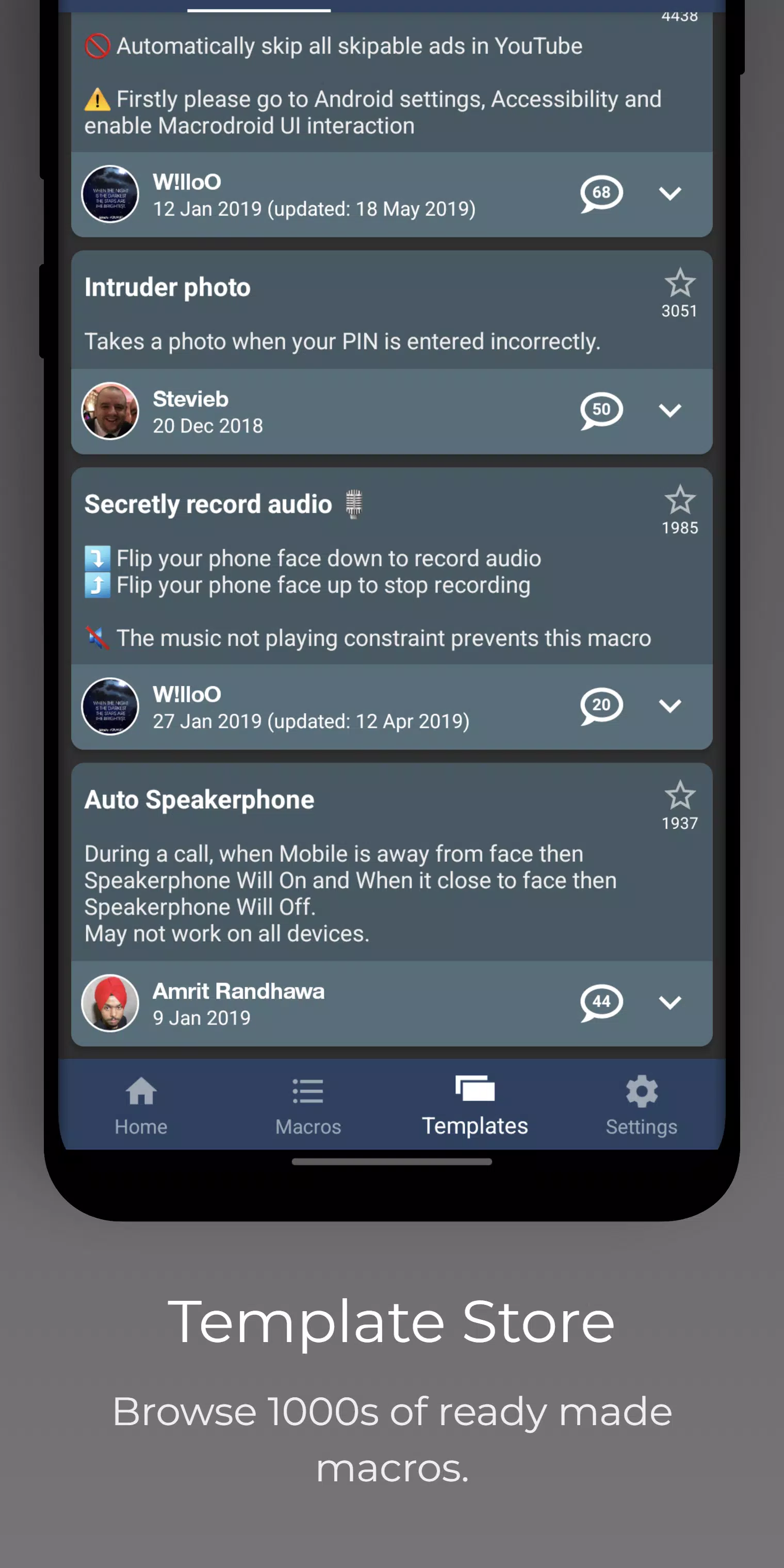
For Beginners: MacroDroid's unique interface includes a Wizard that guides you step-by-step through setting up your first macros. You can also use existing templates and customize them to fit your needs. The built-in forum allows you to seek help from other users, making it easy to master MacroDroid.
For More Experienced Users: MacroDroid offers advanced features such as Tasker and Locale plugin support, system/user-defined variables, scripts, intents, and advanced logic with IF, THEN, ELSE clauses, as well as AND/OR operations.
The free version of MacroDroid is ad-supported and allows you to configure up to 5 macros. The Pro version, available for a small one-time fee, removes all ads and enables unlimited macro creation.
Support: For usage questions and feature requests, please use the in-app forum or visit www.macrodroidforum.com. To report bugs, use the 'Report a bug' option in the troubleshooting section.
Automatic File Backup: It's easy to set up macros to backup or copy your files to a specific folder on your device, an SD card, or an external USB drive.
Accessibility Services: MacroDroid utilizes accessibility services for certain features like automating UI interactions. The use of these services is entirely at the user's discretion, and no user data is ever obtained or logged from any accessibility service.
Wear OS: MacroDroid includes a Wear OS companion app for basic interaction with the app. This is not a standalone app and requires the phone application to be installed.
What's New in the Latest Version 5.47.20
Last updated on Oct 23, 2024
Crash fixes