Divinity: Original Sin 2 - Unleashing the Lady Vengeance: A Step-by-Step Guide
Escaping Fort Joy and removing your Source collar in Divinity: Original Sin 2 lands you on the Elven ship, Lady Vengeance. Your goal? Get this unconventional vessel sailing. The helm is useless; you'll need a unique approach. This guide details the steps to get the ship moving.
1. Investigating the Ship's Deck:
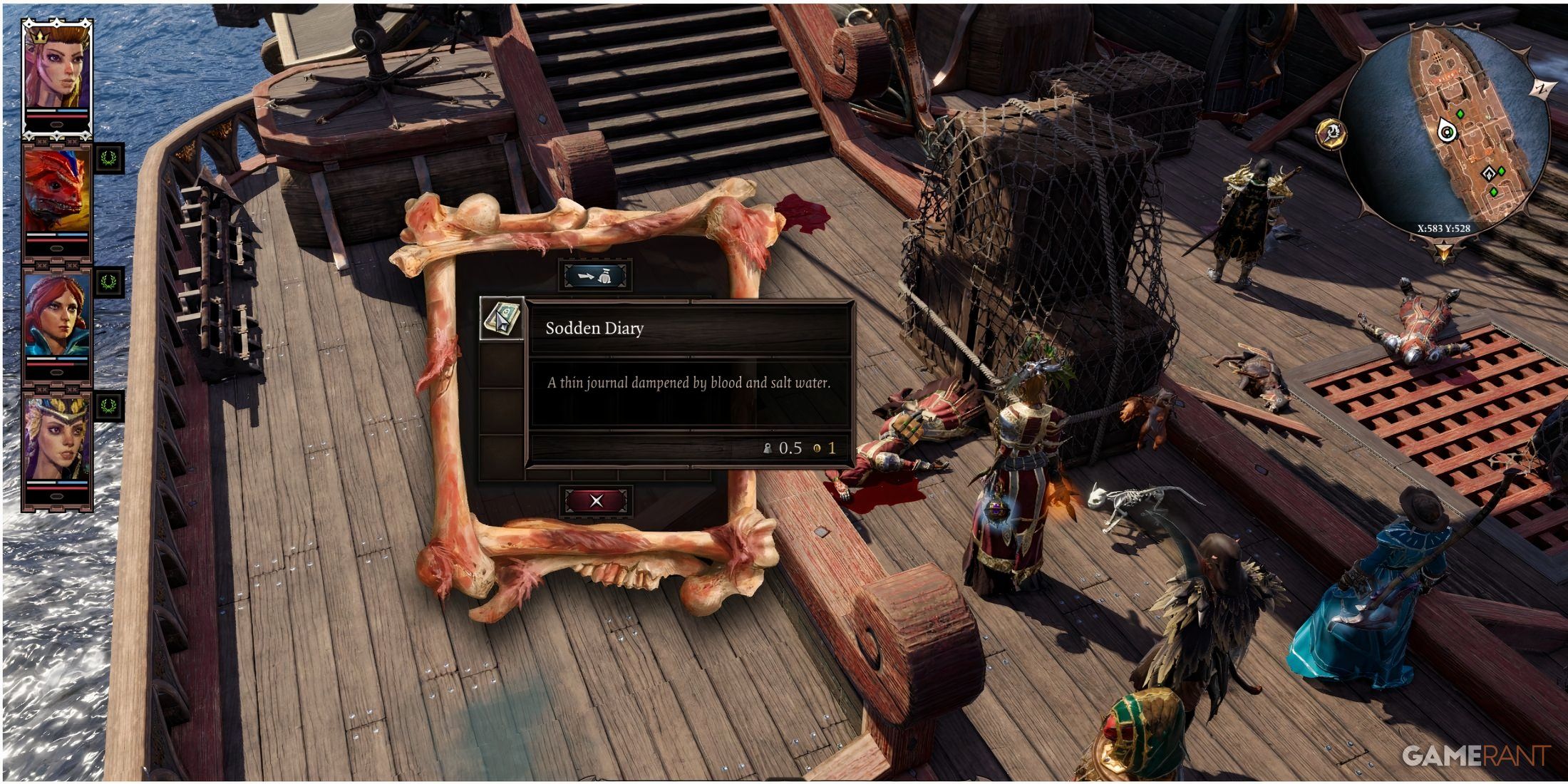 The solution is a puzzle spread across the ship. Start by searching the bodies of the fallen magisters and ghouls on deck. A "Sodden Diary" reveals a password crucial for accessing a stateroom. You can also potentially acquire the password via a skill check with the northern stateroom door. Beyond the password, you'll need a "Strange Gem."
A magic mirror nearby allows unlimited respeccing of your character and companions. Use it if needed to improve your skill check chances.
2. Accessing the Portside Stateroom:
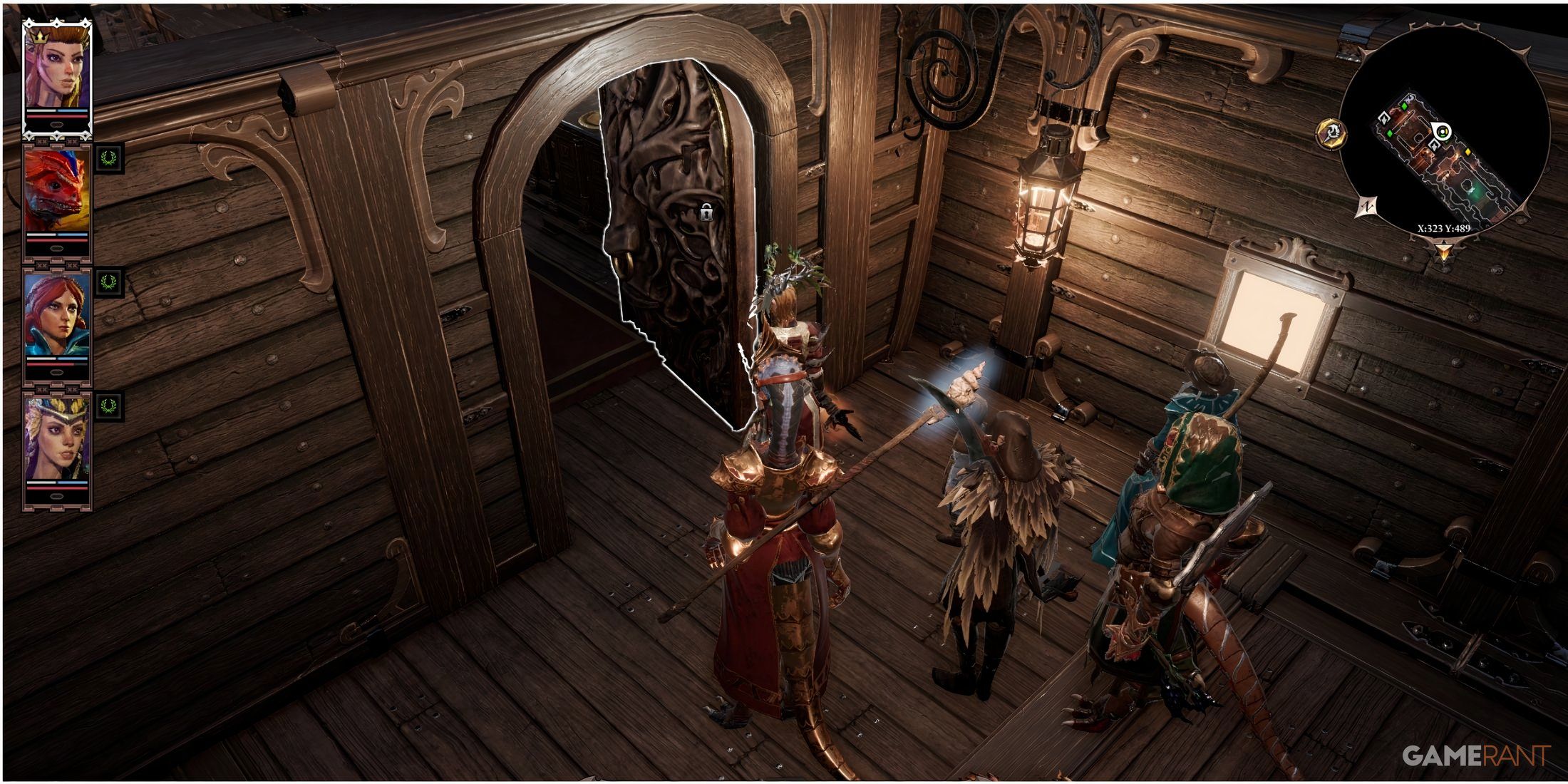 Armed with the password, enter the ship's quarters. Before the stateroom, find the unconscious Bishop Alexander (Source-collared). Examine his "simple Regalia" to obtain the Strange Gem.
Now, use the gem and the password ("Fortitude") to unlock the southern stateroom door. This leads to Magister Dallis' cabin, containing your next objective. Beware: a hidden hatch holds dangerous ghouls and a Teleportation Prism.
3. Locating the Ancient Empire Songbook:
 Inside, you'll meet Tarquin. Speak to Dallis thoroughly before searching. The "Ancient Empire Songbook" rests on a pedestal—reading it reveals its purpose. Remember to talk to all NPCs before moving the ship, as opportunities will be lost once underway.
4. Setting Sail:
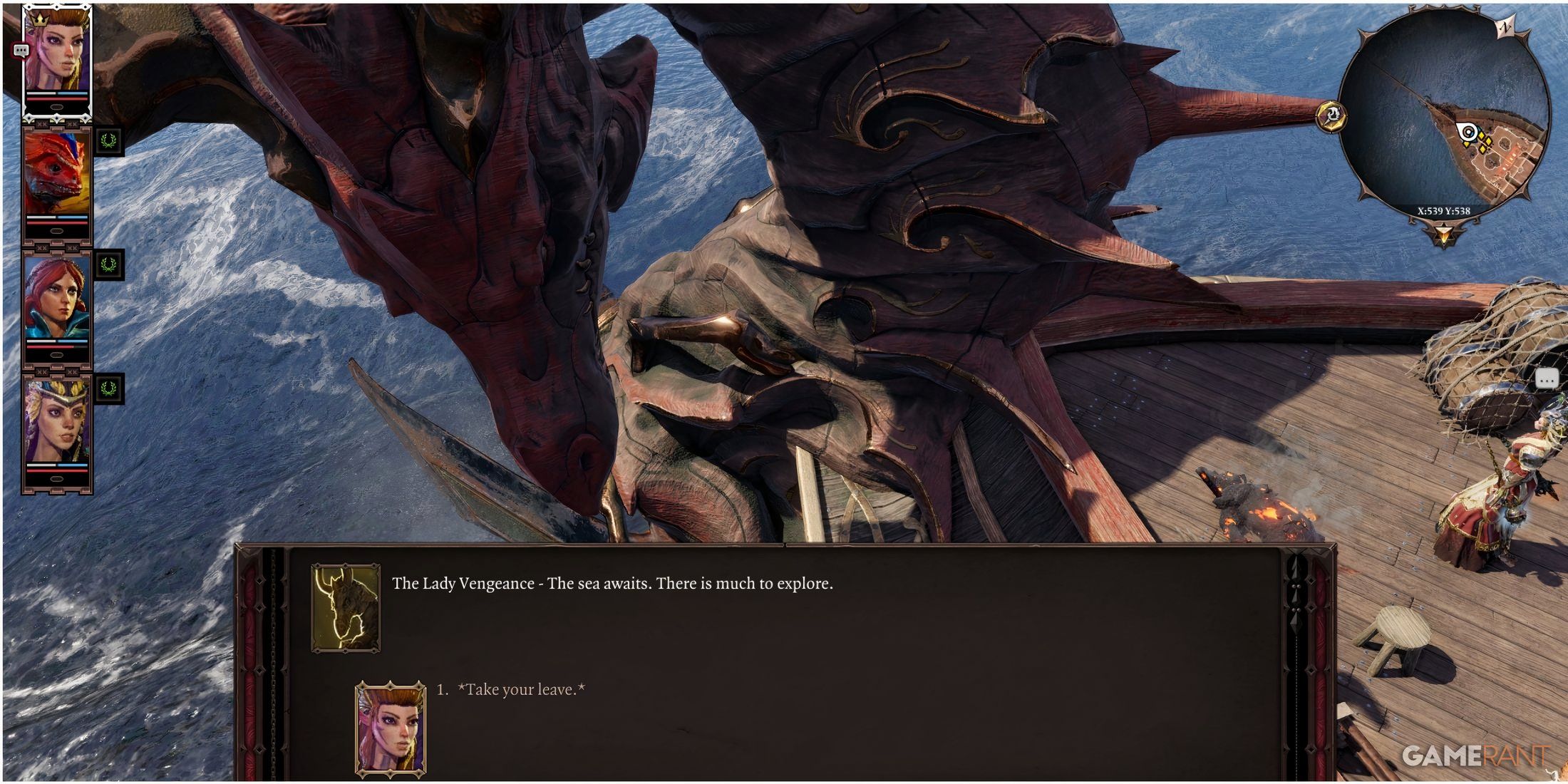 With the song learned, return to the deck and speak to Malady. She'll ask you to sing to the ship. Find the dragon figurine to the west and sing. Lady Vengeance will respond, and your journey continues. Be prepared for a challenging ambush from powerful magisters immediately afterward. Ensure your party is strong!