Unleash Your Sega CD Collection on Steam Deck: A Comprehensive Guide
The Sega CD, or Mega CD, expanded the Sega Genesis/Megadrive's capabilities, delivering enhanced gaming experiences with CD-quality audio and FMV sequences. While not a massive commercial success, it offered a compelling glimpse into the future of gaming. Now, thanks to EmuDeck, you can revisit this era on your Steam Deck. This guide provides a step-by-step walkthrough.
Updated January 9, 2025: This guide incorporates Decky Loader and Power Tools, recommended by EmuDeck developers for optimal performance, and includes troubleshooting for Decky Loader after Steam Deck updates.
Pre-Installation Steps: Developer Mode & Essentials
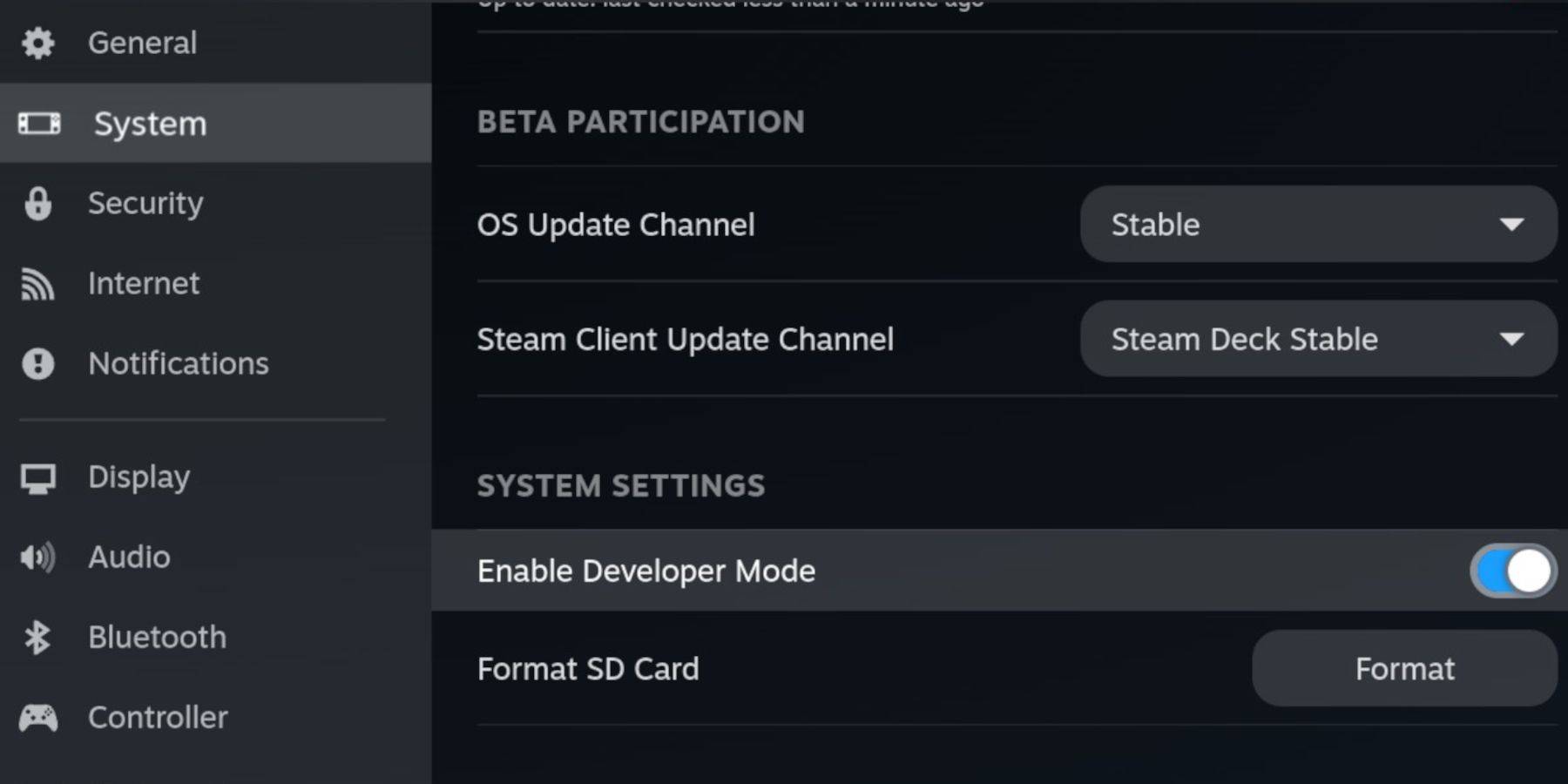 Enable Developer Mode and CEF Remote Debugging on your Steam Deck for seamless EmuDeck compatibility.
- Power on your Steam Deck.
- Access the Steam Menu (Steam button).
- Navigate to System > Developer Mode and enable it.
- Open the Developer menu and enable CEF Remote Debugging.
- Access the Power menu (Steam button) and switch to Desktop Mode.
Essential Requirements:
- A fast A2 microSD card for EmuDeck and games. Format it on your Steam Deck.
- Legally obtained Sega CD ROMs and BIOS files.
- (Optional but recommended) Keyboard and mouse for easier file management.
SD Card Formatting:
- Insert your microSD card.
- Access the Steam Menu > Storage.
- Select "Format SD Card."
Downloading and Installing EmuDeck:
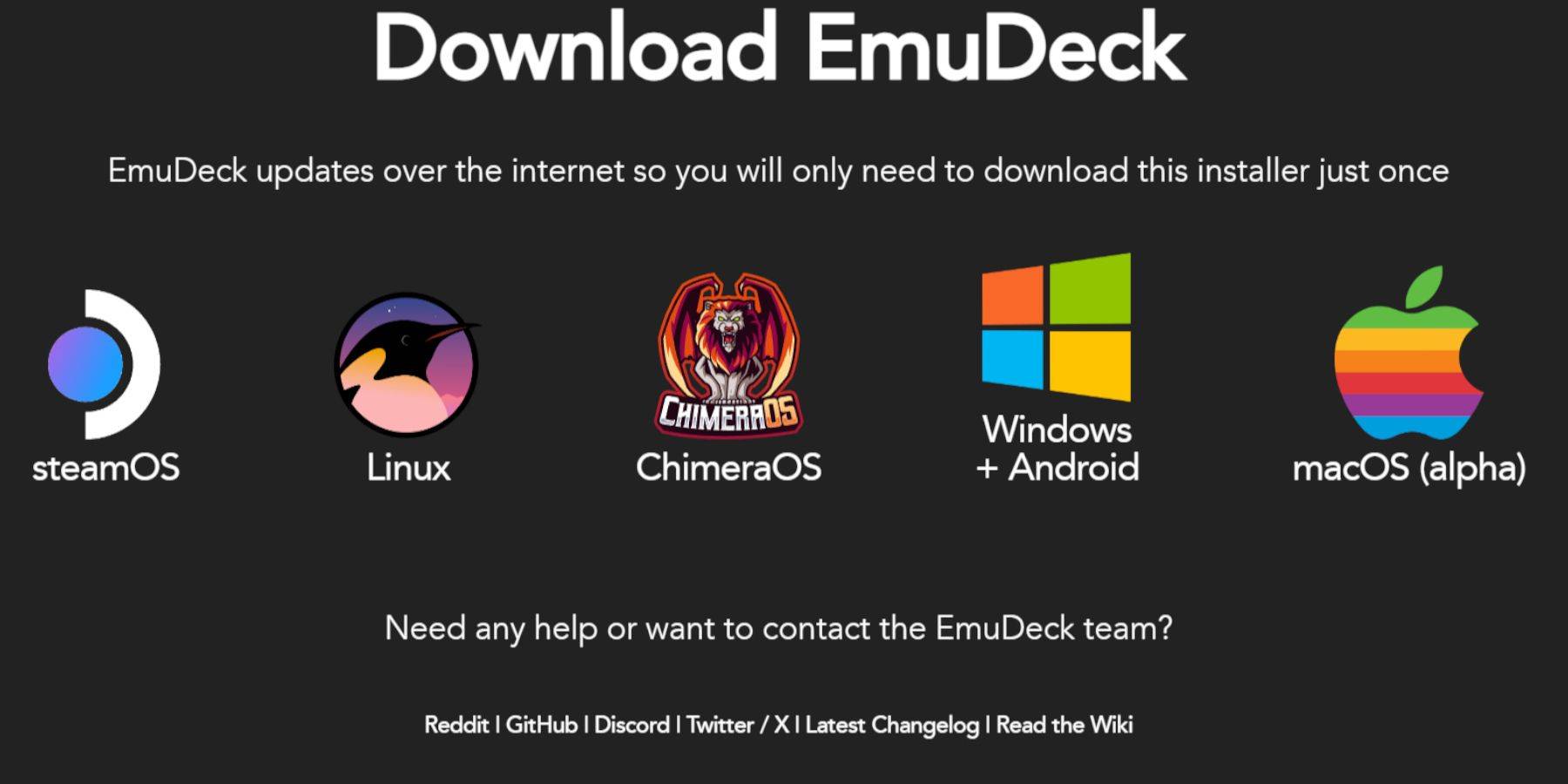
- Access Desktop Mode (Steam button > Power).
- Download a browser from the Discovery Store.
- Download EmuDeck via your browser, selecting the appropriate SteamOS version.
- Run the installer, choosing "Custom" installation.
- Select your microSD card as the installation location.
- Choose your desired emulators (RetroArch, MelonDS, Steam ROM Manager, Emulation Station are recommended).
- Complete the installation by selecting "Finalize."
Transferring Sega CD Files:
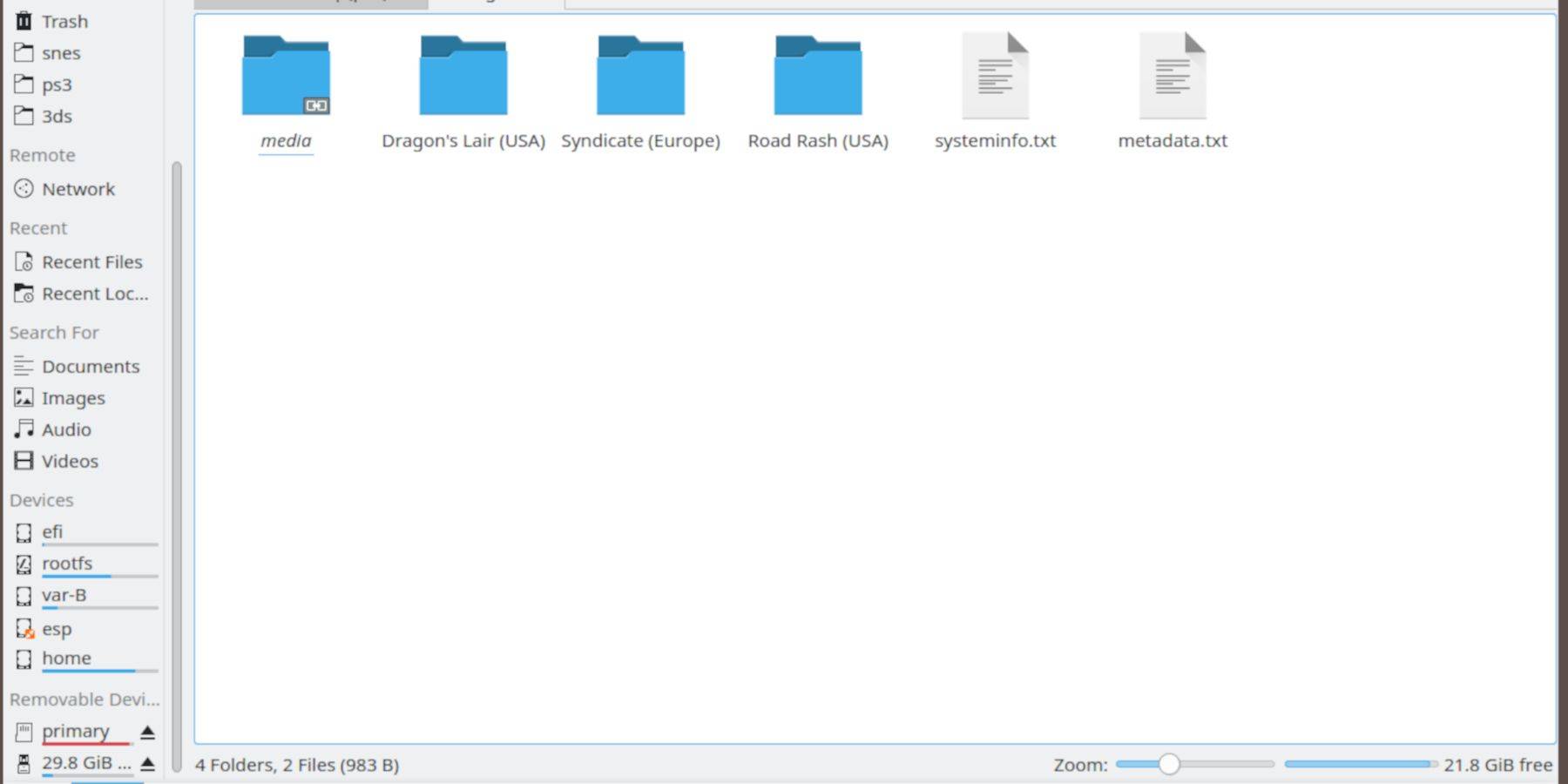
BIOS Transfer:
- Open the Dolphin File Browser in Desktop Mode.
- Navigate to your microSD card (usually labeled "Primary").
- Go to the "Emulation" folder > "BIOS" and transfer your BIOS files.
ROM Transfer:
- Navigate to your microSD card ("Primary") > "Emulation" > "ROMS".
- Open the "segaCD" or "megaCD" folder and transfer your ROMs.
Adding ROMs with Steam ROM Manager:
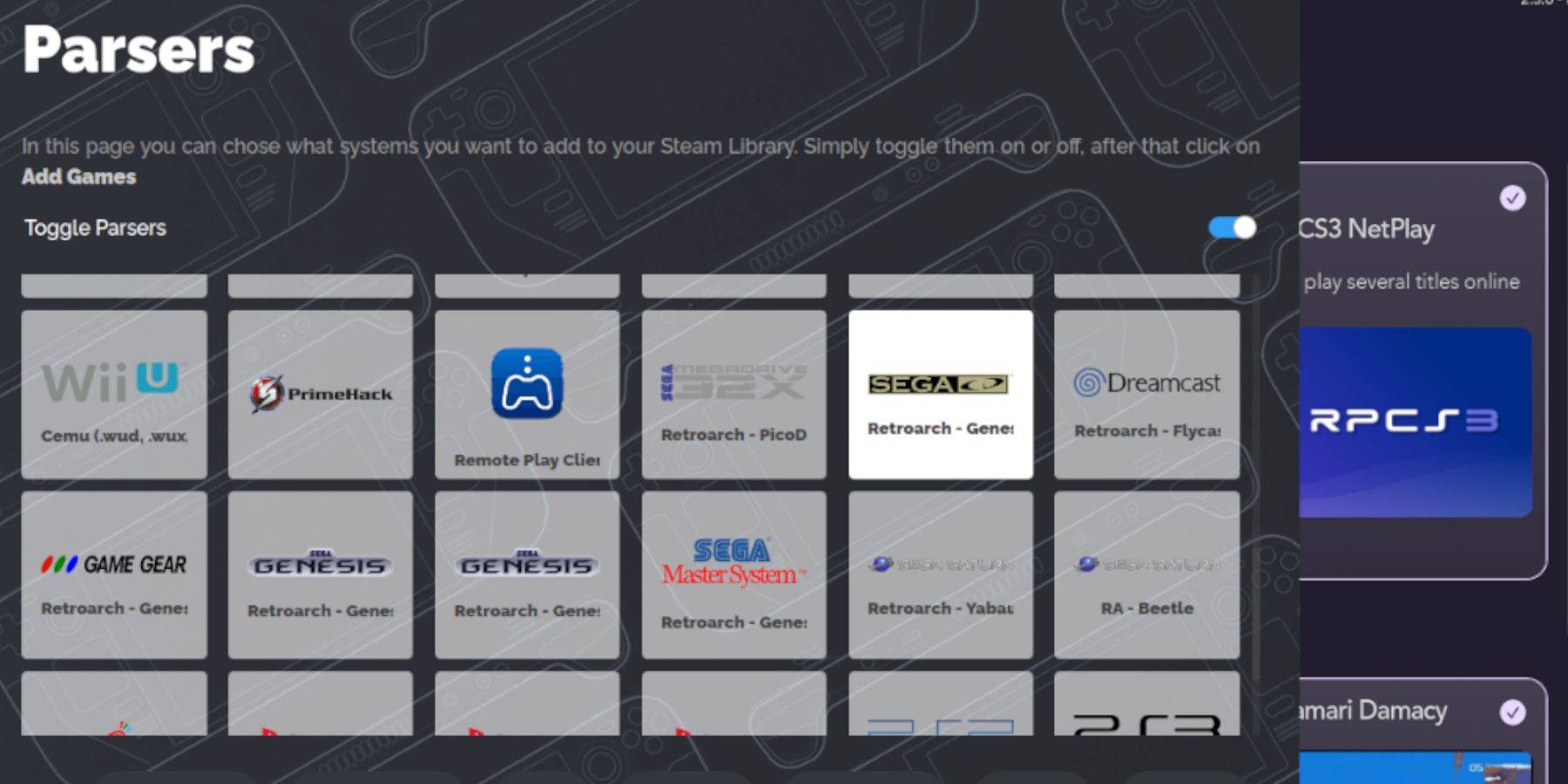
- Launch EmuDeck.
- Open Steam ROM Manager from the left panel.
- Follow the on-screen prompts, adding your Sega CD games and parsing the data.
Addressing Missing Covers:
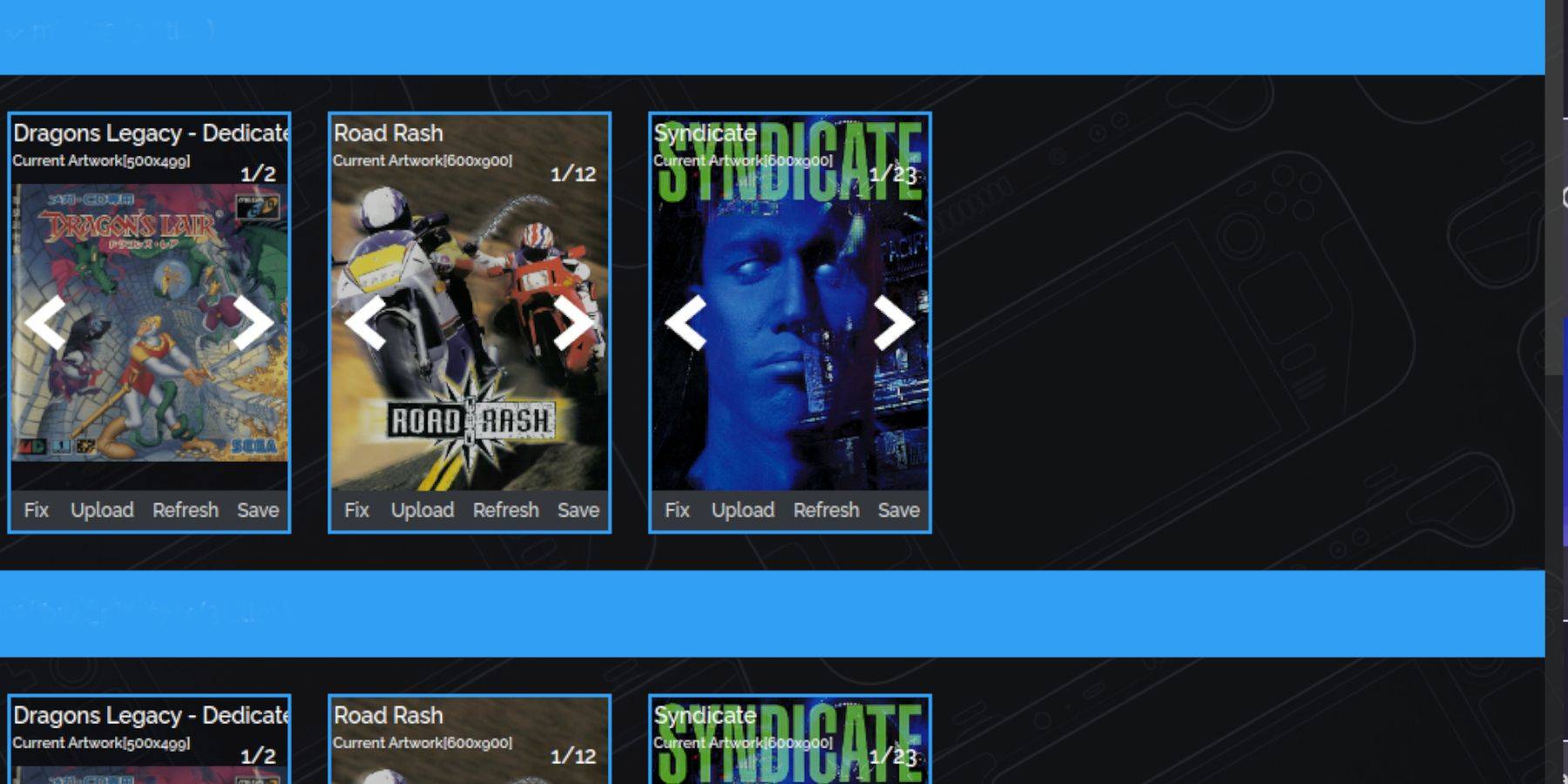
Steam ROM Manager usually handles cover art. For missing covers:
- Use the "Fix" function in Steam ROM Manager.
- Search for the game title and select a suitable cover.
- Save and close.
Manually Adding Covers:
If SRM fails to find a cover, upload the image manually using the "Upload" function in SRM.
Playing Your Sega CD Games:
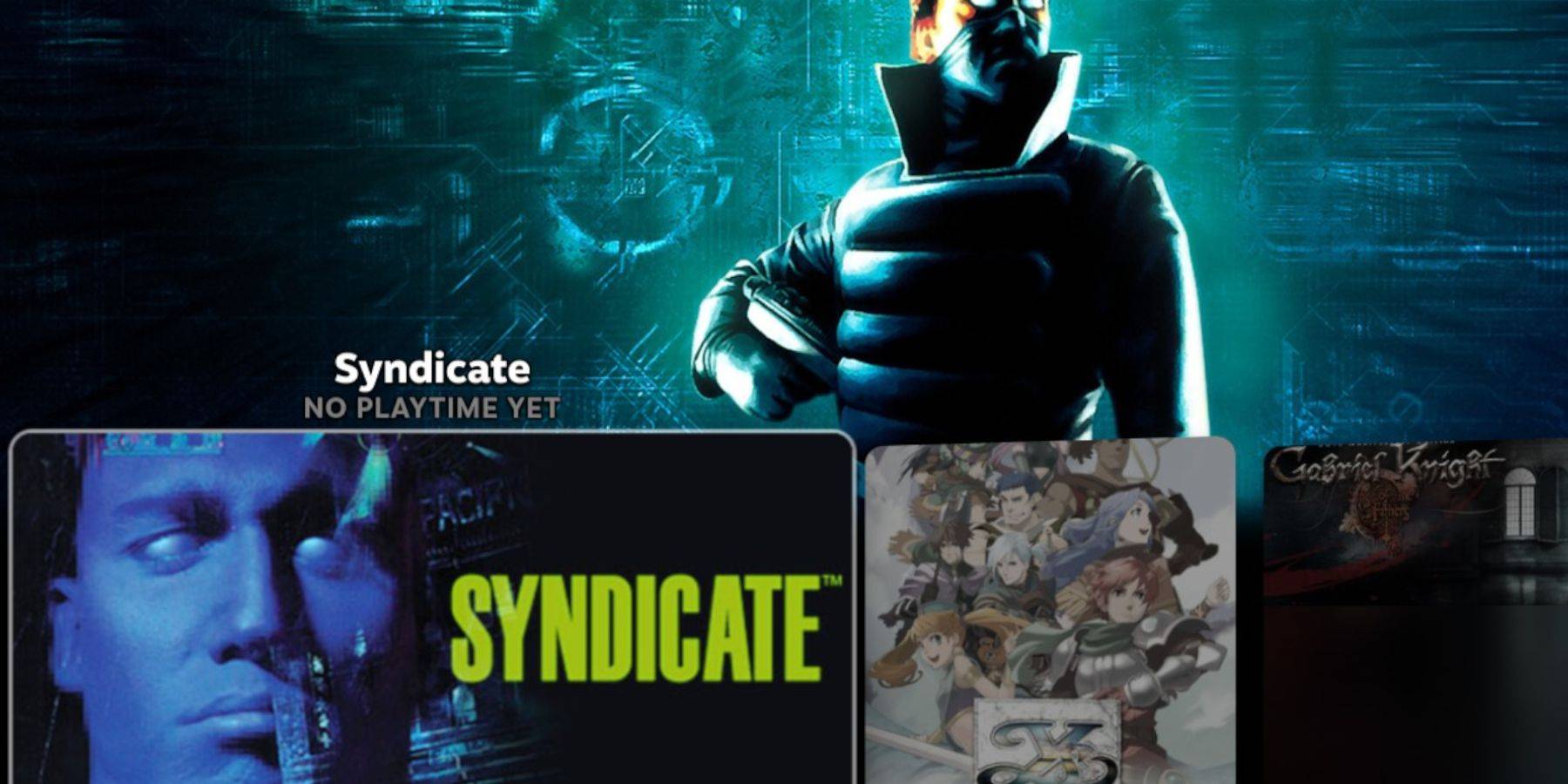
- Access Gaming Mode.
- Go to your Steam Library > Collections.
- Find your Sega CD collection and launch your games.
Using Emulation Station:
Emulation Station (if installed) provides a superior library experience, especially for multi-disc games. Access it via your Steam Library > Non-Steam tab. Use the Scraper function for optimal metadata and cover art.
Installing Decky Loader:
- Switch to Desktop Mode.
- Download Decky Loader from its GitHub page.
- Run the installer and select "Recommended Install."
- Restart your Steam Deck in Gaming Mode.
Installing and Configuring Power Tools:
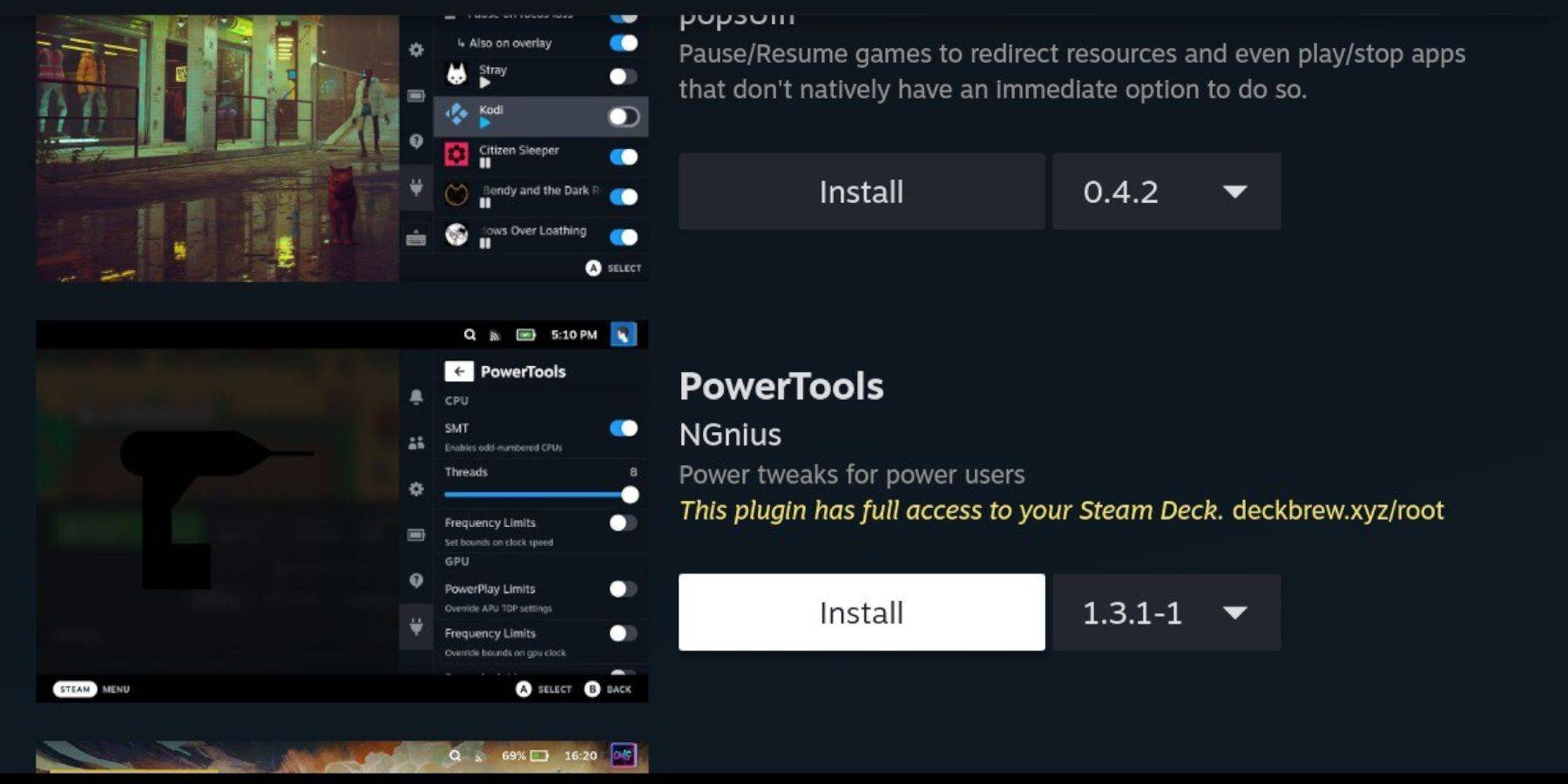
- Access Decky Loader via the Quick Access Menu (QAM).
- Install Power Tools from the Decky Store.
- Configure Power Tools (disable SMTs, set Threads to 4, adjust GPU clock if needed).
Restoring Decky Loader After a Steam Deck Update:

If Decky Loader is removed after an update:
- Switch to Desktop Mode.
- Re-download Decky Loader from GitHub.
- Run the installer using "Execute" and provide your sudo password.
- Restart your Steam Deck.
This comprehensive guide ensures a smooth setup and enjoyable Sega CD gaming experience on your Steam Deck.