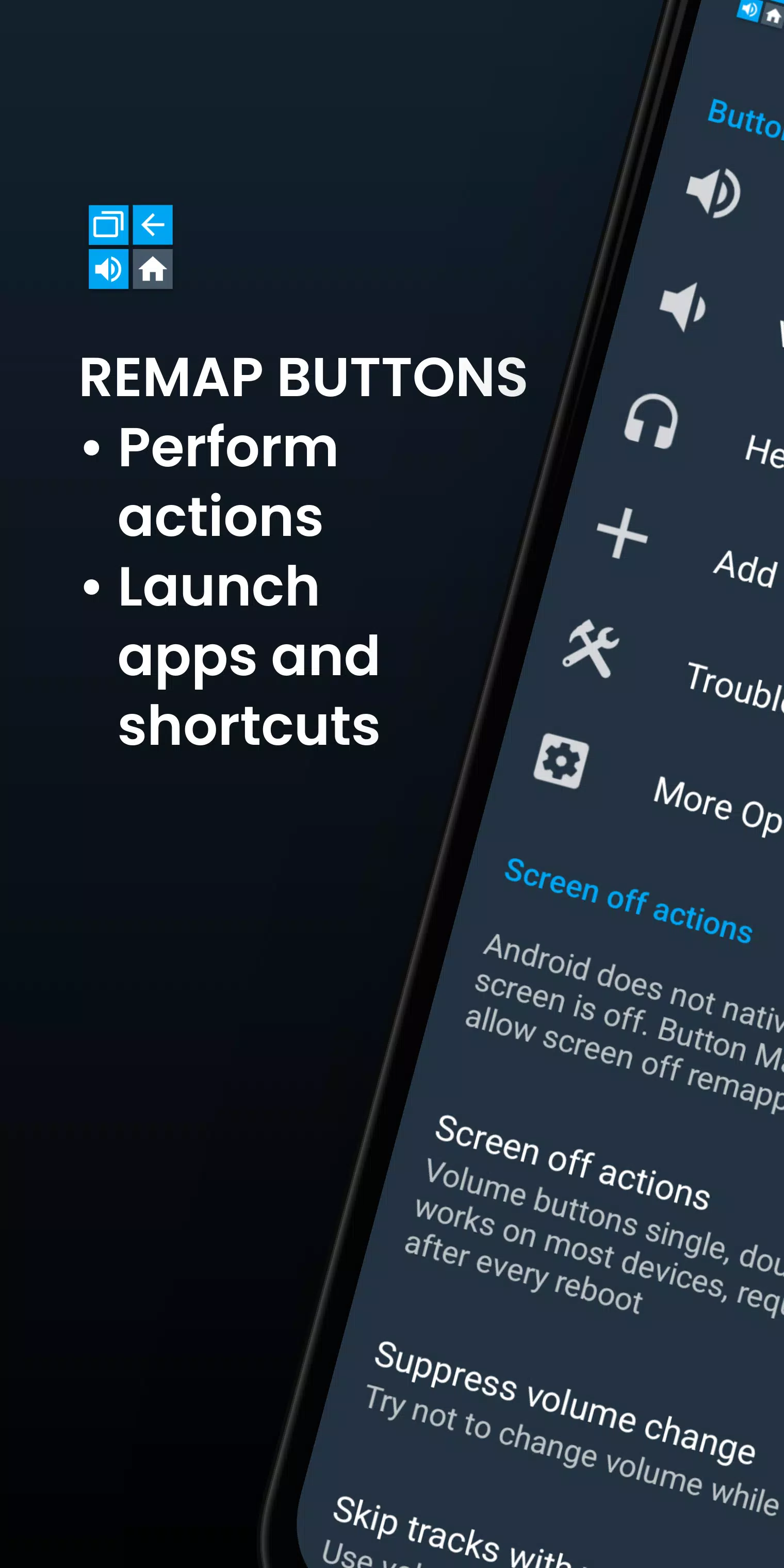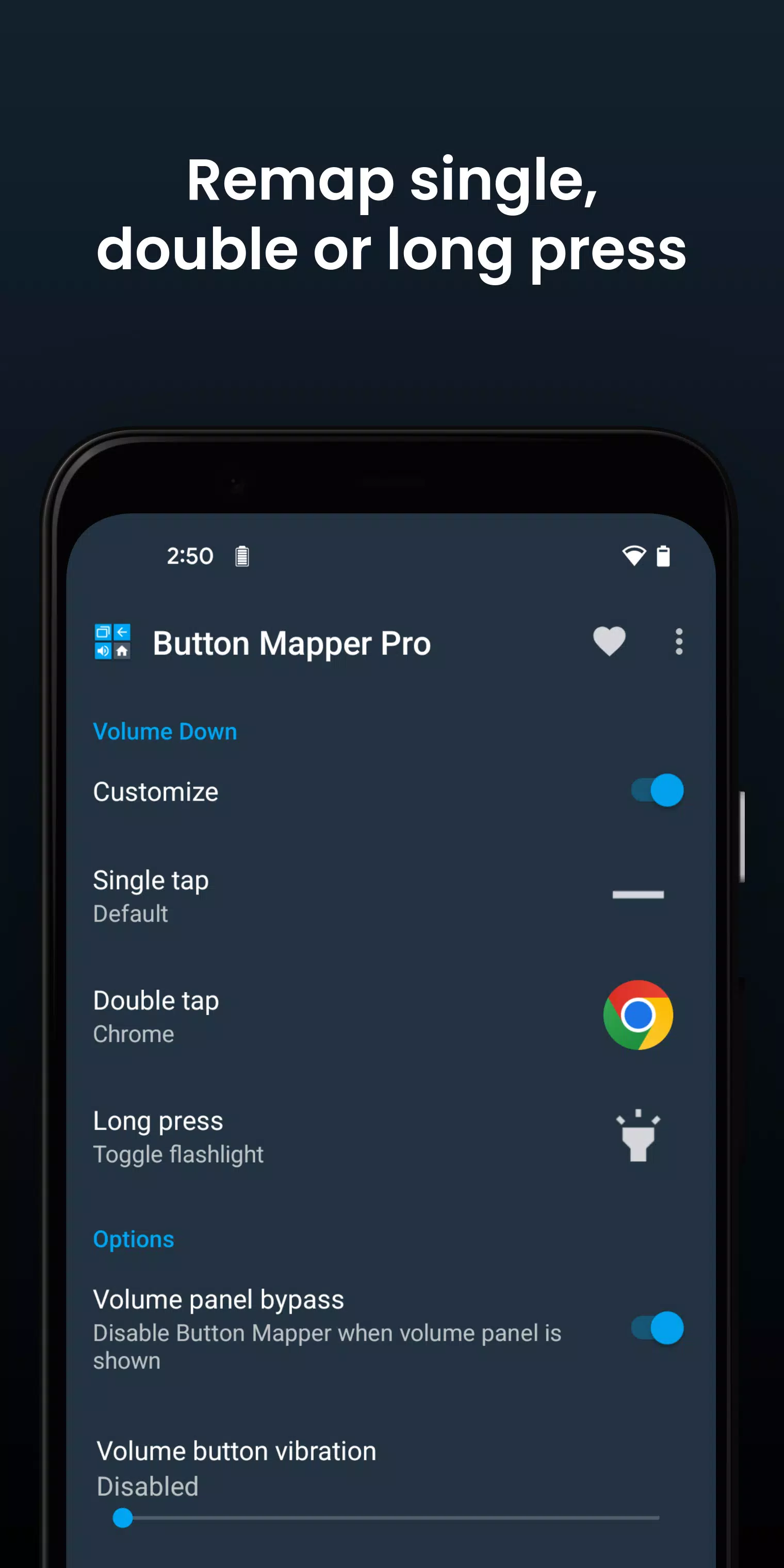
Button Mapper is your go-to app for remapping hardware buttons to execute a variety of actions, making your device more customizable and user-friendly. With Button Mapper, you can easily assign new functions to your volume buttons and other physical or capacitive keys, such as launching apps, shortcuts, or performing custom actions with a single press, double press, or long press.
This versatile tool supports the remapping of most physical and capacitive keys, including volume buttons, some assist buttons, and even the home, back, and recent apps keys. Beyond your phone, Button Mapper can also handle buttons on gamepads, remotes, and other peripheral devices, enhancing your control across multiple gadgets.
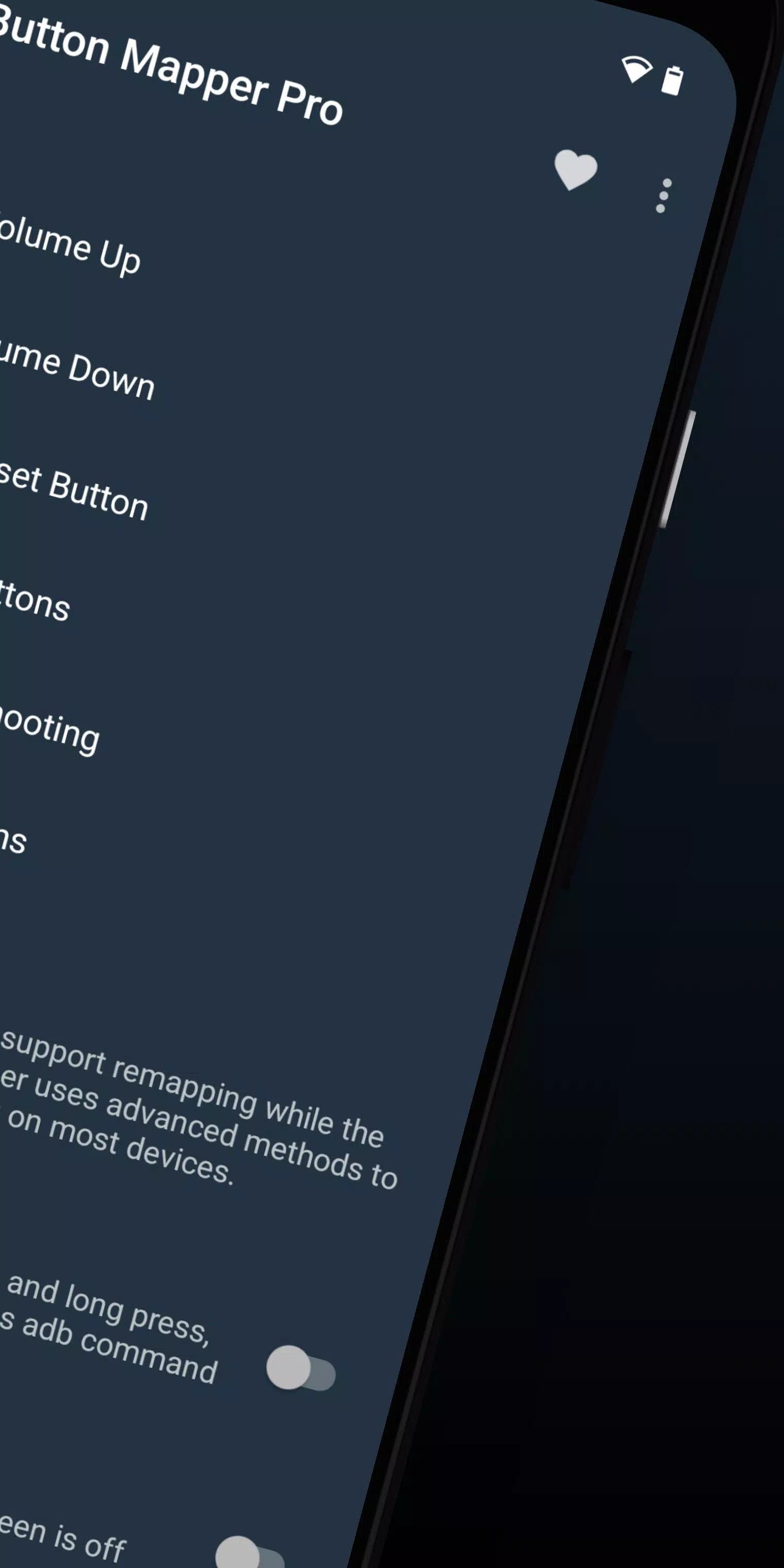
While root access isn't necessary for most functions, certain advanced features may require an adb command from a connected PC if your device isn't rooted. Keep in mind that Button Mapper won't work when the screen is off unless your device is rooted or you've run the required adb command.
Examples of Remapping with Button Mapper
- Long press to toggle your flashlight
- Remap your TV remote control
- Press to broadcast custom intents, scripts, or commands
- Long press to open the camera and take a photo
- Double tap to launch your favorite app or shortcut
- Double tap to open your notifications
- Swap your back and recent apps keys (capacitive buttons only!)
- Use your volume buttons to adjust screen brightness
- Long press to toggle "do not disturb" mode
- And much more
Additional Features in the Pro Version
- Simulate keycodes (requires adb command or root)
- Swap volume keys on orientation change
- Default to ring volume on Android Pie or later
- Pocket detection
- Themes
- Change back and recents buttons
- Customization of haptic feedback (vibration) on button press and long press
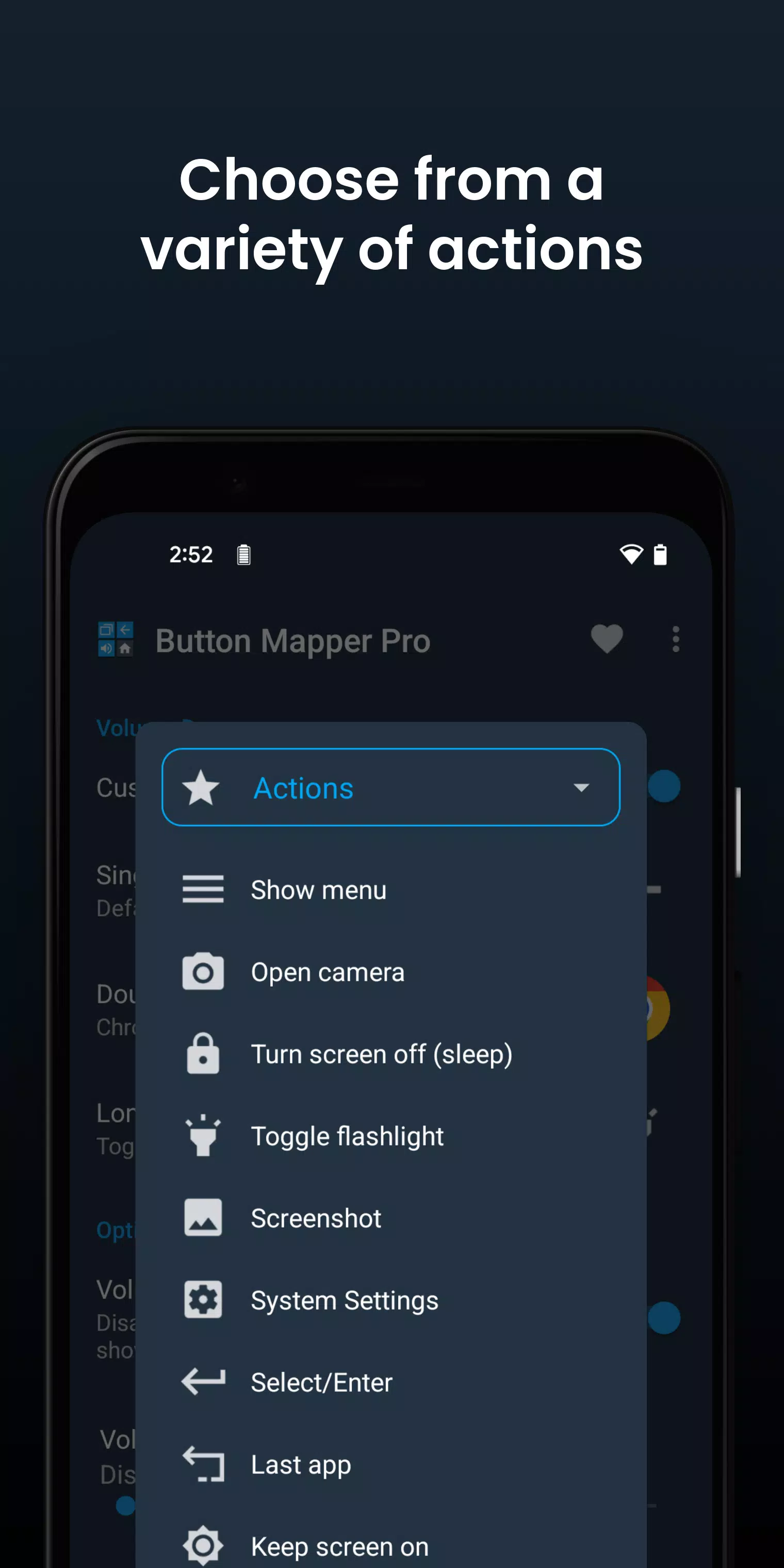
Actions You Can Map to Buttons or Keys
- Launch any app or shortcut
- Disable the button
- Broadcast intents (PRO)
- Run scripts (PRO)
- Camera shutter
- Turn screen off
- Toggle flashlight
- Quick settings
- Show notifications
- Power dialog
- Take screenshot
- Music: previous/next track and play/pause
- Adjust volume or mute
- Last app switch
- Toggle do not disturb
- Adjust brightness
- Now on tap (root)
- Menu button (root)
- Choose custom keycode (root and PRO)
- Root command (root and PRO)
- Toggle WiFi
- Toggle Bluetooth
- Toggle rotation
- Clear notifications
- Split screen
- Scroll up/down (root)
- And many more...
Supported Buttons
- Physical home, back, and recent apps/menu buttons
- Volume up
- Volume down
- Most camera buttons
- Many headset buttons
- Custom buttons: add other buttons (active, mute, etc.) on your phone, headphones, gamepads, TV remote, and other peripheral devices
Additional Options
- Change the long press or double tap duration
- Delay initial button press for better double tap operation
- Disable Button Mapper while using specific apps
- Plus many more customizations
Troubleshooting
- Ensure that the Button Mapper accessibility service is enabled and allowed to run in the background.
- Button Mapper does not work with onscreen buttons (such as soft keys or the navigation bar) or the power button.
- The options shown in the app depend on the buttons available on your phone. Not all phones have home, back, and recents buttons!
Button Mapper leverages Accessibility services to detect when physical or capacitive buttons are pressed, enabling them to be remapped to custom actions tailored to your needs. Rest assured, it does not monitor your keystrokes, and your privacy is fully respected as Button Mapper does not collect or share any personal information.
The app also requires the Device Administrator permission (BIND_DEVICE_ADMIN) to lock the screen when the "Turn screen off" action is selected. If you wish to remove this permission, you can do so within the app by navigating to the menu (three dots in the upper right corner) and selecting "Uninstall."