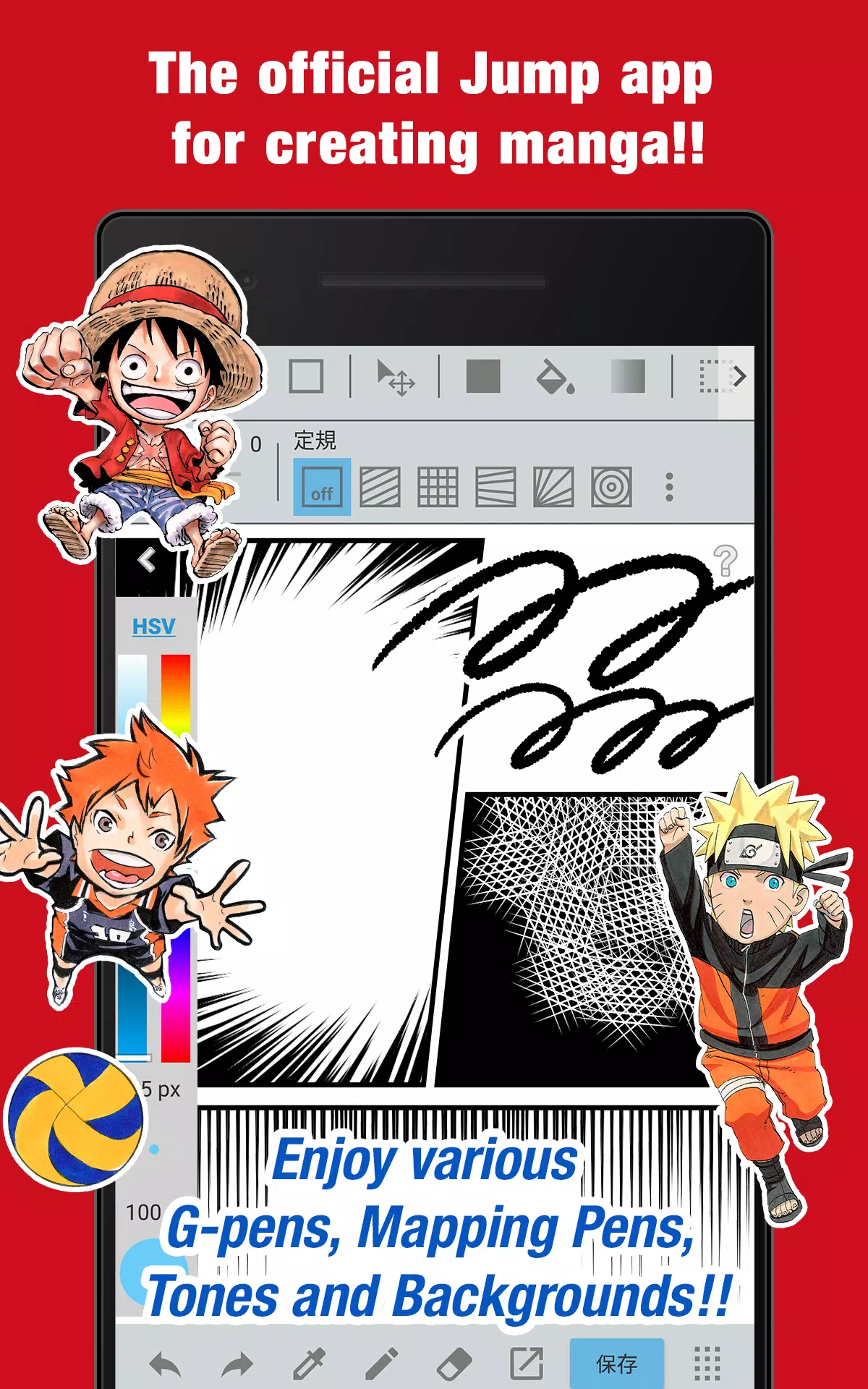
The official Jump app for manga creation is packed with secrets from Jump authors!
■Create official Weekly Shonen Jump manga and illustrations for free!
Enjoy free access to G-pens, Mapping Pens, Tones, and Backgrounds!
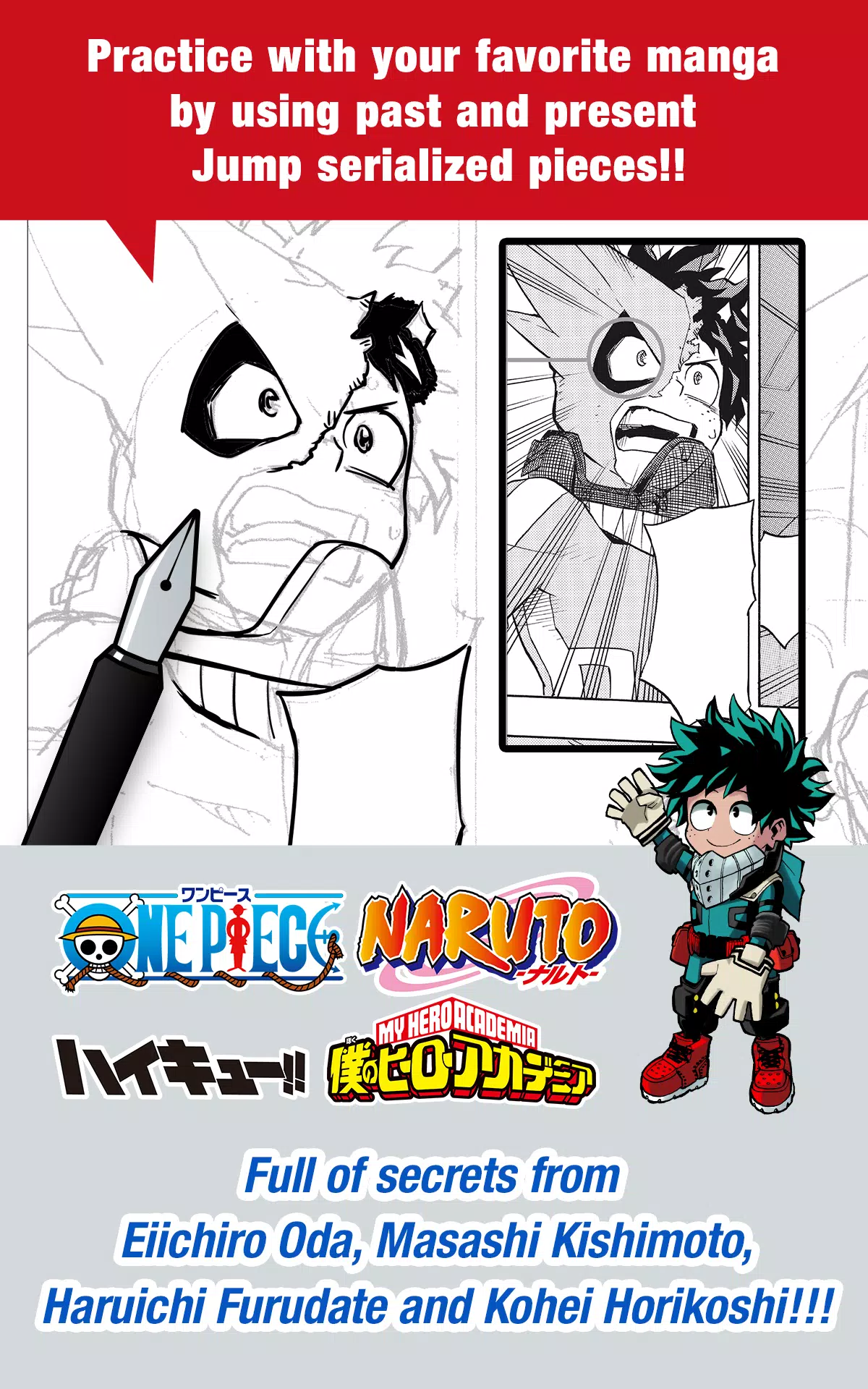
■Hone your skills with your favorite manga using past and present Jump serialized works!
Discover tips and tricks from renowned Jump authors like Eiichiro Oda of One Piece and Kohei Horikoshi of My Hero Academia!
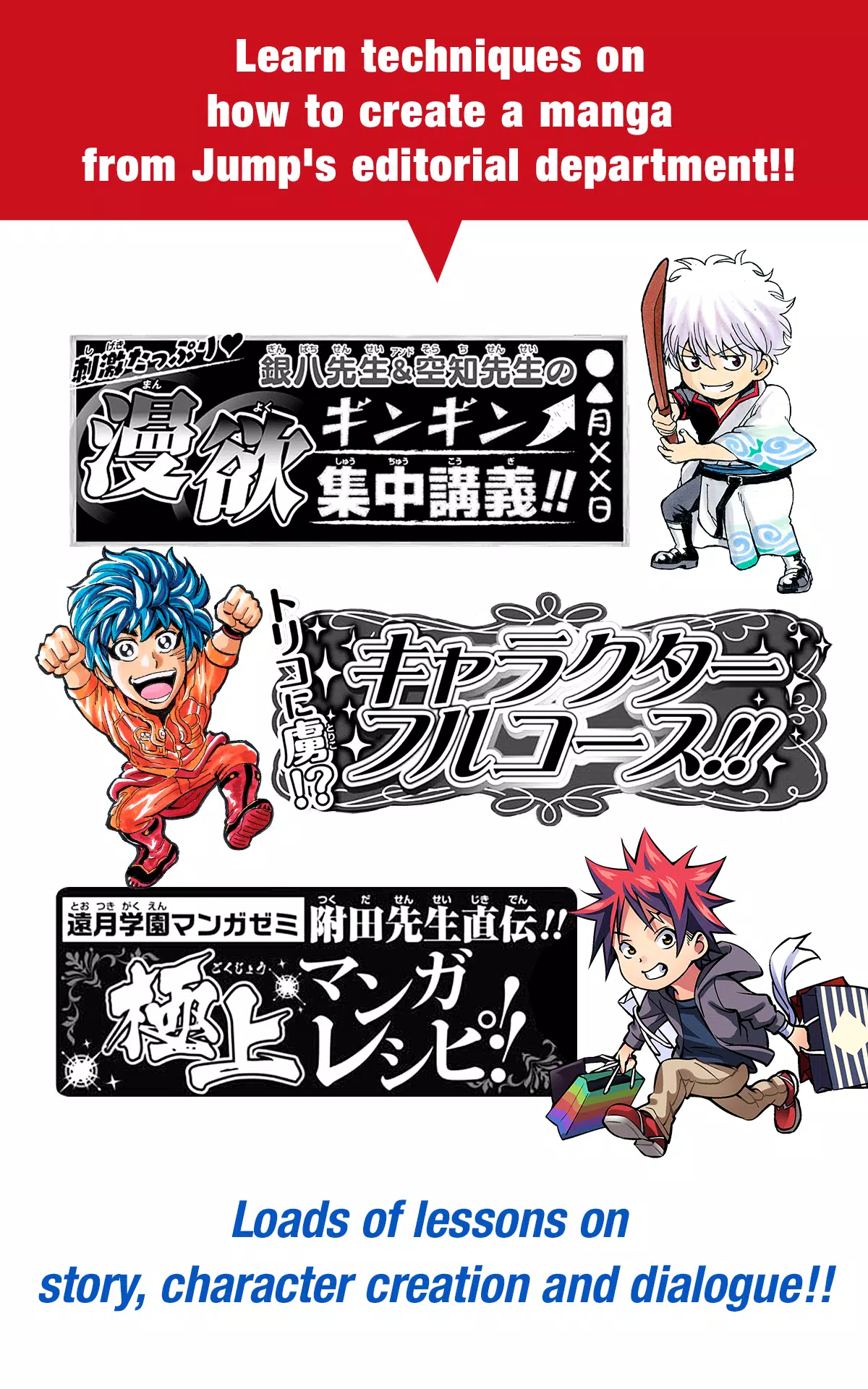
■Master manga creation with lessons from Jump's editorial department!
Dive into comprehensive lessons on story development, character creation, and dialogue writing!
■Participate in Jump contests!
Stay updated with contest details through the app. Don't miss your chance to shine!
What is JUMP PAINT?
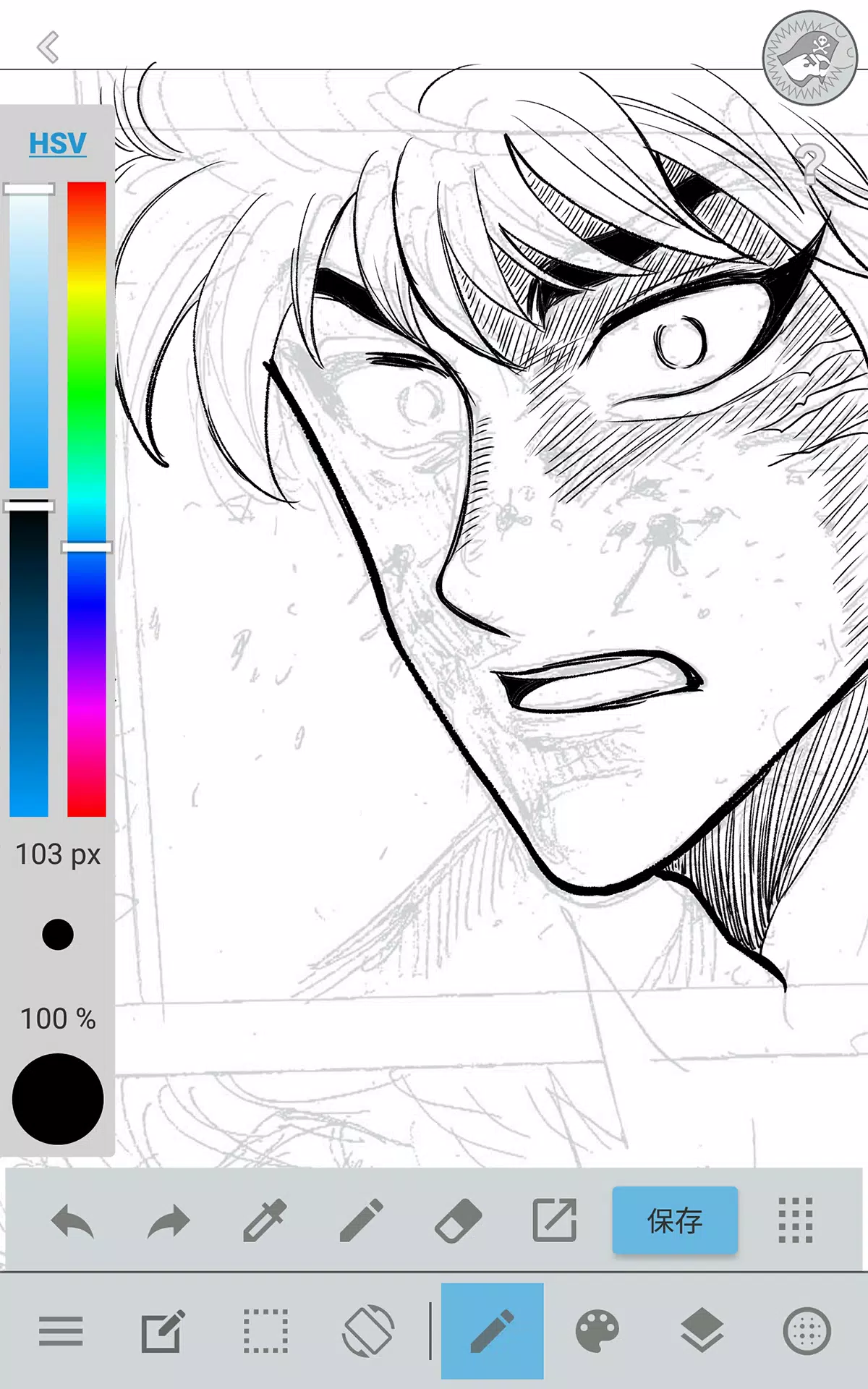
JUMP PAINT is the ultimate app for manga and illustration creation, a collaboration between MediBang Paint (with 12 million downloads) and Weekly Shonen Jump. It's designed to provide creators with a versatile drawing environment anytime, anywhere, using MediBang Paint's robust features.
JUMP PAINT is the ideal software for crafting illustrations and manga, offering a wide array of brushes, materials, and manga fonts to enhance your creative process.
■ Draw Anywhere!
- JUMP PAINT packs nearly all the features of a desktop painting program into your pocket.
- Despite its extensive capabilities, the app's interface is optimized for iPhone users.
- The UI can be toggled with a single touch for seamless navigation.
- The sleek design makes it easy to adjust brush sizes and color modes.
■ Painting Tools
- Choose from 90 free brushes!
- Alongside traditional tools like Pen, Pencil, Watercolor, Blur, Smudge, G Pen, Mapping Pen, Rotation Symmetry, and Edge Pens, you'll find over 50 additional brushes including Brush, Flat Brush, Round Brush, Acrylic, School Pen, and Soft Pastel.
- Force Fade In and Out features ensure sharp lines even when drawing with your fingers.
- Create your own custom brushes to suit your style.
■ Free Resources
- Access 800 different types of free tones and backgrounds.
- Use premade elements like clouds, buildings, and vehicles.
- Apply tones with a simple touch.
■ Layers
- Utilize layers with blending modes to enhance your artwork.
- Preserve different elements of your work on separate layers.
■ Comic Fonts
- Change the atmosphere of your comics with a variety of fonts.
- Define your characters' moods and personalities with the right typography.
- Choose from 50 professional-grade fonts.
■ Comic Creation
- Easily create comic panels by dragging across the screen.
- Freely transform the shape of your panels.
■ User Friendly
- Customize shortcuts to streamline your workflow.
- Designed with first-time users in mind, the interface provides ample space for drawing.
- Access full-screen mode with one touch.
■ Other Tools
- Use guides for drawing in perspective, or creating lines and curves.
- Benefit from correction features to stabilize your line strokes.
■ Photo Reference
- Take photos within the app and use them as references on a separate layer.
- Use these references to learn and improve your drawing skills.
■ Cloud Storage
- Safely backup and manage your data.
- Easily transfer your work between devices.
■ Manage Project
- Save and manage multipage documents effortlessly.
■ Syncability
- Sync your preset settings with the PC version of JUMP PAINT.
■ Team Creation
- Collaborate on projects with friends, no matter where you are.
■ Auto Recovery
- Your data is automatically backed up in case of device crashes.
IMPORTANT
To utilize the app's cloud features, you'll need a MediBang account (https://medibang.com/).