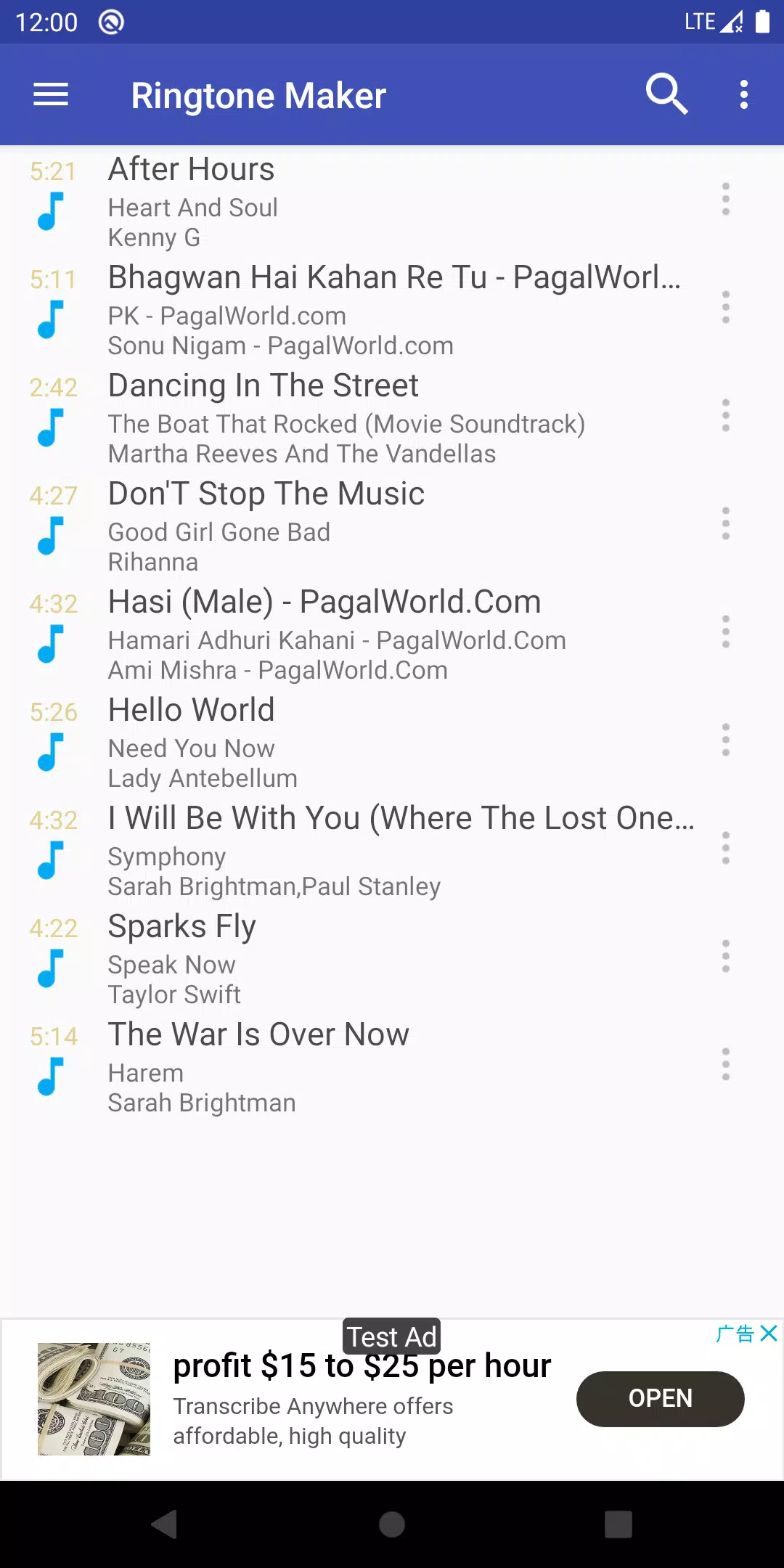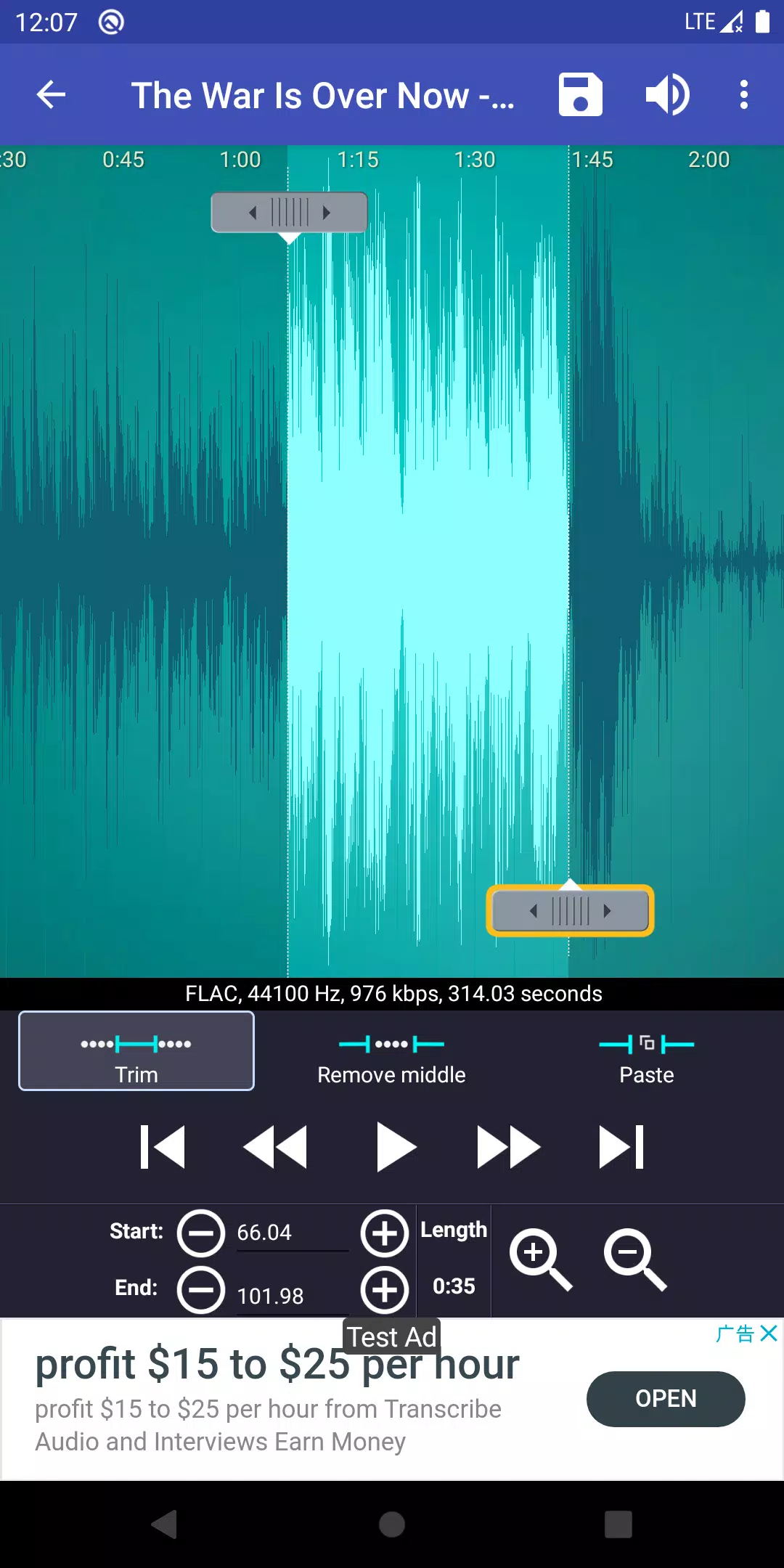
Ringtone Maker is a versatile app designed to help you craft personalized ringtones, alarms, and notifications from a variety of audio files including MP3, FLAC, OGG, WAV, AAC (M4A)/MP4, 3GPP/AMR, and MIDI. With this app, you can easily trim the perfect segment of any song to use as your ringtone, alarm, music file, or notification tone. Creating your own unique ringtones is both fast and easy, offering multiple ways to set the start and end points of your clip, such as sliding arrows along the timeline, pressing Start and End buttons, or entering specific time stamps. Beyond its primary function, Ringtone Maker serves as a comprehensive music editor, alarm tone maker, ringtone cutter, and notification tone creator.
One of the standout features of Ringtone Maker is the ability to record your own voice or that of your children, transforming these recordings into personalized ringtones or notifications. Imagine the joy of hearing your child's voice reminding you to answer a call.
Features:
- Free ringtone and music downloads.
- Copy, cut, and paste functionality, allowing you to merge different music files seamlessly.
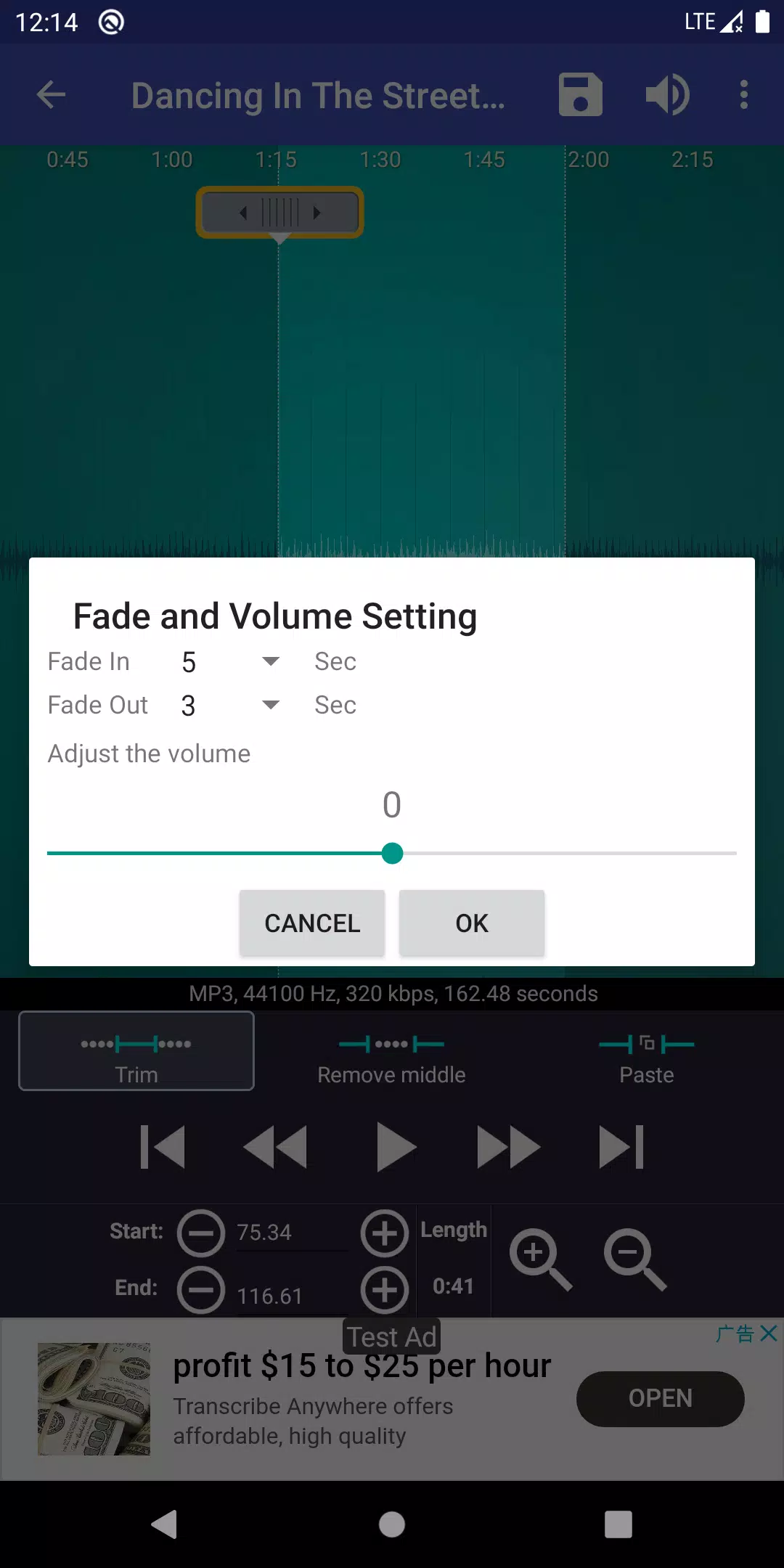
- Fade in/out and volume adjustment options for MP3 files.
- Preview ringtone files and assign them to contacts.
- View a scrollable waveform representation of the audio file at six zoom levels.
- Set starting and ending points for a clip within the audio file using a touch interface.
- Play the selected portion of the audio with an indicator cursor and auto-scrolling waveform.
- Tap anywhere on the screen to play audio at that point.
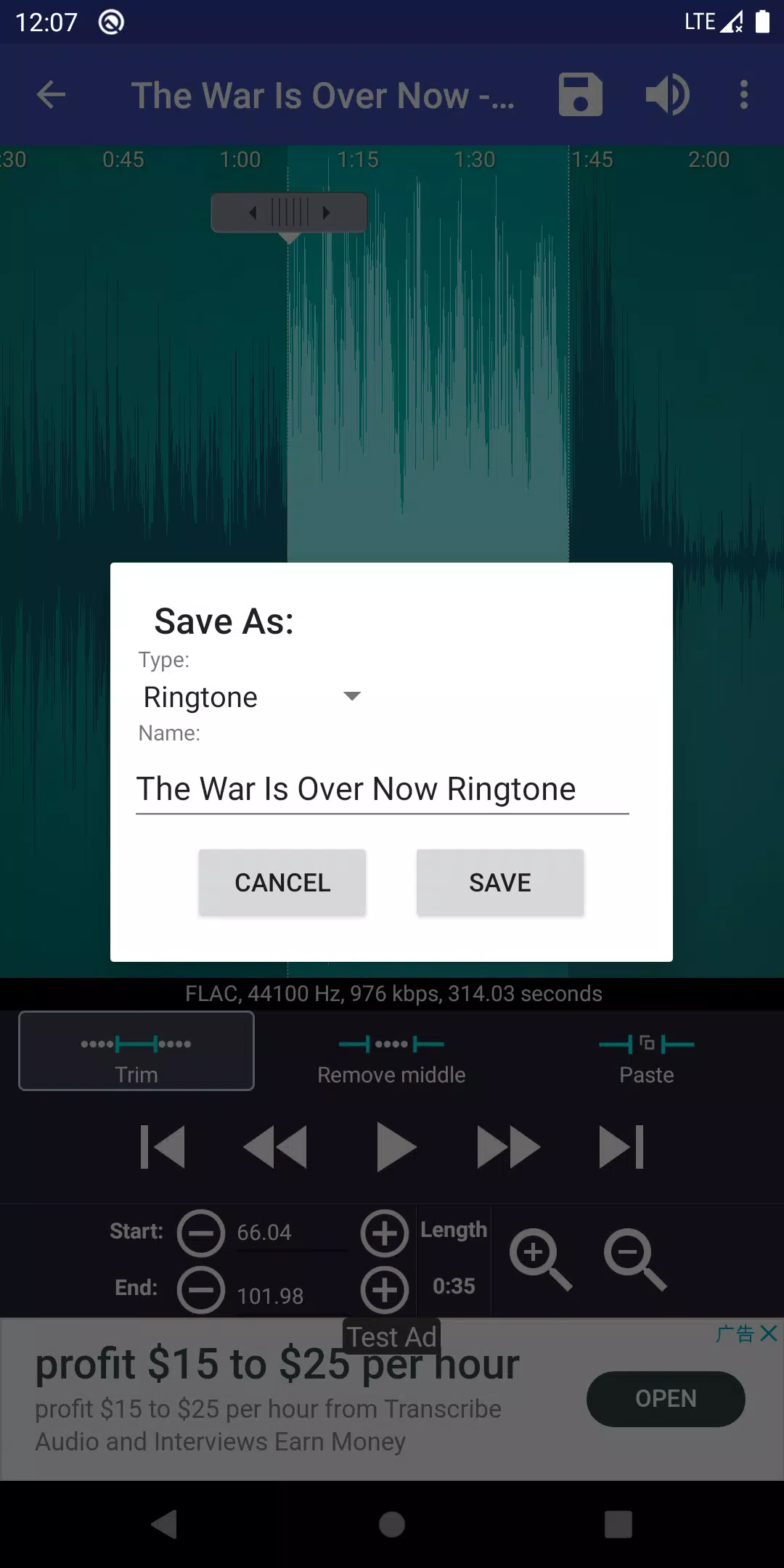
- Save the clipped audio as a new file and categorize it as Music, Ringtone, Alarm, or Notification.
- Record new audio clips for editing.
- Delete audio files.
- Directly assign ringtones to contacts, with options to re-assign or delete them.
- Sort audio files by Tracks, Albums, or Artists.
- Manage contact ringtones.
- Default save paths can be changed in the settings of "Ringtone Maker":
- Ringtone: Internal storage/ringtones
- Notification: Internal storage/notifications
- Alarm: Internal storage/alarms
- Music: Internal storage/music
For those interested in an ad-free experience, you can upgrade to the paid version available at:
https://play.google.com/store/apps/details?id=com.herman.ringtone.paid
Music Not Showing:
If your music files do not appear in the app, remember that the Android system can be slow to update its music database. You can use the "Scan" menu in "Ringtone Maker" to force an update. Note that Google Play Music files may not be displayed as they are hidden in a special way, making them inaccessible to other apps. A workaround involves using the Chrome browser on your phone to access Google Music, selecting the desktop site, choosing your desired song, clicking on the three dots, and selecting "download to device". After downloading, you can use "Ringtone Maker" to locate and use the file.
Legal Information:
All ringtones and music downloads used in the Ringtone Maker app are under public domain license and/or Creative Commons’ license, with credits provided within the app.
Frequently Asked Questions:
Tutorial:
http://www.ringcute.com/tutorial.html
Explanation for Permissions:
- android.permission.INTERNET - Required for app functionality.
- android.permission.READ_PHONE_STATE - Used by the ad company to display and improve ad quality.
- android.permission.ACCESS_NETWORK_STATE - Also used by the ad company to enhance ad quality.
- android.permission.READ_CONTACTS and android.permission.WRITE_CONTACTS - Necessary for assigning ringtones to contacts. Ringtone Maker does not collect your contact information. If you are concerned about this, consider using Ringpod, which offers similar functionality without requiring contact permissions: https://play.google.com/store/apps/details?id=com.herman.ringpod
- android.permission.WRITE_SETTINGS and android.permission.WRITE_EXTERNAL_STORAGE - Required to save new ringtones to your SD card.
Source Code:
For those interested in the technical aspects, the source code for Ringtone Maker can be found at:
Additionally, the SoundRecorder component can be accessed at:
Both are licensed under the Apache License, Version 2.0, and the GNU Lesser General Public License, available at: