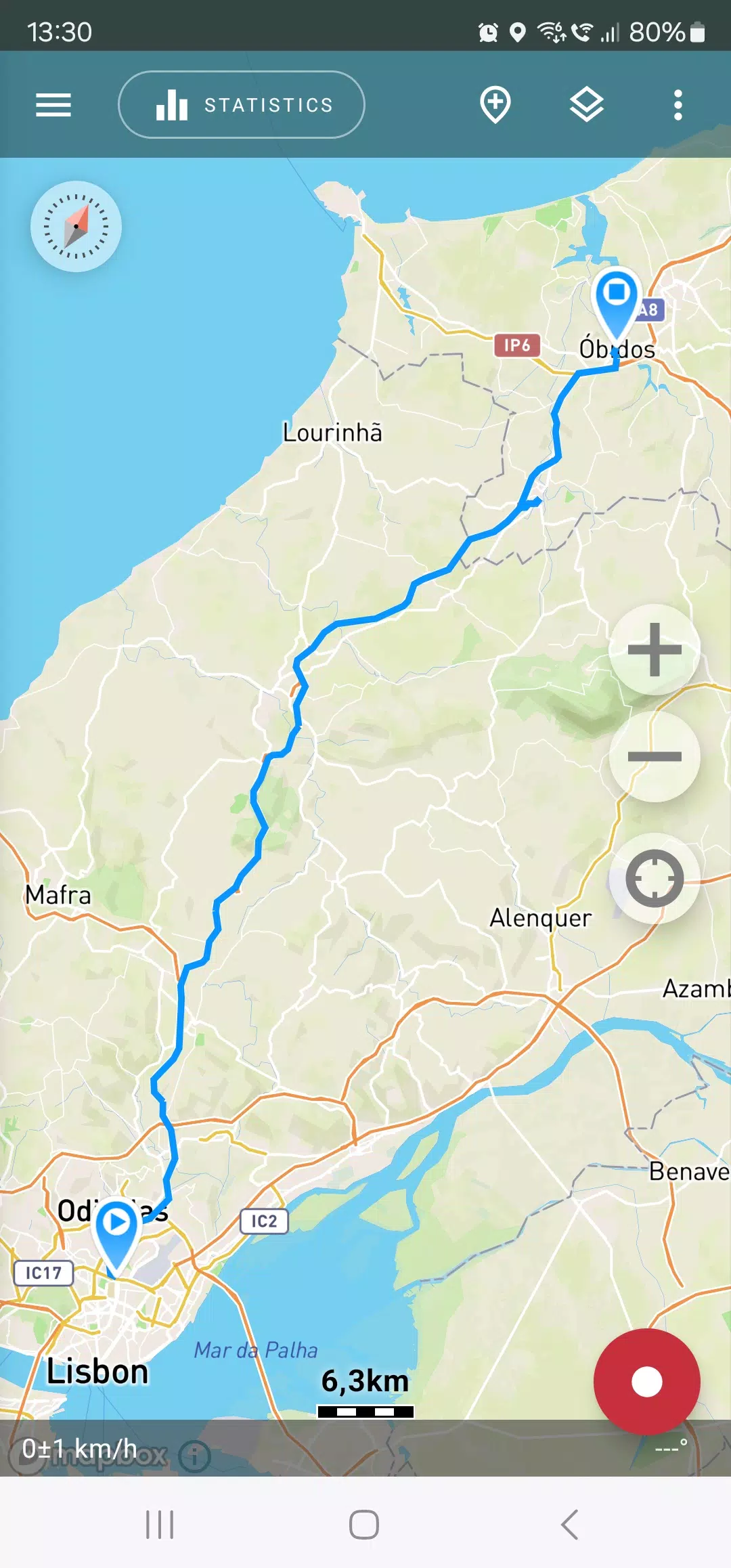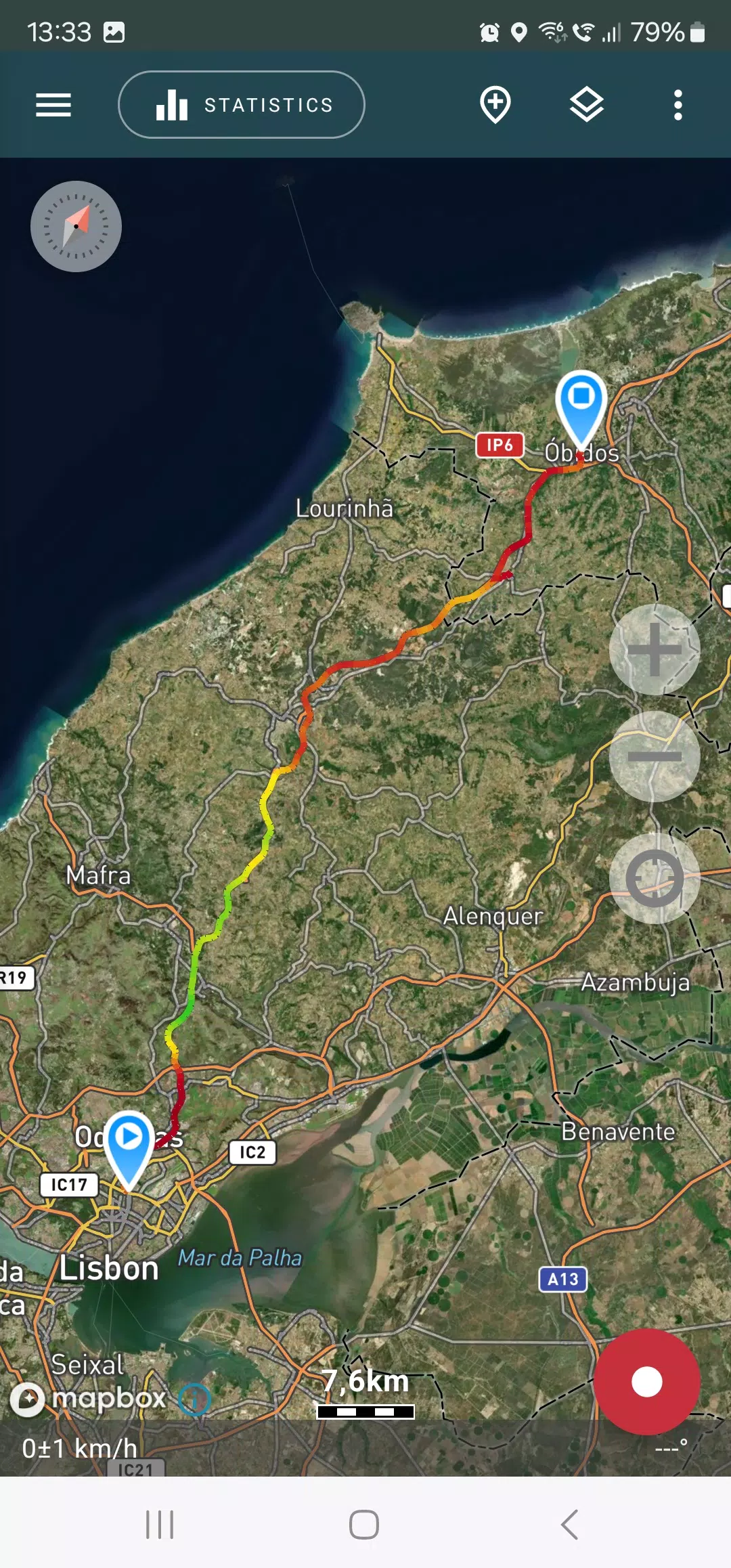
Embark on your adventures with confidence using Geo Tracker, the ultimate GPS tracking app designed for those passionate about outdoor activities and travel. Whether you're navigating through unfamiliar terrains or simply exploring new paths, Geo Tracker is your perfect companion, compatible with both Open Street Maps and Google Maps.
With Geo Tracker, you can:
- Easily find your way back in new areas without the risk of getting lost;
- Share your routes with friends, enhancing your social experience;
- Import routes from GPX, KML, or KMZ files to follow paths others have taken;
- Mark significant or intriguing points along your journey;
- Locate specific points on the map using known coordinates;
- Showcase your achievements with vibrant screenshots on social media.
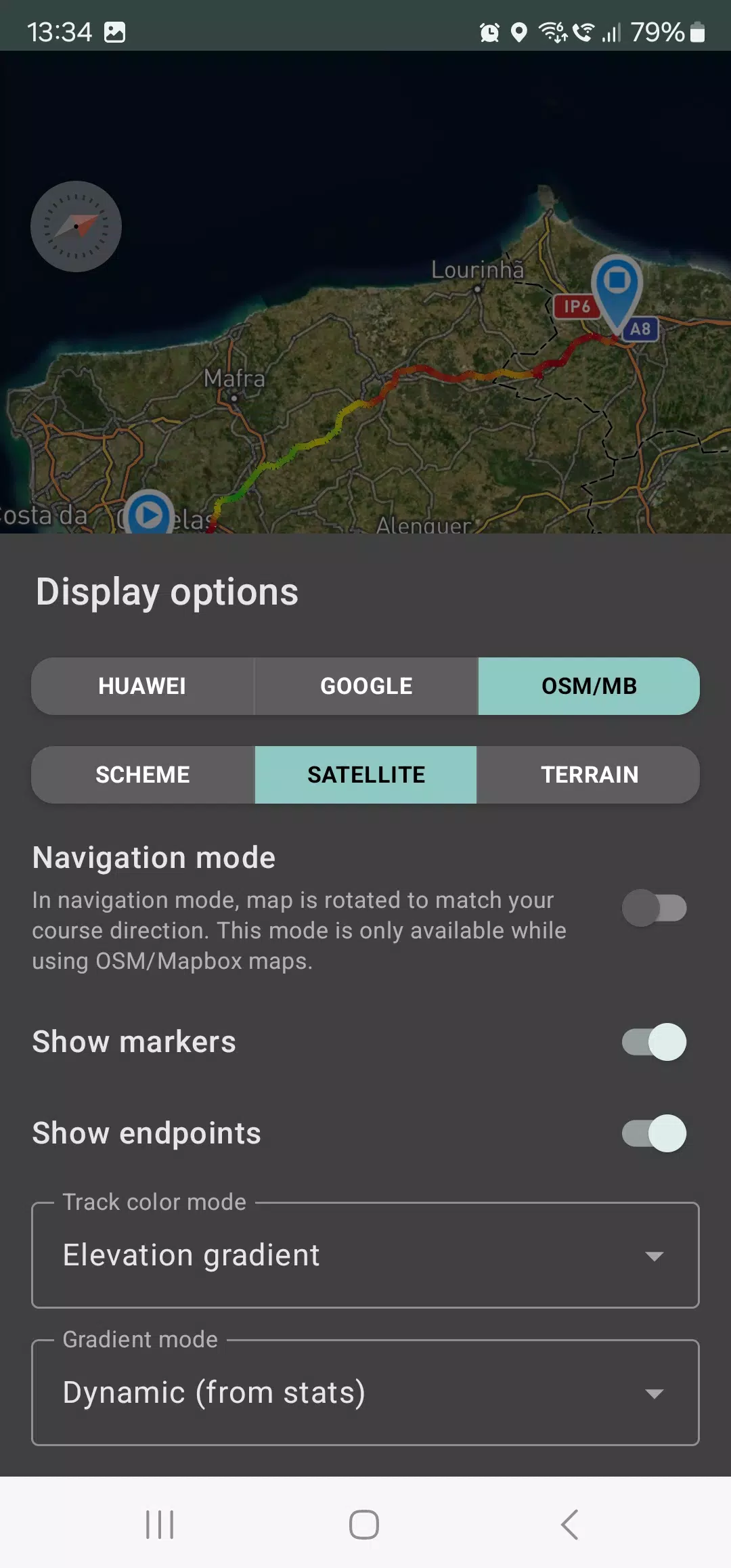
Explore your tracks and the surrounding landscapes using detailed maps from OSM or Google, along with satellite imagery from Google or Mapbox. This ensures you have access to the most comprehensive maps worldwide. The areas you view are cached on your device, allowing for offline access, particularly effective with OSM maps and Mapbox's satellite images. To record and analyze your track statistics, only a GPS signal is required; internet connectivity is needed solely for downloading map images.
Enhance your driving experience with navigation mode, where the map dynamically rotates to align with your direction of travel, simplifying your journey.
Geo Tracker can continue recording your tracks in the background, although this may require specific system settings on your device. Instructions for these settings are provided within the app. The app's power consumption is optimized for background use, typically allowing a full day of recording on a single charge. An economy mode is also available in the settings to further conserve battery life.
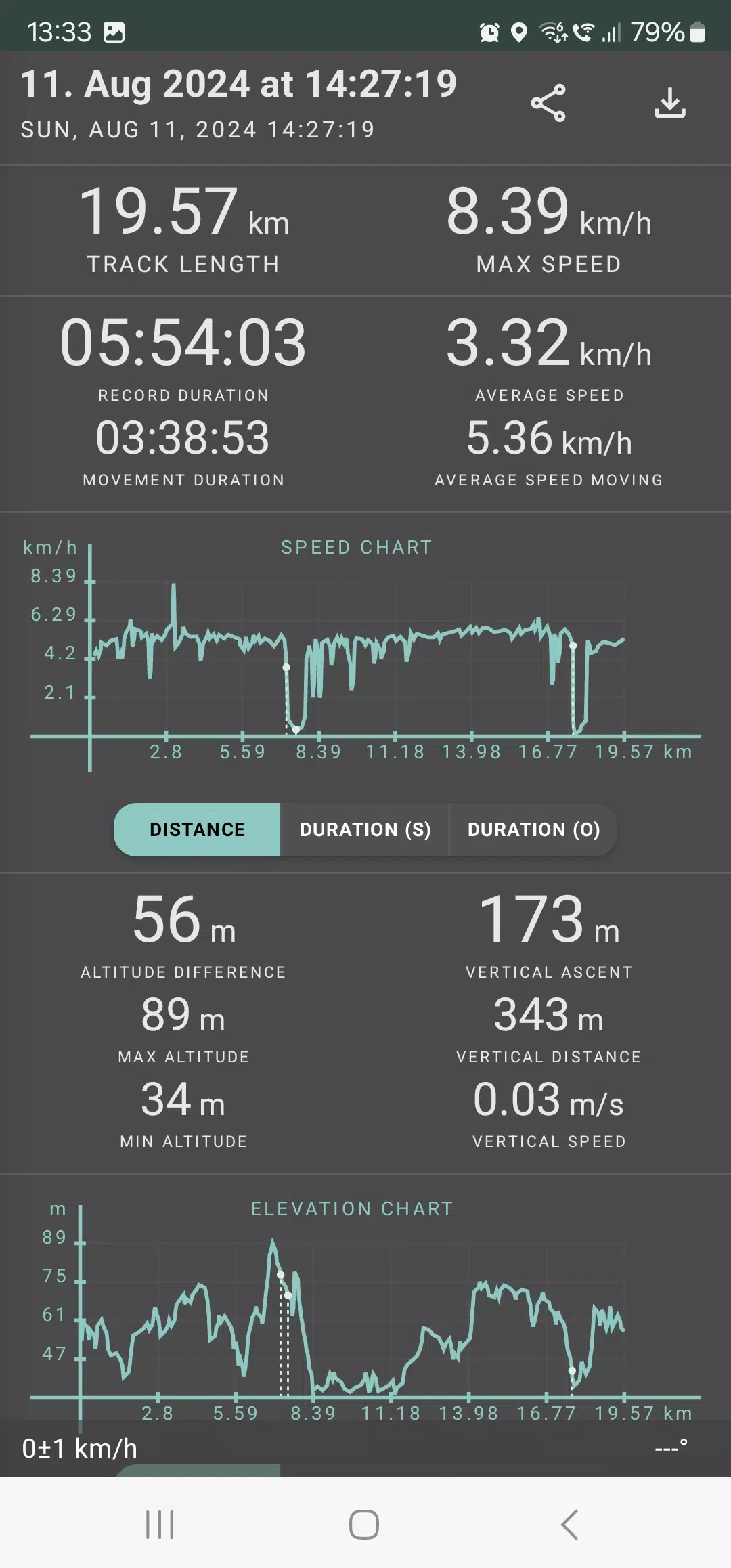
The app meticulously calculates a range of statistics for your tracks, including:
- Total distance and recording duration;
- Maximum and average speeds;
- Time and average speed while in motion;
- Minimum and maximum altitudes, along with altitude differences;
- Vertical distance, ascent, and vertical speed;
- Minimum, maximum, and average slopes.
Additionally, detailed charts of speed and elevation data are available for a comprehensive analysis of your journey.
Your recorded tracks can be saved in GPX, KML, and KMZ formats, making them compatible with other popular applications such as Google Earth or Ozi Explorer. All data is stored locally on your device, ensuring your privacy as no information is transferred to external servers.
Geo Tracker is ad-free and does not exploit your personal data for revenue. To support ongoing development, you can make a voluntary donation through the app.
To optimize your GPS experience and address common issues, consider these tips:
- Allow some time for the GPS signal to stabilize before starting your tracking session.
- Restart your smartphone and ensure you have an unobstructed view of the sky, free from high buildings or dense forests.
- Be aware that GPS reception can vary due to factors like weather, seasonal changes, satellite positioning, and areas with poor GPS coverage.
- Enable the "Location" setting on your phone.
- Set your phone to automatically update "Date & Time" and "Time Zone" to prevent delays in GPS signal acquisition due to incorrect time settings.
- Ensure airplane mode is turned off.
If these tips do not resolve your issues, consider uninstalling and reinstalling the app. Note that Google Maps enhances its location accuracy by integrating GPS data with information from nearby WLAN and mobile networks.
For more solutions to common problems and answers to frequently asked questions, visit our website at https://geo-tracker.org/faq/?lang=en.