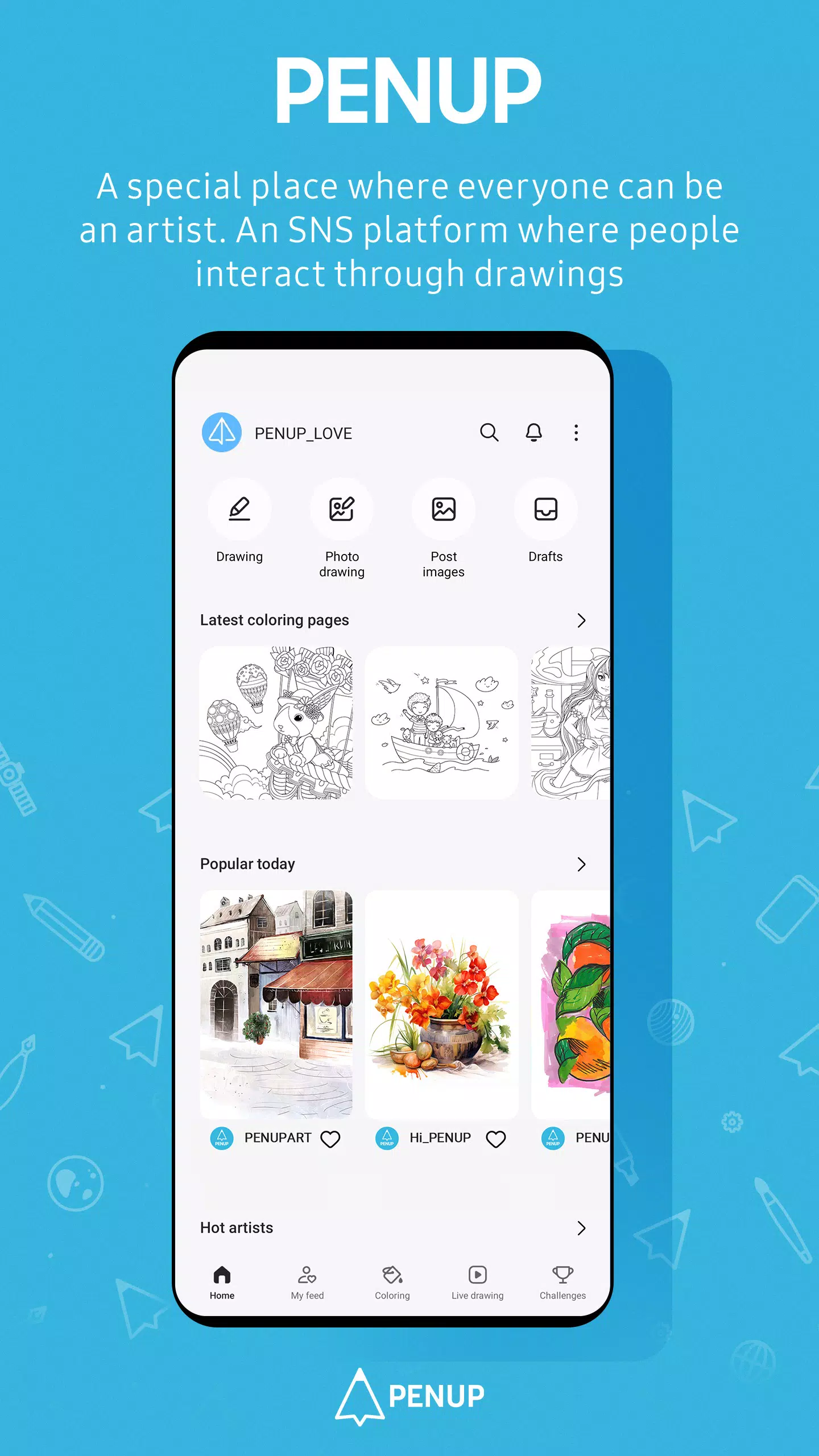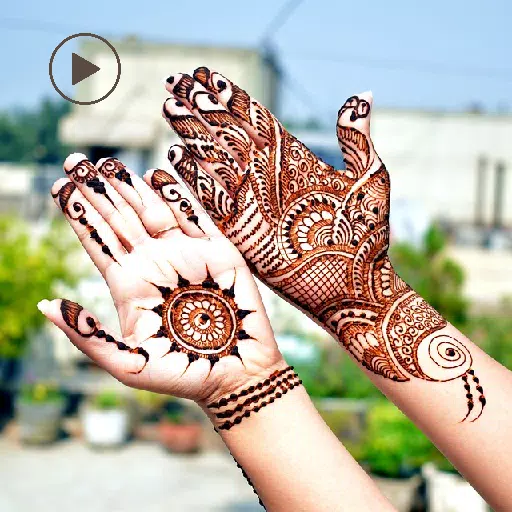
PENUP is a unique social networking service (SNS) where users express themselves and connect through the art of drawing. Dive into a world filled with pen-drawn content, where you can share your creative thoughts and snippets of your daily life with friends across the globe.
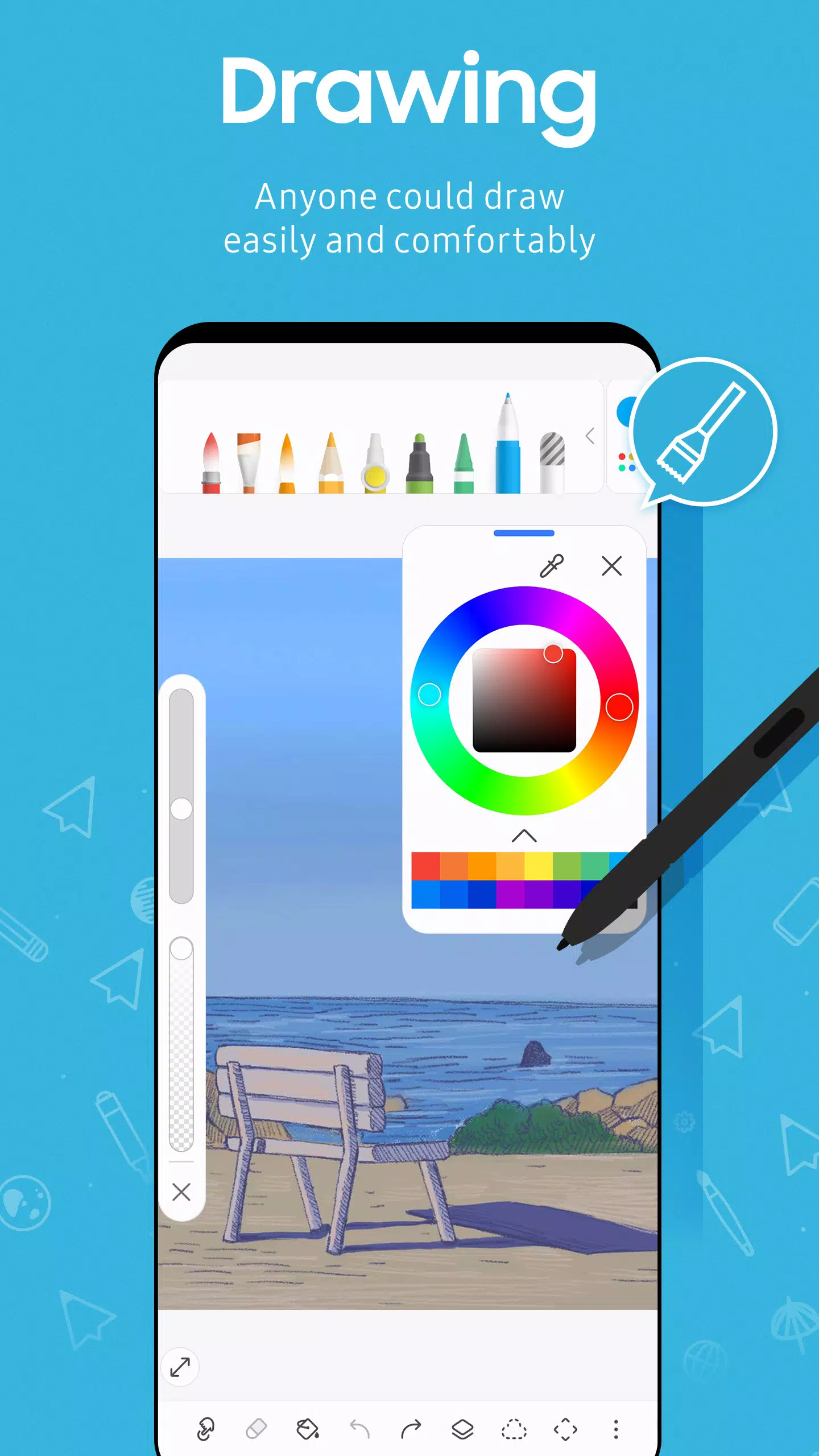
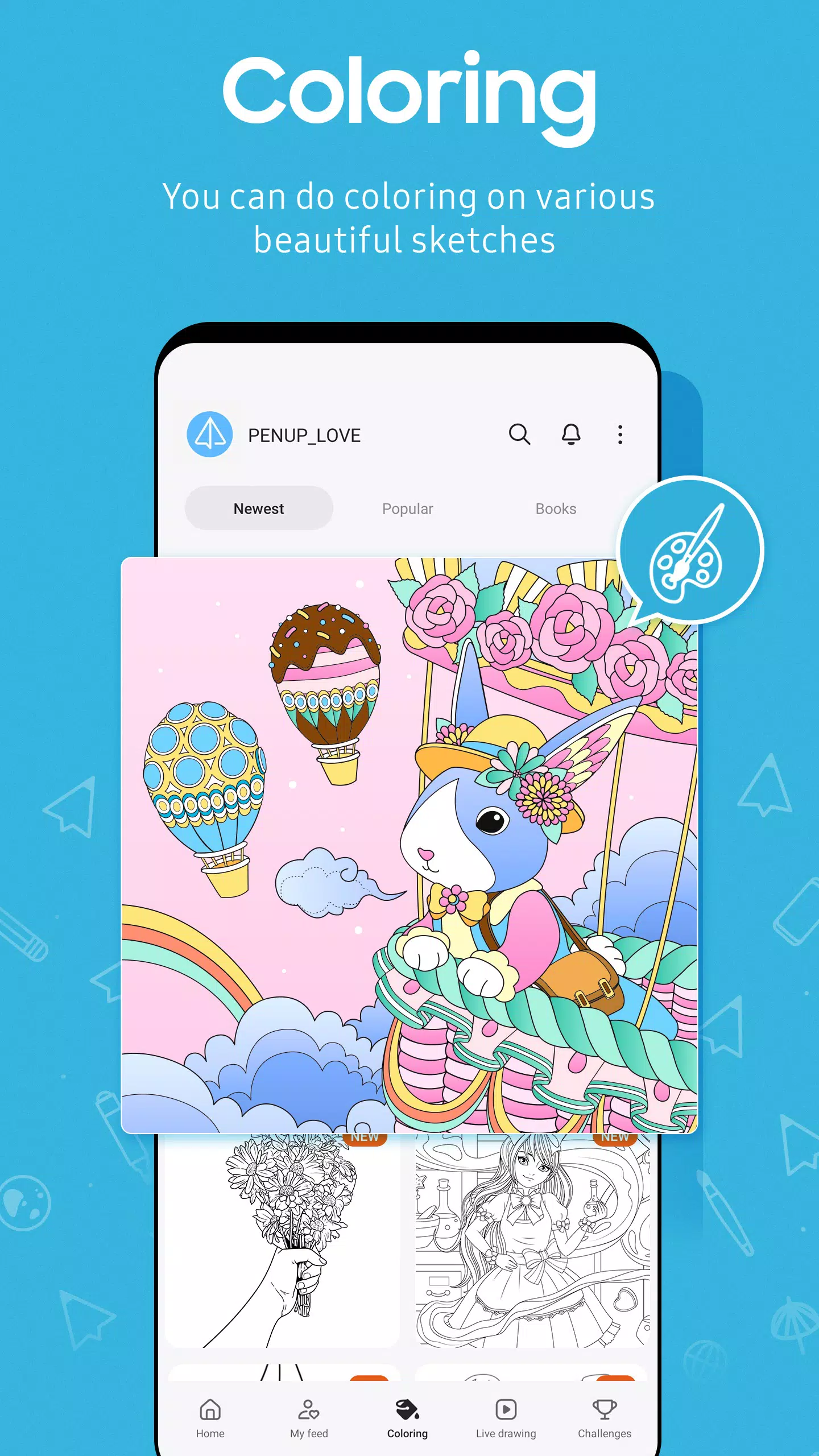
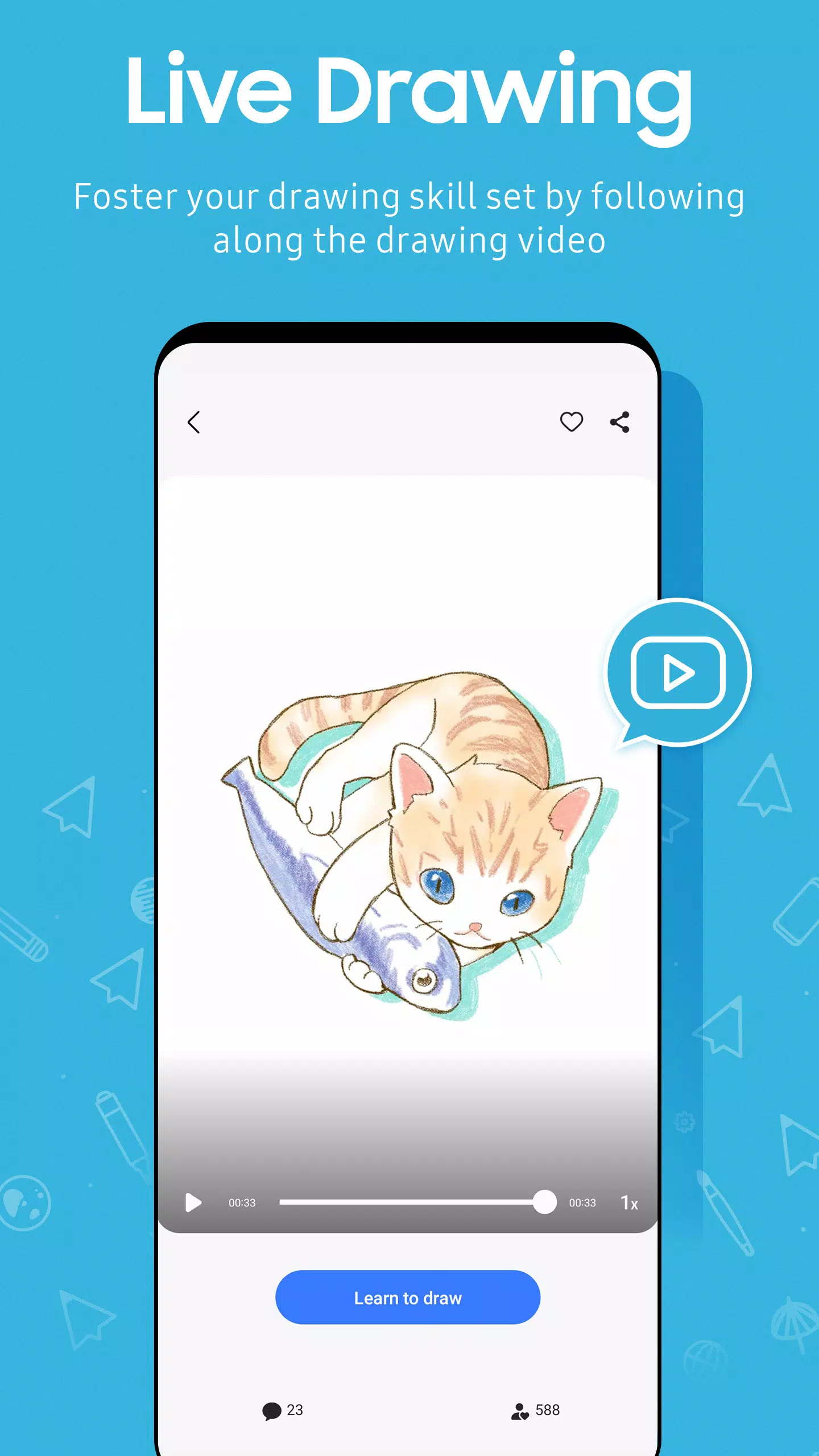
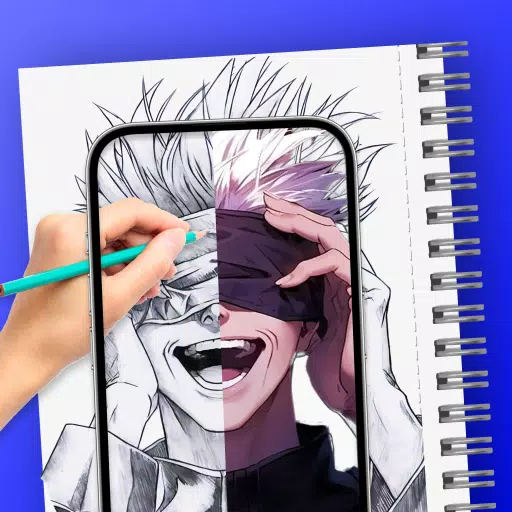
With a variety of drawing features, PENUP makes drawing accessible and enjoyable for everyone. Whether you're new to drawing or a seasoned artist, you'll find tools to enhance your skills. Start with easy-to-use coloring book pages and a selection of great templates to kickstart your creativity. Elevate your technique with Live Drawing, where you can follow along with video tutorials, or try Photo Drawing to sketch over your favorite photos. Challenge yourself further with various drawing challenges designed to test and improve your skills.
PENUP also allows you to enjoy drawing with friends. Share your masterpieces on Trending Works, where you can gain appreciation and feedback from the community. Engage with other artists by leaving comments on their drawings, fostering a vibrant and supportive environment for creativity.
Regarding the App Access Privilege
To ensure a seamless experience with PENUP, certain app services require specific permissions. These are optional permissions that, by default, are enabled but not active until you allow them:
- Storage: This permission is necessary for uploading your drawings to PENUP or downloading drawings from the platform. It applies to devices running Android 9 or lower.
- Notifications: This permission enables PENUP to notify you about activities related to your drawings, updates from your followers, and interactions with the people you follow. It is relevant for devices running Android 13 or above.
If your device is running a software version lower than Android 6.0, we recommend updating to the latest version to manage app permissions effectively. After updating, you can reset previously allowed permissions via the Apps menu in your device settings.