Snapseed, developed by Google, is a robust photo editing app that transforms ordinary photos into professional-quality masterpieces. With its user-friendly interface and powerful features, Snapseed offers everything you need to enhance your images.
Features:
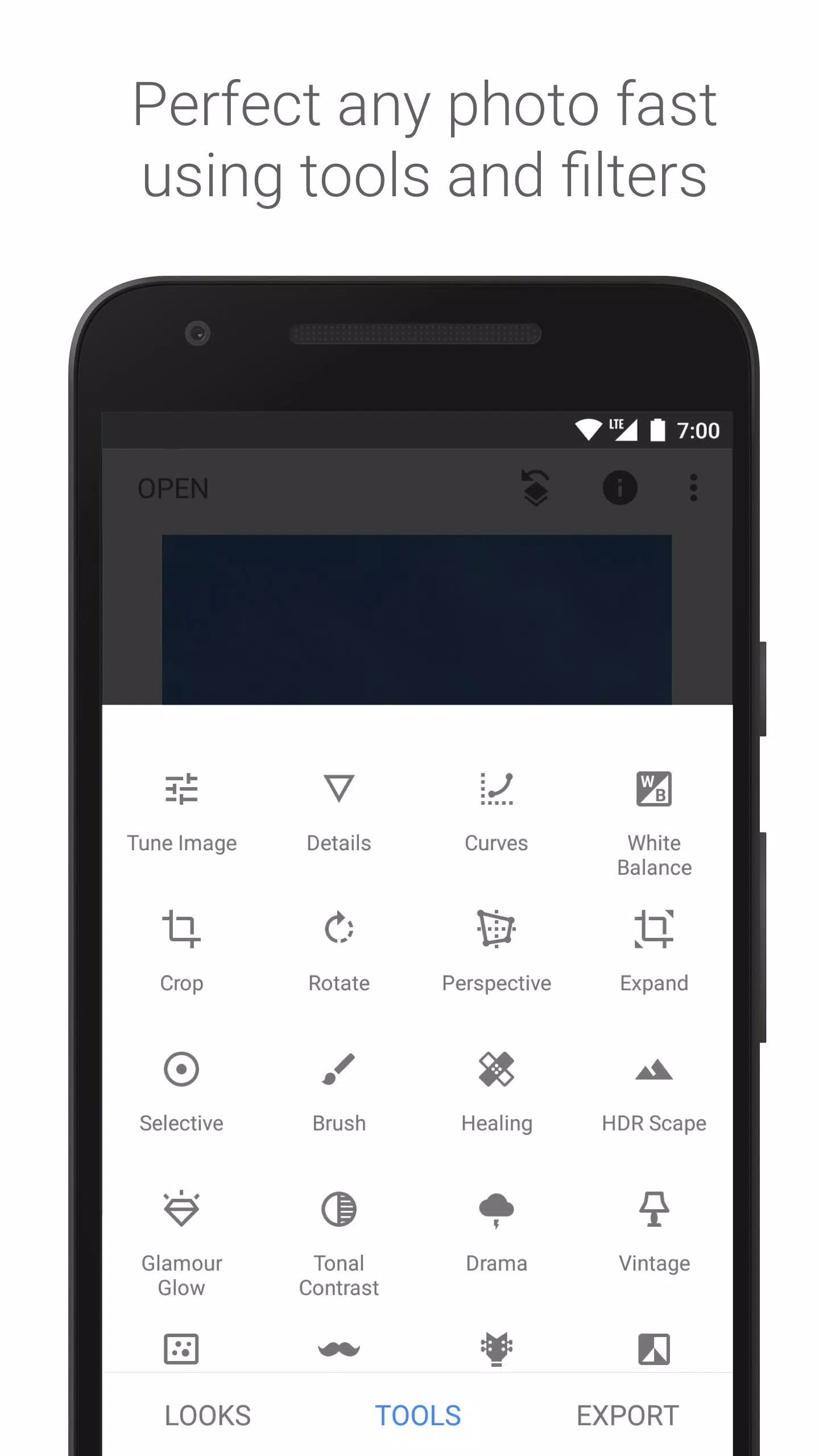
- Extensive Tools and Filters: Snapseed boasts 29 tools and filters, including Healing, Brush, Structure, HDR, and Perspective, allowing you to perfect your photos with precision.
- Dark Theme Support: The latest update introduces a dark theme mode, enhancing your editing experience in low-light environments.
- User-Friendly Interface: The app's simple UI makes it easy to navigate and use, even for beginners.
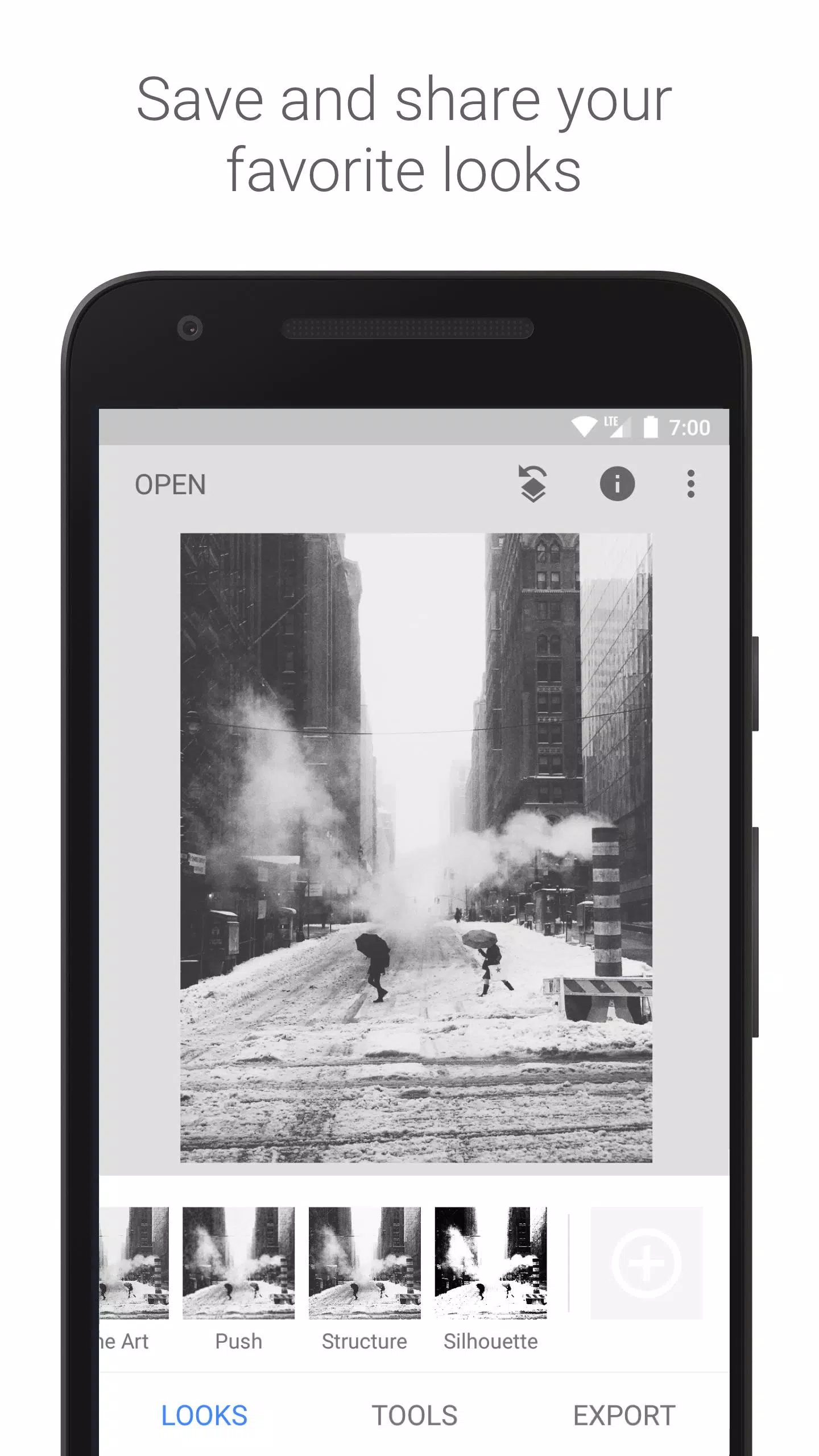
- Save and Share Looks: You can save your favorite editing styles and apply them to new photos, streamlining your workflow.
- Effortless Editing: Achieve perfect photos with just a few clicks, and the ability to undo and re-edit ensures you can experiment without fear of mistakes.
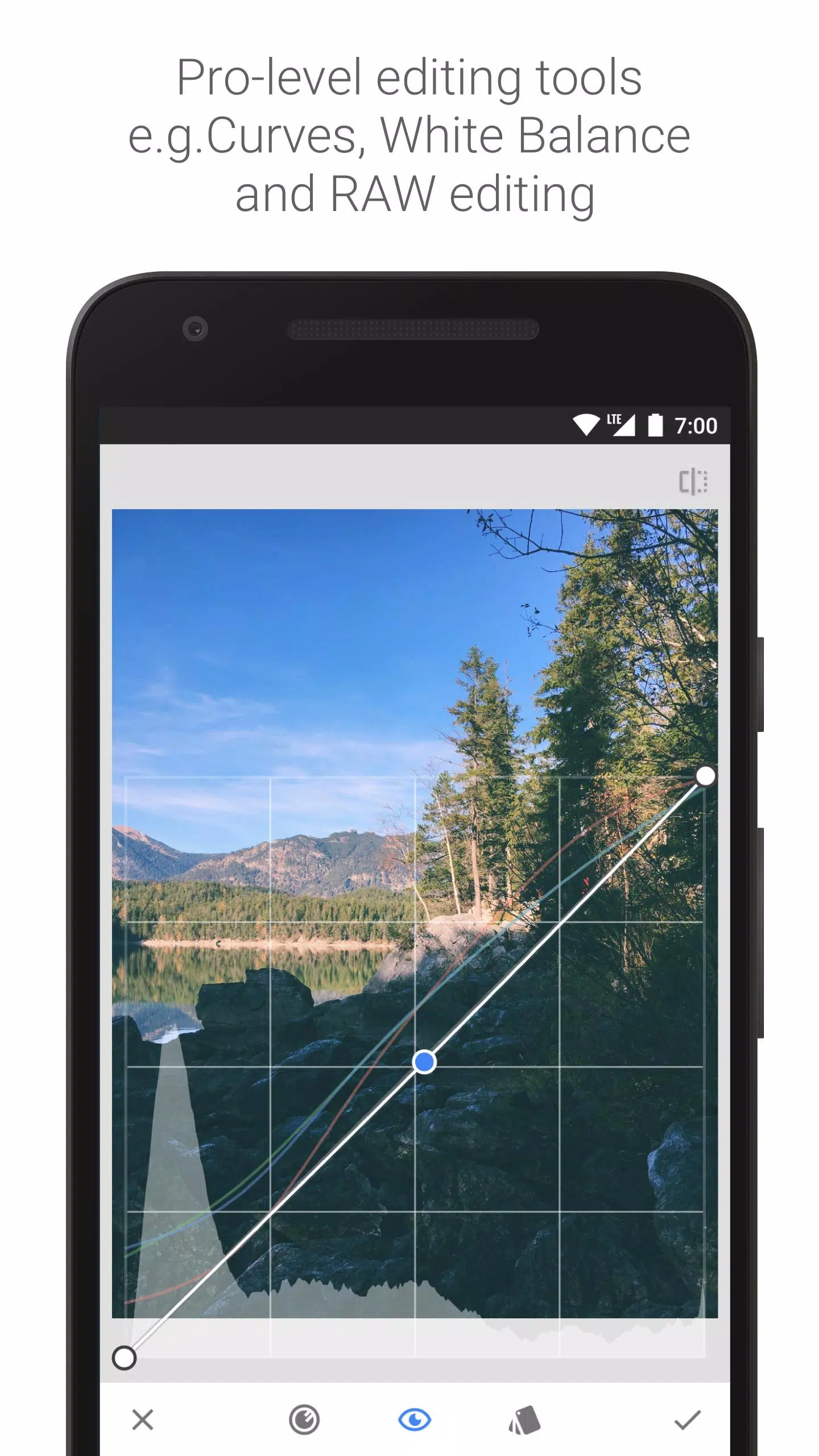
- RAW File Support: Snapseed supports both JPG and RAW DNG files, offering flexibility for professional photographers.
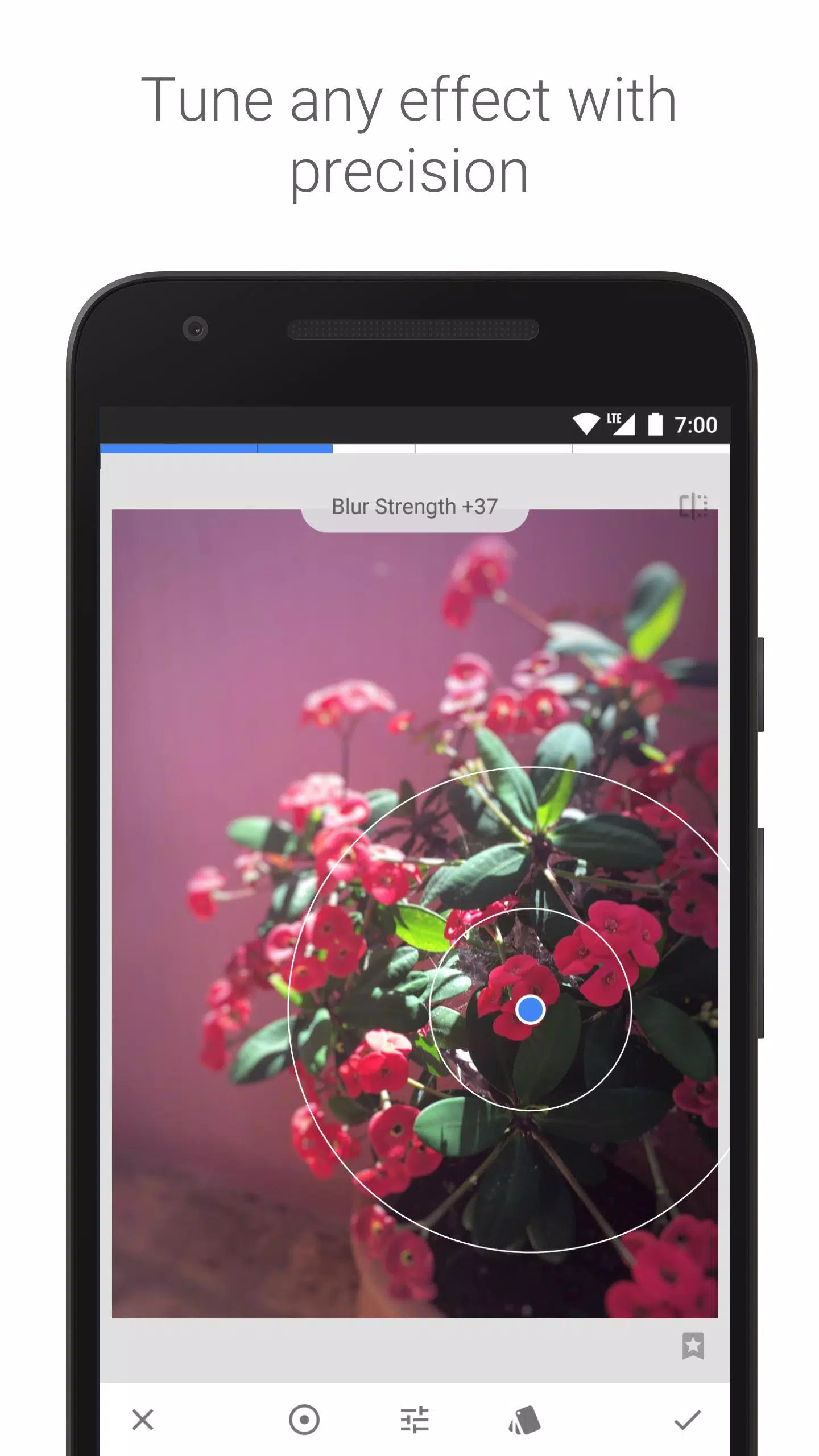
- Selective Editing: Use the selective filter brush to apply enhancements to specific areas of your image.
Detailed Tools, Filters, and Face Features:
- RAW Develop: Open and tweak RAW DNG files, saving non-destructively or exporting as JPG.
- Tune Image: Adjust exposure and color automatically or manually for fine-tuned control.
- Details: Enhance surface structures in images for a more detailed look.
- Crop and Rotate: Crop to standard sizes or freely, and rotate by 90° or straighten a skewed horizon.
- Perspective: Correct skewed lines and perfect the geometry of horizons or buildings.
- White Balance: Adjust colors for a more natural look.
- Brush and Selective: Selectively retouch and enhance using the Brush tool, or use the "Control Point" technology to apply up to 8 points of enhancement.
- Healing: Remove unwanted elements from your photos.
- Vignette and Lens Blur: Add soft darkness around corners or a beautiful Bokeh effect for portraits.
- Text and Curves: Add stylized or plain text, and control brightness levels precisely.
- Expand: Increase canvas size and smartly fill new spaces with existing image content.
- Glamour Glow and Tonal Contrast: Add a fine glow for fashion or portraits, and selectively boost details in different tonal ranges.
- HDR Scape and Drama: Create stunning multi-exposure effects or add a doomsday aesthetic.
- Grunge, Grainy Film, Vintage, Retrolux, Noir, Black & White: Achieve various film looks and styles.
- Frames and Double Exposure: Add adjustable frames or blend two photos for creative effects.
- Face Enhance and Face Pose: Focus on eyes, add face-specific lighting, smooth skin, or correct portrait poses.
What's New in Version 2.22.0.633363672
Last updated on Jun 18, 2024
- Dark Theme Mode: Now available in Settings for a more comfortable editing experience.
- Bug Fixes: Various bugs have been addressed to improve overall performance and stability.
With Snapseed, you have a complete and professional photo editor at your fingertips, ready to elevate your photography to the next level.