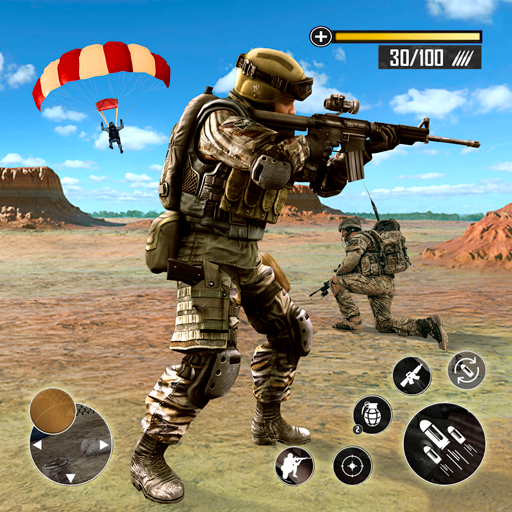
Pocket Boom! is more than just a strategy game—it's a dynamic blend of tactical planning, quick reflexes, and smart resource management. Whether you're aiming to climb the leaderboards or simply improve your in-game performance, this guide delivers advanced tips and tricks to help you dominate the battlefield, optimize your resources, and make full use of the game’s powerful weapon merging system.
Got questions about guilds, gameplay mechanics, or our content? Feel free to join our Discord community for real-time discussions and support. If you're just getting started, be sure to check out our Beginner’s Guide for Pocket Boom! to get up to speed with the fundamentals.
1. Start Weapon Merging as Early as Possible
Weapon merging is one of the most impactful mechanics in Pocket Boom! By combining basic weapons, you can create stronger, more effective gear that gives you an edge in combat.
- Merge Strategically: Match weapon types to your character’s core strengths. Use missile-based weapons for crowd control specialists or assault rifles for well-rounded fighters.
- Keep Inventory Space Free: Avoid cluttering your inventory with low-tier weapons. Merge or sell them regularly to make room for better loot.
- Pro Tip: Don’t be afraid to experiment with different weapon combinations—you might unlock unexpected synergies and powerful effects.
2. Understand and Optimize Your Character’s Playstyle
Each character in Pocket Boom! comes with unique stats and abilities. Mastering how they function ensures you get the most out of every battle.
- Offensive Characters: Equip high-damage weapons such as semi-automatics or explosive launchers to maximize output.
- Defensive Characters: Prioritize gear that boosts survivability—think shields, armor upgrades, or health regeneration items.
- Hybrid Characters: Balance offense and defense by using versatile gear that supports both roles.
- Pro Tip: Try out various characters to discover which ones align best with your personal playstyle and team composition needs.

10. Experience Pocket Boom! on PC with BlueStacks
Enhance your gaming experience by playing Pocket Boom! on PC using BlueStacks. This powerful Android emulator unlocks several advantages:
- Precision Controls: Customize keyboard and mouse inputs for improved responsiveness.
- Better Performance: Enjoy smoother gameplay, higher frame rates, and enhanced visual quality.
- Automation Tools: Use macros to automate repetitive tasks like farming resources or grinding levels.
- Multi-Instance Support: Run multiple instances simultaneously to test strategies, manage different accounts, or level up multiple characters at once.
- Pro Tip: Make full use of the multi-instance feature to explore different builds or test your team setups without switching devices.
Pocket Boom! rewards players who think ahead, adapt quickly, and use their resources wisely. With solid weapon merging tactics, a deep understanding of your character’s role, and efficient resource use, you'll rise through the ranks faster than ever. Whether you're a seasoned player or just starting out, these expert tips will sharpen your skills and boost your effectiveness on the battlefield.
Ready to take your gameplay to the next level? Play Pocket Boom! on PC or laptop using [ttpp] for the smoothest, most optimized experience available.