Ever found yourself lost with no cellphone tower signal? Use our offline maps to locate yourself, search for places, and get accurate turn-by-turn driving directions to navigate safely back home. Whether you're in the wilderness or a remote area, our offline maps ensure you're never truly lost.
Planning a holiday? Search offline and find nearby hotels, restaurants, and other points of interest easily during your trips. Our app ensures efficient travel planning with precise ETA, weather updates, and the ability to add multiple waypoints, making your vacation planning seamless and stress-free.
Whether you're driving, biking, cycling, or walking, always have peace of mind with our app by your side. Offline Map Navigation is your trustworthy backup, ready to assist you whenever you need it most, ensuring you can explore the world with confidence.
Key Features:
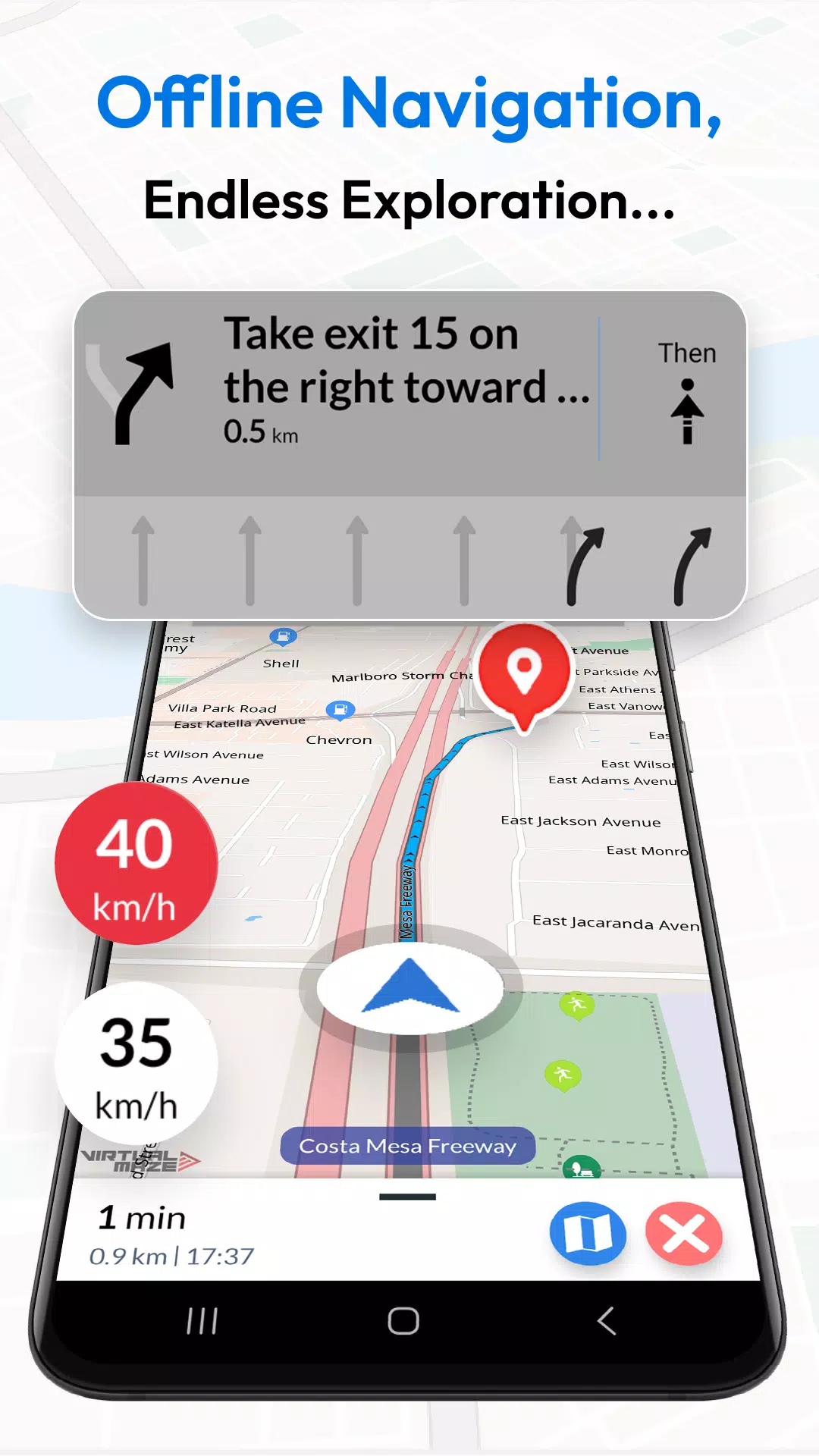
- Turn-by-Turn Navigation: Receive detailed route instructions to guide you to your destination.
- Multiple Modes: Find the fastest routes for car, motorbike, bicycle, or walking, tailored to your preferred mode of transportation.
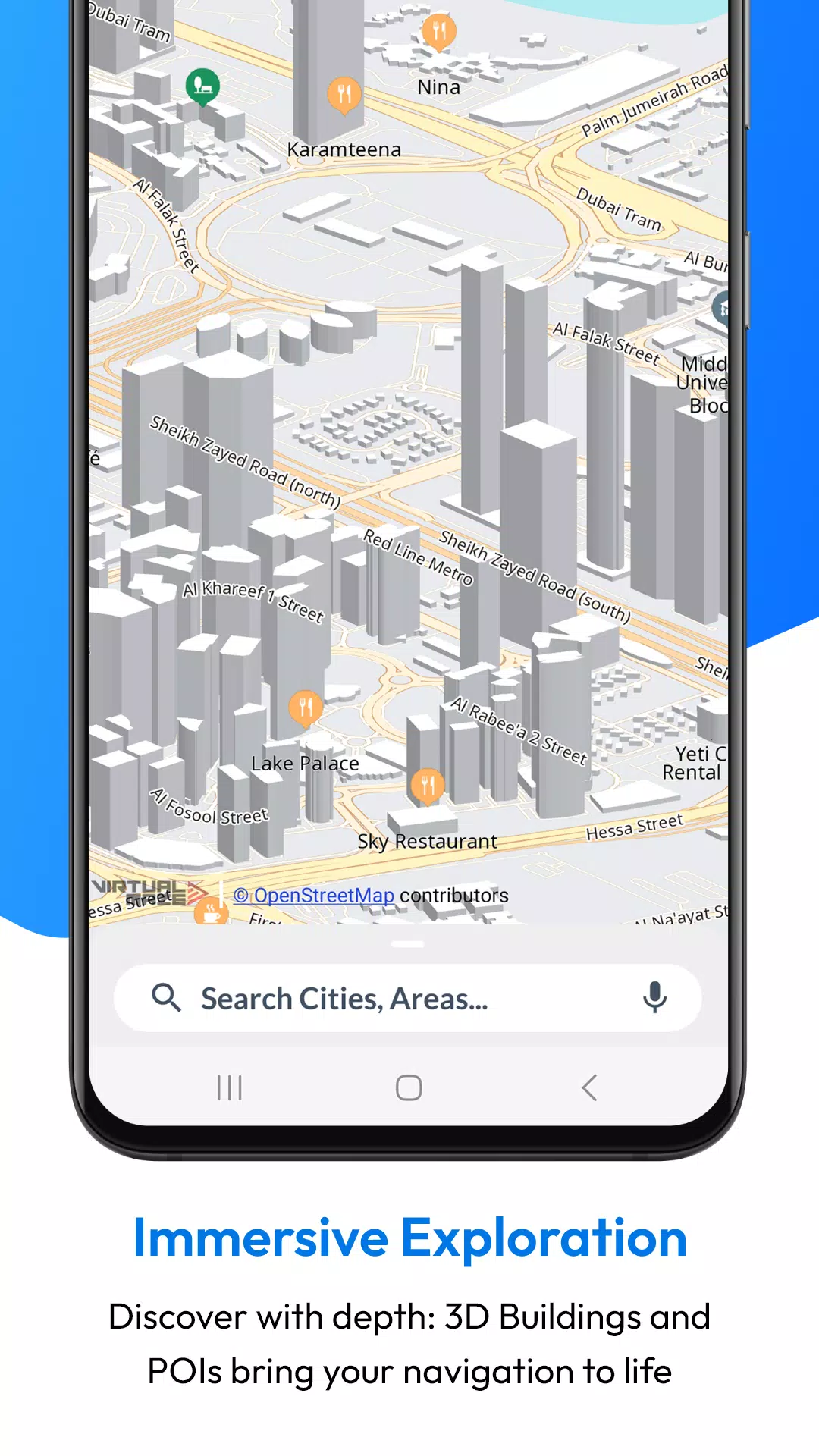
- Offline Points of Interest: Locate nearby hotels, restaurants, hospitals, ATMs, banks, charging stations, and shopping places without an internet connection, ensuring you have all the information you need at your fingertips.
- Junction View: Navigate complex intersections with ease, thanks to our clear and detailed junction views.
- Voice Guidance: Get accurate voice instructions in multiple languages, making navigation accessible and convenient for everyone.
- Lane Guidance: Clear information on turn lanes ensures you never miss a turn again.
- EV Routing: Includes charging station information for electric vehicles, making your EV trips more convenient and efficient.
- Weather Updates: Real-time weather details for your location help you plan your journey according to the weather conditions.
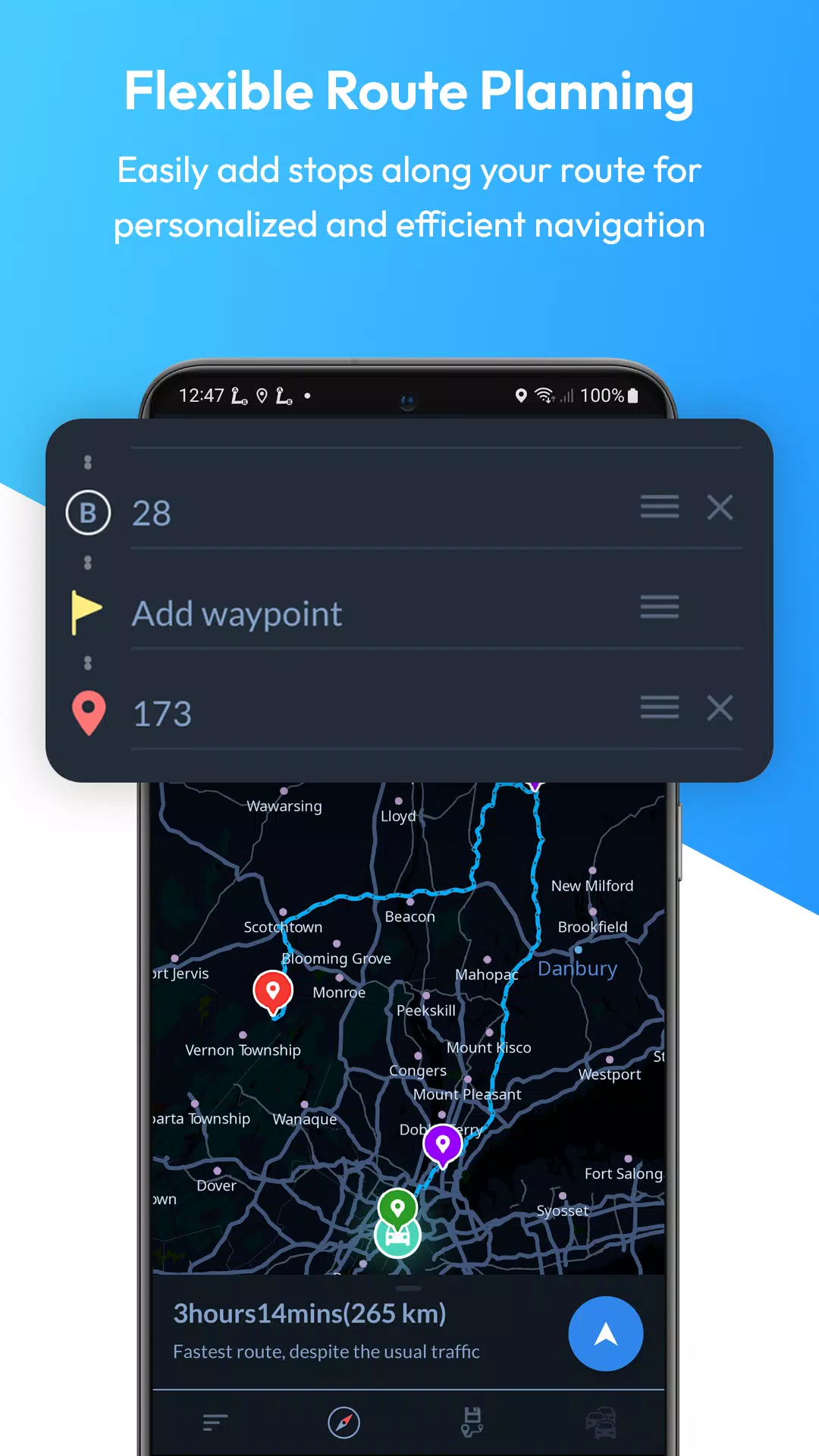
- Multi-Stop Routes: Add multiple waypoints for optimized paths and precise ETA, perfect for complex trips.
- Automatic Rerouting: Stay on track with instant rerouting, ensuring you reach your destination even if you encounter unexpected road changes.
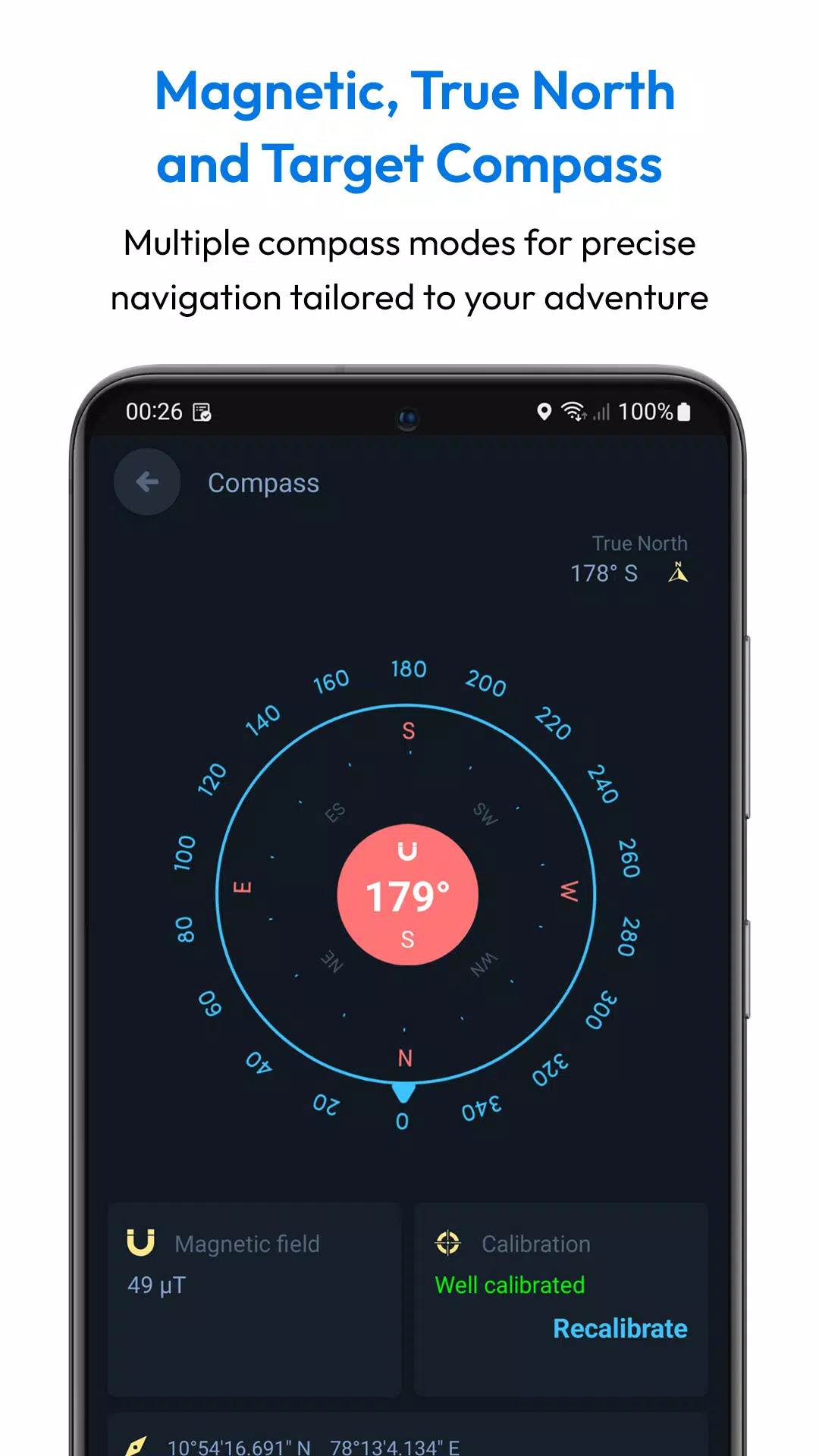
- Target Compass: Navigate directly to any destination with precision, making it easier to reach your target location.
- Alternative Routes: Choose from multiple route suggestions to find the best path for your journey.
- Share Routes: Easily share route instructions with friends and family, making group travel coordination a breeze.
- Save Locations: Save favorite locations for quick access, ensuring you can revisit your favorite spots effortlessly.
- Fast GPS: Enjoy quick GPS updates for real-time navigation accuracy.
- Day and Night Modes: Clear maps for any time of day, ensuring visibility no matter the time.
- Downloadable Maps: Use maps offline, saving you from data usage and roaming charges.
- Offline Search: Find locations and addresses without internet, making it easier to plan your route even in remote areas.
- Over-speed Alerts: Stay safe with speed alerts, helping you adhere to speed limits.
- Local Events: Discover local events to enrich your travel experience.
- User-Created Attractions: Explore attractions created by users, adding a personal touch to your journey.
- Full Offline Functionality: All features work both online and offline, ensuring a seamless experience regardless of your internet connection.
Why Choose Offline Map Navigation?
- Save on Roaming Charges: Use offline maps to save money on expensive roaming fees.
- Efficient Travel Planning: Save locations, add waypoints, and find optimized routes to make your travel planning efficient and hassle-free.
- Share Trip Plans: Easily share your trip details with others, making group travel coordination simple.
- Multi-Language Support: Available in various languages, ensuring accessibility for a global audience.
- Comprehensive Coverage: Access maps and navigation for various regions worldwide, ensuring you can navigate anywhere.
- User-Friendly Interface: Enjoy an intuitive and easy-to-use interface that makes navigation a breeze.
- Regular Updates: Benefit from regular updates and improvements to keep your app up-to-date.
- High Accuracy: Depend on precise and reliable navigation to guide you accurately to your destination.
- Customization Options: Personalize your navigation experience with various settings to suit your preferences.
- Community Contributions: Explore user-generated content and local insights to enhance your travel experience.
- Privacy Focused: Navigate securely with a focus on privacy, ensuring your data is protected.
Wear OS Integration:
Synchronize with your Wear OS smartwatch for seamless turn-by-turn navigation. Follow these steps to use Wear OS support:
- Install the app on both your Android device and Wear OS smartwatch.
- Open the app on both devices and complete the setup.
- Start navigation on your mobile device.
- Receive navigation instructions on your Wear OS device.
Disclaimer: Offline Map Navigation is a GPS-based app that uses your location while using the app or all the time, even in the background, for accurate positioning and navigation guidance.