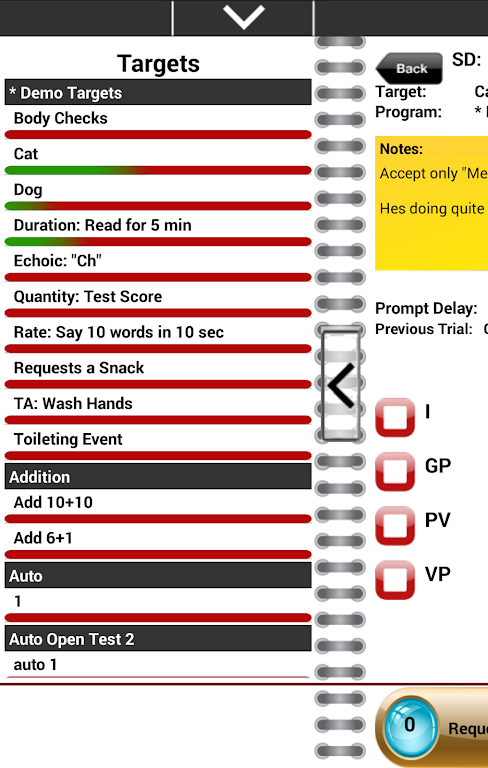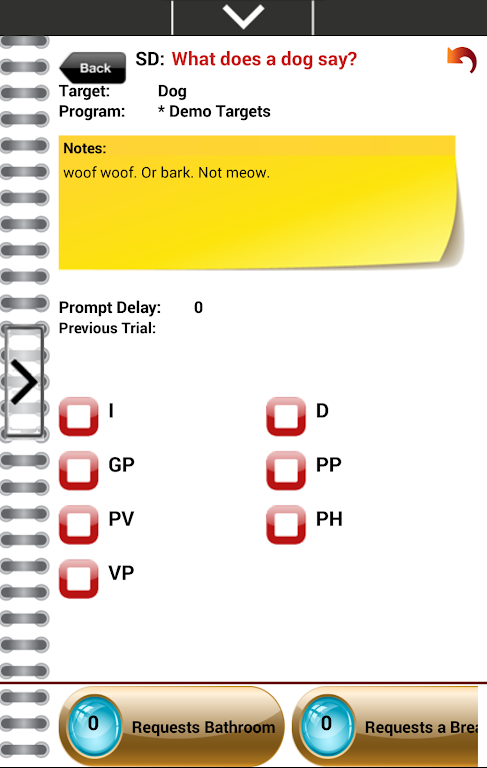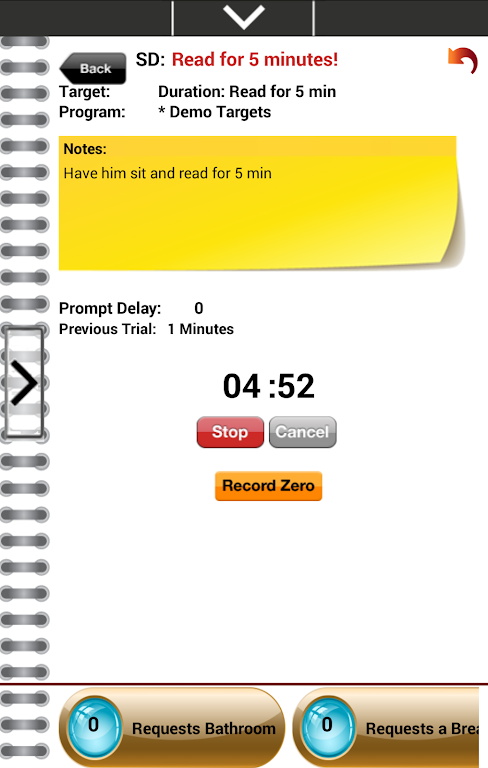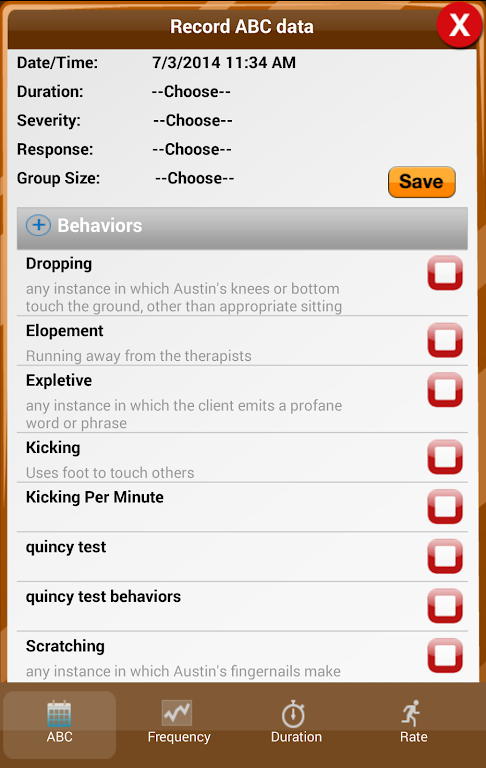
Catalyst Client is the ultimate data collection tool for iOS devices that revolutionizes the way data is collected, managed, and analyzed. This state-of-the-art app is designed to cater to the needs of families, organizations, and professionals in the field of behavior analysis. With the app, you can say goodbye to paper data sheets and the laborious task of data entry. The app seamlessly integrates with an online portal, allowing for real-time syncing and access to critical information instantly. From discrete trials to behavior event data, the app covers all aspects of data collection, while its powerful graphing engine provides customizable views and in-depth analysis.
Features of Catalyst Client:
- Comprehensive and Flexible Data Collection: The app is designed to be the most comprehensive and flexible data collection technology available. It offers a wide range of data collection options, including discrete trials, task analysis, echoic sounds, toileting data, and more.
- Efficient and Time-saving: By using the app, users can completely eliminate paper data sheets and the need for manual data entry. This not only saves time but also reduces the amount of paper waste. Program managers, like BCBA's, can access critical information quicker and more efficiently.
- Integration with Online Portal: The app is not just a data collection tool for iOS devices, but it also includes an online system for data storage, management, graphing, and analysis. The app seamlessly integrates with the online portal, allowing users to collect data offline and automatically sync with the portal when an internet connection becomes available.
- Automated Notifications: The app allows users to define how it works for them. The app can automatically notify users of mastery or identify problem areas, reducing program downtime. Users can also set alerts to notify them of trends that require professional attention, minimizing the time spent analyzing data.
Tips for Users:
- Customize Your Data Views: Take advantage of the online graphing engine to customize your data views in real time. You can sort data by different instructors, time periods, target behaviors, and more. This allows for a comprehensive analysis of the collected data and helps identify patterns and trends.
- Use Annotations for Statistical Details: Make use of the annotation feature to note averages, data point values, condition lines, and other statistical details on your graphs. This helps provide a visual representation of the data and makes it easier to interpret and analyze.
- Utilize Diagnostic Data Sorting: The diagnostic data sorting feature in the app allows you to specify the time period you want to view, graph antecedents for specific behaviors, view scatterplots, and isolate other diagnostic variables. This enables a more in-depth analysis of the data and helps in identifying potential correlations or causes for specific behaviors.
Conclusion:
Catalyst Client is undoubtedly a game-changer when it comes to data collection and management. Its comprehensive and flexible features, along with the integration of offline data collection and online storage, make it an attractive option for families, professionals, and program managers. The automated notifications and customizable data views further enhance its efficiency and time-saving capabilities. With the app, users can spend less time dealing with data and more time focusing on teaching and learning. Whether you are a parent, a professional, or a program manager, the app offers a user-friendly and efficient solution for all your data collection needs.