The latest update to *Stardew Valley* may have been a buzzworthy event, but the modding community has been enhancing the game with creativity and flair for much longer. From expanding NPC storylines to introducing new cosmetic items, modding offers players a chance to tailor the game to their imagination. Here’s a comprehensive guide on how to mod *Stardew Valley* for Windows users:
How To Mod Stardew Valley For Windows:
Step One: Back Up Your Save File
Although not mandatory, backing up your save file is a prudent measure to safeguard your progress. This step is especially crucial if you've invested countless hours into building relationships and expanding your farm. If you're starting anew, feel free to skip this step. Here's how to back up your save:
- Press Win + R to open the Run dialog box.
- Type %appdata% and press Enter.
- Navigate to the 'Stardew Valley' folder, then the 'Saves' folder.
- Copy and paste the contents to a secure location on your laptop or PC.
Step Two: Install SMAPI
SMAPI (Stardew Modding API) is the essential mod loader that seamlessly integrates your chosen mods into *Stardew Valley*. You can download SMAPI directly from their official website.
Related: How To Get Multiple Pets in Stardew Valley
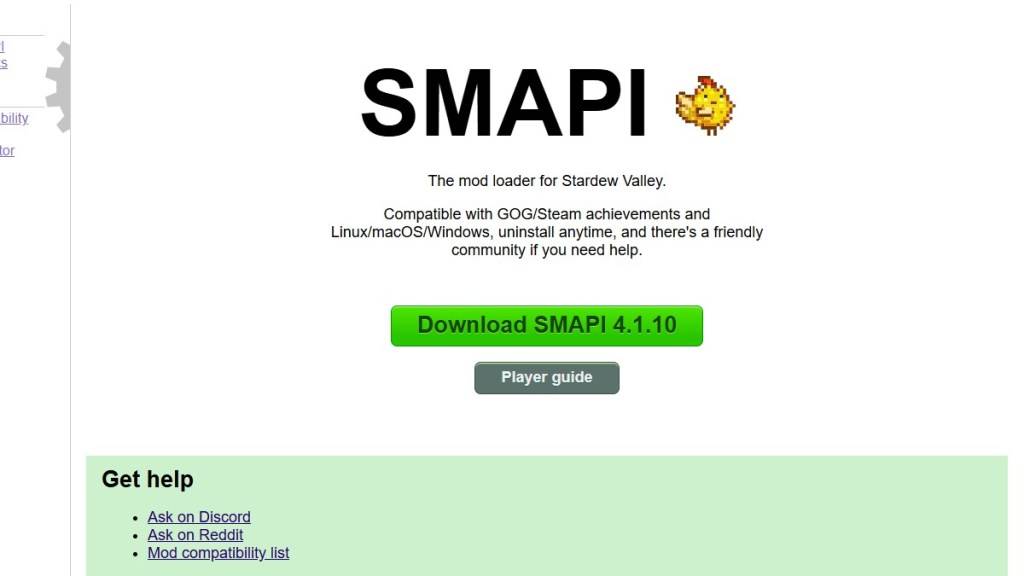
After downloading, extract the SMAPI ZIP file to a convenient location on your computer, such as the desktop or downloads folder. Remember, SMAPI itself is not a mod but a mod loader that facilitates the integration of mods. Do not extract it into the mod folder.
Once extracted, run SMAPI and choose “install on Windows.” Follow the on-screen prompts to complete the installation.
Step Three: Configure Your Game Client
If you're running *Stardew Valley* through platforms like Steam, GOG Galaxy, or the Xbox App, you might need to take additional steps to ensure that your playtime tracking and achievements remain intact. For detailed instructions on configuring your game client, click here.
Step Four: Installing Mods
Now comes the exciting part—installing mods to enhance your *Stardew Valley* experience.

Nexus Mods is a go-to platform for downloading *Stardew Valley* mods, offering a vast array of options to keep players engaged. Mods are usually downloaded as ZIP files, which you'll need to extract. Once extracted, move the mod files into the Mods folder, which is automatically created during SMAPI installation. You can find the Mods folder in the following locations:
- Steam: C:\Program Files (x86)\Steam\steamapps\common\Stardew Valley
- GOG Galaxy: C:\Program Files (x86)\GOG Galaxy\Games\Stardew Valley
- Xbox App: C:\XboxGames\Stardew Valley
With over 1000 mods available on Nexus alone, there's no shortage of ways to customize and enhance your *Stardew Valley* experience.
*Stardew Valley is available now*.