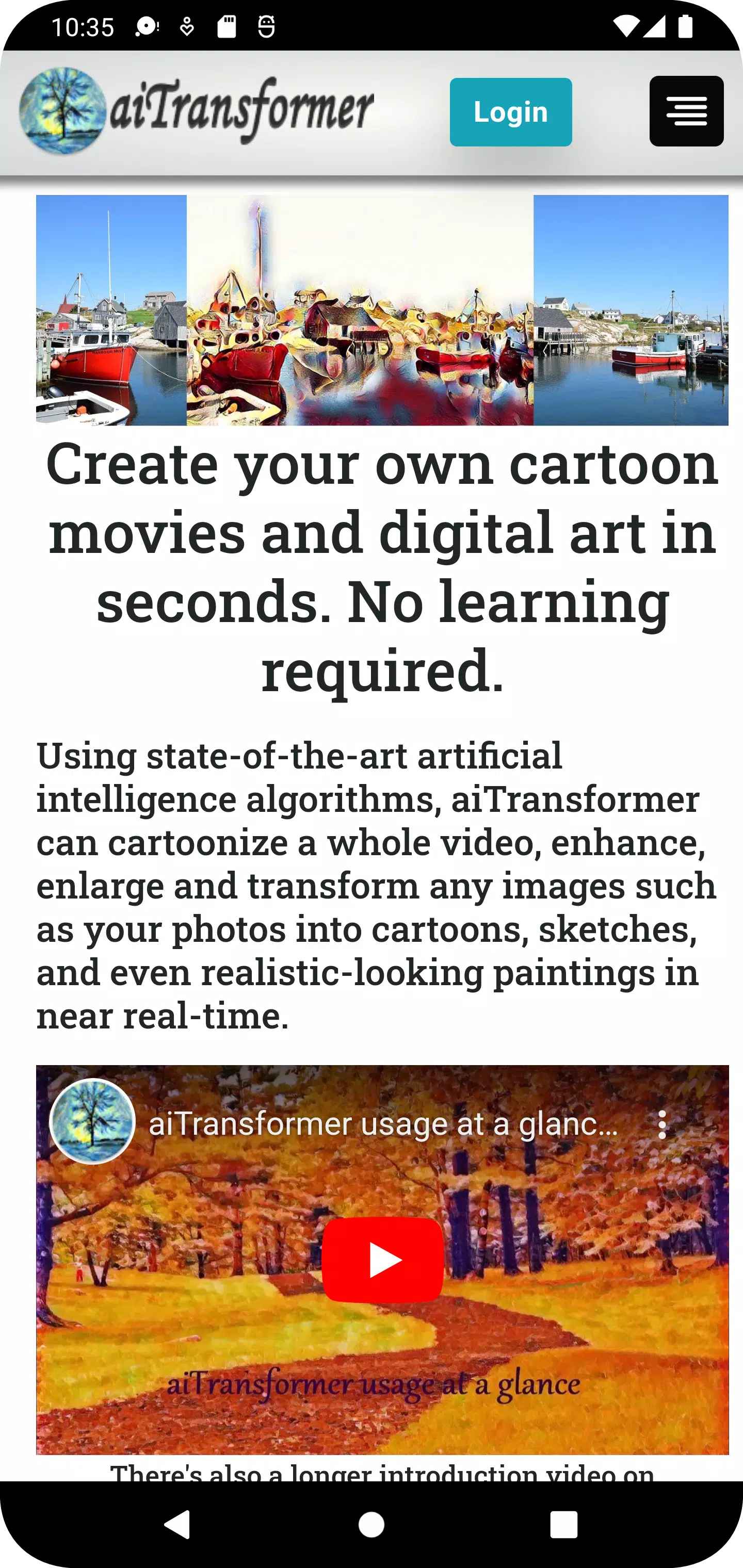
Transform Your Media with aiTransformer
Unleash your creativity with aiTransformer, the ultimate tool for transforming your photos and videos into captivating digital art and cartoons. Our platform harnesses the power of cutting-edge AI to offer a seamless experience in generating images from text and converting your media into various artistic styles.
Key Features:
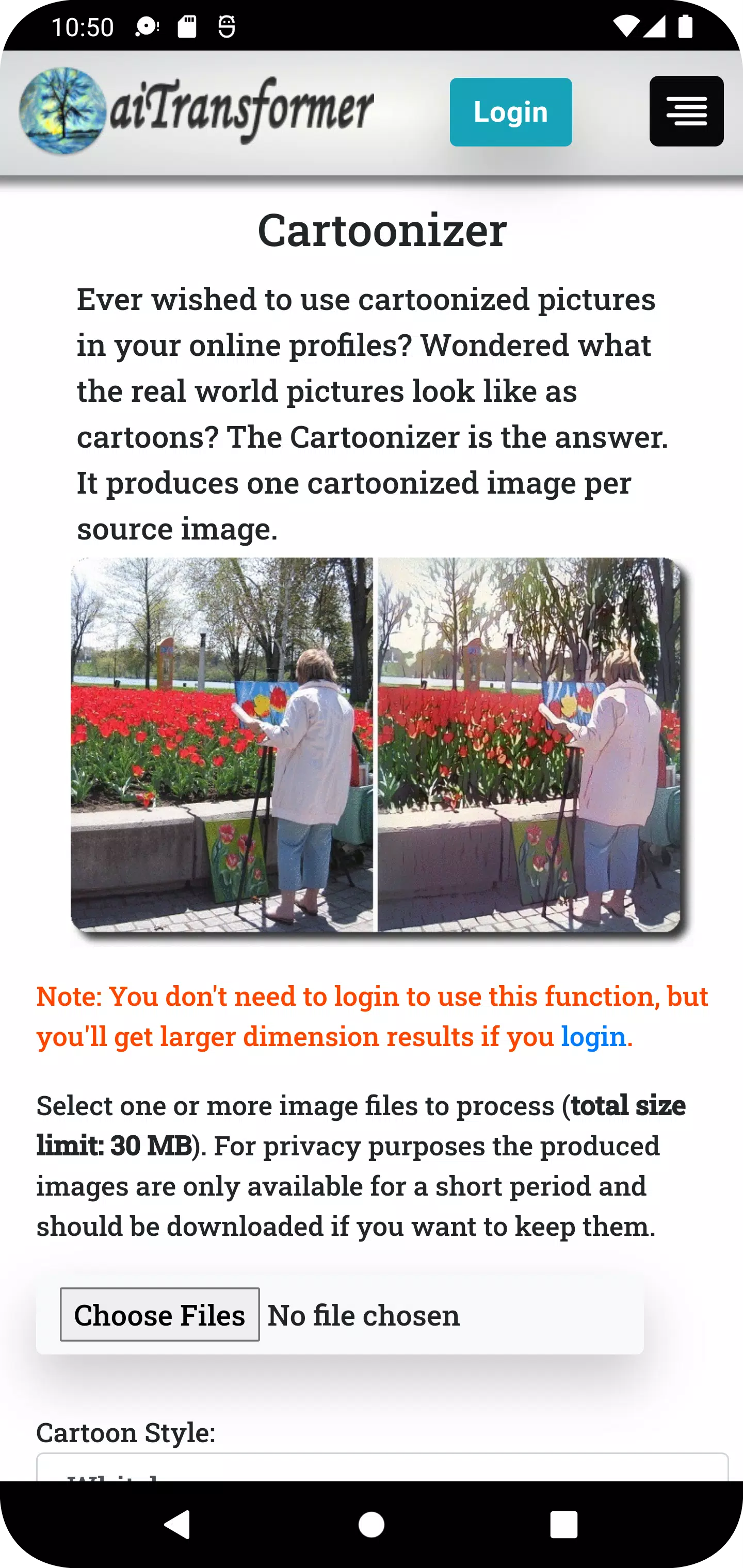
Cartoonizer: Transform your photos into delightful cartoons with styles such as Whitebox, Hayao, and Celeba Distill, adding a playful touch to your images.
Video Cartoonizer: Convert your home videos into animated movies, preserving the original audio for a nostalgic yet fresh viewing experience.
Background Editor: Effortlessly remove or replace the background of your images. Fine-tune transparency and position your subject perfectly.
Video Background Editor: Change the background of your video frames, add new images or videos, and maintain the original audio for seamless integration.
Sketcher: Turn your photos into beautiful hand-drawn sketches with a variety of styles to choose from.
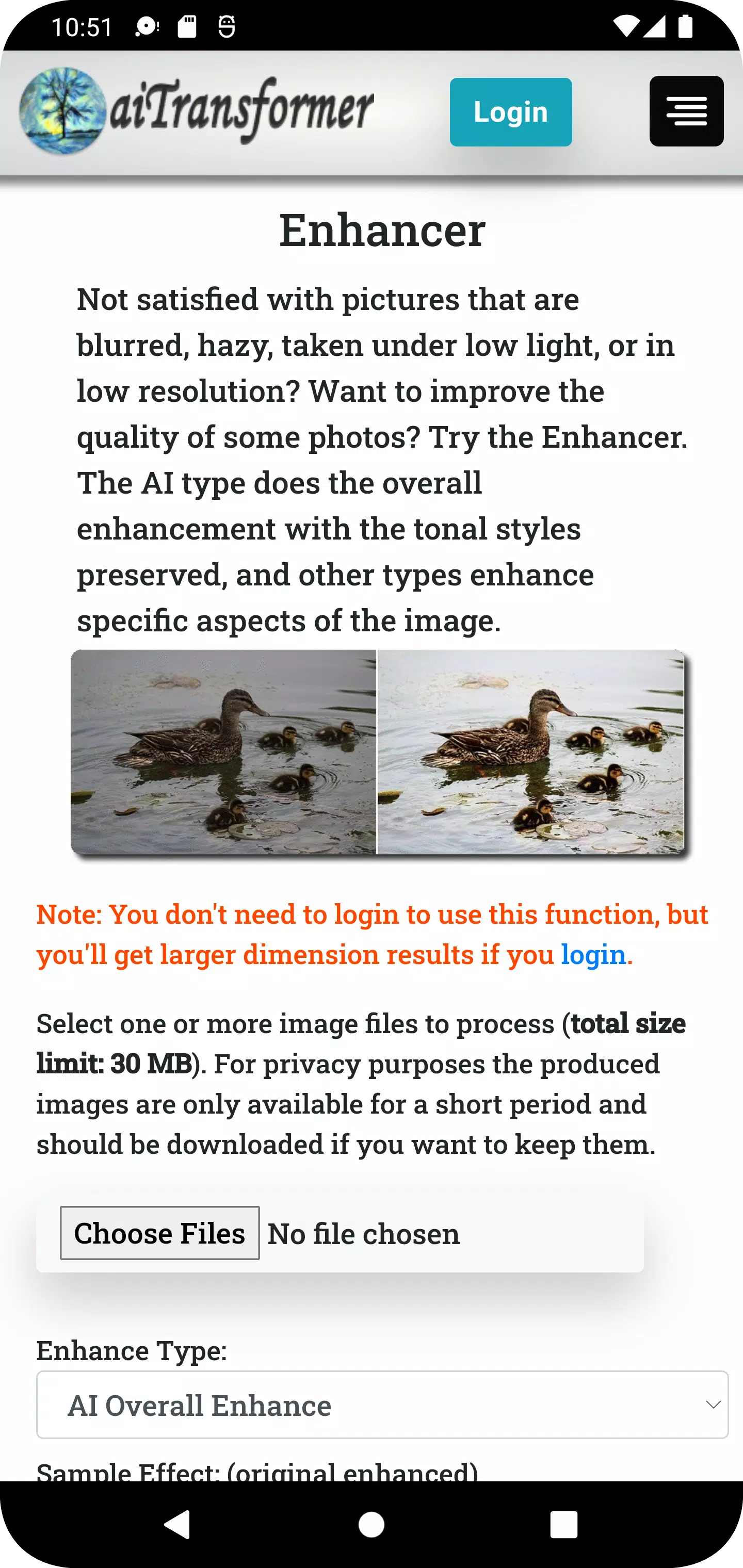
Enhancer: Elevate the quality of your photos with AI-driven enhancements, including overall image improvement and face restoration.
Video Enhancer: Sharpen and enhance the vibrancy of your videos while keeping the original audio intact.
Enlarger: Upscale your images up to 800% with minimal distortion, ensuring clarity and detail.
Filter: Apply over 50 artistic filters to your photos, including Sepia, Emboss, Pointillism, Duotone, and Colormap, to add unique flair.
Video Filter: Enhance your videos with creative effects, making them visually striking and distinctive.
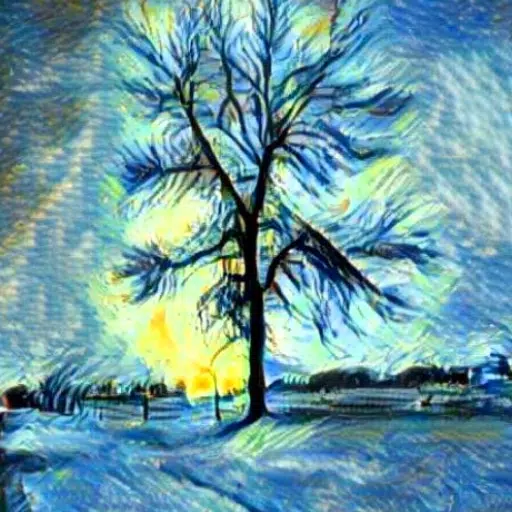
Stylizer: Transform your images into paintings with over 60 styles inspired by renowned artworks or your custom designs.
MultiStylizer: Apply multiple styles based on the regional semantics of your image, creating a personalized and unique result.
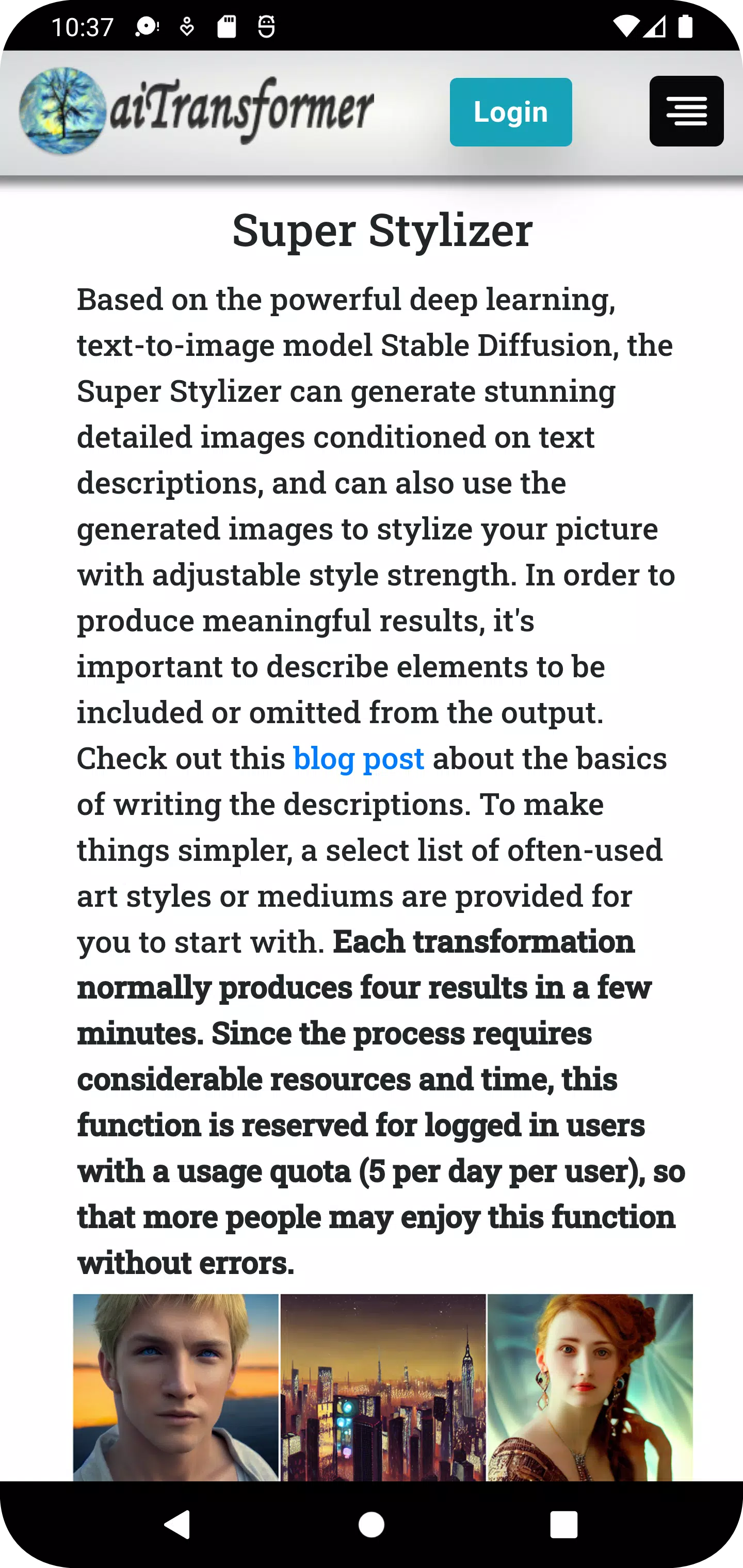
Super Stylizer: Generate detailed images from text descriptions and use them to stylize your photos in numerous ways.
Prompt Builder: Easily build prompts with Image To Text and 1000+ terms, or use one-click random prompts from templates or our database.
Speech Synthesizer: Convert text to speech and create videos with an avatar narrating your content.
Storybook Maker: Generate fully automated storytelling videos from simple inputs like prompts, URLs, or documents.
Gallery: Showcase your creations and stay updated with regularly added new images.
Blog: Learn tips and tricks on how to use aiTransformer to transform ordinary media into extraordinary art.
Why Choose aiTransformer?
- User-Friendly: No need for advanced skills; AI does the heavy lifting. Most tools require no signup or login—just upload and transform.
- Versatile: From enhancing and enlarging photos to removing backgrounds, creating cartoons and sketches, and generating images from text, aiTransformer does it all. Batch processing allows multiple transformations at once.
- Data Privacy: Your media is processed directly and results are temporarily stored for download. All files are automatically deleted from our servers after 3 hours.
- Artistic Excellence: Use images of renowned artworks or generate new images from text to style your media, turning ordinary pictures into extraordinary digital art.
What's New in Version 2.8
Last updated on Apr 13, 2024
- Added Storybook Maker: Create storytelling videos effortlessly from simple inputs like prompts, URLs, or documents.
- Introduced a 'Recover Results' button for long-running functions like video tools. This helps retrieve results if network interruptions occur during processing.
Transform your media with ease using aiTransformer. Get started today and explore the endless possibilities of AI-powered creativity!