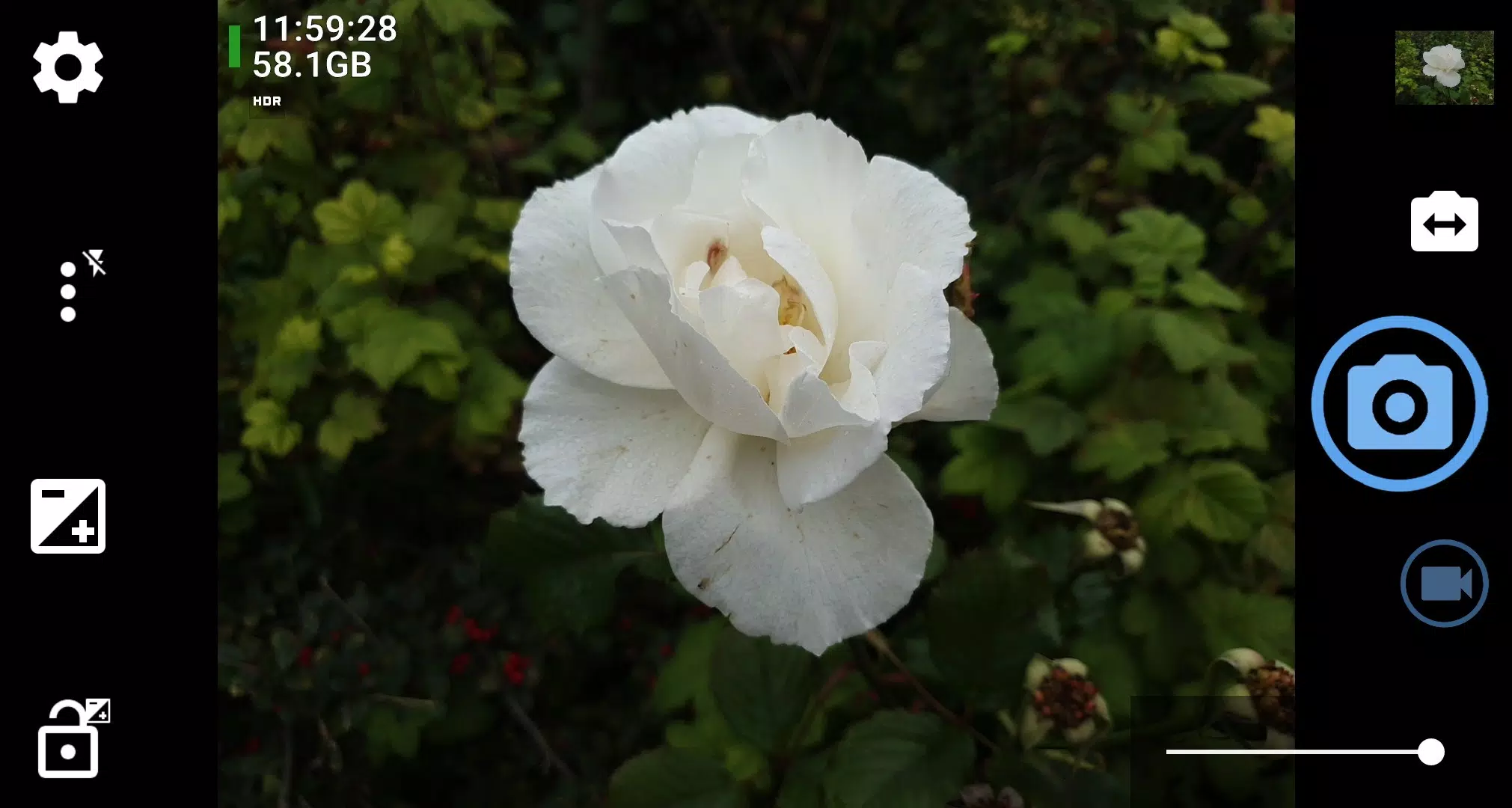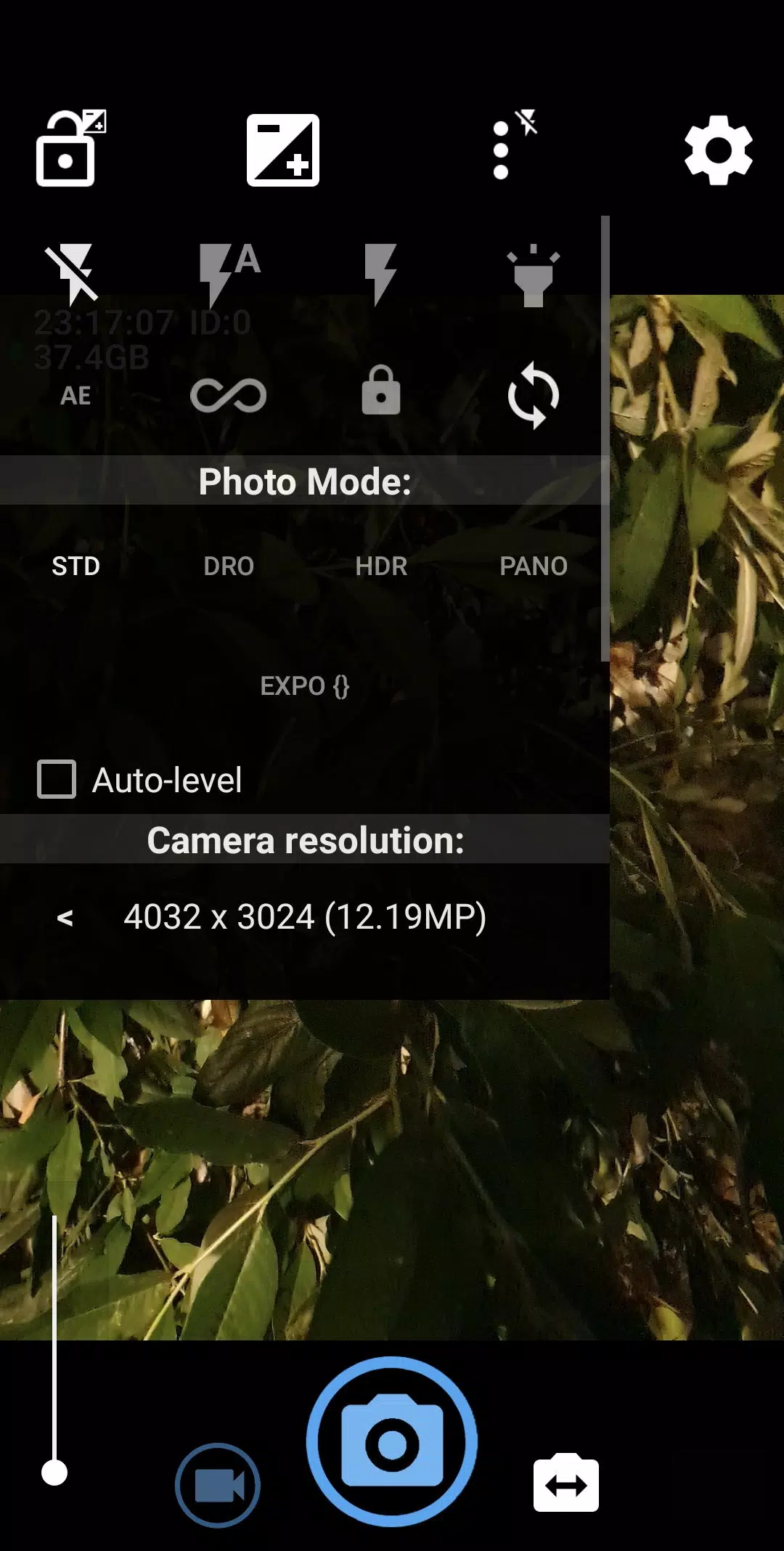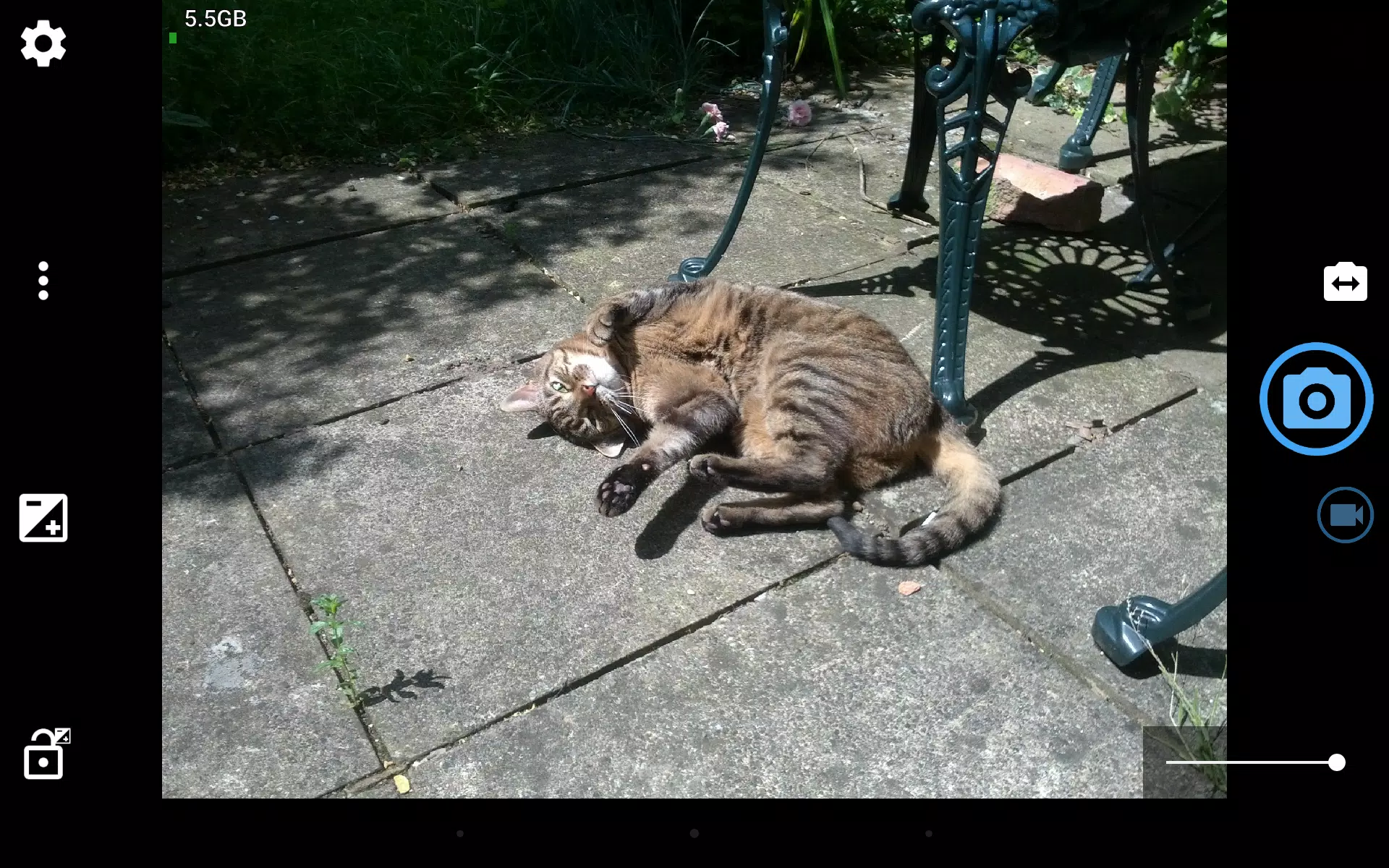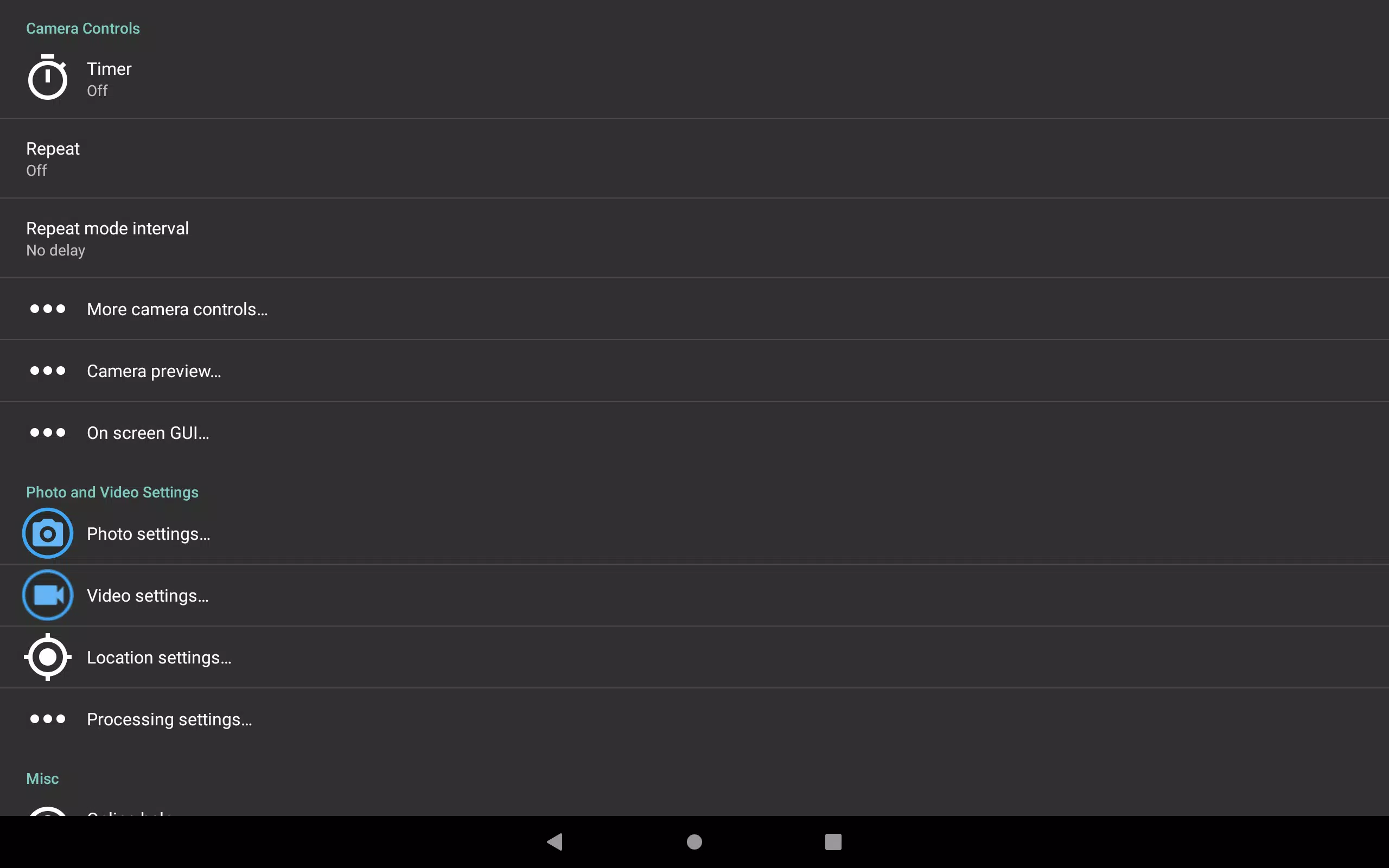
Open Camera is an exceptional, completely free Camera app designed for Android users who crave a high level of control and functionality without any cost. Whether you're a professional photographer or just someone who loves to capture life's moments, Open Camera offers a plethora of features to enhance your photography experience.
One of the standout features is the auto-level option, which ensures your pictures are perfectly level regardless of the angle you're shooting from. This app truly exposes the full potential of your camera, supporting an array of functionalities including scene modes, color effects, white balance, ISO settings, exposure compensation and lock, selfie with "screen flash," and HD video recording.
For those who enjoy remote photography, Open Camera provides handy remote controls such as a timer with an optional voice countdown and an auto-repeat mode with a configurable delay. You can even take photos remotely just by making a noise, adding a fun and interactive element to your photography.
Customization is at the heart of Open Camera. You can configure volume keys and the user interface to suit your preferences. There's also an upside-down preview option, which is particularly useful when using attachable lenses. Additionally, you can overlay a choice of grids and crop guides to help you compose your shots perfectly.
For those interested in geotagging, Open Camera offers optional GPS location tagging for both photos and videos. For photos, this includes compass direction, making it easier to remember where and in which direction you took your shots. You can also apply date and timestamp, location coordinates, and custom text to your photos, as well as store date/time and location as video subtitles in .SRT format.
Privacy-conscious users will appreciate the option to remove device exif metadata from photos, ensuring your personal information stays private. The app also supports panorama mode, including for the front camera, and HDR with auto-alignment and ghost removal, as well as Exposure Bracketing.
Open Camera harnesses the power of the Camera2 API, providing manual controls with optional focus assist, burst mode, RAW (DNG) file support, camera vendor extensions, slow motion video, and log profile video. It also includes noise reduction, including a low light night mode, and dynamic range optimization modes.
For advanced users, features like on-screen histogram, zebra stripes, and focus peaking are available. There's also a focus bracketing mode for detailed control over your focus settings.
What sets Open Camera apart is its commitment to being completely free and ad-free within the app. The developer ensures there are no third-party ads to interrupt your experience, though ads are present on the website to support the project. Open Camera is proudly open-source, and you can find the source code and more information on their website at http://opencamera.org.uk/.
It's important to note that not all features may be available on every device due to variations in hardware, camera capabilities, and Android versions. Therefore, it's advisable to test Open Camera on your specific device before relying on it for important events like weddings.
The app icon was designed by Adam Lapinski, and Open Camera also uses content under third-party licenses, details of which can be found at https://opencamera.org.uk/#licence.