AirDroid Parental Control: Secure Your Child's Digital Wellbeing
Prioritizing your child's safety, AirDroid Parental Control offers comprehensive features to keep them safe online and connected. Easily locate your child, monitor their activity, and ensure their well-being, even when they're not with you. Our latest updates include enhanced online monitoring, content filtering, and anti-cyberbullying tools for superior protection.
Uncertain about your child's online activities? Concerned about their phone use or late nights? AirDroid Parental Control provides peace of mind. Try it free today!
Why Choose AirDroid Parental Control?
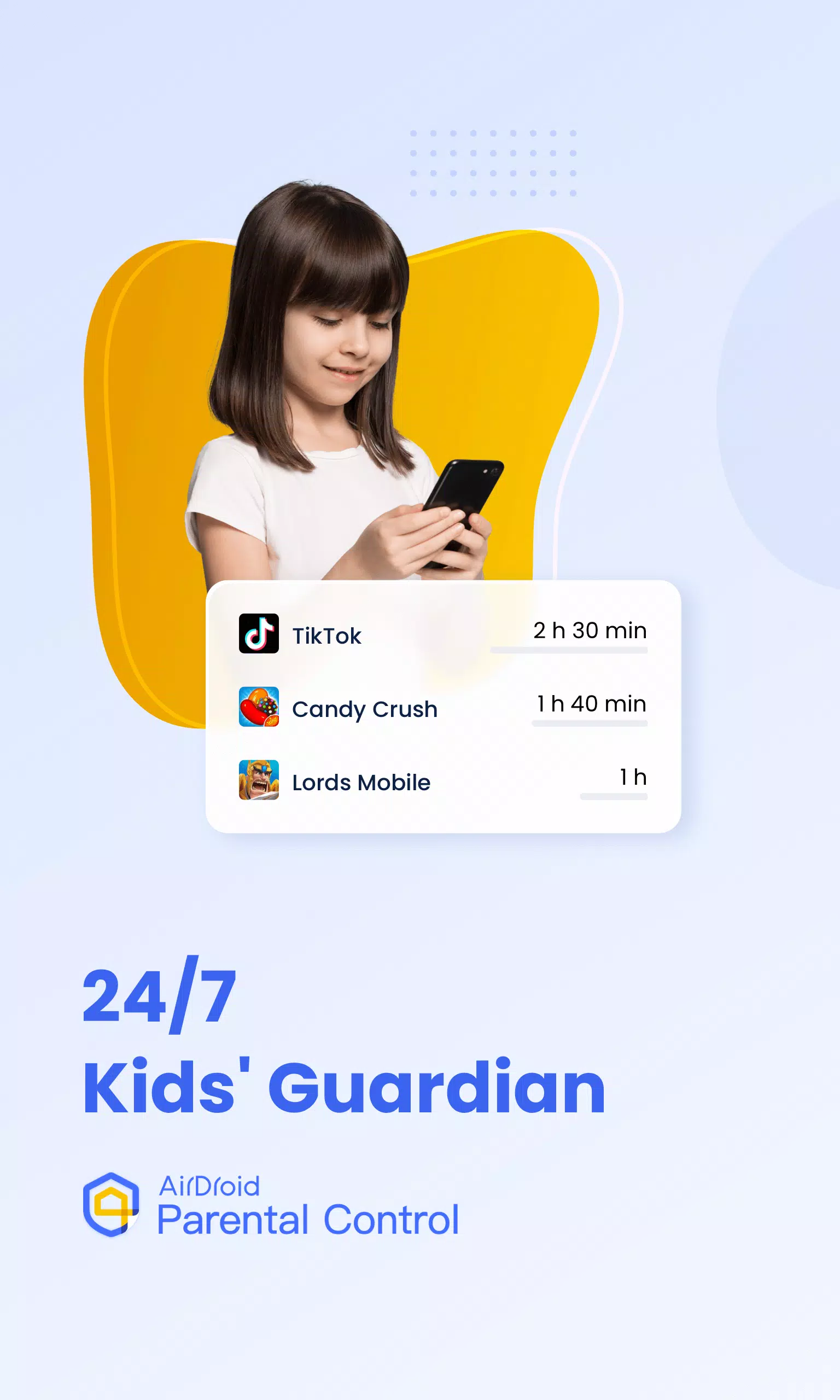
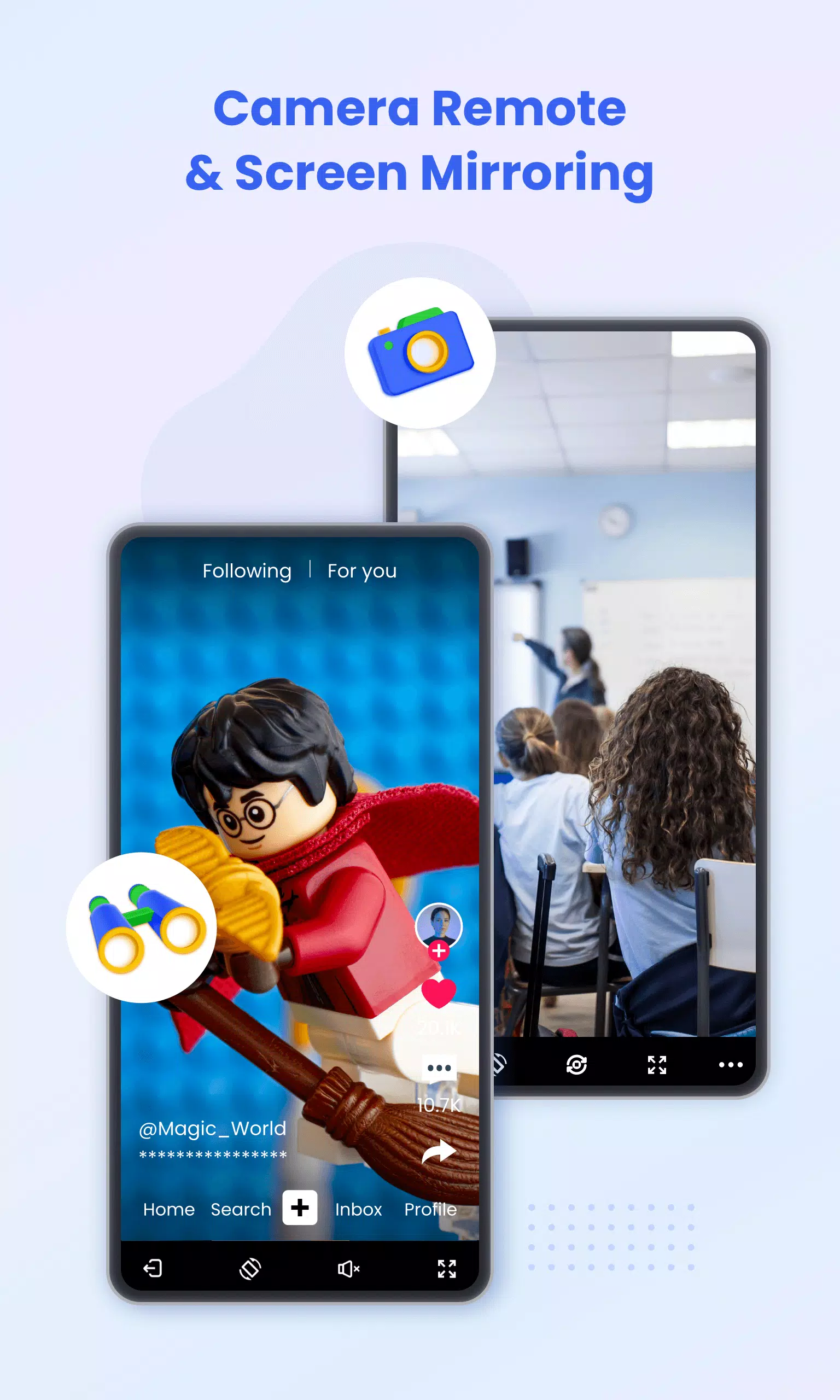
- Real-time Monitoring: View your child's device screen in real-time to monitor app usage, preventing phone addiction.
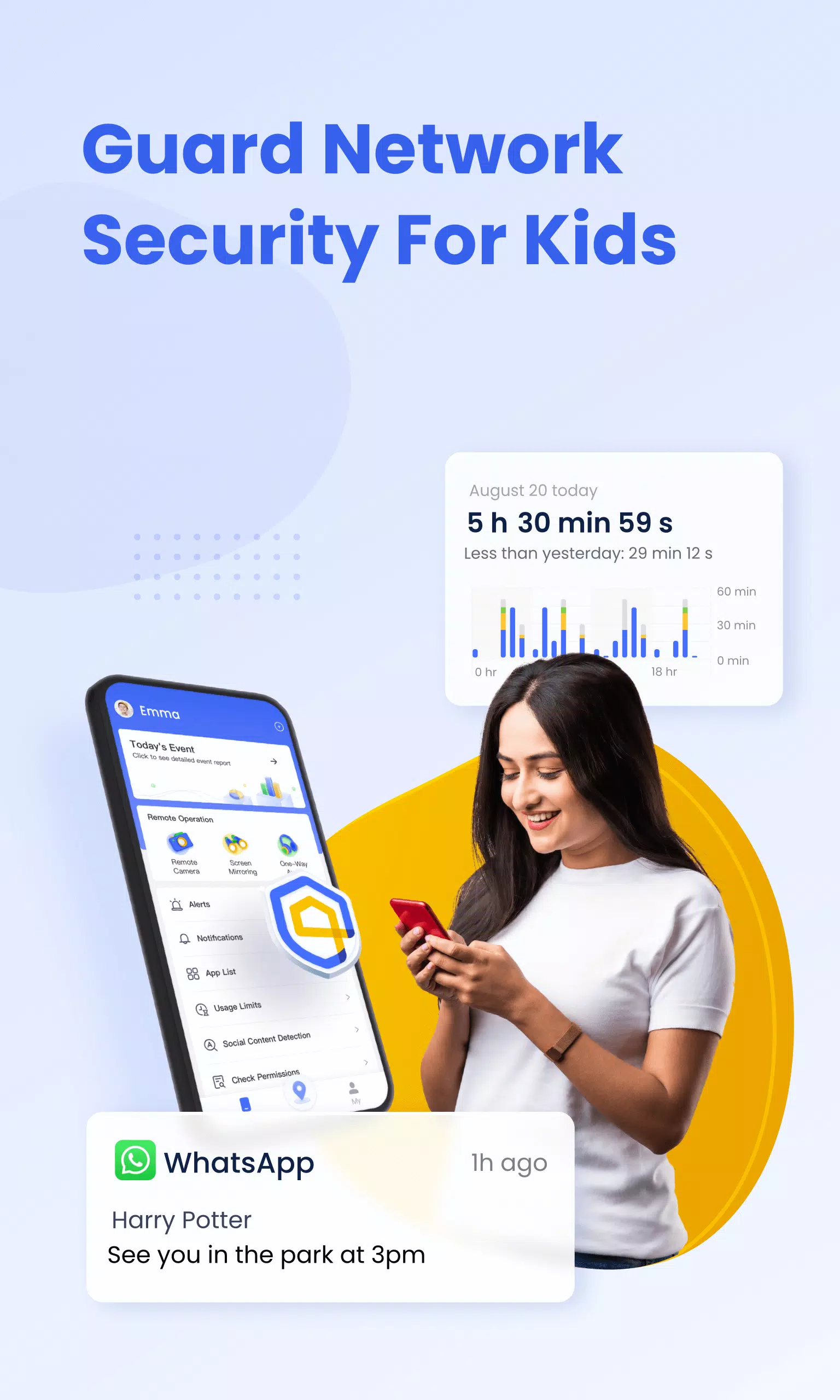
- App Notification Sync: Stay informed about your child's social media interactions (Facebook, Instagram, Messenger, etc.) to help prevent cyberbullying and online scams.
- Screen Time Management: Create customized schedules to limit screen time and encourage focus during school hours.
- App Blocking: Control app access, receive alerts for app installations or deletions.
- Precise GPS Tracking: Track your child's location, view their daily route history, and ensure their safety.
- Geo-fencing Alerts: Set custom safe zones and receive alerts when your child enters or leaves these areas.
- Battery Monitoring: Receive notifications when your child's device battery is low, helping maintain communication.
Easy Setup:
- Install AirDroid Parental Control on your device.
- Connect your child's devices using the provided link or code.
- Install AirDroid Kids on your child's device.
- Link your account to your child's device.
One paid account manages up to 10 devices. The app is ad-free and offers a 3-day free trial of premium features. Subscription costs are billed to your Google Play account and auto-renew unless canceled at least 24 hours before renewal. Manage your subscription through your Google Play account settings.
Required Access:
- Camera & Photos: Screen mirroring.
- Contacts: Selecting phone numbers for GPS setup.
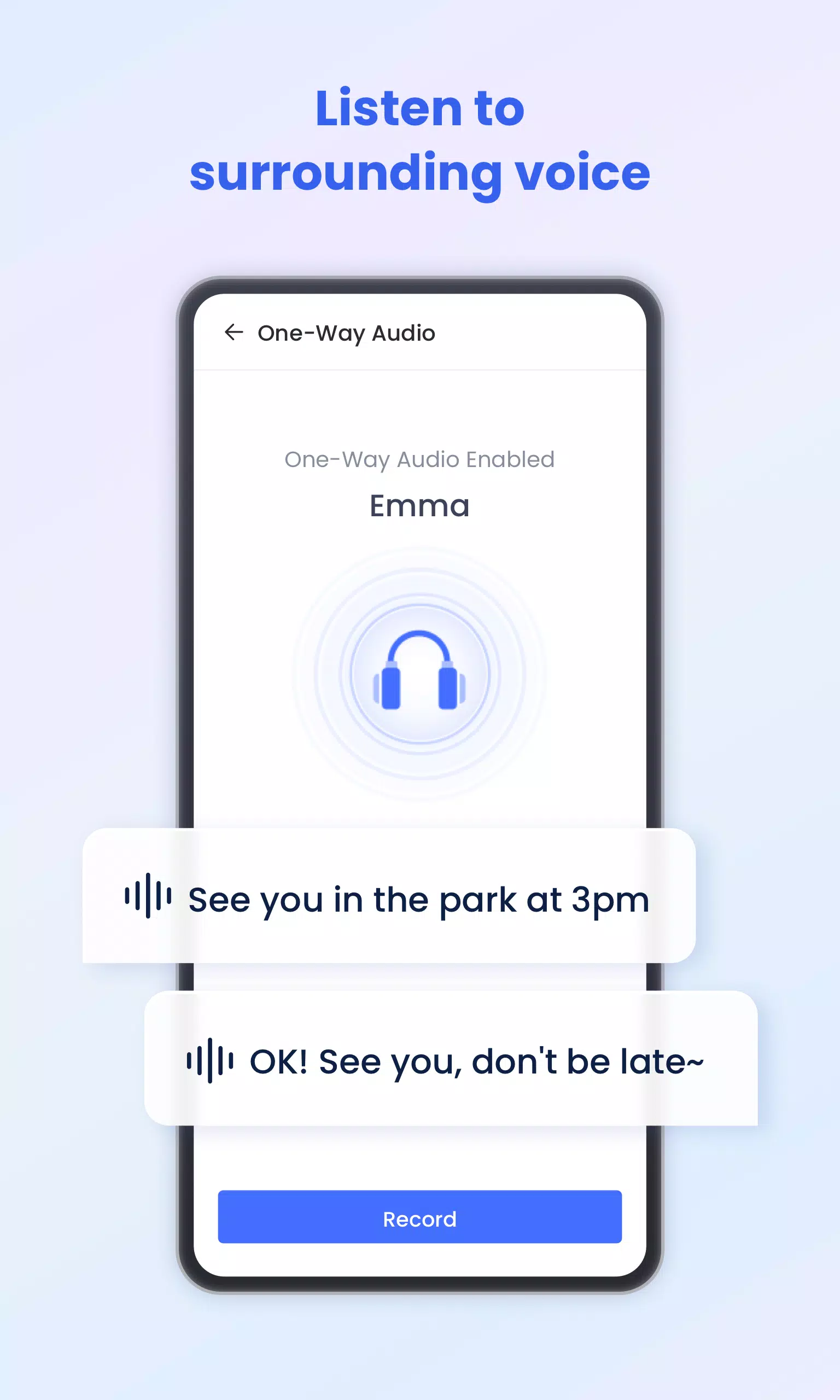
- Microphone: Sending voice messages, listening to surroundings.
- Push Notifications: Alerts for location and messages.
Before using, please review our:
- Privacy Policy: https://kids.airdroid.info/#/Privacy
- Terms of Service: https://kids.airdroid.info/#/Eula
- Payment Terms: https://kids.airdroid.info/#/Payment
Contact: [email protected]
What's New in Version 2.1.0.0 (Sep 7, 2024)
- Instant Block improvements: Block apps for 1 hour, 2 hours, or until midnight.
- Flexible scheduling: Set restrictions for weekdays and weekends in Downtime, App Limits, and Website Limits.
- Quick response: Respond to your child's requests directly from the home page.
- Bug fixes and performance enhancements.